
Esta página no es una página oficial de la aplicación ni de su desarrollador, sino una publicación editorial independiente creada con fines informativos y de comentario. Salvo que se indique expresamente lo contrario, ni la aplicación ni su desarrollador están afiliados, respaldados, patrocinados, autorizados ni conectados oficialmente con MWM, Apple, Google Play, el editor de la aplicación ni su desarrollador, y nada en esta página implica que la aplicación haya sido desarrollada utilizando los servicios de MWM. Todas las marcas comerciales, logotipos, capturas de pantalla y demás contenidos son propiedad de sus respectivos propietarios.

Shot Designer
La herramienta todo en uno para que Directores y Directores de Fotografía creen diagramas de cámara profesionales, listas de tomas automatizadas y animaciones en tiempo real. Optimiza tu flujo de trabajo y haz realidad tu visión, incluso cuando el tiempo apremia en el set.
Descargas
96K+Valoración
Total valoraciones
600Editor
Categoría
Photo & VideoIdiomas
1Última versión
1.80.8Tamaño
81.8 MBFecha de lanzamiento
10 oct 2012Domina el Set con un Bloqueo de Precisión
Shot Designer revoluciona tu flujo de trabajo al integrar diagramas de cámara, listas de tomas y storyboards en una única herramienta profesional diseñada para producciones de alto riesgo.
Bloqueo Ultrarrápido
Crea diagramas de cámara complejos en segundos. Nuestro software inteligente reorganiza automáticamente las cámaras cuando mueves personajes, para que puedas reajustar el bloqueo incluso mientras los actores esperan.
Listas de Tomas Autoejecutables
Deja de perder tiempo con hojas de cálculo. Tu lista de tomas está directamente vinculada a tu diagrama y se actualiza en tiempo real a medida que trabajas, asegurando que tu plan y tu lista estén siempre sincronizados.
Las siguientes capturas de pantalla y la descripción provienen directamente del listado oficial de la tienda de la aplicación y son propiedad del desarrollador.
App Store
Capturas
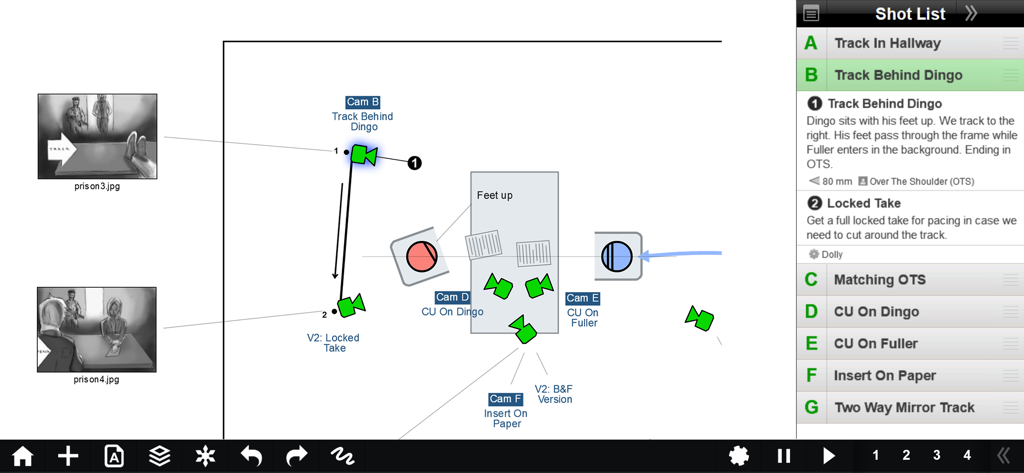
Interfaz de la aplicación Shot Designer que muestra un diagrama de bloqueo de cámara con movimientos de personajes y una lista de tomas integrada
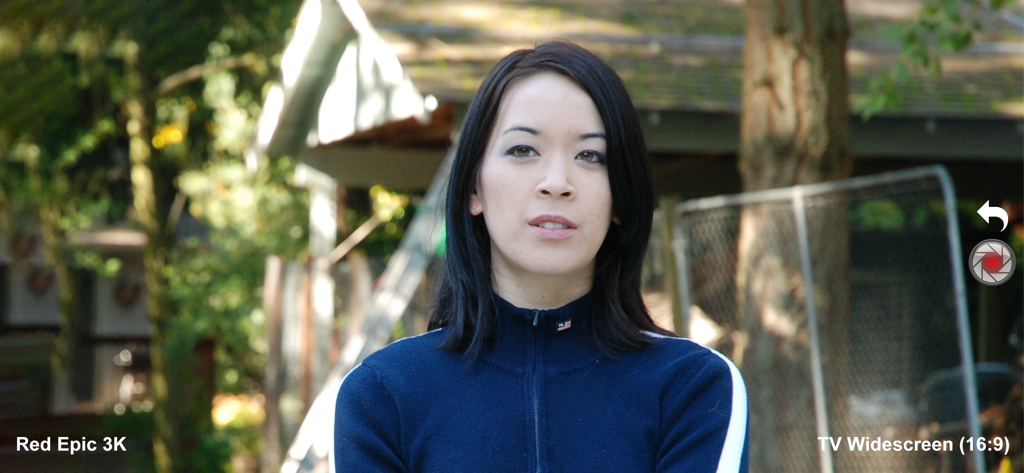
Visor del director de Shot Designer mostrando simulación de cámara Red Epic 3K y relación de aspecto panorámica
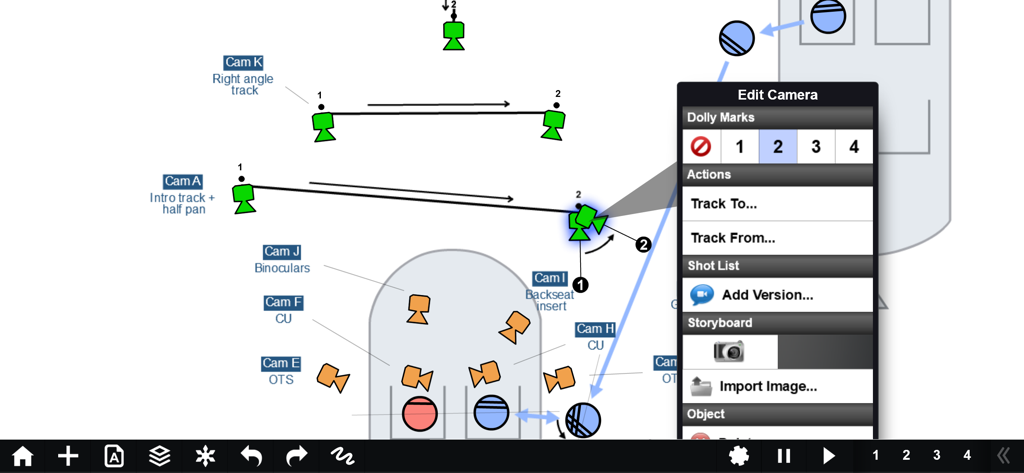
Un diagrama de bloqueo de cámara profesional en la aplicación Shot Designer que muestra movimientos de seguimiento de cámara y marcas de dolly.
Descripción
Download
Apps Similares
Apps con características y experiencia similares




Esta página no es una página oficial de la aplicación ni de su desarrollador, sino una publicación editorial independiente creada con fines informativos y de comentario. Salvo que se indique expresamente lo contrario, ni la aplicación ni su desarrollador están afiliados, respaldados, patrocinados, autorizados ni conectados oficialmente con MWM, Apple, Google Play, el editor de la aplicación ni su desarrollador, y nada en esta página implica que la aplicación haya sido desarrollada utilizando los servicios de MWM. Todas las marcas comerciales, logotipos, capturas de pantalla y demás contenidos son propiedad de sus respectivos propietarios.