
Esta página no es una página oficial de la aplicación ni de su desarrollador, sino una publicación editorial independiente creada con fines informativos y de comentario. Salvo que se indique expresamente lo contrario, ni la aplicación ni su desarrollador están afiliados, respaldados, patrocinados, autorizados ni conectados oficialmente con MWM, Apple, Google Play, el editor de la aplicación ni su desarrollador, y nada en esta página implica que la aplicación haya sido desarrollada utilizando los servicios de MWM. Todas las marcas comerciales, logotipos, capturas de pantalla y demás contenidos son propiedad de sus respectivos propietarios.

SoundFonts
Convierte tu dispositivo iOS en un potente sintetizador polifónico. Importa cualquier archivo SF2, conecta tu controlador MIDI e intégralo sin problemas con GarageBand, Logic o AUM.
Descargas
30K+Valoración
Total valoraciones
200Editor
Categoría
EntertainmentIdiomas
1Última versión
2.31.1Tamaño
194.9 MBFecha de lanzamiento
19 feb 2019El Módulo de Sonido Definitivo para tu Estudio Móvil
Transforma tu iPad o iPhone en un potente sintetizador polifónico. Importa miles de sonidos gratuitos y reprodúcelos con la precisión de baja latencia que necesitas para producción profesional.
Librerías de Sonido Ilimitadas
Importa cualquier archivo SF2 directamente desde iCloud. Accede a miles de instrumentos vintage y modernos gratuitos sin tener que pagar por caros paquetes de expansión.
Integración AUv3 Profesional
Ejecuta SoundFonts como plugin dentro de GarageBand, AUM o Logic Pro. Crea capas complejas y graba sesiones multipista profesionales en tu DAW favorito.
Las siguientes capturas de pantalla y la descripción provienen directamente del listado oficial de la tienda de la aplicación y son propiedad del desarrollador.
App Store
Capturas
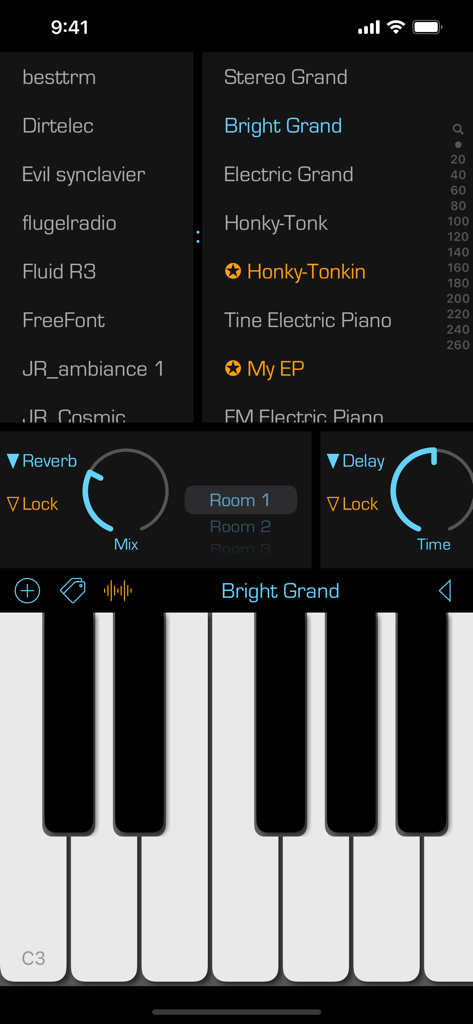
Interfaz de la aplicación iOS de SoundFonts mostrando sonidos de teclado de piano y controles de efectos de audio
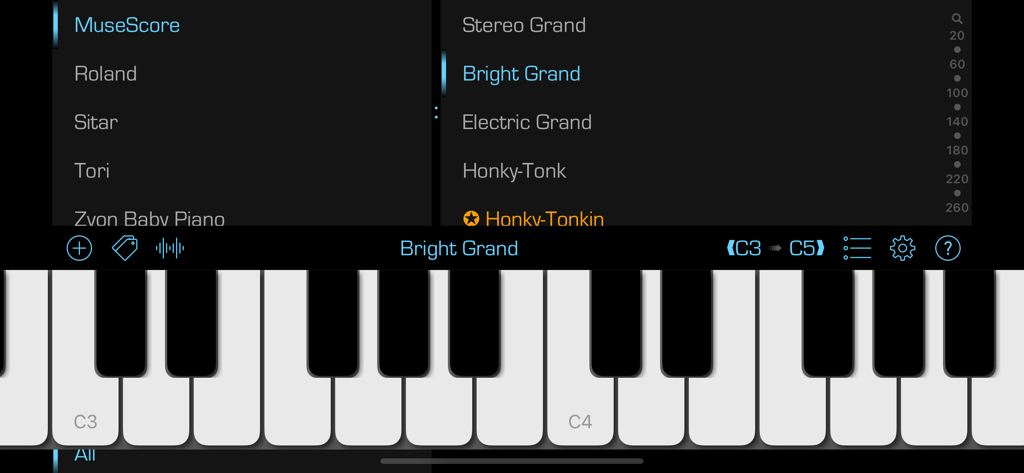
La interfaz de la aplicación SoundFonts mostrando un teclado de piano virtual con menús de selección de sonido para diferentes instrumentos y parches.
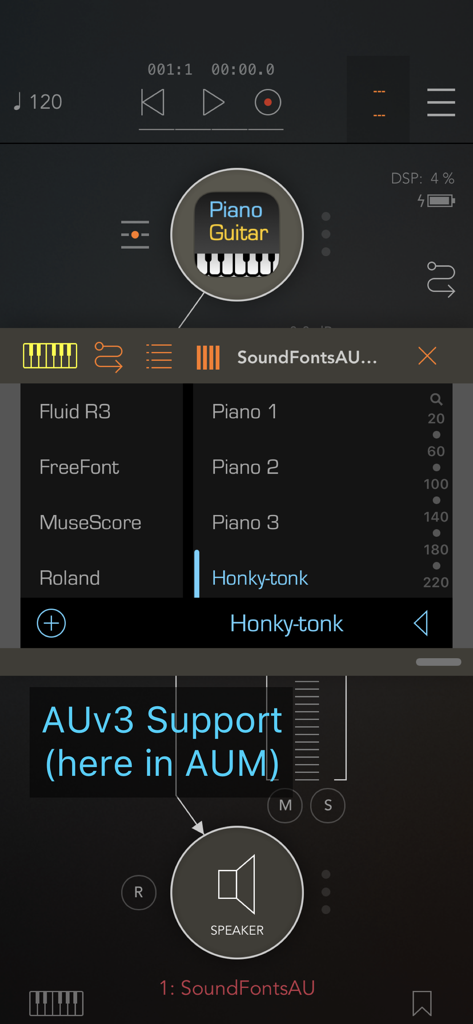
Interfaz del plugin AUv3 de SoundFonts ejecutándose dentro de AUM con el parche Honky-tonk seleccionado
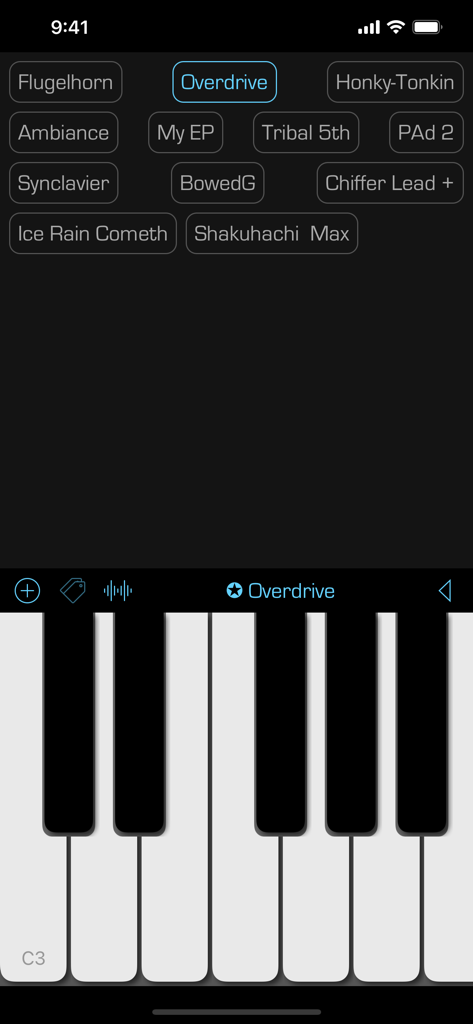
Interfaz de la aplicación móvil SoundFonts mostrando un teclado de piano virtual y una cuadrícula de presets de sonido
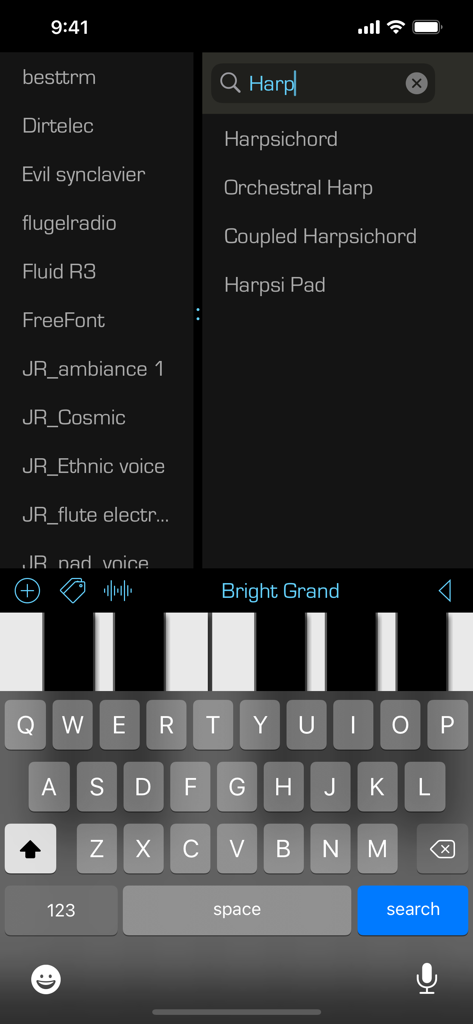
Interfaz de la aplicación SoundFonts mostrando una búsqueda de parches de instrumentos de arpa y un teclado de piano virtual
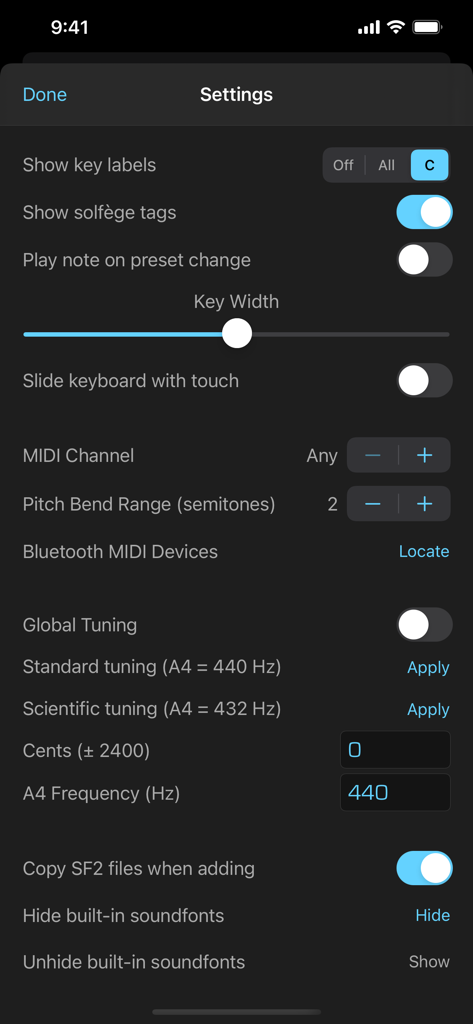
Pantalla de configuración de la aplicación SoundFonts mostrando configuración de MIDI y afinación global
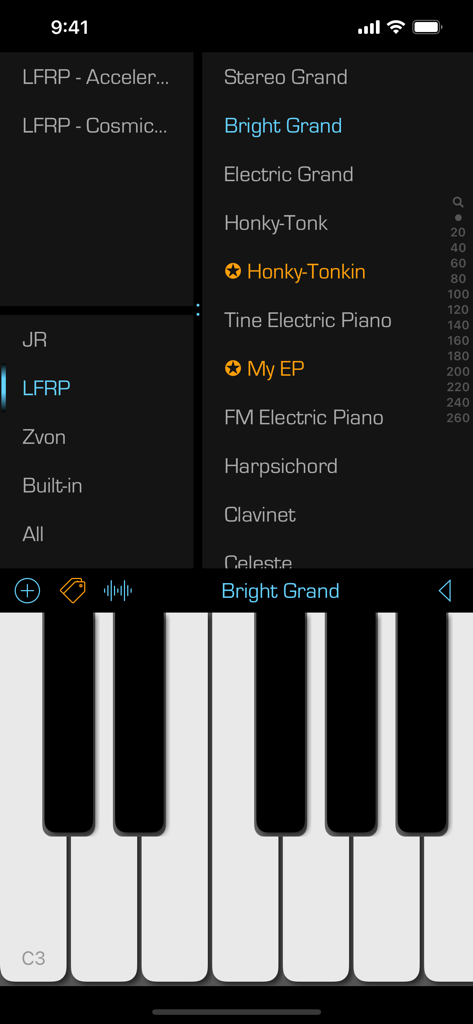
Interfaz de la aplicación móvil SoundFonts mostrando una lista de parches de instrumentos y un teclado de piano
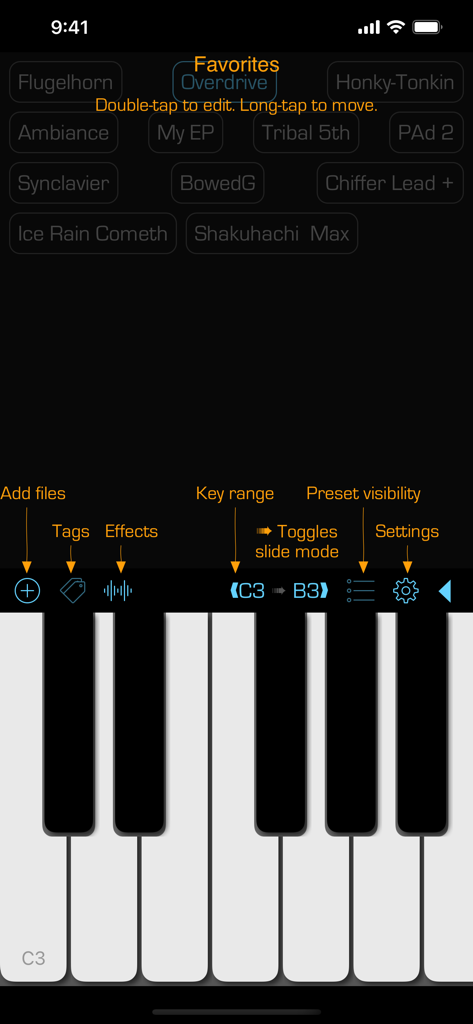
La interfaz de usuario de la aplicación SoundFonts mostrando un teclado de piano y una lista de presets de sonido favoritos.
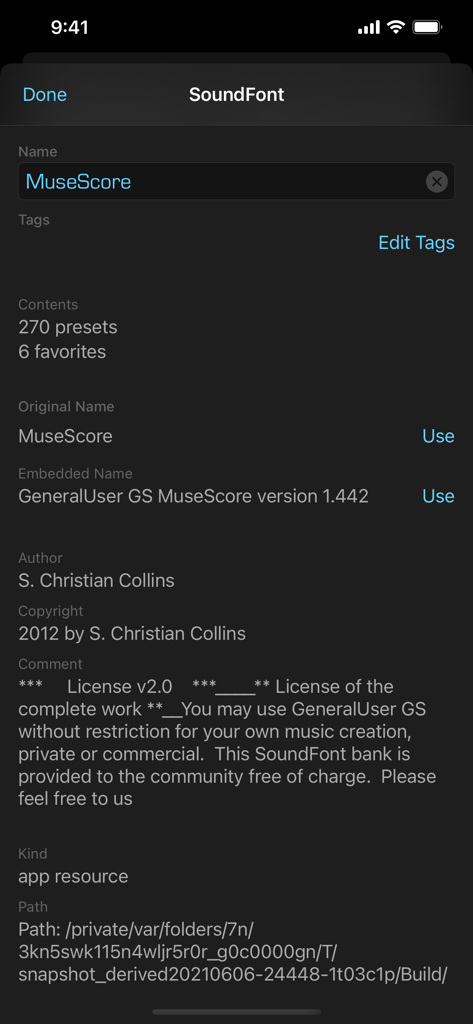
Interfaz de la aplicación SoundFonts mostrando metadatos detallados e información de licencia para un soundfont llamado MuseScore.
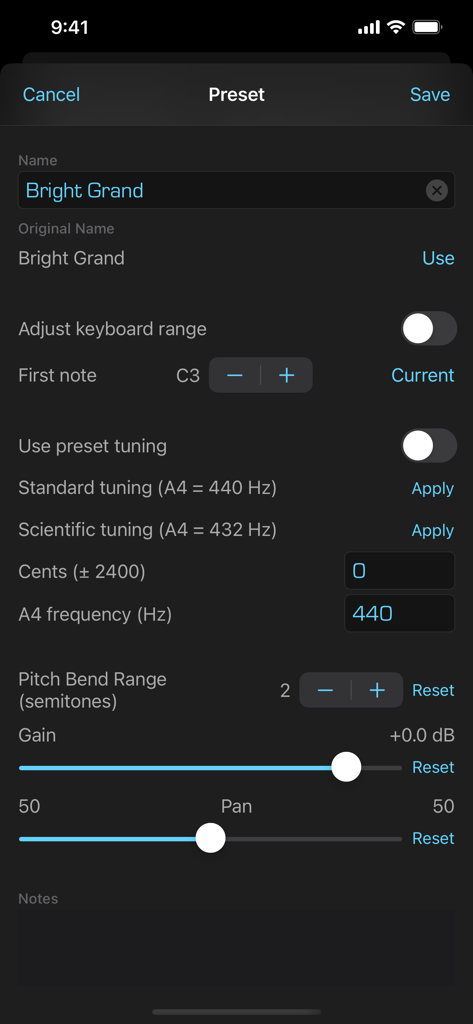
Interfaz para editar presets de soundfont con controles de afinación y rango
Descripción
Download
Apps Similares
Apps mejor clasificadas en la misma categoría

TikTok - Videos, Shop & LIVE
TIKTOK PTE. LTD.

Netflix
Netflix, Inc.

Freecash - Get Paid Real Money
256 REWARDS LTD

DramaBox - Stream Drama Shorts
STORYMATRIX PTE. LTD

HBO Max: Stream Movies & TV
WarnerMedia Global Digital Services, LLC

Amazon Prime Video
AMZN Mobile LLC

NetShort - Popular Dramas & TV
NETSTORY PTE. LTD.

ReelShort - Stream Drama & TV
New Leaf Publishing, Inc.

Disney+
Disney Electronic Content, Inc.
Esta página no es una página oficial de la aplicación ni de su desarrollador, sino una publicación editorial independiente creada con fines informativos y de comentario. Salvo que se indique expresamente lo contrario, ni la aplicación ni su desarrollador están afiliados, respaldados, patrocinados, autorizados ni conectados oficialmente con MWM, Apple, Google Play, el editor de la aplicación ni su desarrollador, y nada en esta página implica que la aplicación haya sido desarrollada utilizando los servicios de MWM. Todas las marcas comerciales, logotipos, capturas de pantalla y demás contenidos son propiedad de sus respectivos propietarios.