
Esta página no es una página oficial de la aplicación ni de su desarrollador, sino una publicación editorial independiente creada con fines informativos y de comentario. Salvo que se indique expresamente lo contrario, ni la aplicación ni su desarrollador están afiliados, respaldados, patrocinados, autorizados ni conectados oficialmente con MWM, Apple, Google Play, el editor de la aplicación ni su desarrollador, y nada en esta página implica que la aplicación haya sido desarrollada utilizando los servicios de MWM. Todas las marcas comerciales, logotipos, capturas de pantalla y demás contenidos son propiedad de sus respectivos propietarios.


TapeACall Pro: Call Recorder
Captura cada detalle de tus entrevistas importantes, consultas legales y acuerdos con clientes. Disfruta de grabación ilimitada, sincronización instantánea en la nube y la tranquilidad de tener un registro de cada conversación.
Descargas
409K+Valoración
Total valoraciones
30K+Editor
Categoría
BusinessIdiomas
24Última versión
5.11.12Tamaño
121.1 MBFecha de lanzamiento
22 ene 2013Captura Cada Detalle con Fiabilidad Profesional
La opción #1 para periodistas, expertos legales y líderes empresariales que necesitan grabación de llamadas ilimitada e integración fluida del flujo de trabajo.
Grabación Ilimitada de Llamadas
Graba llamadas entrantes y salientes de cualquier duración sin tarifas por minuto y sin límite en la cantidad de grabaciones que puedes almacenar.
Sincronización Fluida del Flujo de Trabajo
Sube instantáneamente tus grabaciones a Google Drive, Dropbox o Evernote, o expórtalas como MP3 para tus archivos profesionales.
Las siguientes capturas de pantalla y la descripción provienen directamente del listado oficial de la tienda de la aplicación y son propiedad del desarrollador.
App Store
Capturas
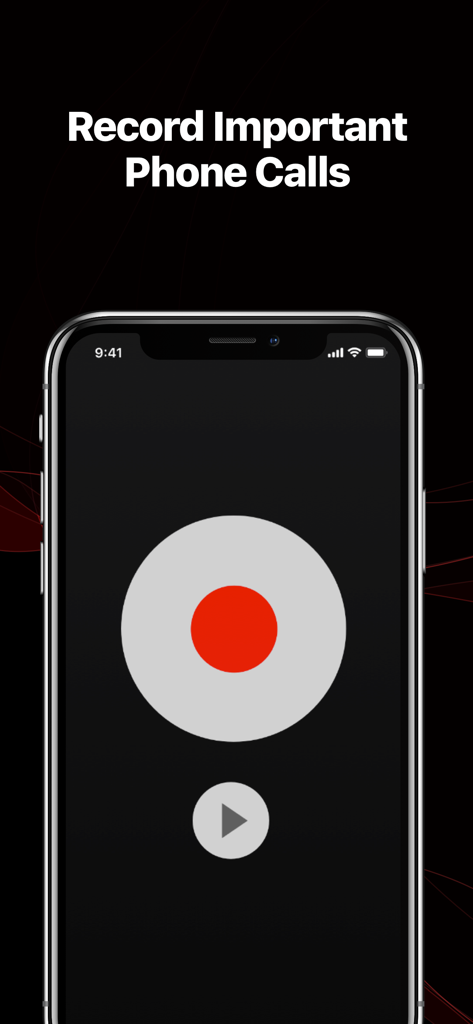
Interfaz de la aplicación TapeACall Pro que muestra un gran botón rojo de grabación y el titular Graba Llamadas Telefónicas Importantes
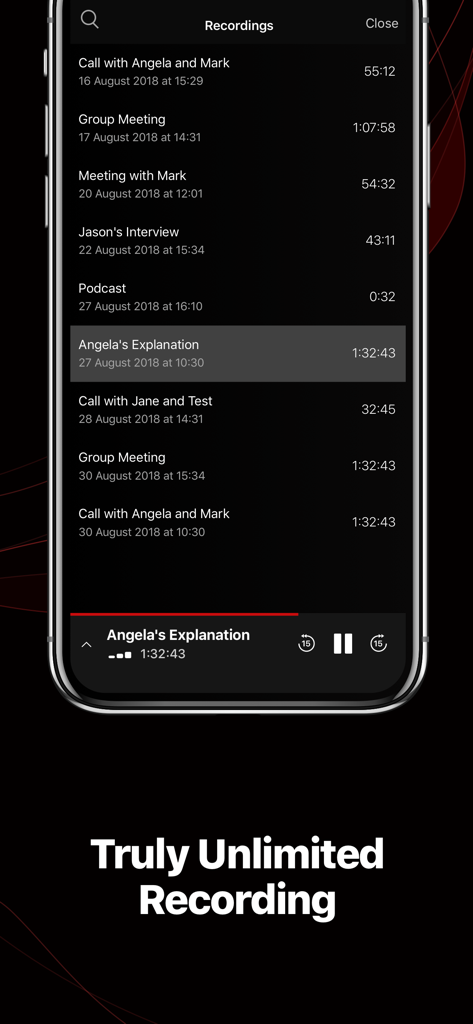
Una lista de grabaciones de llamadas en la aplicación TapeACall Pro en un iPhone que muestra varias reuniones de negocios y entrevistas
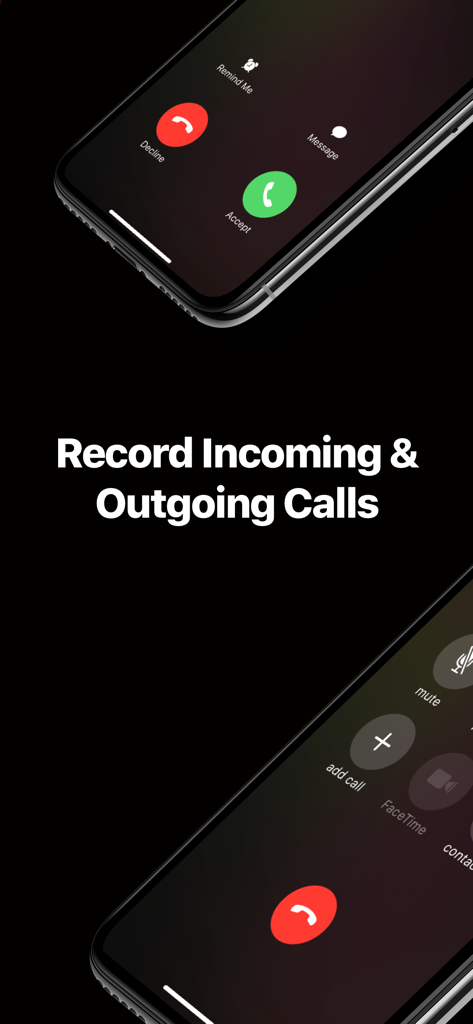
Interfaz de la aplicación TapeACall Pro que demuestra cómo grabar llamadas entrantes y salientes en un iPhone
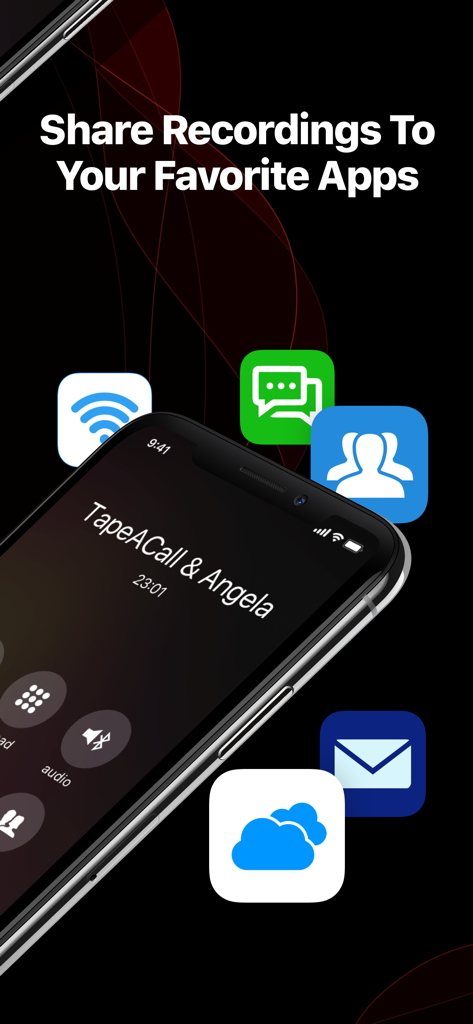
Pantalla de iPhone que muestra opciones para compartir grabaciones de llamadas con varias aplicaciones
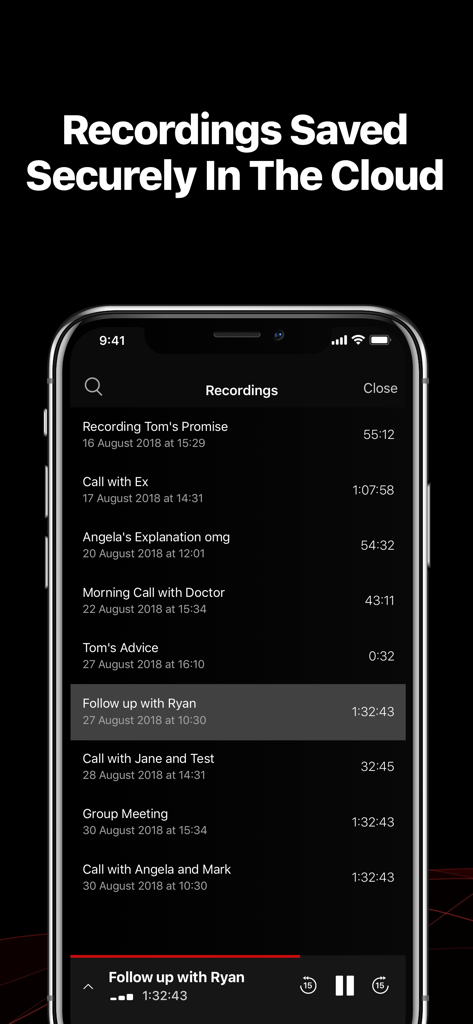
Una lista de grabaciones de llamadas guardadas de forma segura en la nube dentro de la interfaz de la aplicación TapeACall Pro
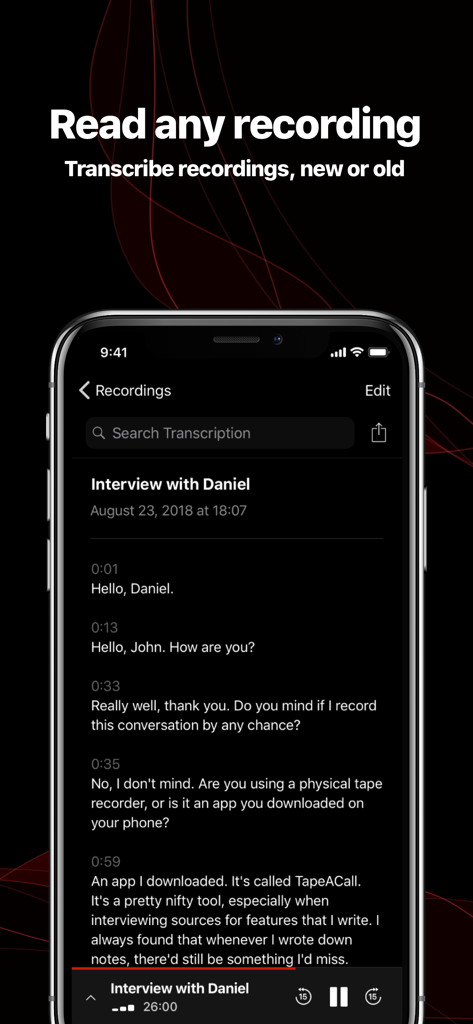
Interfaz de la aplicación TapeACall Pro que muestra una transcripción de texto de una entrevista telefónica grabada
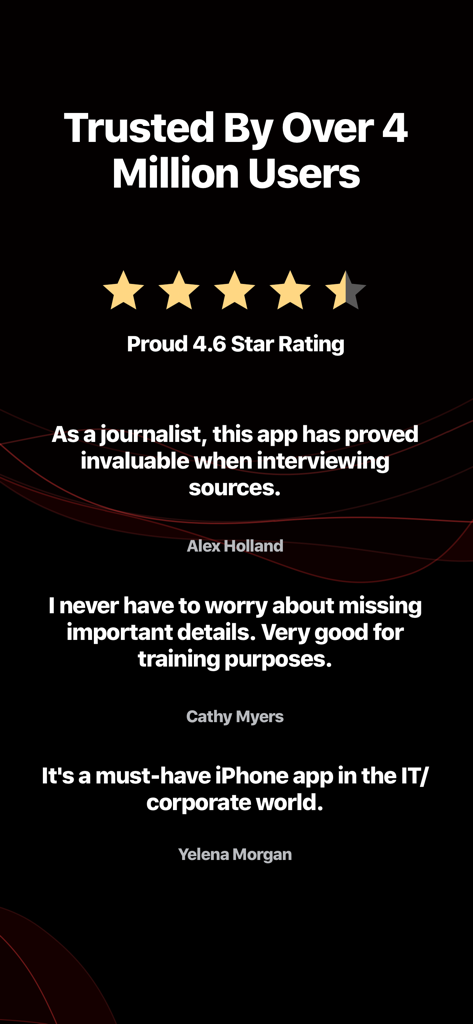
Testimonios de usuarios y una calificación de 4.6 estrellas para la aplicación de grabación de llamadas TapeACall Pro
Descripción
Download
Apps Similares
Apps con características y experiencia similares

Beside (M1): AI Receptionist
Interface, Inc.

Call Recorder for iPhone.
JatApp LLC

Voice Recorder & Audio Editor
TapMedia Ltd

Call Recorder App ◉ACR MyCalls
AppAmore Limited

Switch - Call recording app
Atlas Guide, Inc.

Call Recorder App-Voice Record
WindTalking LLC

TeleMe – Record on 2nd Number
Gelenk Networks Inc.

Call Recorder: Record All
Henrieta Jaworski

Record Phone Calls App - Auto
Henning Christensen Bonde Søgaard
Esta página no es una página oficial de la aplicación ni de su desarrollador, sino una publicación editorial independiente creada con fines informativos y de comentario. Salvo que se indique expresamente lo contrario, ni la aplicación ni su desarrollador están afiliados, respaldados, patrocinados, autorizados ni conectados oficialmente con MWM, Apple, Google Play, el editor de la aplicación ni su desarrollador, y nada en esta página implica que la aplicación haya sido desarrollada utilizando los servicios de MWM. Todas las marcas comerciales, logotipos, capturas de pantalla y demás contenidos son propiedad de sus respectivos propietarios.