
Esta página no es una página oficial de la aplicación ni de su desarrollador, sino una publicación editorial independiente creada con fines informativos y de comentario. Salvo que se indique expresamente lo contrario, ni la aplicación ni su desarrollador están afiliados, respaldados, patrocinados, autorizados ni conectados oficialmente con MWM, Apple, Google Play, el editor de la aplicación ni su desarrollador, y nada en esta página implica que la aplicación haya sido desarrollada utilizando los servicios de MWM. Todas las marcas comerciales, logotipos, capturas de pantalla y demás contenidos son propiedad de sus respectivos propietarios.


TNMaker - Multiple Choice Test
Convierte tu smartphone en un Scantron portátil. Escanea hojas de respuestas en segundos, elimina errores de calificación manual y recupera tus fines de semana con la herramienta definitiva para educadores modernos.
Descargas
74K+Valoración
Total valoraciones
1K+Editor
Categoría
EducationIdiomas
16Última versión
4.43.89Tamaño
19.6 MBFecha de lanzamiento
13 oct 2017Recupera tu Tiempo con Calificación Instantánea
Convierte tu smartphone en un escáner de exámenes profesional de alta velocidad. TNMaker te ayuda a eliminar errores de calificación manual y a volver a lo que más importa: enseñar.
Escaneo Rápido como un Rayo
Califica una clase entera en minutos. Simplemente apunta tu cámara a las hojas de respuestas para obtener puntuaciones instantáneas, eliminando la necesidad de hardware Scantron caro y voluminoso.
Personalización Total del Examen
Diseña exámenes que se ajusten a tu plan de lecciones. Personaliza las claves de respuestas para 20, 40 o 50 preguntas y asigna valores de puntos específicos para que coincidan perfectamente con tu escala de calificación.
Las siguientes capturas de pantalla y la descripción provienen directamente del listado oficial de la tienda de la aplicación y son propiedad del desarrollador.
App Store
Capturas
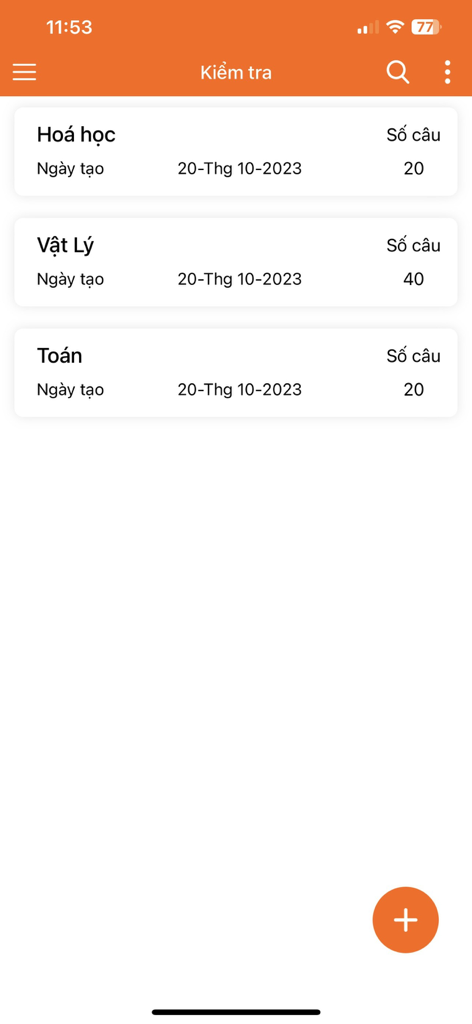
Una pantalla de aplicación móvil que muestra una lista de exámenes de opción múltiple para Química, Física y Matemáticas con sus respectivos recuentos de preguntas
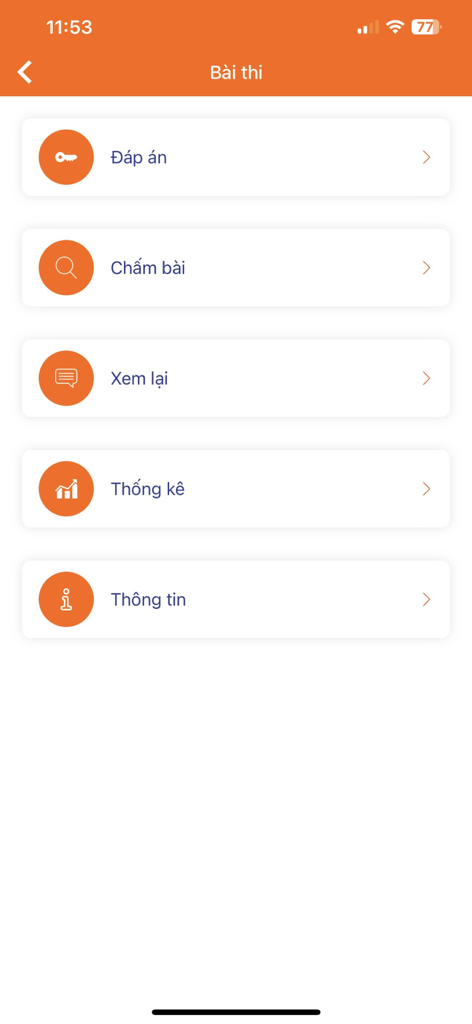
Menú principal de la aplicación TNMaker que muestra opciones para calificación de claves de respuesta, revisión y estadísticas
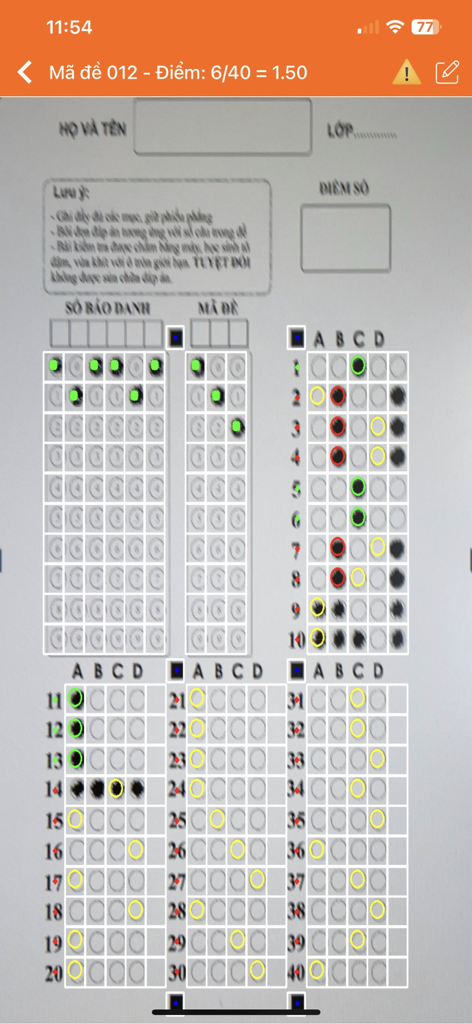
Una interfaz de smartphone que utiliza la aplicación TNMaker para escanear y calificar automáticamente un examen de hoja de burbujas de opción múltiple.
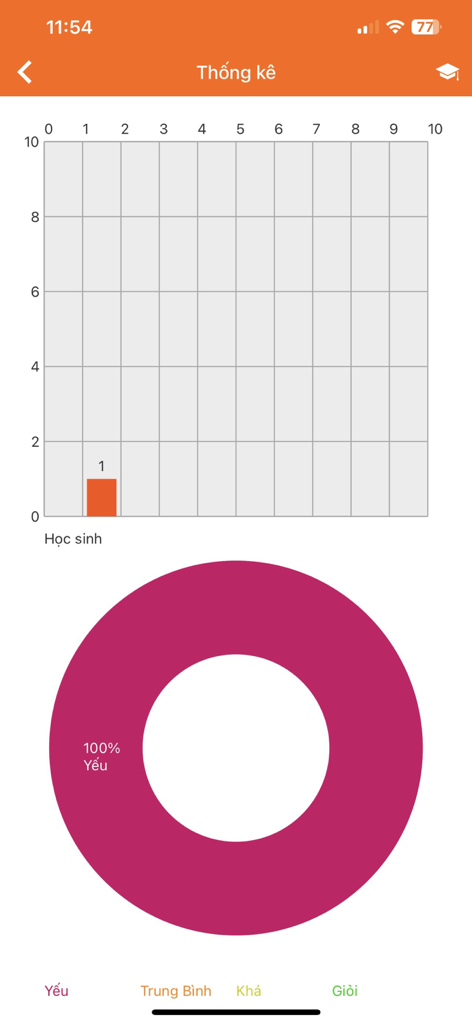
Pantalla de estadísticas de la aplicación TNMaker que muestra un gráfico de barras de puntuación de estudiantes y un gráfico circular de rendimiento.
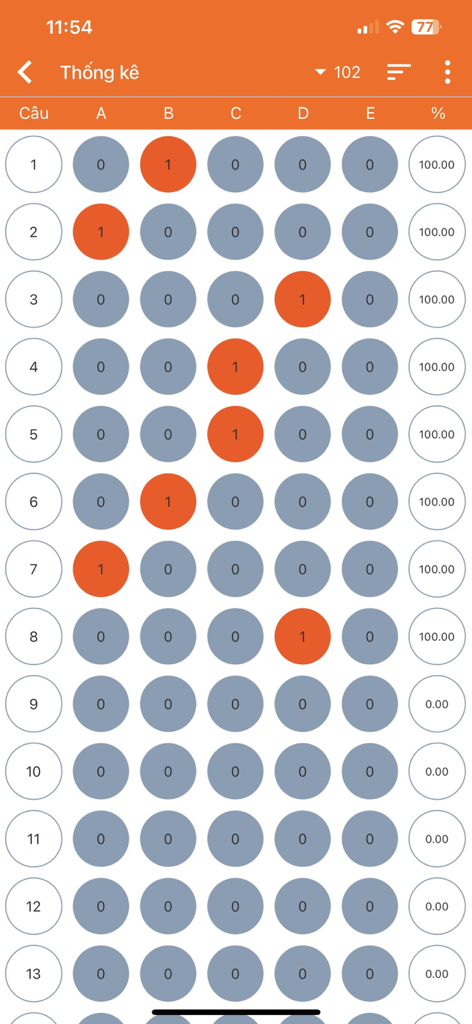
Una vista de informe digital que muestra burbujas de respuesta de opción múltiple y porcentajes de puntuación para un examen
Descripción
Download
Apps Similares
Apps con características y experiencia similares

组卷-中小学智能题库
XKW(Beijing)CO.,LTD.

Twinkl USA
Twinkl Limited

ZipGrade
ZipGrade LLC

Учи.ру для учителей
Uchi.ru, OOO

JustTeacher
Igor Furmanenko

TeacherKit Classroom Manager
ITWorx Egypt SAE

智学网教师端
Anhui Zhixue Technology Co.,Ltd.

七天网络
Anhui Septnet Co.,Ltd.

Showbie
Showbie Inc.
Esta página no es una página oficial de la aplicación ni de su desarrollador, sino una publicación editorial independiente creada con fines informativos y de comentario. Salvo que se indique expresamente lo contrario, ni la aplicación ni su desarrollador están afiliados, respaldados, patrocinados, autorizados ni conectados oficialmente con MWM, Apple, Google Play, el editor de la aplicación ni su desarrollador, y nada en esta página implica que la aplicación haya sido desarrollada utilizando los servicios de MWM. Todas las marcas comerciales, logotipos, capturas de pantalla y demás contenidos son propiedad de sus respectivos propietarios.