
Esta página no es una página oficial de la aplicación ni de su desarrollador, sino una publicación editorial independiente creada con fines informativos y de comentario. Salvo que se indique expresamente lo contrario, ni la aplicación ni su desarrollador están afiliados, respaldados, patrocinados, autorizados ni conectados oficialmente con MWM, Apple, Google Play, el editor de la aplicación ni su desarrollador, y nada en esta página implica que la aplicación haya sido desarrollada utilizando los servicios de MWM. Todas las marcas comerciales, logotipos, capturas de pantalla y demás contenidos son propiedad de sus respectivos propietarios.

TV Cast Pro for Samsung TV
Mira películas en línea, deportes en vivo y tus vídeos personales en tu Samsung Smart TV con bloqueo de anuncios integrado y reproducción avanzada, sin necesidad de hardware adicional.
Descargas
424K+Valoración
Total valoraciones
7K+Editor
Categoría
Photo & VideoIdiomas
1Última versión
3.8Tamaño
32.5 MBFecha de lanzamiento
5 jun 2016Libera Todo el Potencial de tu Samsung TV
El puente definitivo entre tu iPhone y tu Samsung Smart TV. Transmite cualquier vídeo web, película en línea o recuerdo personal a la pantalla grande sin hardware adicional.
Experiencia Cinematográfica Sin Anuncios
Deja de luchar contra las intrusivas ventanas emergentes y los anuncios de vídeo. Nuestro Bloqueador de Anuncios Pro limpia la web, para que puedas concentrarte en la película, no en las distracciones.
Transmisión Web Universal
Si se reproduce en un navegador, se reproduce en tu TV. Transmite deportes de nicho, noticias en vivo y películas independientes que no tienen una aplicación dedicada para Smart TV.
Preguntas Frecuentes
Todo lo que necesitas saber sobre TV Cast Pro for Samsung TV
¿Qué es TV Cast Pro para Samsung TV?
TV Cast Pro para Samsung TV transmite videos web, películas en línea, transmisiones en vivo y archivos multimedia locales desde tu iPhone/iPad directamente a tu Samsung Smart TV o Blu-ray Player. Funciona sin suscripciones.
¿Requiere TV Cast Pro para Samsung TV alguna suscripción?
No, TV Cast Pro para Samsung TV no requiere ninguna suscripción. Es una compra única y ofrece funciones premium sin tarifas recurrentes.
¿Cómo configuro TV Cast Pro para Samsung TV?
Para configurar, instala la aplicación receptora 'TV Cast' desde la Samsung App Store en tu TV. Luego, ingresa la dirección IP de tu iPhone/iPad en el TV usando el teclado numérico del control remoto de Samsung TV.
¿Qué tipos de videos puede transmitir TV Cast Pro para Samsung TV?
TV Cast Pro transmite videos web, películas en línea, transmisiones en vivo y programas de TV en vivo, admitiendo formatos Mp4, m3u8 y hls. También transmite videos de la cámara, incluidos archivos mp4, m4v y mov.
¿Admite TV Cast Pro para Samsung TV la duplicación de pantalla?
No, TV Cast Pro para Samsung TV no admite la duplicación de pantalla o pestañas. La aplicación transmite solo el componente de video de un sitio web, no todo el contenido de la página web.
¿Puedo transmitir videos con protección DRM con TV Cast Pro para Samsung TV?
No, TV Cast Pro para Samsung TV no admite contenido protegido por DRM. Esta limitación se aplica a películas de iTunes, videos Flash y otros videos encriptados con DRM como HBO now.
¿Tiene TV Cast Pro para Samsung TV un bloqueador de anuncios?
Sí, la versión Pro de TV Cast Pro para Samsung TV incluye un Bloqueador de Anuncios. Bloquea anuncios y ventanas emergentes en la mayoría de los sitios web y no muestra anuncios de patrocinio dentro de la aplicación.
¿Puedo controlar la reproducción de video usando TV Cast Pro para Samsung TV?
Sí, puedes controlar la reproducción de video. La versión Pro proporciona una barra de reproducción remota para controles avanzados, que incluyen búsqueda, avance, retroceso, reproducción, pausa y parada. Los controles básicos están disponibles a través del control remoto del TV.
Las siguientes capturas de pantalla y la descripción provienen directamente del listado oficial de la tienda de la aplicación y son propiedad del desarrollador.
App Store
Capturas
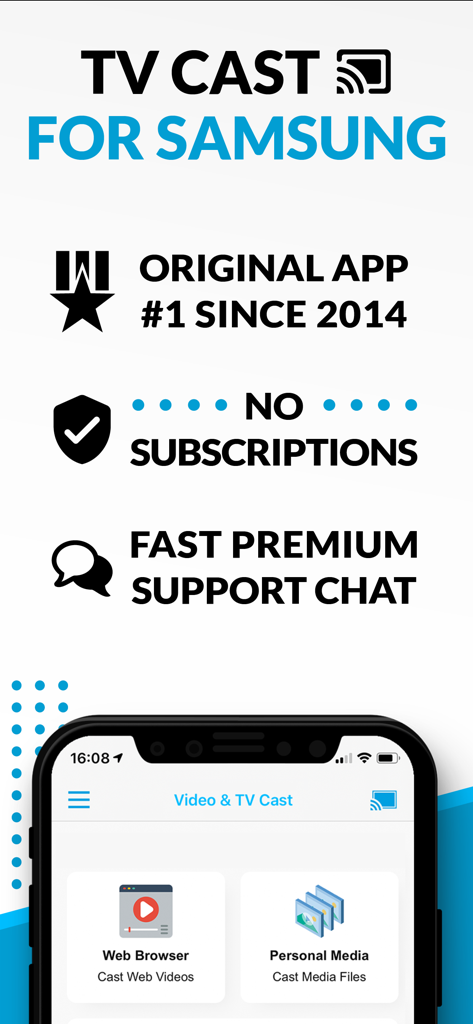
Pantalla promocional para TV Cast para Samsung destacando la ausencia de suscripciones y las funciones de transmisión de vídeo web

Transmitiendo vídeos y películas web desde un dispositivo móvil a un Samsung Smart TV
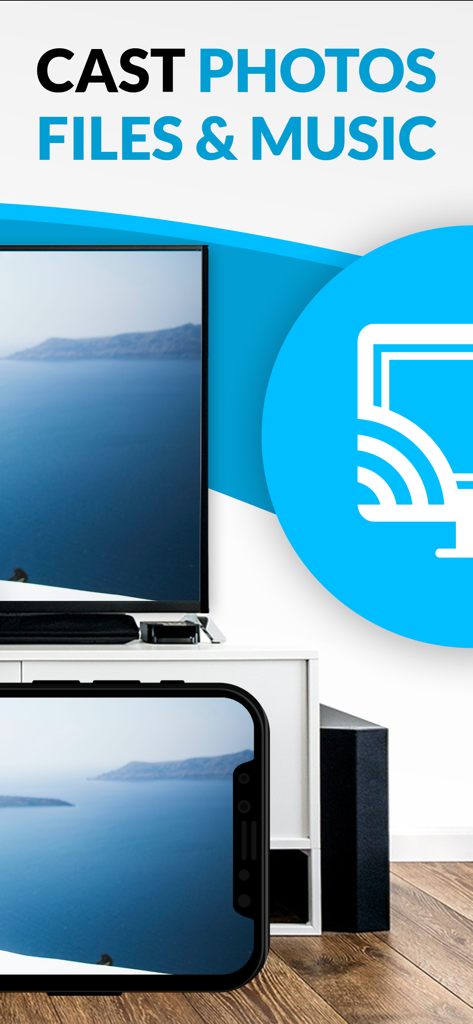
Transmitiendo fotos y medios desde un iPhone a un Samsung Smart TV
Descripción
Download
Apps Similares
Apps con características y experiencia similares

Video Lite
Video Lite, Inc.

TV Cast Pro for Chromecast
Kraus und Karnath GbR 2Kit Consulting

TV Cast Pro for Google Cast
Kraus und Karnath GbR 2Kit Consulting

Chromecaster: Get Streaming TV
TV Cast Pte. Ltd.

Castify : Screen Mirroring App
PIRON APPS

TV Cast for LG webOS
Kraus und Karnath GbR 2Kit Consulting

TV Cast Pro for LG webOS
Kraus und Karnath GbR 2Kit Consulting

TV Cast Pro for Sony TV
Kraus und Karnath GbR 2Kit Consulting

Smart View - Cast Device to TV
EXTREME SOLUTIONS APPS SL
Esta página no es una página oficial de la aplicación ni de su desarrollador, sino una publicación editorial independiente creada con fines informativos y de comentario. Salvo que se indique expresamente lo contrario, ni la aplicación ni su desarrollador están afiliados, respaldados, patrocinados, autorizados ni conectados oficialmente con MWM, Apple, Google Play, el editor de la aplicación ni su desarrollador, y nada en esta página implica que la aplicación haya sido desarrollada utilizando los servicios de MWM. Todas las marcas comerciales, logotipos, capturas de pantalla y demás contenidos son propiedad de sus respectivos propietarios.