
Esta página no es una página oficial de la aplicación ni de su desarrollador, sino una publicación editorial independiente creada con fines informativos y de comentario. Salvo que se indique expresamente lo contrario, ni la aplicación ni su desarrollador están afiliados, respaldados, patrocinados, autorizados ni conectados oficialmente con MWM, Apple, Google Play, el editor de la aplicación ni su desarrollador, y nada en esta página implica que la aplicación haya sido desarrollada utilizando los servicios de MWM. Todas las marcas comerciales, logotipos, capturas de pantalla y demás contenidos son propiedad de sus respectivos propietarios.

TV Remote - Universal Control・
Deja de buscar controles remotos perdidos y empieza a transmitir. Controla cualquier televisor, escribe con tu teclado y envía tus fotos o videos favoritos al instante, todo desde la palma de tu mano.
Descargas
290K+Valoración
Total valoraciones
6K+Editor
Categoría
UtilitiesIdiomas
35Última versión
1.7.2Tamaño
125.1 MBFecha de lanzamiento
3 ene 2023El Último Control Remoto Que Necesitarás
Elimina el desorden y la frustración de la mesa de café. Nuestra aplicación universal convierte tu iPhone en un potente centro de comando de alta velocidad para cada Smart TV de tu hogar.
Una App, Cada Marca
Controla sin problemas Samsung, LG, Roku, Vizio y más. Cambia entre habitaciones y marcas de TV sin tener que buscar un control físico perdido de nuevo.
Búsqueda por Teclado Ultrarrápida
Deja de buscar tediosamente en la pantalla de tu TV. Usa el teclado de tu iPhone para escribir títulos de películas y contraseñas en segundos, no en minutos.
Preguntas Frecuentes
Todo lo que necesitas saber sobre TV Remote - Universal Control・
¿Qué es TV Remote - Universal Control・?
TV Remote - Universal Control・ es una aplicación que funciona como un control remoto universal para reproductores de streaming y televisores. Cuenta con una interfaz de usuario sencilla para acceder fácilmente a películas, música y juegos en tu dispositivo.
¿Cómo conecto TV Remote - Universal Control・ a mi televisor?
Conecta tu iPhone y tu Smart TV a la misma red Wi-Fi. Busca tu TV dentro de la aplicación, luego acepta la ventana emergente de conexión en tu TV o introduce un PIN que se muestre en la pantalla de tu TV.
¿Admite TV Remote - Universal Control・ la duplicación de pantalla desde un iPhone?
Sí, TV Remote - Universal Control・ admite la duplicación de pantalla. Esta función permite a los usuarios mostrar la pantalla de su iPhone en su TV directamente a través de la aplicación.
¿Puedo usar comandos de voz para controlar mi TV con TV Remote - Universal Control・?
Sí, TV Remote - Universal Control・ incluye una función de búsqueda por voz. Los usuarios pueden usar comandos de voz para encontrar contenido, lo que permite un descubrimiento de palabras clave más rápido sin necesidad de escribir.
¿Es TV Remote - Universal Control・ una aplicación gratuita para descargar?
Sí, TV Remote - Universal Control・ se puede descargar gratis. Los usuarios pueden probar la aplicación sin costo, pero se requiere una suscripción Premium para acceder completamente a todas las funciones.
¿Puede TV Remote - Universal Control・ transmitir fotos y videos de mi teléfono a la TV?
Sí, TV Remote - Universal Control・ permite la transmisión. Los usuarios pueden compartir instantáneamente fotos y videos de alta definición desde la galería de su teléfono a su TV utilizando la página dedicada "Cast".
¿A qué canales de streaming se puede acceder a través de TV Remote - Universal Control・?
TV Remote - Universal Control・ proporciona acceso rápido a canales como Netflix, YouTube, Prime, Hulu, Spectrum y Disney+ a través de su pestaña dedicada "Channels".
¿Funciona TV Remote - Universal Control・ con televisores inteligentes Samsung o LG?
No, TV Remote - Universal Control・ no es una aplicación oficial para Samsung, LG, Sony o Philips. Admite funciones premium de Roku TV y dispositivos Hisense.
¿Cómo permite la navegación TV Remote - Universal Control・?
TV Remote - Universal Control・ proporciona navegación tanto por panel táctil como por botones. Los usuarios pueden utilizar gestos basados en deslizamientos para un control más sencillo o pulsaciones de botones tradicionales en la interfaz del control remoto.
¿Tiene TV Remote - Universal Control・ un teclado para buscar contenido?
Sí, TV Remote - Universal Control・ incluye un teclado intuitivo. Esta función permite a los usuarios buscar rápidamente palabras clave, agilizando el proceso de descubrimiento de contenido.
Las siguientes capturas de pantalla y la descripción provienen directamente del listado oficial de la tienda de la aplicación y son propiedad del desarrollador.
App Store
Capturas
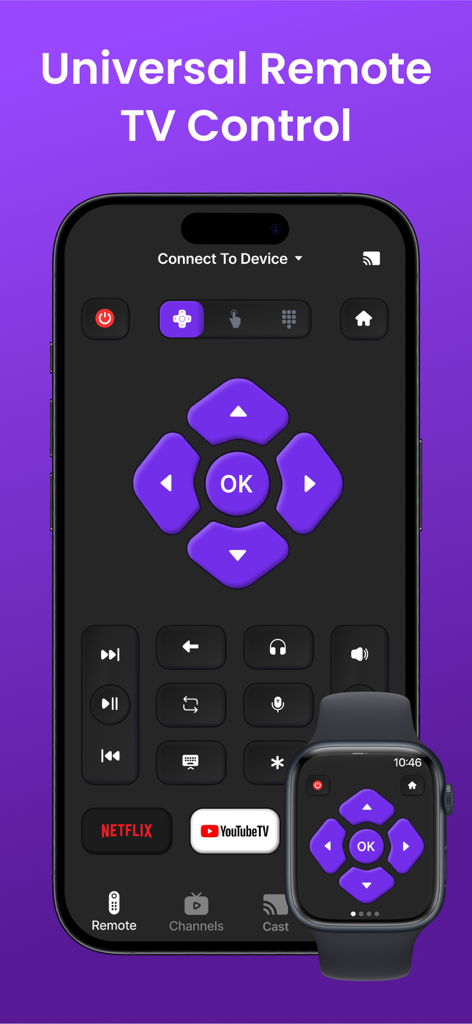
Interfaz de control remoto universal de TV en iPhone y Apple Watch
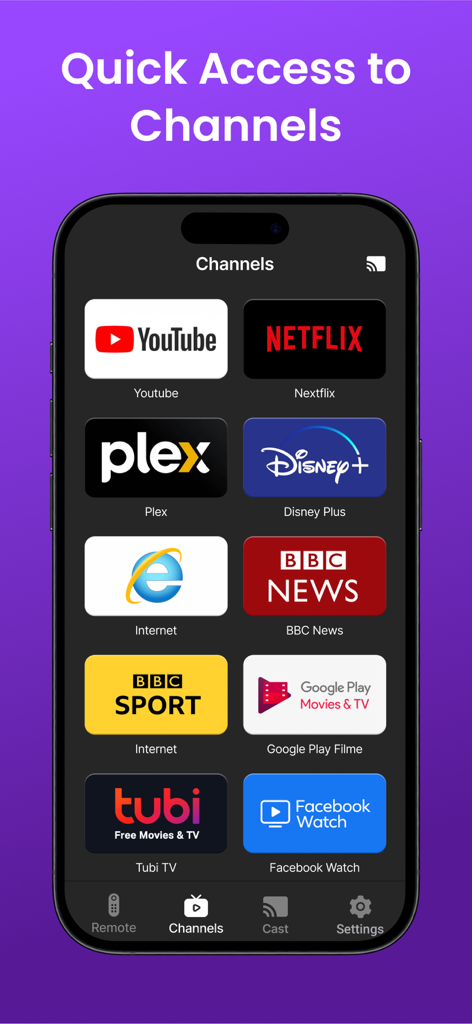
Un smartphone mostrando la pestaña de Canales de una aplicación de control remoto universal de TV con iconos para Netflix, YouTube, Disney Plus y otros servicios de streaming.
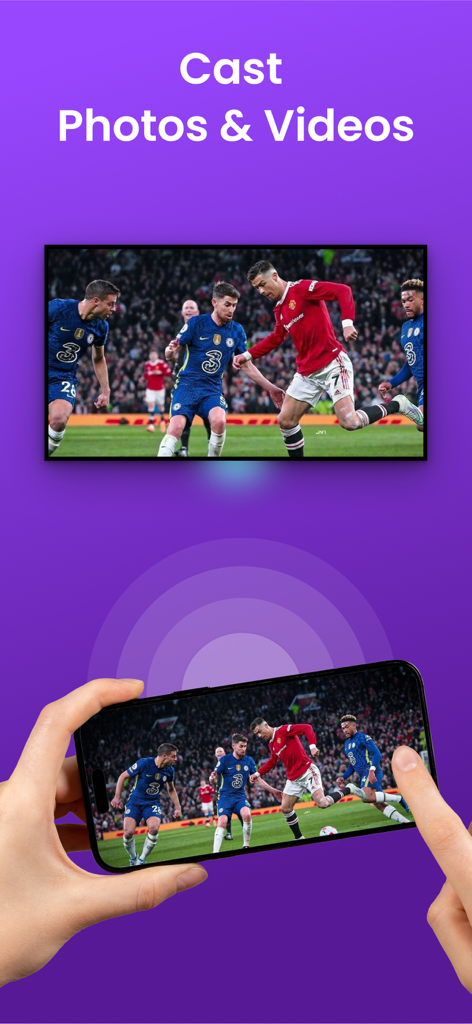
Una persona usando un iPhone para transmitir un partido de fútbol a una pantalla de TV grande
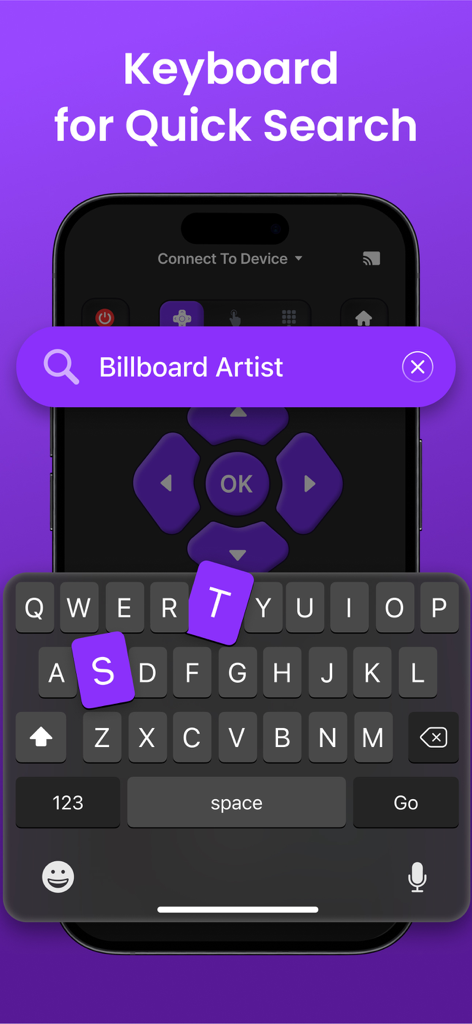
Teclado de la aplicación de control remoto de TV universal para búsquedas rápidas en iPhone
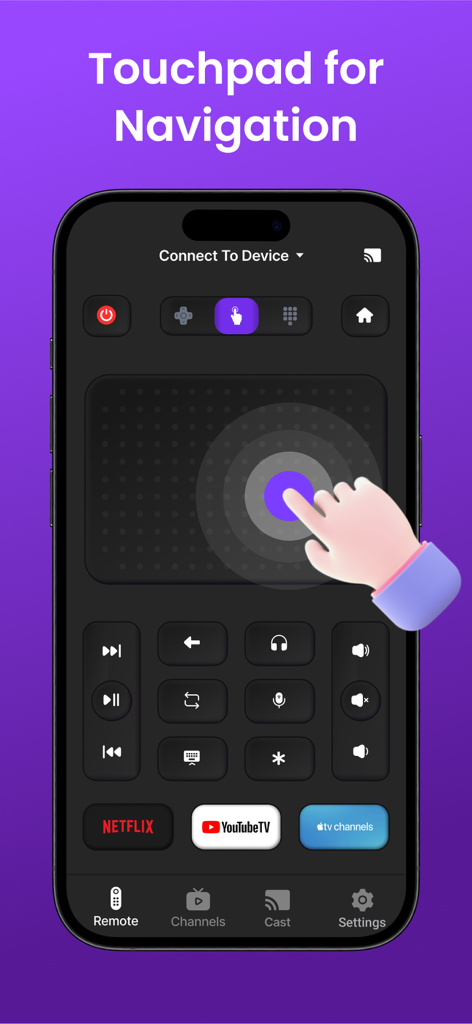
Una pantalla de iPhone que muestra una aplicación de control remoto de TV universal con un gran panel táctil para la navegación y accesos directos a Netflix y YouTube TV
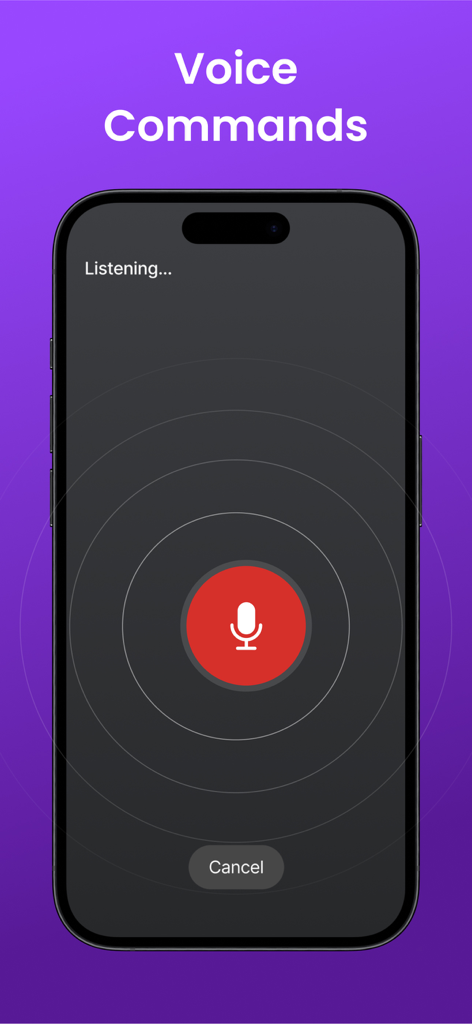
Interfaz de iPhone para la función de comandos de voz del control remoto universal de TV
Descripción
Download
Apps Similares
Apps con características y experiencia similares

The Roku App (Official)
ROKU INC

TV Remote & Smart TV Control
To Ngoc Mai

Universal TV Remote Control .
Apps Venture Inc.

TV Remote, Universal Remote
Hangzhou Yingshitong Technology Co., Ltd.

TV Remote Control “Universo”
Nemo Apps LLC

TV Remote・Universal Control #1
Mihai Turlea

Remote Smart Tv Universal
clement gasner

Remote TV Control TCL Onn App
CEMAL CAGLAR KIRICI

TV Remote Control Universal AI
Anh Ngo
Esta página no es una página oficial de la aplicación ni de su desarrollador, sino una publicación editorial independiente creada con fines informativos y de comentario. Salvo que se indique expresamente lo contrario, ni la aplicación ni su desarrollador están afiliados, respaldados, patrocinados, autorizados ni conectados oficialmente con MWM, Apple, Google Play, el editor de la aplicación ni su desarrollador, y nada en esta página implica que la aplicación haya sido desarrollada utilizando los servicios de MWM. Todas las marcas comerciales, logotipos, capturas de pantalla y demás contenidos son propiedad de sus respectivos propietarios.