
Esta página no es una página oficial de la aplicación ni de su desarrollador, sino una publicación editorial independiente creada con fines informativos y de comentario. Salvo que se indique expresamente lo contrario, ni la aplicación ni su desarrollador están afiliados, respaldados, patrocinados, autorizados ni conectados oficialmente con MWM, Apple, Google Play, el editor de la aplicación ni su desarrollador, y nada en esta página implica que la aplicación haya sido desarrollada utilizando los servicios de MWM. Todas las marcas comerciales, logotipos, capturas de pantalla y demás contenidos son propiedad de sus respectivos propietarios.

Universal Remote TV Control
Los mandos a distancia físicos son reliquias. La aplicación Universal Remote TV Control confiere al usuario el poder absoluto sobre su televisor, convirtiendo el smartphone en el centro de comando definitivo para un consumo multimedia sin interrupciones.
Descargas
25M+Valoración
Total valoraciones
147.4KEditor
Categoría
UtilitiesIdiomas
19Última versión
1.34Tamaño
187.4 MBFecha de lanzamiento
13 nov 2021Análisis de Funcionalidades Clave: Universal Remote TV Control
Una Evaluación Detallada para el Usuario Moderno de iPhone.
Teclado Integrado
Permite a los usuarios una entrada de texto rápida y sin esfuerzo para búsquedas, eliminando la frustración de los teclados remotos tradicionales.
Control Remoto Completo
La aplicación ofrece la funcionalidad total de un mando a distancia físico, permitiendo a los usuarios controlar canales, volumen, menús y funciones de reproducción.
Navegación de Contenido Multimedia
Facilita la exploración y selección de programas, películas y contenido en streaming directamente desde el iPhone, mejorando la experiencia multimedia.
Conexión Wi-Fi Automática
Esta herramienta detecta automáticamente los televisores en la red Wi-Fi del usuario, simplificando el proceso de configuración y conexión.
Amplia Compatibilidad
La aplicación es compatible con una extensa lista de marcas de televisores populares, asegurando que un amplio rango de usuarios pueda aprovechar sus funciones.
Touchpad Responsivo
Cuenta con un touchpad sensible que proporciona una experiencia de navegación fluida y estéticamente agradable en la pantalla del dispositivo.
Personalización Automática
Hace que la configuración sea más amigable para el usuario, adaptándose automáticamente para una experiencia optimizada.
Retroalimentación Háptica
Proporciona vibraciones que añaden un sentido de realismo y una experiencia de usuario inmersiva al interactuar con el control remoto virtual.
Preguntas Frecuentes
Todo lo que necesitas saber sobre Universal Remote TV Control
How does Universal Remote TV Control connect to my TV?
Universal Remote TV Control connects your iPhone to a web-connected TV via the same WiFi network. For IR TVs, your phone requires a built-in Infrared feature.
Which TV brands are compatible with Universal Remote TV Control?
Universal Remote TV Control supports popular brands including Samsung, LG, Sony, Philips, Panasonic, Vizio, TCL, Toshiba, Xfinity, Insignia, Hisense, and Element TVs.
Can Universal Remote TV Control cast photos and videos to my TV?
Yes, Universal Remote TV Control allows users to cast photos and videos to their TV. This feature enhances media viewing directly from your phone.
Does Universal Remote TV Control offer keyboard input for TV searches?
Yes, Universal Remote TV Control provides keyboard input, making TV searching straightforward. This feature simplifies text entry on your television.
Is Universal Remote TV Control a free application?
Universal Remote TV Control requires a Premium subscription for complete access to all its features. Payment occurs via iTunes Account, with auto-renewal options available.
What controls does Universal Remote TV Control offer?
Universal Remote TV Control copies handheld remote functionality, including channels list, volume, menu, info, tools, and Play/Pause/Stop controls.
Does Universal Remote TV Control support popular streaming services?
Yes, Universal Remote TV Control supports direct access to popular streaming services such as Netflix, YouTube, Apple TV, Disney+, Hulu, Prime Video, and Sling.
Does the Universal Remote TV Control app provide haptic feedback?
Yes, Universal Remote TV Control includes haptic feedback, providing a realistic vibration and enhanced sense of touch during use.
Is Universal Remote TV Control an official app for TV brands like Samsung or LG?
No, Universal Remote TV Control is NOT an official application of Samsung, LG, Sony, Philips, Panasonic, Vizio, TCL, Toshiba, Xfinity, Insignia, Hisense, Roku, Fire TV, or Element. It is not affiliated with these companies.
Las siguientes capturas de pantalla y la descripción provienen directamente del listado oficial de la tienda de la aplicación y son propiedad del desarrollador.
App Store
Capturas
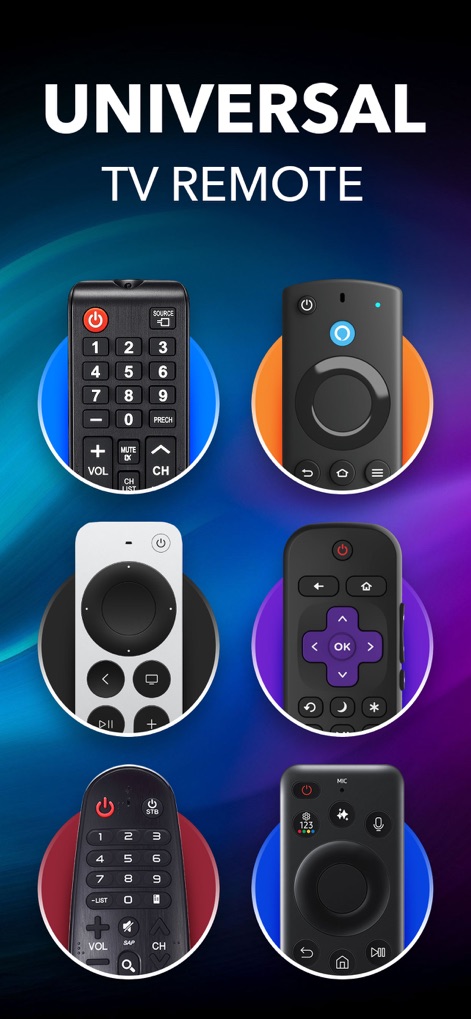
Control Remoto Universal
La aplicación destaca su compatibilidad universal, mostrando una variedad de mandos físicos y el título “UNIVERSAL TV REMOTE” que subraya su amplia utilidad.
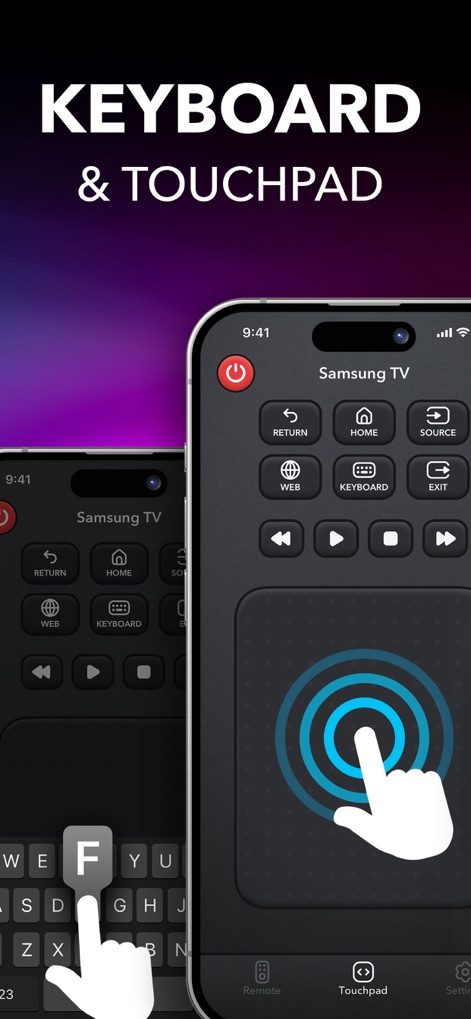
Teclado y Touchpad
Esta captura de pantalla ilustra las avanzadas funciones de entrada, presentando una interfaz de teclado completo para escribir y un touchpad responsivo para una navegación fluida.
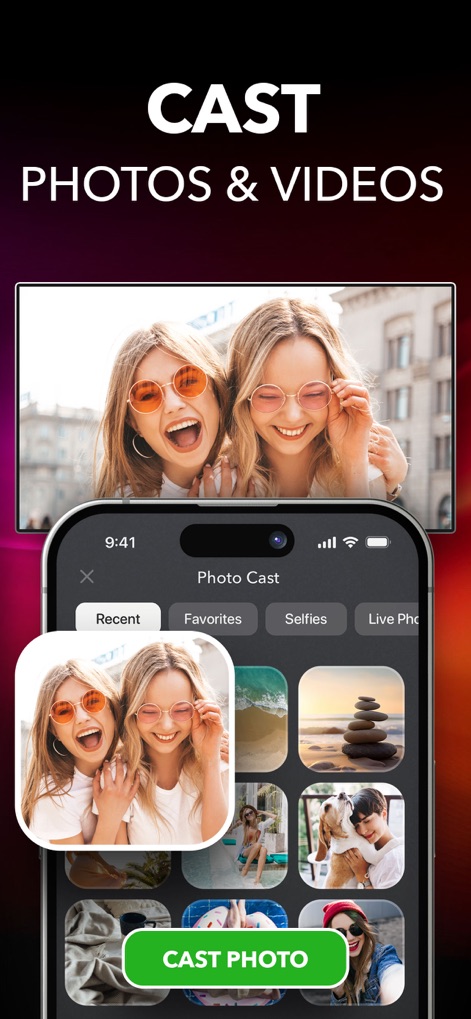
Compartir Contenido Multimedia
Los usuarios pueden proyectar fácilmente su contenido, como se ve en la galería de fotos del iPhone y la opción “CAST PHOTO”, permitiendo enviar imágenes y videos directamente al televisor.
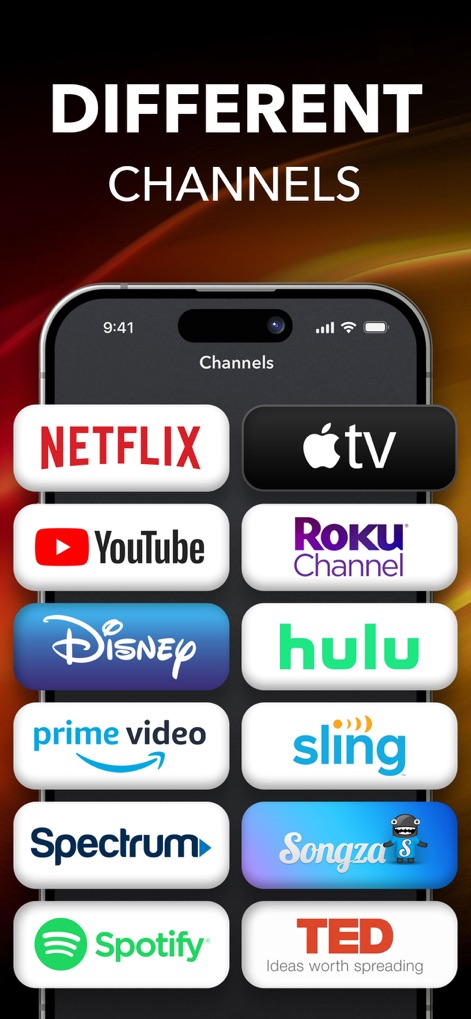
Acceso a Canales
La aplicación simplifica el acceso a diversas plataformas de streaming, mostrando el título “DIFFERENT CHANNELS” y una selección de logotipos populares como Netflix y YouTube.
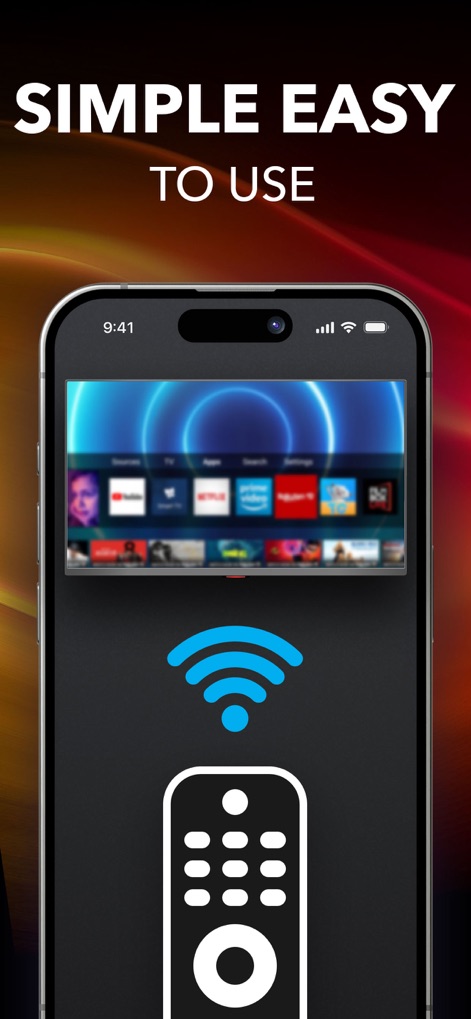
Facilidad de Uso
Esta captura enfatiza la sencillez operativa, presentando el título “SIMPLE EASY TO USE” y un ícono claro de Wi-Fi con el control remoto, ilustrando la conexión intuitiva y el control de la interfaz del televisor.
Descripción
Download
Apps Similares
Apps con características y experiencia similares

The Roku App (Official)
ROKU INC

TV Remote & Smart TV Control
To Ngoc Mai

Universal TV Remote Control .
Apps Venture Inc.

TV Remote, Universal Remote
Hangzhou Yingshitong Technology Co., Ltd.

TV Remote Control “Universo”
Nemo Apps LLC

TV Remote・Universal Control #1
Mihai Turlea

Remote Smart Tv Universal
clement gasner

Remote TV Control TCL Onn App
CEMAL CAGLAR KIRICI

TV Remote Control Universal AI
Anh Ngo
Esta página no es una página oficial de la aplicación ni de su desarrollador, sino una publicación editorial independiente creada con fines informativos y de comentario. Salvo que se indique expresamente lo contrario, ni la aplicación ni su desarrollador están afiliados, respaldados, patrocinados, autorizados ni conectados oficialmente con MWM, Apple, Google Play, el editor de la aplicación ni su desarrollador, y nada en esta página implica que la aplicación haya sido desarrollada utilizando los servicios de MWM. Todas las marcas comerciales, logotipos, capturas de pantalla y demás contenidos son propiedad de sus respectivos propietarios.