
Esta página no es una página oficial de la aplicación ni de su desarrollador, sino una publicación editorial independiente creada con fines informativos y de comentario. Salvo que se indique expresamente lo contrario, ni la aplicación ni su desarrollador están afiliados, respaldados, patrocinados, autorizados ni conectados oficialmente con MWM, Apple, Google Play, el editor de la aplicación ni su desarrollador, y nada en esta página implica que la aplicación haya sido desarrollada utilizando los servicios de MWM. Todas las marcas comerciales, logotipos, capturas de pantalla y demás contenidos son propiedad de sus respectivos propietarios.


VDO.Ninja
Convierte tu dispositivo iOS en una cámara remota o fuente de pantalla de alta calidad con streaming WebRTC de latencia ultrabaja. Diseñado para creadores, ofrece uso compartido de pantalla en segundo plano y conectividad P2P cifrada para una integración perfecta en tu flujo de trabajo de transmisión profesional.
Descargas
21K+Valoración
Total valoraciones
0Editor
Categoría
Photo & VideoIdiomas
1Última versión
2.0.52Tamaño
29.8 MBFecha de lanzamiento
27 may 2022Mejora tu flujo de trabajo de producción en vivo
Aporta streaming peer-to-peer profesional de latencia ultrabaja a tu configuración móvil. Creado específicamente para usuarios avanzados de OBS, broadcasters y creadores de juegos móviles.
Uso compartido de pantalla en segundo plano
A diferencia de las versiones web, nuestra aplicación nativa te permite transmitir tu juego o compartir tu pantalla mientras ejecutas otras aplicaciones en segundo plano.
Latencia P2P inferior a un segundo
Aprovecha la tecnología WebRTC cifrada para feeds de audio y video casi instantáneos, perfectos para entrevistas remotas y producción en tiempo real.
Las siguientes capturas de pantalla y la descripción provienen directamente del listado oficial de la tienda de la aplicación y son propiedad del desarrollador.
App Store
Capturas
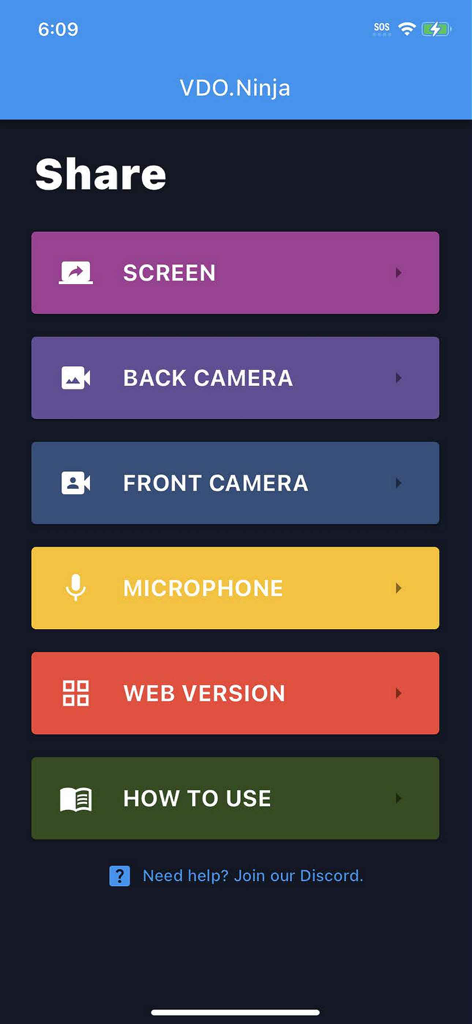
Menú principal de la aplicación VDO.Ninja que muestra opciones para compartir pantalla, cámara y micrófono
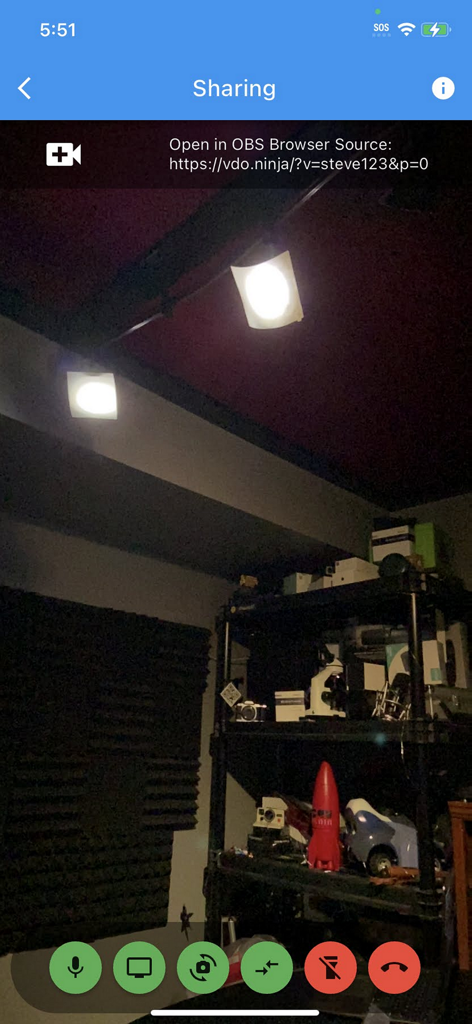
Interfaz de la aplicación VDO.Ninja que muestra una transmisión de cámara móvil en vivo con un enlace de Fuente del Navegador de OBS para streaming remoto
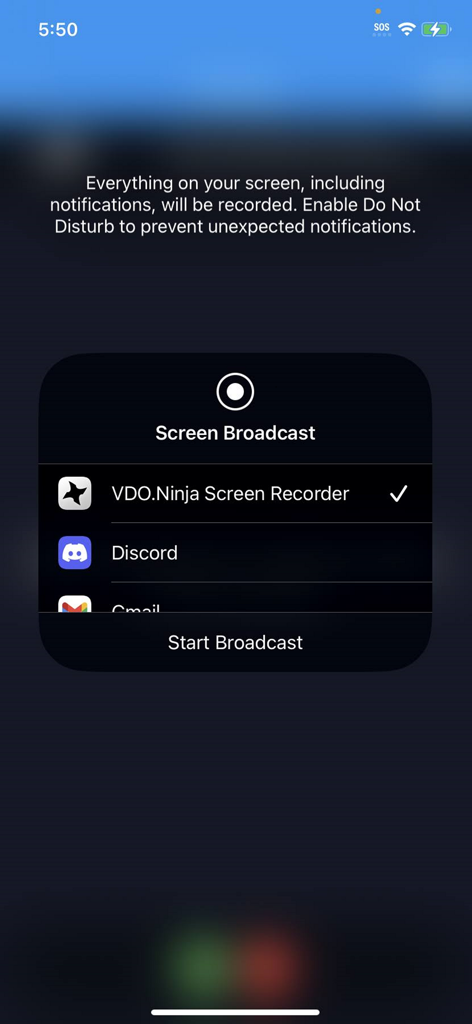
Interfaz de transmisión de pantalla de iOS con VDO Ninja Screen Recorder seleccionado para streaming móvil
Descripción
Download
Apps Similares
Apps mejor clasificadas en la misma categoría

CapCut: Photo & Video Editor
BYTEDANCE PTE. LTD.

Instagram, Inc.

YouTube
Google LLC

Canva: AI Photo & Video Editor
Canva Pty Ltd

Snapchat
Snap, Inc.

快手
Beijing Kwai Technology Co., Ltd.

Edits: Video Editor
Instagram, Inc.

Meitu- AI Photo & Video Editor
Xiamen Meitu Technology Co., Ltd.

Google Photos: Backup & Edit
Google LLC
Esta página no es una página oficial de la aplicación ni de su desarrollador, sino una publicación editorial independiente creada con fines informativos y de comentario. Salvo que se indique expresamente lo contrario, ni la aplicación ni su desarrollador están afiliados, respaldados, patrocinados, autorizados ni conectados oficialmente con MWM, Apple, Google Play, el editor de la aplicación ni su desarrollador, y nada en esta página implica que la aplicación haya sido desarrollada utilizando los servicios de MWM. Todas las marcas comerciales, logotipos, capturas de pantalla y demás contenidos son propiedad de sus respectivos propietarios.