
Esta página no es una página oficial de la aplicación ni de su desarrollador, sino una publicación editorial independiente creada con fines informativos y de comentario. Salvo que se indique expresamente lo contrario, ni la aplicación ni su desarrollador están afiliados, respaldados, patrocinados, autorizados ni conectados oficialmente con MWM, Apple, Google Play, el editor de la aplicación ni su desarrollador, y nada en esta página implica que la aplicación haya sido desarrollada utilizando los servicios de MWM. Todas las marcas comerciales, logotipos, capturas de pantalla y demás contenidos son propiedad de sus respectivos propietarios.

WiFi Analyzer: Device Finder
Protege tu privacidad en hoteles y alojamientos de alquiler con detección de cámaras ocultas impulsada por IA, escaneo de redes y sensores magnéticos. Obtén tranquilidad al instante sin necesidad de conocimientos técnicos.
Descargas
47K+Valoración
Total valoraciones
0Editor
Categoría
UtilitiesIdiomas
12Última versión
1.1.6Tamaño
112.2 MBFecha de lanzamiento
7 jun 2024Protección Total de Privacidad en Cualquier Lugar
Viaja con confianza utilizando nuestro conjunto de herramientas de nivel profesional para rastrear tu entorno en busca de dispositivos ocultos y amenazas de red.
Encuentra Hardware Oculto
Escanea campos magnéticos y reflejos de lentes para descubrir cámaras ocultas en Airbnbs, hoteles y probadores.
Monitorea la Seguridad de la Red
Identifica todos los dispositivos conectados a tu Wi-Fi para prevenir el acceso no autorizado y proteger tu huella digital.
Las siguientes capturas de pantalla y la descripción provienen directamente del listado oficial de la tienda de la aplicación y son propiedad del desarrollador.
App Store
Capturas
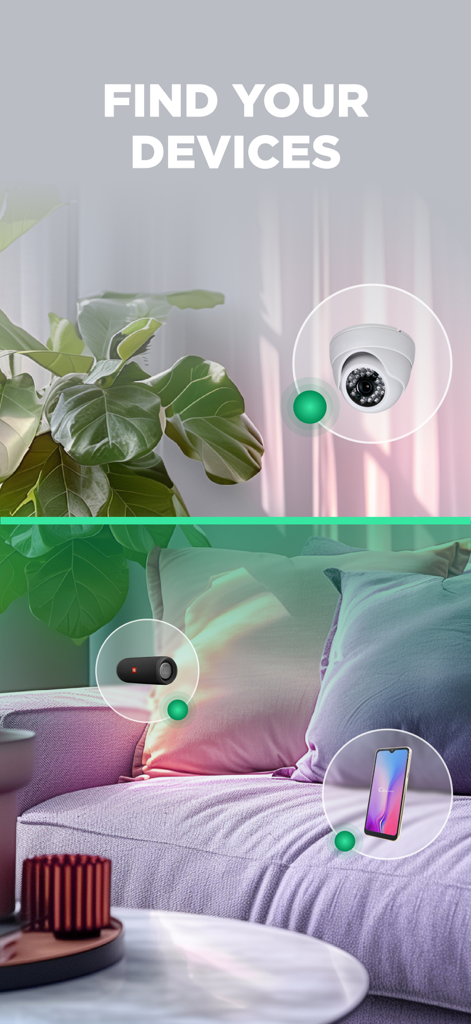
Pantalla que muestra la aplicación encontrando una cámara oculta y otros dispositivos electrónicos
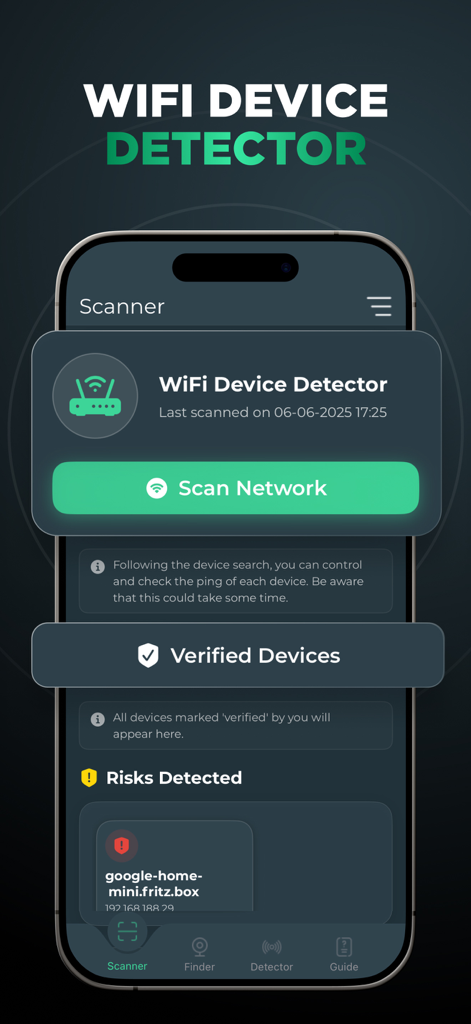
Interfaz de la aplicación WiFi Analyzer para escanear redes y detectar dispositivos conectados.
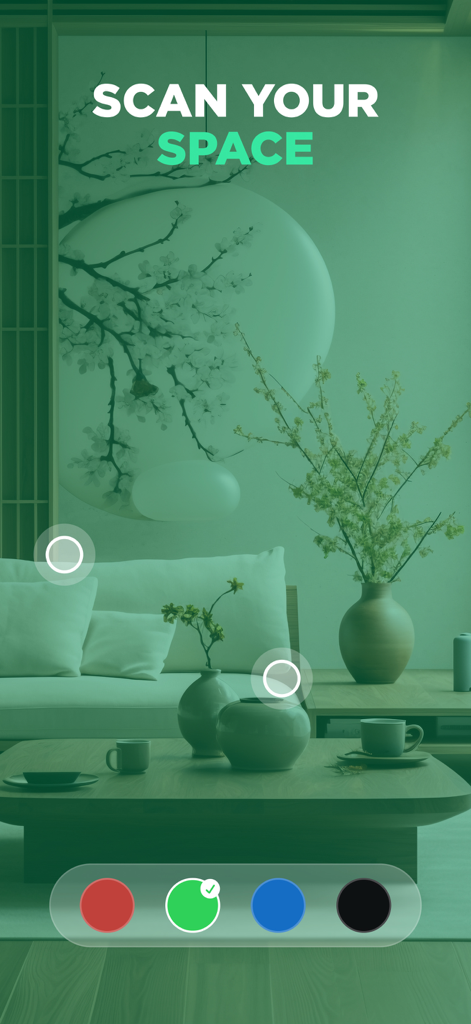
Interfaz de una aplicación móvil que muestra un filtro de cámara verde escaneando una habitación en busca de dispositivos ocultos
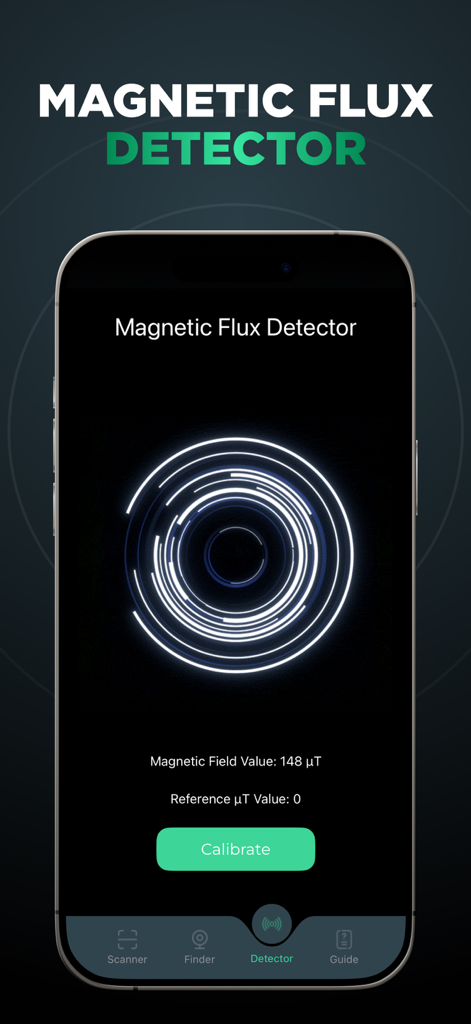
Pantalla de smartphone que muestra una herramienta de detector de flujo magnético para encontrar dispositivos ocultos
Descripción
Download
Apps Similares
Apps mejor clasificadas en la misma categoría

Google LLC

Google Chrome
Google LLC

中国移动(手机营业厅)
China Mobile Online Services Co., Ltd.

Google Authenticator
Google LLC

CNH do Brasil
Servicos e Informacoes do Brasil

Cleanup: Phone Storage Cleaner
DEEP FLOW SOFTWARE SERVICES - FZCO

gov.br
Servicos e Informacoes do Brasil

中国电信-全国统一官方服务平台
CHINA TELECOM Corporation Ltd.

Microsoft Edge: AI Browser
Microsoft Corporation
Esta página no es una página oficial de la aplicación ni de su desarrollador, sino una publicación editorial independiente creada con fines informativos y de comentario. Salvo que se indique expresamente lo contrario, ni la aplicación ni su desarrollador están afiliados, respaldados, patrocinados, autorizados ni conectados oficialmente con MWM, Apple, Google Play, el editor de la aplicación ni su desarrollador, y nada en esta página implica que la aplicación haya sido desarrollada utilizando los servicios de MWM. Todas las marcas comerciales, logotipos, capturas de pantalla y demás contenidos son propiedad de sus respectivos propietarios.