
Esta página no es una página oficial de la aplicación ni de su desarrollador, sino una publicación editorial independiente creada con fines informativos y de comentario. Salvo que se indique expresamente lo contrario, ni la aplicación ni su desarrollador están afiliados, respaldados, patrocinados, autorizados ni conectados oficialmente con MWM, Apple, Google Play, el editor de la aplicación ni su desarrollador, y nada en esta página implica que la aplicación haya sido desarrollada utilizando los servicios de MWM. Todas las marcas comerciales, logotipos, capturas de pantalla y demás contenidos son propiedad de sus respectivos propietarios.


xTerminal - SSH Terminal Shell
La terminal profesional definitiva para DevOps y SysAdmins. Gestiona de forma segura multi-sesiones, automatiza tareas con fragmentos y maneja archivos vía SFTP, todo desde tu bolsillo.
Descargas
463K+Valoración
Total valoraciones
100Editor
Categoría
Developer ToolsIdiomas
1Última versión
3.12Tamaño
97.8 MBFecha de lanzamiento
17 dic 2020Toma el Control de tu Infraestructura
La potencia todo en uno SSH y SFTP para desarrolladores y administradores de sistemas. Gestiona, monitoriza y soluciona problemas de tus servidores de forma segura desde tu bolsillo o iPad.
Automatiza con Fragmentos
Deja de escribir repetidamente. Guarda comandos complejos y ejecútalos en múltiples servidores simultáneamente con un solo toque para aumentar tu eficiencia en las guardias.
Terminal de Nivel de Escritorio
Experimenta un shell interactivo sin retrasos con soporte completo para vi/vim y SFTP integrado para una gestión de archivos sin problemas y monitorización de registros sobre la marcha.
Las siguientes capturas de pantalla y la descripción provienen directamente del listado oficial de la tienda de la aplicación y son propiedad del desarrollador.
App Store
Capturas
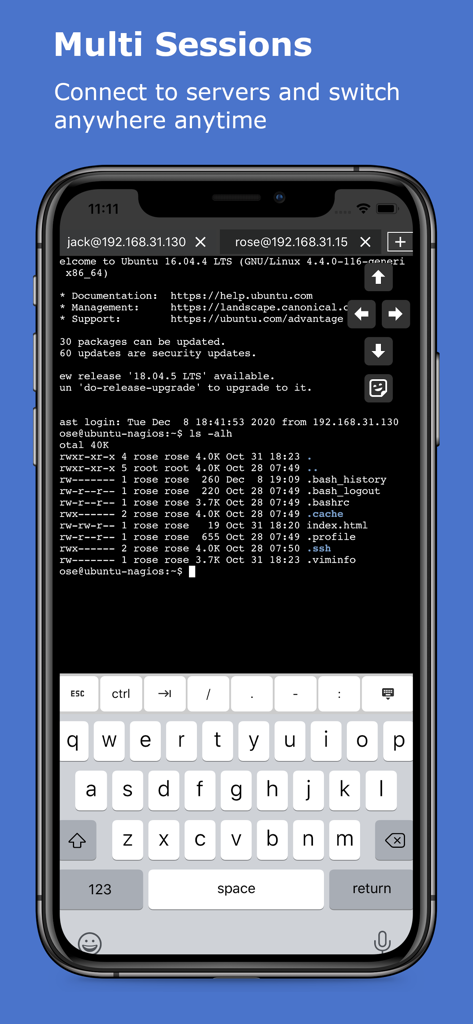
La aplicación xTerminal muestra múltiples sesiones SSH en una pantalla móvil
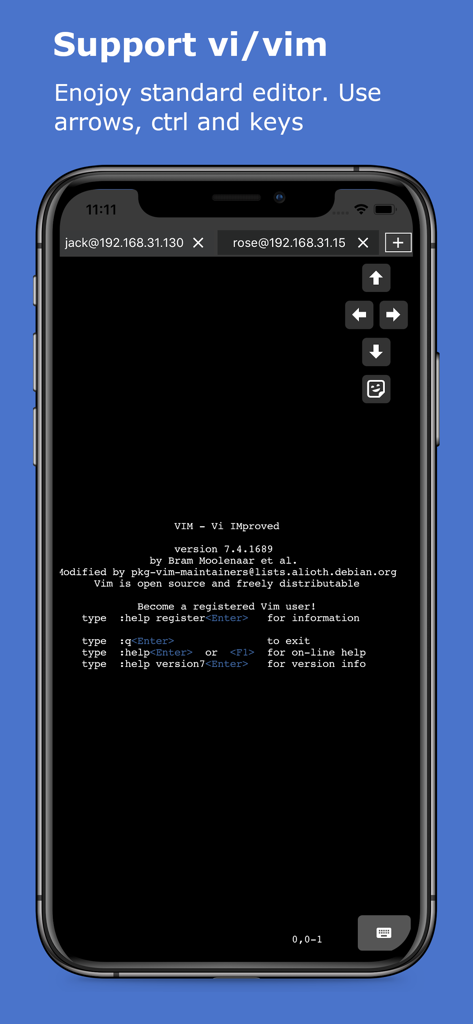
Pantalla del iPhone mostrando el editor de texto Vim ejecutándose dentro del shell SSH de xTerminal con teclas de flecha en pantalla
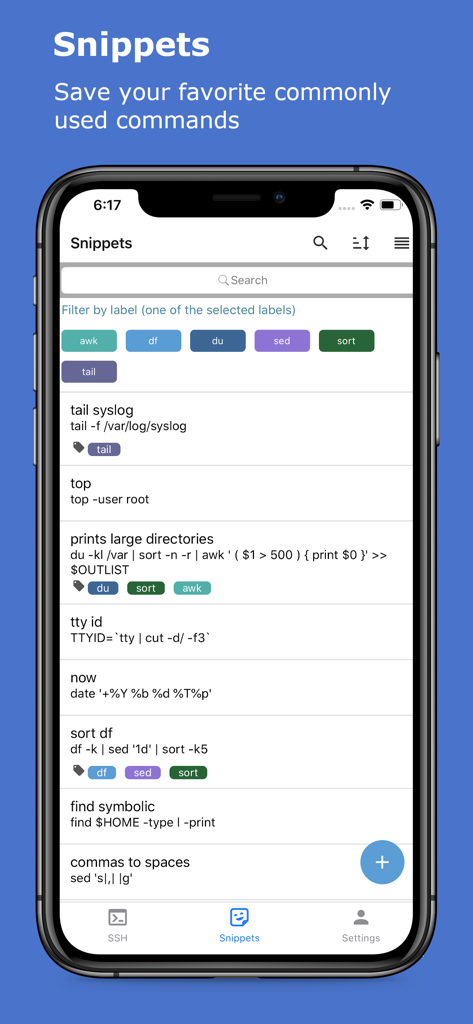
La pantalla de fragmentos de la aplicación xTerminal muestra una lista de comandos SSH guardados con etiquetas y filtros
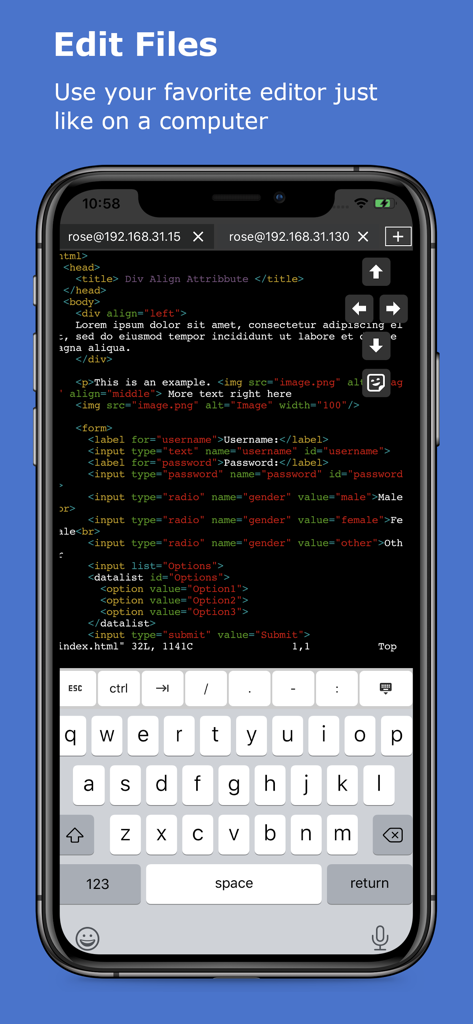
Editando código en la terminal SSH de xTerminal en iPhone
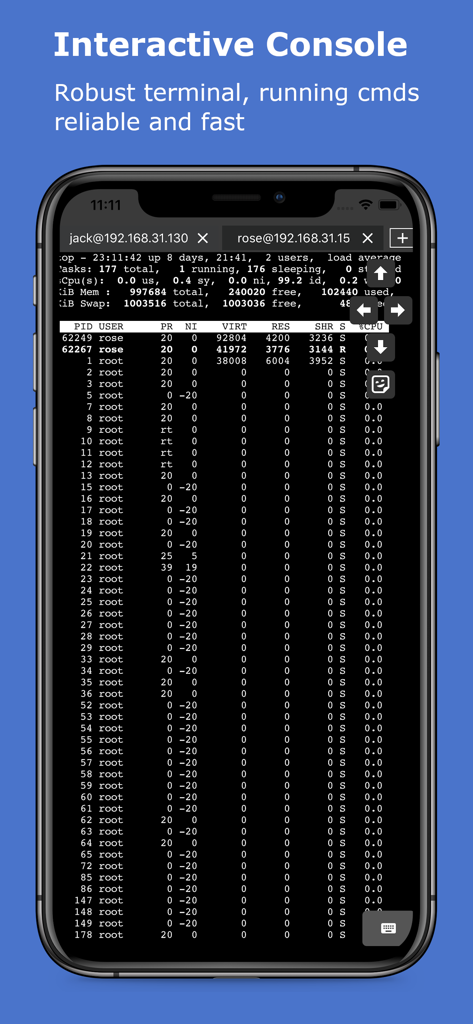
Terminal SSH interactiva mostrando procesos del servidor en un dispositivo móvil
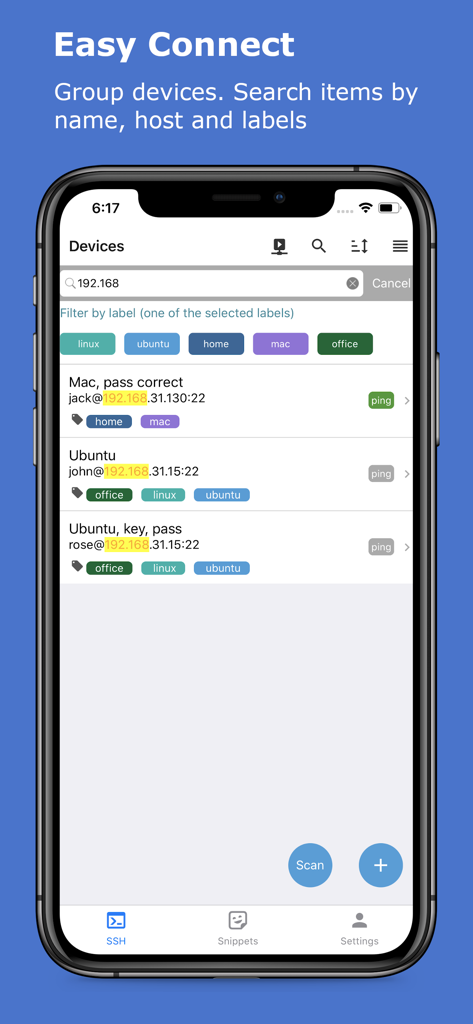
Interfaz de la aplicación xTerminal mostrando una lista de servidores SSH gestionados con etiquetas de filtro y barra de búsqueda
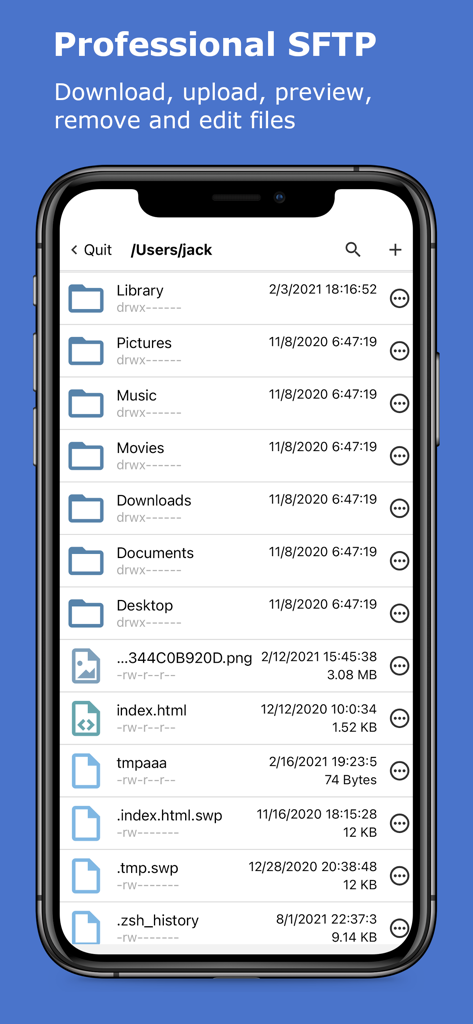
La aplicación xTerminal muestra la interfaz SFTP profesional para gestionar archivos y carpetas del servidor
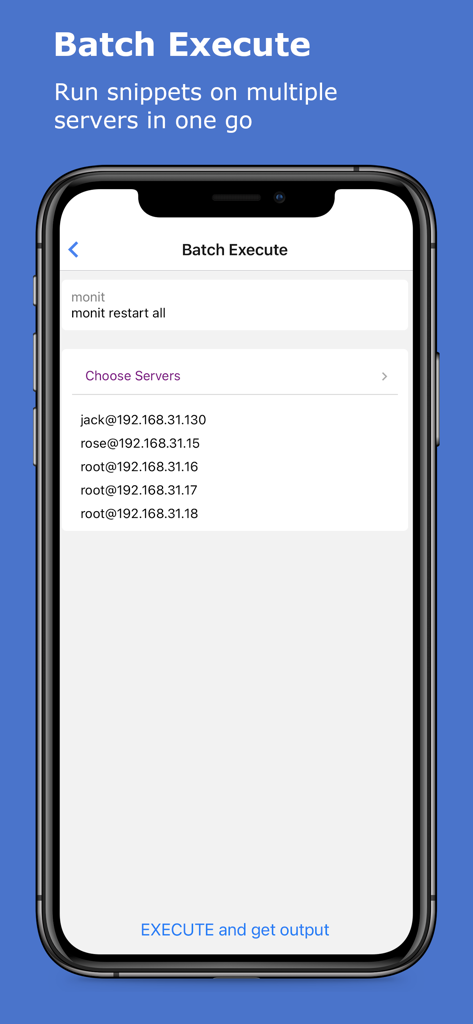
Interfaz para ejecutar comandos SSH en lote en múltiples servidores en la aplicación xTerminal
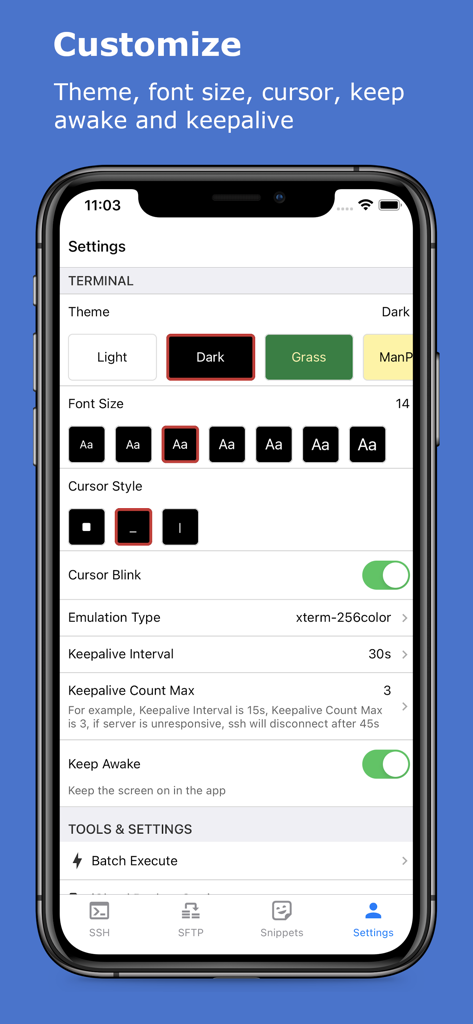
Pantalla de configuración de la aplicación xTerminal para personalizar temas de terminal y tamaño de fuente
Descripción
Download
Apps Similares
Apps con características y experiencia similares

SSH Client - Secure ShellFish
Anders Borum

FTPManager - FTP, SFTP client
Skyjos Co., Ltd.

FTP Client Pro
Anders Havn

Termux
FREE AI UTILS COMPANY LIMITED
TN5250
Jan Frydendal

Blink Shell, Build & Code
Blink Shell, Inc

Terminal#
Vasiliy Shaydullin

Prompt 3
Panic, Inc.

NovaAccess - Tailnet Tools
GalaxNet Ltd.
Esta página no es una página oficial de la aplicación ni de su desarrollador, sino una publicación editorial independiente creada con fines informativos y de comentario. Salvo que se indique expresamente lo contrario, ni la aplicación ni su desarrollador están afiliados, respaldados, patrocinados, autorizados ni conectados oficialmente con MWM, Apple, Google Play, el editor de la aplicación ni su desarrollador, y nada en esta página implica que la aplicación haya sido desarrollada utilizando los servicios de MWM. Todas las marcas comerciales, logotipos, capturas de pantalla y demás contenidos son propiedad de sus respectivos propietarios.