
Cette page n'est pas une page officielle de l'application ou de son développeur, mais une publication éditoriale indépendante créée à des fins d'information et de commentaire. Sauf indication expresse contraire, ni l'application ni son développeur ne sont affiliés, approuvés, sponsorisés, autorisés ou autrement officiellement liés à MWM, Apple, Google Play, à l'éditeur de l'application ou au développeur de l'application, et rien sur cette page n'implique que l'application a été développée en utilisant les services de MWM. Toutes les marques, logos, captures d'écran et autres contenus restent la propriété de leurs propriétaires respectifs.

aRDP Pro - RDP Remote Desktop
Contrôlez les machines Windows et Linux de manière transparente depuis votre appareil iOS. Conçu pour les administrateurs système qui exigent la transparence de l'open-source, la prise en charge du matériel externe et le tunneling crypté.
Téléchargements
2K+Note
Nombre d'avis
0Éditeur
Catégorie
ProductivityLangues
5Dernière version
56Taille
17.7 MBDate de sortie
25 avr. 2022Contrôle de niveau entreprise dans votre poche
Découvrez la sécurité du tunneling SSH et la flexibilité du RDP open-source sur vos appareils iOS. Conçu pour les ingénieurs qui exigent plus qu'une simple connexion.
Tunneling SSH sécurisé
Protégez votre infrastructure avec le tunneling SSH intégré et la prise en charge des clés publiques/privées pour un accès à distance sécurisé derrière n'importe quel pare-feu.
Précision de niveau bureau
Transformez votre iPad en poste de travail avec la prise en charge native du Magic Trackpad, des souris externes et des combinaisons de touches avancées comme Ctrl+Alt+Suppr.
Les captures d'écran et la description suivantes proviennent directement de la fiche officielle de l'application sur le store et sont la propriété du développeur.
App Store
Captures
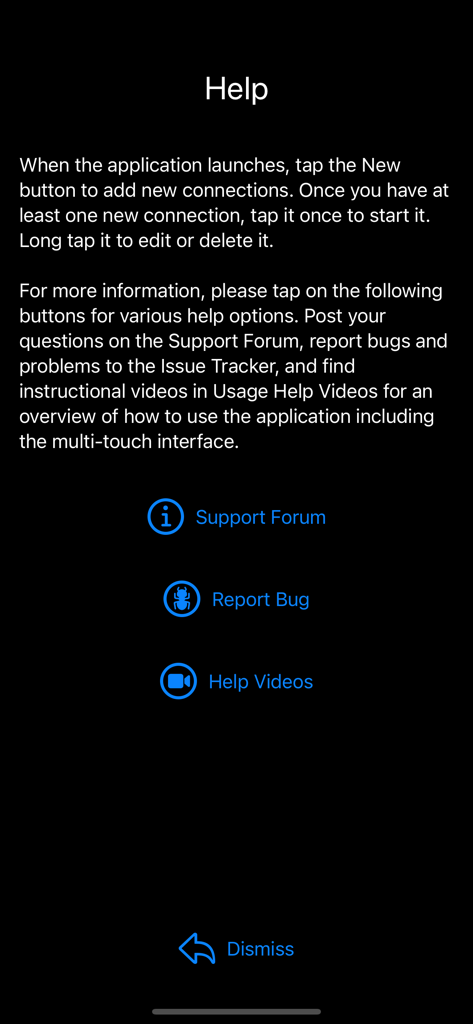
L'écran d'aide de l'application aRDP Pro présentant des liens vers les forums de support et des options de signalement de bugs.
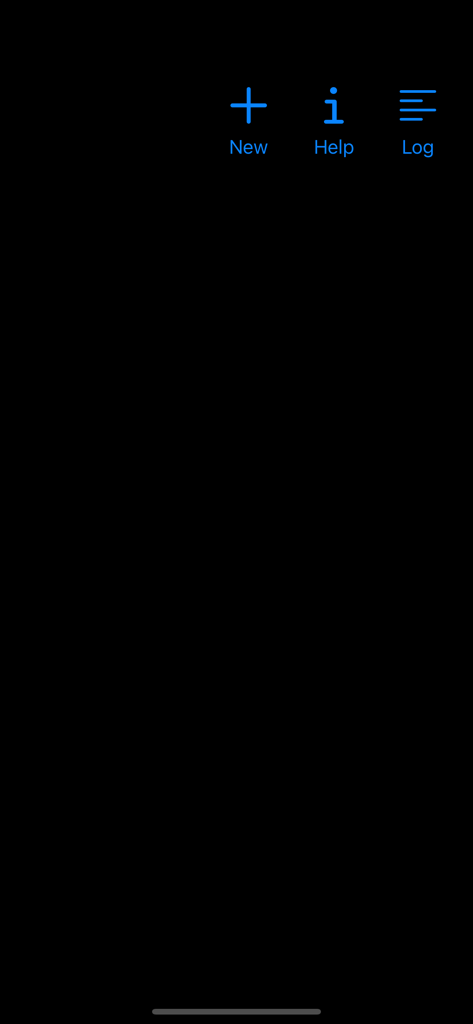
Écran d'accueil de l'application de bureau à distance aRDP Pro avec des icônes bleues pour Aide Nouvelle et Connexion
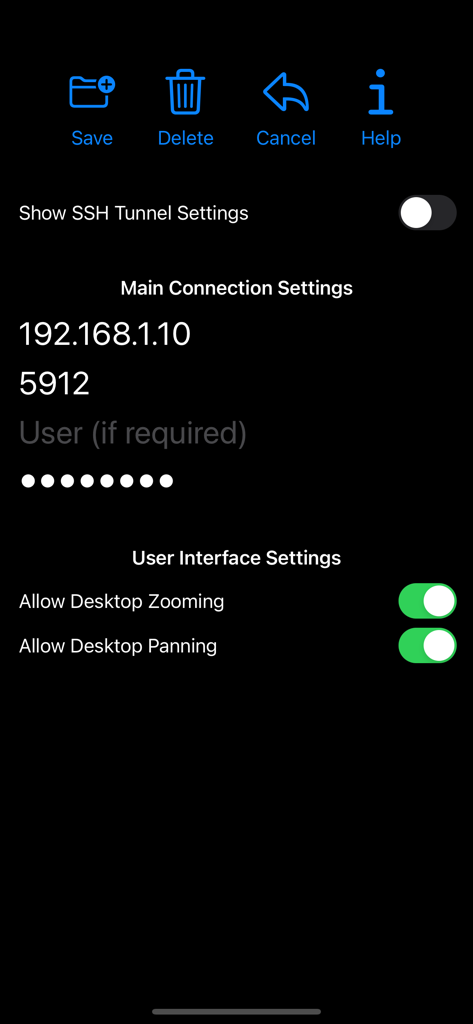
Écran des paramètres de connexion de l'application aRDP Pro avec des options d'IP et d'interface utilisateur
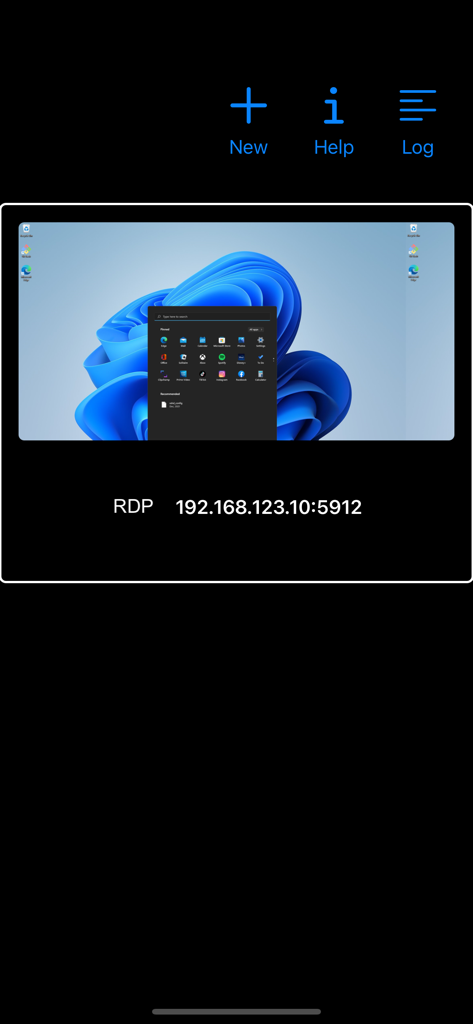
Interface de l'application aRDP Pro montrant une connexion de bureau à distance enregistrée avec un aperçu du bureau Windows 11 et une adresse IP.
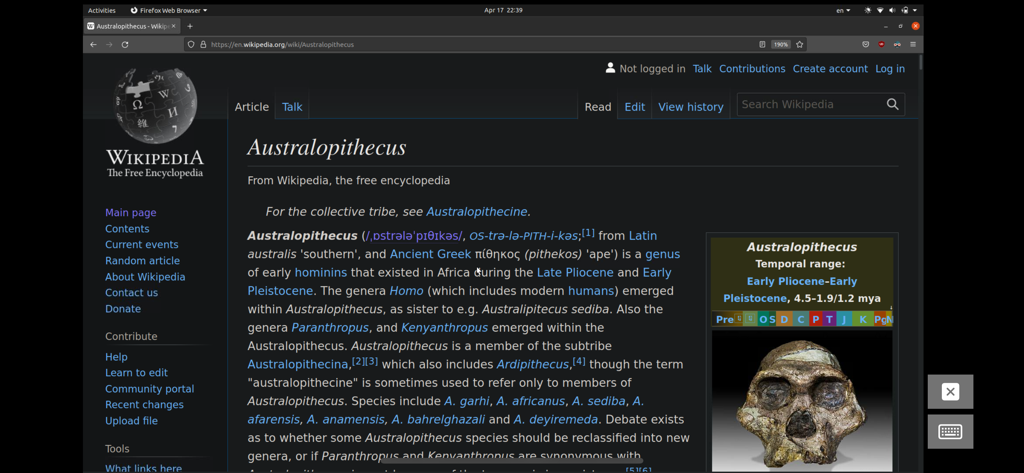
Session de bureau à distance sur un appareil mobile affichant un bureau Linux Ubuntu avec un navigateur Web ouvert.
Description
Download
Apps Similaires
Apps les mieux classées dans la même catégorie

ChatGPT
OpenAI OpCo, LLC

Google Gemini
Google LLC

Grok
X.AI Corporation

Gmail - Email by Google
Google LLC

千问 - 阿里最强大模型官方AI助手
Shanghai Zhixin Puhui Technology Co., Ltd.

Google Drive
Google LLC

Microsoft Authenticator
Microsoft Corporation

Google Sheets
Google LLC

Google Docs
Google LLC
Cette page n'est pas une page officielle de l'application ou de son développeur, mais une publication éditoriale indépendante créée à des fins d'information et de commentaire. Sauf indication expresse contraire, ni l'application ni son développeur ne sont affiliés, approuvés, sponsorisés, autorisés ou autrement officiellement liés à MWM, Apple, Google Play, à l'éditeur de l'application ou au développeur de l'application, et rien sur cette page n'implique que l'application a été développée en utilisant les services de MWM. Toutes les marques, logos, captures d'écran et autres contenus restent la propriété de leurs propriétaires respectifs.