Barcode Scan to Web

Barcode Scan to Web

Télécharger sur App Store
Logo de Barcode Scan to Web

Scan de code-barres vers le Web : Saisie de données instantanée pour tout site Web ou feuille Google

Arrêtez la saisie manuelle et éliminez les erreurs de saisie de données. Transformez votre appareil mobile en un scanner professionnel qui fonctionne de manière transparente avec vos formulaires Web, intranets et bases de données cloud existants.

Télécharger sur App Store

Éditeur

Berry Wing LLC

Catégorie

Business

Téléchargements

16K+

Note

4.2/5

Nombre d'avis

0

Langues

1

L'efficacité en action

Découvrez l'interface utilisée par 16K+ utilisateurs.
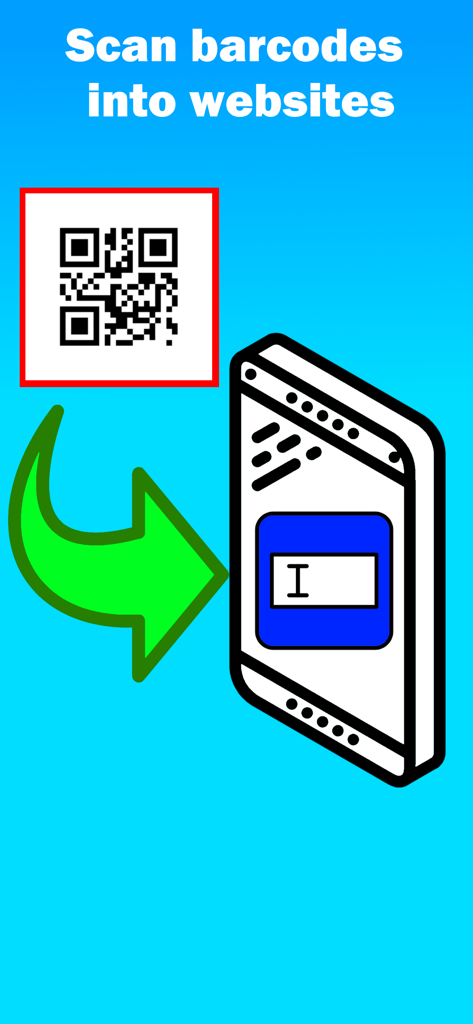
Graphique montrant les données d'un code QR transférées dans un champ de formulaire Web sur un smartphone

Graphique montrant les données d'un code QR transférées dans un champ de formulaire Web sur un smartphone

Interface de l'application Barcode Scan to Web illustrant comment scanner des codes-barres dans des formulaires Web

Interface de l'application Barcode Scan to Web illustrant comment scanner des codes-barres dans des formulaires Web

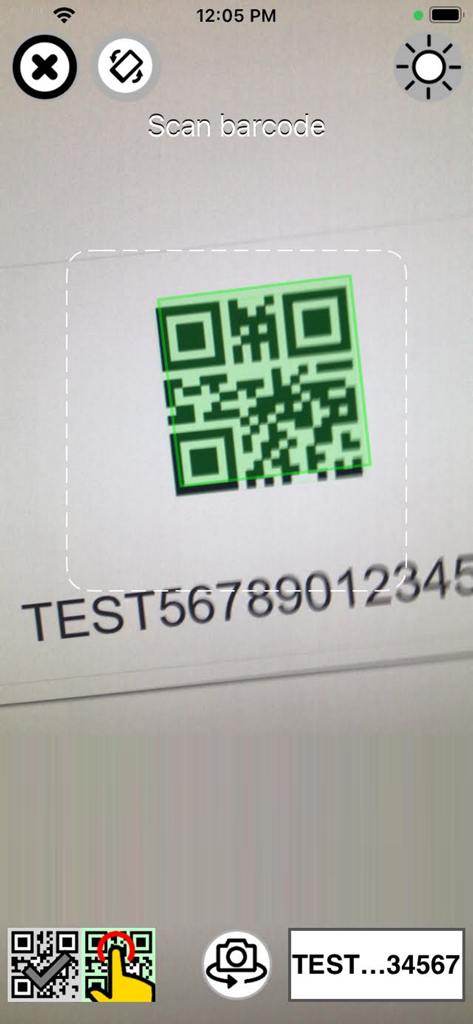
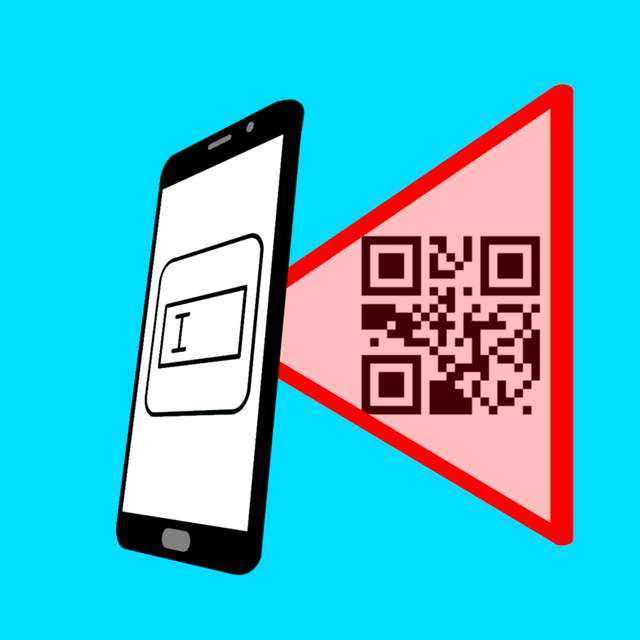
Application Barcode Scan to Web scannant un code QR sur un écran

Application Barcode Scan to Web scannant un code QR sur un écran

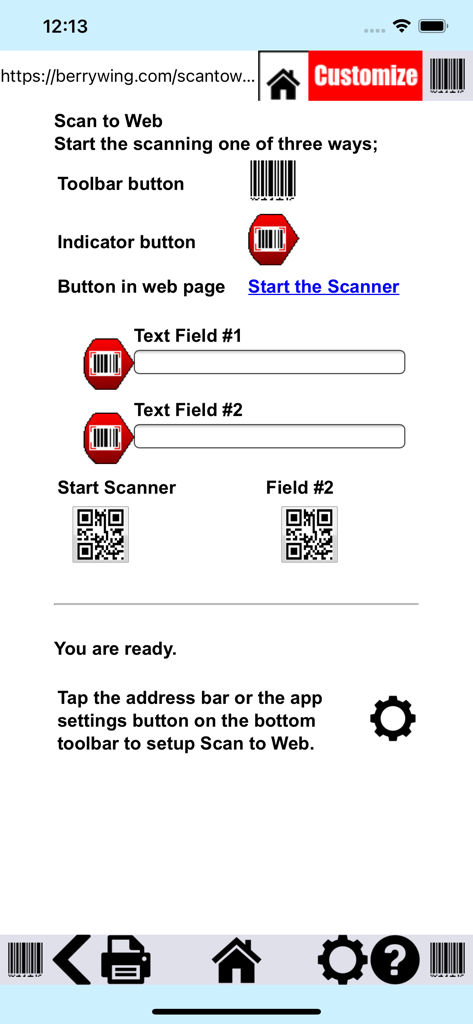
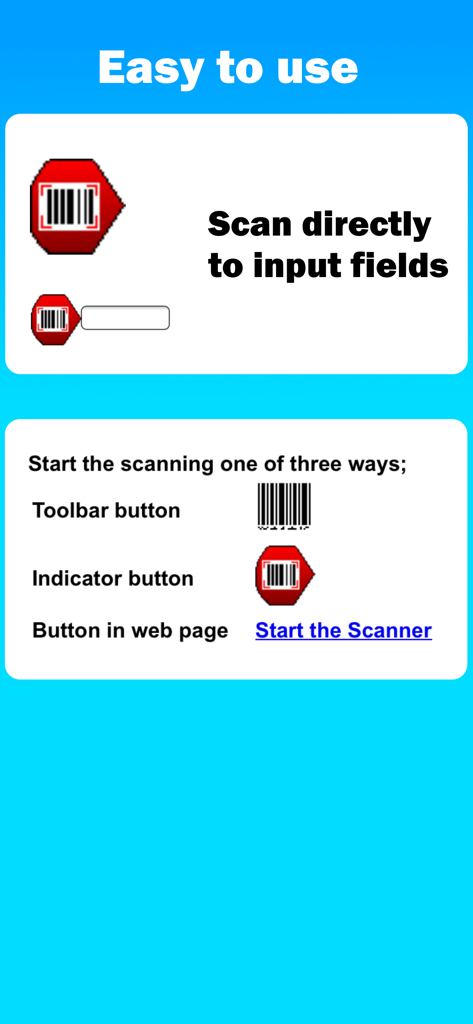
Instructions pour scanner des codes-barres directement dans les champs de saisie Web via trois options de boutons différentes

Instructions pour scanner des codes-barres directement dans les champs de saisie Web via trois options de boutons différentes

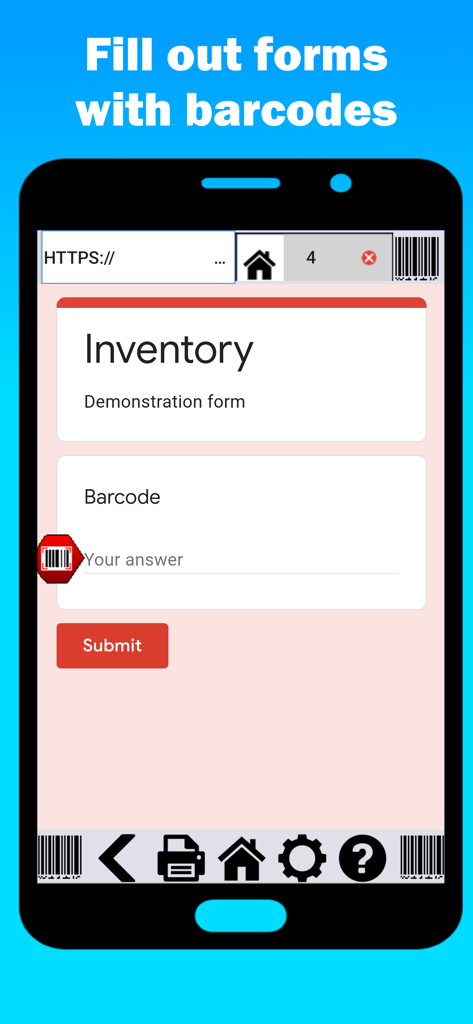
Écran d'un smartphone montrant l'interface de l'application Barcode Scan to Web avec un formulaire d'inventaire

Écran d'un smartphone montrant l'interface de l'application Barcode Scan to Web avec un formulaire d'inventaire

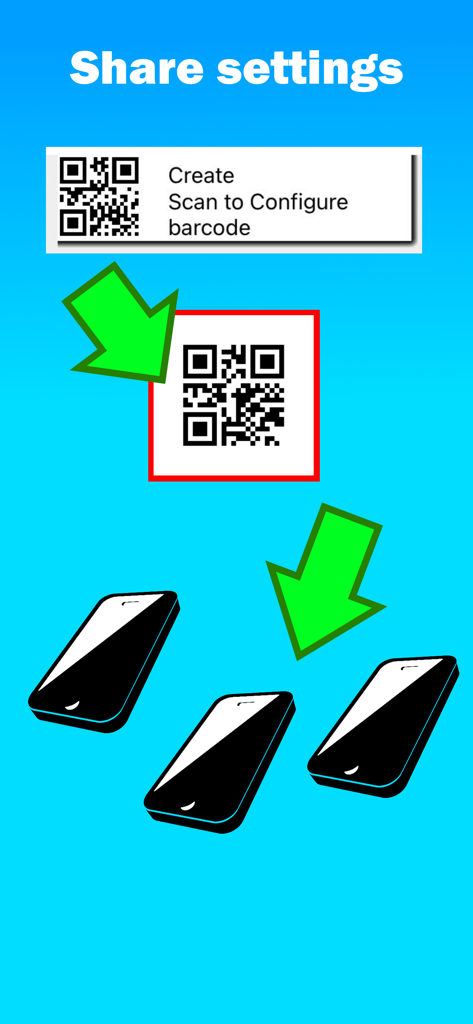
Une illustration montrant comment partager les paramètres de configuration de l'application avec plusieurs smartphones en scannant un code QR.

Une illustration montrant comment partager les paramètres de configuration de l'application avec plusieurs smartphones en scannant un code QR.

Travaillez plus intelligemment, pas plus dur

Les outils qui font la différence, choisis par 16K+ utilisateurs.

📲

Transformez n'importe quel téléphone en scanner

Éliminez le besoin de matériel coûteux. Exploitez les appareils iOS existants de votre équipe pour capturer des données n'importe où, de l'entrepôt au terrain.

⚙️

Saisie de données automatisée

Accélérez vos flux de travail avec les fonctionnalités 'Tabuler vers le suivant' et 'Parler au Web'. Réduisez les erreurs humaines et terminez des heures de frappe manuelle en quelques minutes.

🌐

Connectivité cloud instantanée

Connectez vos actifs physiques à Google Sheets ou à vos outils Web propriétaires en temps réel. Fini la saisie de données de fin de journée ou le décalage de l'inventaire.

À propos de l'app

Tout ce que vous devez savoir sur Barcode Scan to Web.

Description

Thousands of business like yours are using Scan to Web to scan barcode information into websites and fill out web forms hands free! Stop manual updates and start using Barcode Scan to Web. BEDS Plus use this app to save them time on their inventory. They saved so much time that they are starting a community garden. They gave our app and our app support five stars! “It’s been working great. Someone called the other day and suggested we do a drive for toothbrushes. I can check in my office in real time and I immediately know that we have over 700. That saves me the drive to get to the building, and now we know we can focus on other things.” –Molek, Volunteer Coordinator, BEDs Plus Scan barcodes into: - Google Drive Forms (Google Sheets) - Your own intranet website - Any website Features: • Speak to web - Voice to text in your forms! • Tab to next - Cursor moves to next field after scan. • Duplicate scan check - to ensure reliable information. • Javascript after scan - For web developers who want complete control after scan. Scan to Web provides the iOS device user with a basic web browser and the ability to scan into web fields on web pages the user has browsed to. No external hardware is needed. Scan to Web uses the camera scanner in your iOS device to scan barcodes so it’s a great option for bring your own device (BYOD). Use your own website for scanning inventory, check in/out sheets, attendance; any number of business related problems can be solved with Scan to Web. Open any web page or search engine and scan any barcode instead of typing. +17 required as this is a fully functional web browser. To scan into a web page: - Scan to place barcode result wherever cursor is on the web page. - If text field is not active, scan result will be entered in first text field available - If Submit on Scan setting is ON, the web page will “Submit” after the scan result Settings: - Scan Suffix: Submit on Scan or Do nothing. Determines what the web site will do after a scan - Home page: URL of the home page in the app - Hide address bar: Hides or displays the address bar when the app starts. Use [ Show/Hide ] Subscription Model: The app is free to download and test out, but after a number of scans, the app will ask you to subscribe. We are continually supporting and upgrading Scan to Web. Please let us know what options and updates you’d like to see. Barcode symbology supported: - QR Code - Aztec - EAN / UPC - Code 3 of 9 (Code39) (*10 to 15 characters max) - Code 128 (Code128) (*20 characters max) - Code 93 - PDF417 (Driver's license) - Data Matrix Please note: Long values or multiple close Code 3 of 9 barcodes can become out of focus in the camera scanner and result in poor barcode scanning performance. Download "Scan to Note" for free from Berry Wing LLC to test the barcode scanner used in Scan to Web. * LEGAL and In- App subscription requirements Unlimited use subscription; yearly or monthly billing cycles. Payment will be charged to iTunes Account at the confirmation of purchase. Subscriptions will automatically renew, unless auto-renew is turned off no later than 24 hours before the end of the current period. Account will be charged for renewal within 24 hours prior to the end of the current period, and identify the cost of the renewal. Subscriptions and auto-renewal can be managed/turned off in the iTunes account settings. Any unused portion of the free trial period is forfeited as soon as a subscription is purchased. Privacy Policy https://berrywing.com/scantoweb/v5/legal/ScantoWebPrivacyPolicy.html Terms of Use https://berrywing.com/scantoweb/v5/legal/termsfeed-terms-conditions-html-english.html

Dernière version

2025.8.01

Taille

56.9 MB

Date de sortie

15 mars 2013

Prêt à éliminer la saisie manuelle de données ?

Transformez votre iPhone ou iPad en un scanner de codes-barres professionnel. Rejoignez des milliers d'entreprises qui rationalisent leur inventaire et leurs flux de travail directement sur le Web.

Télécharger sur App Store

App information, icons, screenshots, and descriptions displayed on this page are sourced from the Apple App Store and are the property of their respective developers. Download estimates and rankings are based on MWM's proprietary models and may not reflect actual figures. This page is provided for informational and analytical purposes only.

Believe this page infringes your intellectual property? File a dispute