BedrockConnect

BedrockConnect

Télécharger sur App Store
Logo de BedrockConnect

BedrockConnect : Rejoignez n'importe quel serveur Minecraft sur votre console

Le pont ultime pour les joueurs Xbox, PlayStation et Switch pour rejoindre des serveurs tiers et utiliser des packs de textures personnalisés sans limites.

Éditeur

GKM Interactive UG haftungsbeschraenkt

Catégorie

Utilities

Téléchargements

76K+

Note

4.4/5

Nombre d'avis

4K+

Langues

9

Votre console, déverrouillée

Découvrez l'interface utilisée par 76K+ utilisateurs.

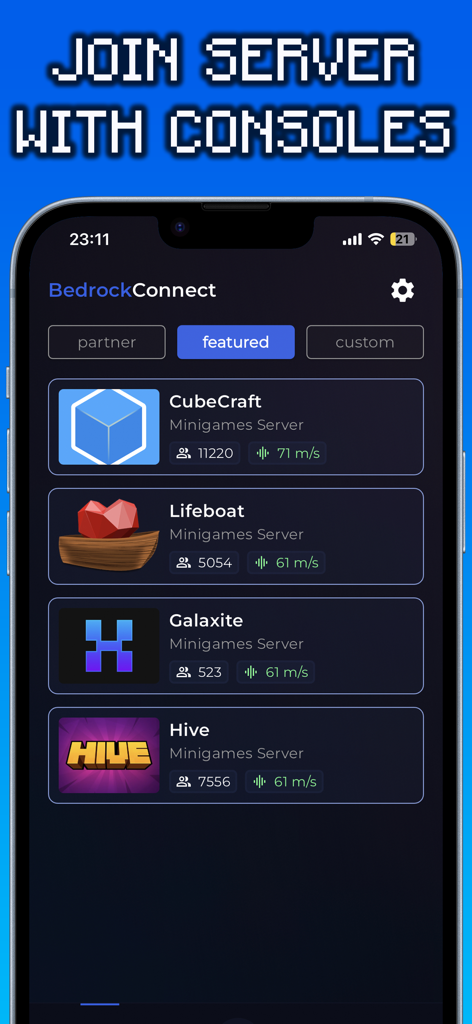
Interface de l'application BedrockConnect affichant une liste de serveurs Minecraft en vedette, y compris CubeCraft et Hive
Interface de l'application BedrockConnect affichant une liste de serveurs Minecraft en vedette, y compris CubeCraft et Hive

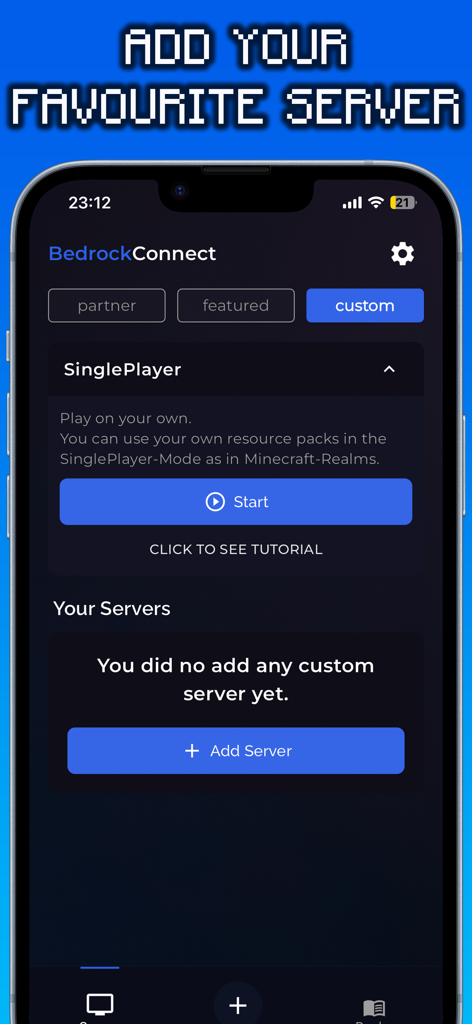
Interface de l'application BedrockConnect affichant l'écran pour ajouter des serveurs Minecraft personnalisés
Interface de l'application BedrockConnect affichant l'écran pour ajouter des serveurs Minecraft personnalisés

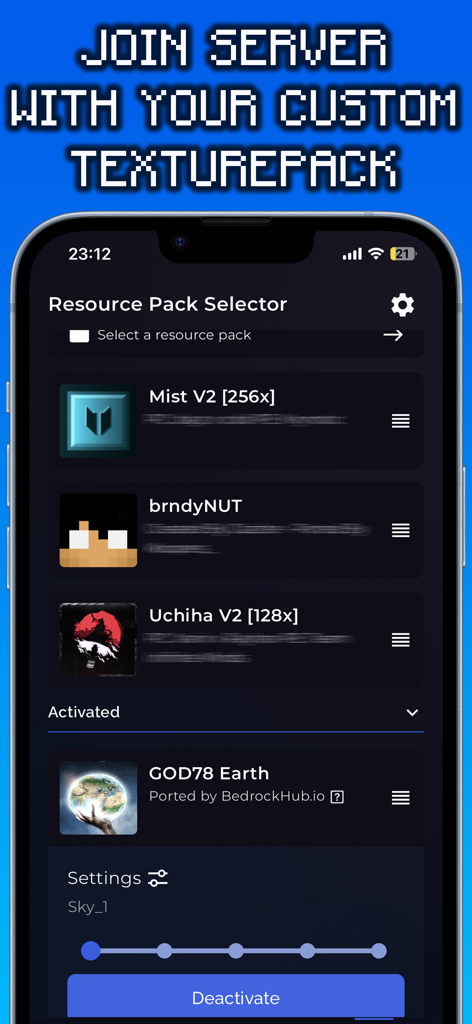
Interface de l'application BedrockConnect affichant le sélecteur de packs de ressources pour les packs de textures Minecraft personnalisés.

Interface de l'application BedrockConnect affichant le sélecteur de packs de ressources pour les packs de textures Minecraft personnalisés.

Améliorez votre expérience console

Les outils qui font la différence, choisis par 76K+ utilisateurs.

🌐

Rejoignez n'importe quel serveur tiers

Libérez-vous de la liste par défaut. Connectez-vous à n'importe quel serveur Minecraft Bedrock en entrant simplement une adresse IP sur votre téléphone.

🎨

Packs de textures personnalisés gratuits

Évitez les coûts de la Marketplace. Utilisez vos packs de ressources préférés créés par la communauté pour personnaliser votre monde de jeu gratuitement.

🎮

Support console transparent

Conçu spécialement pour les joueurs Xbox, PlayStation et Switch qui souhaitent l'expérience Minecraft complète sans les tracas techniques.

À propos de l'app

Tout ce que vous devez savoir sur BedrockConnect.

Description

The BedrockConnect app is a revolutionary multiplayer connection solution for the popular video game Minecraft Bedrock Edition. With this app, players can seamlessly play together on third-party servers across different platforms like PlayStation, Xbox, and Switch. Especially for console players, the BedrockConnect app provides a great opportunity to use free custom texture packs/resource packs on supported servers using the serverpacks method. This allows them to personalize the game and customize their gaming environment. Using the BedrockConnect app is easy. Make sure that all the devices involved, including the console and mobile phone, are connected to the same Wi-Fi network. Avoid using VPN services or ad blockers, as these can affect the functionality of the app. Also, note that Wi-Fi boosters or repeaters can have an impact on the app. BedrockConnect has proven to be an essential tool for Minecraft players who want to play with friends on different third-party servers. Here are the basic steps to use the app for PlayStation and Xbox: 1. Open the app and confirm all the important information. 2. Swipe right and click on the "+" symbol. 3. Enter the IP address and port of the desired Bedrock server. The server must be online and compatible with the Bedrock Edition. 4. Click on "Start & show ads". 5. The server should now appear in the Minecraft friends list. Click on it to join. 6. Join the server on the console! Done! You will be redirected to the desired server. To use a Texture Pack / Resource Packs on a server, follow these steps: 1. Go to the app settings and enable "Serverpacks". 2. Select a valid Minecraft Bedrock-compatible Texture Pack. 3. Start a supported server (a list can be found at https://serverlist.bedrockhub.io). 4. Open Minecraft, go to settings, and navigate to "Storage" -> "Cached Data". 5. Delete any existing "Serverpacks". 6. Start the supported server in the BedrockConnect app. 7. Join the server on the console! Done! The pack will be downloaded, and you will be redirected to the desired server. Visit our Discord server at https://discord.bedrockhub.io for further support and information. There you can also find a list of servers we support with serverpacks: https://serverlist.bedrockhub.io. Key Features Summary: - Server list for a compact overview of all servers with player count, ping, MOTD, and version. - "Featured Server" category for special recommendations. - Serverpacks feature for using custom Texture Packs on supported servers. - Automatic updates for supported serverpacks. - Support for the Switch console (available for Apple users only). - Modern and user-friendly design. Avoiding Common Issues: - Ensure that all devices, including console and mobile phone, are connected to the same Wi-Fi network. - Avoid using VPN services or ad blockers, as they can affect the app's functionality. - Avoid using Wi-Fi boosters or repeaters, as they can impact the app. - Check firewall settings and router configurations as they can cause issues. - For iOS devices, make sure the "Local Network" setting is enabled for the app. - Make sure ads are shown, as the app relies on ad display for free users. - Note that shaders, modpacks, addons, clients, or skin packs will not work. The app only supports resource packs / texture packs, using only the "Front", "Textures", "Sounds", and "Particles" folders from the texture pack while ignoring the rest. Disclaimer: BedrockConnect is a third-party application and is not affiliated with Mojang AB or Minecraft. BedrockConnect is not an extension of Minecraft or Mojang AB and is not affiliated with them. It is a third-party solution created by the community to enable cross-platform connections in the Bedrock Edition. Terms of Use (EULA): https://www.apple.com/legal/internet-services/itunes/dev/stdeula/

Dernière version

2.0.91

Taille

97.0 MB

Date de sortie

2 nov. 2022

Prêt à dépasser les limites de votre console ?

Rejoignez plus de 76 000 joueurs qui se connectent à des serveurs personnalisés et utilisent des packs de textures gratuits sur Xbox, PlayStation et Switch. Obtenez BedrockConnect dès aujourd'hui et commencez à jouer à Minecraft sans frontières.

Télécharger sur App Store
Recommandations

Apps Similaires

Apps avec des fonctionnalités et une expérience similaires
App information, icons, screenshots, and descriptions displayed on this page are sourced from the Apple App Store and are the property of their respective developers. Download estimates and rankings are based on MWM's proprietary models and may not reflect actual figures. This page is provided for informational and analytical purposes only.

Believe this page infringes your intellectual property? File a dispute