
Cette page n'est pas une page officielle de l'application ou de son développeur, mais une publication éditoriale indépendante créée à des fins d'information et de commentaire. Sauf indication expresse contraire, ni l'application ni son développeur ne sont affiliés, approuvés, sponsorisés, autorisés ou autrement officiellement liés à MWM, Apple, Google Play, à l'éditeur de l'application ou au développeur de l'application, et rien sur cette page n'implique que l'application a été développée en utilisant les services de MWM. Toutes les marques, logos, captures d'écran et autres contenus restent la propriété de leurs propriétaires respectifs.


CropSize: Image Resizer Editor
Obtenez des résultats d'une précision pixel parfaite grâce à un contrôle numérique exact. Automatisez votre flux de travail avec le traitement par lots à haut volume, la gestion avancée des métadonnées et des outils d'exportation professionnels conçus pour les créateurs et les petites entreprises.
Téléchargements
127K+Note
Nombre d'avis
800Éditeur
Catégorie
Photo & VideoLangues
1Dernière version
5.5.4Taille
9.8 MBDate de sortie
21 nov. 2013Un montage précis pour des résultats professionnels
Du redimensionnement au pixel près au traitement par lots à grande échelle, CropSize offre la précision chirurgicale et les flux de travail automatisés qui font défaut aux applications photo standard.
Précision au pixel près
Saisissez les dimensions exactes en pixels, en pouces ou en cm à l'aide du clavier pour une précision chirurgicale que les applications gestuelles uniquement ne peuvent égaler.
Flux de travail par lots automatisés
Enregistrez vos étapes de retouche préférées en tant que programmes personnalisés et appliquez-les à plus de 50 photos simultanément pour optimiser votre flux de travail professionnel.
Les captures d'écran et la description suivantes proviennent directement de la fiche officielle de l'application sur le store et sont la propriété du développeur.
App Store
Captures
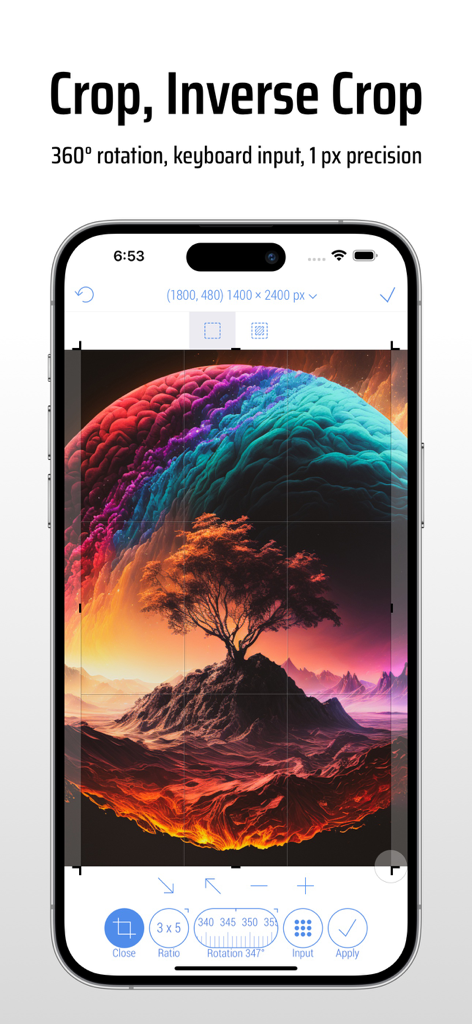
Interface de l'application CropSize sur iPhone affichant des outils précis de recadrage et de rotation d'images
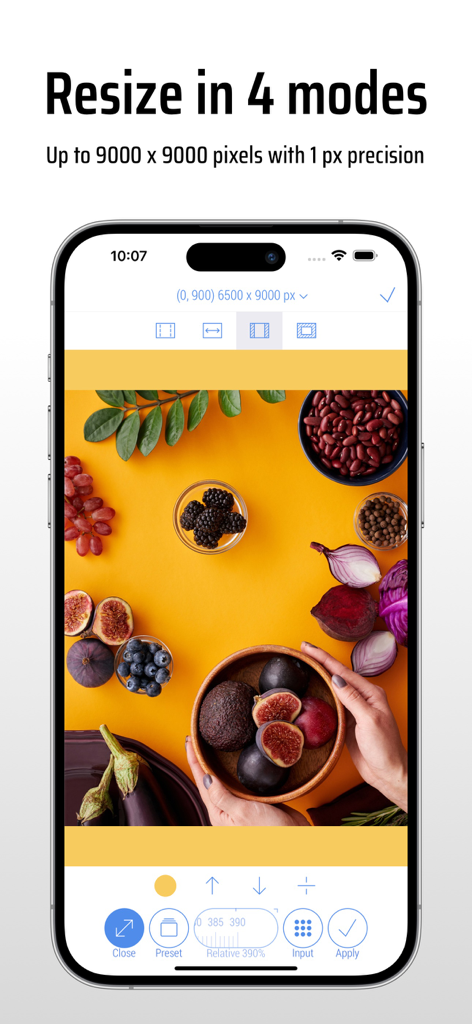
Interface de l'application CropSize affichant le redimensionnement d'images dans quatre modes avec une haute précision au pixel près.
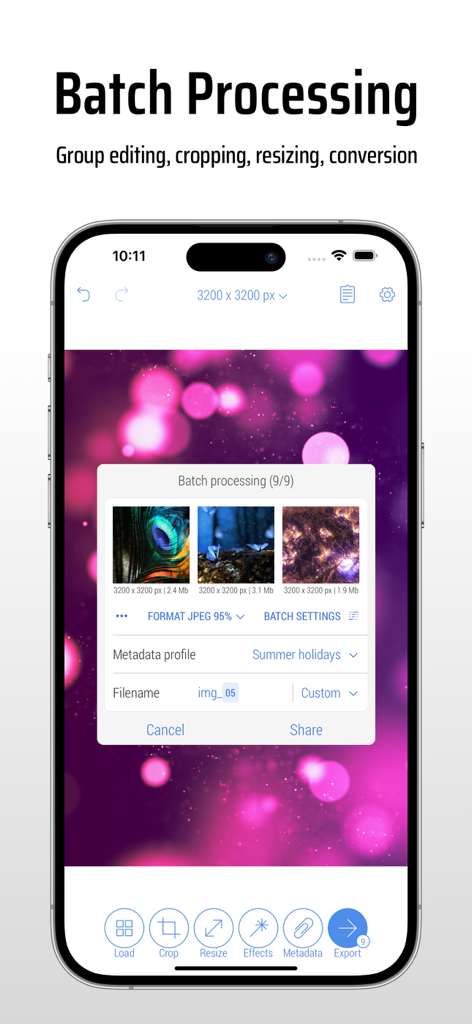
Interface de l'application CropSize affichant le traitement par lots pour l'édition et le redimensionnement simultanés de plusieurs photos sur un iPhone.
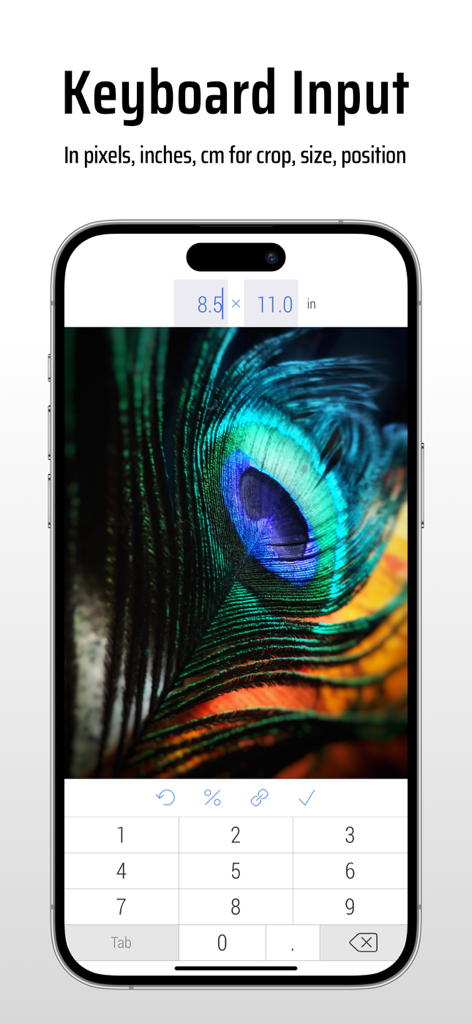
L'interface de l'application CropSize affiche la saisie au clavier pour un redimensionnement précis des images selon leurs dimensions.
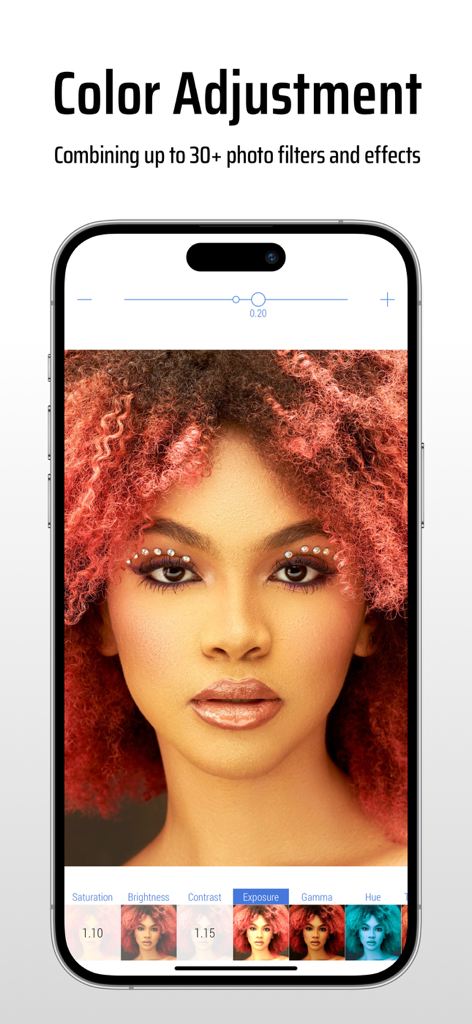
Interface de l'application CropSize affichant les options de réglage des couleurs et de filtres photo sur un portrait
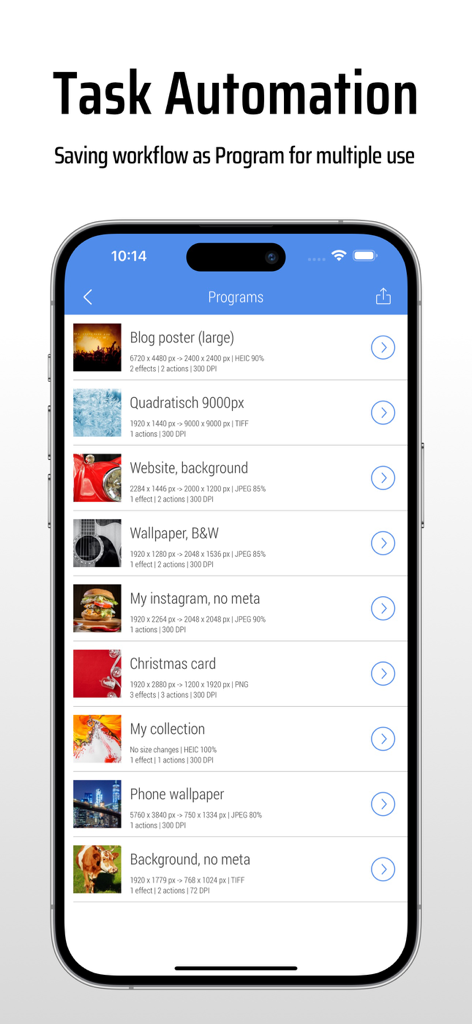
L'interface de l'application CropSize affiche une liste des programmes de retouche d'images enregistrés pour l'automatisation des tâches.
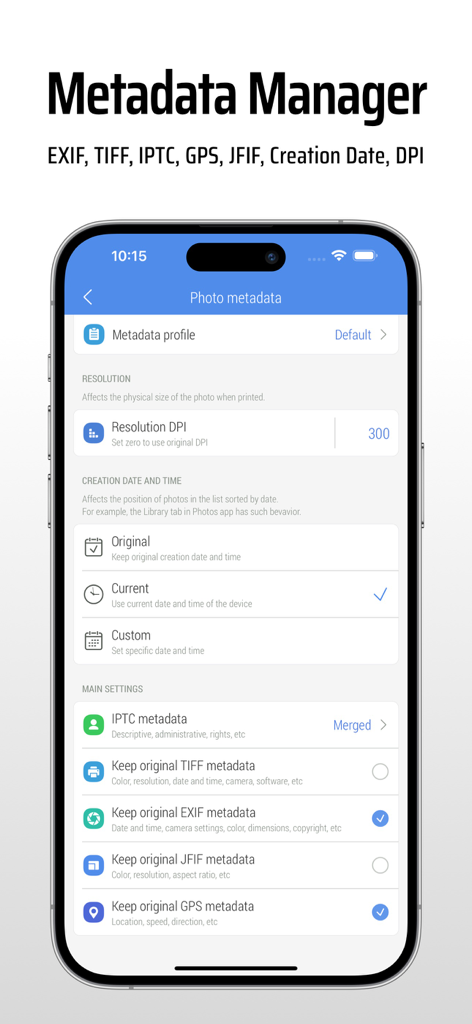
Écran de l'application CropSize pour la modification des métadonnées EXIF et des paramètres DPI des photos
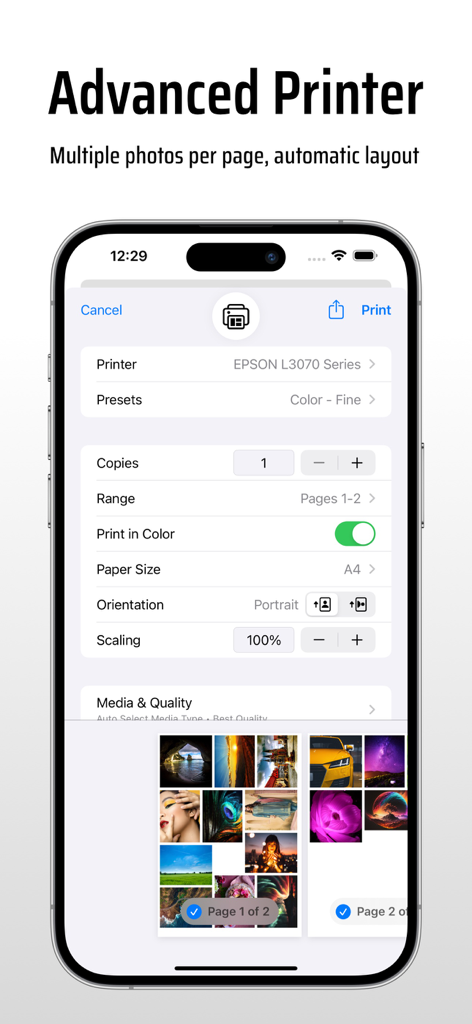
Paramètres d'impression avancés dans l'application CropSize affichant plusieurs photos par page et options de mise en page automatique
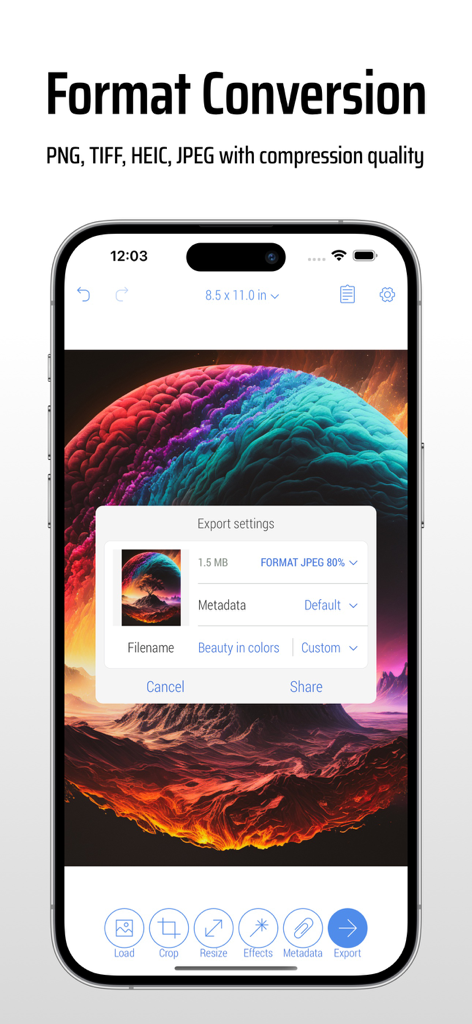
Interface de l'application CropSize affichant les paramètres d'exportation d'images et de conversion de format sur un smartphone
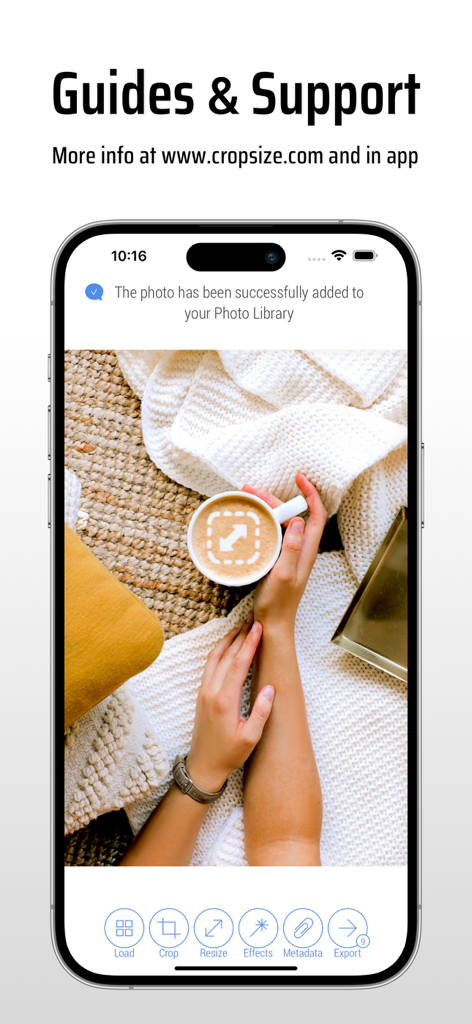
Écran d'iPhone affichant les guides et la page d'assistance de l'application CropSize avec une notification de sauvegarde de photo réussie
Description
Download
Apps Similaires
Apps les mieux classées dans la même catégorie

CapCut: Photo & Video Editor
BYTEDANCE PTE. LTD.

Instagram, Inc.

YouTube
Google LLC

Canva: AI Photo & Video Editor
Canva Pty Ltd

Snapchat
Snap, Inc.

快手
Beijing Kwai Technology Co., Ltd.

Edits: Video Editor
Instagram, Inc.

Meitu- AI Photo & Video Editor
Xiamen Meitu Technology Co., Ltd.

Google Photos: Backup & Edit
Google LLC
Cette page n'est pas une page officielle de l'application ou de son développeur, mais une publication éditoriale indépendante créée à des fins d'information et de commentaire. Sauf indication expresse contraire, ni l'application ni son développeur ne sont affiliés, approuvés, sponsorisés, autorisés ou autrement officiellement liés à MWM, Apple, Google Play, à l'éditeur de l'application ou au développeur de l'application, et rien sur cette page n'implique que l'application a été développée en utilisant les services de MWM. Toutes les marques, logos, captures d'écran et autres contenus restent la propriété de leurs propriétaires respectifs.