
Cette page n'est pas une page officielle de l'application ou de son développeur, mais une publication éditoriale indépendante créée à des fins d'information et de commentaire. Sauf indication expresse contraire, ni l'application ni son développeur ne sont affiliés, approuvés, sponsorisés, autorisés ou autrement officiellement liés à MWM, Apple, Google Play, à l'éditeur de l'application ou au développeur de l'application, et rien sur cette page n'implique que l'application a été développée en utilisant les services de MWM. Toutes les marques, logos, captures d'écran et autres contenus restent la propriété de leurs propriétaires respectifs.


Flowchart AI
Arrêtez de perdre du temps sur les mises en page manuelles. Décrivez votre processus et laissez notre IA générer instantanément des organigrammes, des cartes de projet et des flux de travail soignés. Aucune inscription requise – juste de la productivité pure pour le professionnel moderne.
Téléchargements
6K+Note
Nombre d'avis
0Éditeur
Catégorie
BusinessLangues
2Dernière version
2.1.13Taille
62.8 MBDate de sortie
14 oct. 2024Conçu pour le professionnel moderne
Arrêtez de perdre des heures à faire glisser des boîtes. Tirez parti de l'IA et des intégrations avancées pour visualiser instantanément des systèmes, de la logique et des processus métier.
Automatisation pilotée par l'IA
Transformez instantanément des ébauches en diagrammes structurés à l'aide de la technologie d'IA générative.
Entrée sans friction
Oubliez le processus d'inscription. Ouvrez l'application et commencez à créer immédiatement sans aucune barrière.
Les captures d'écran et la description suivantes proviennent directement de la fiche officielle de l'application sur le store et sont la propriété du développeur.
App Store
Captures
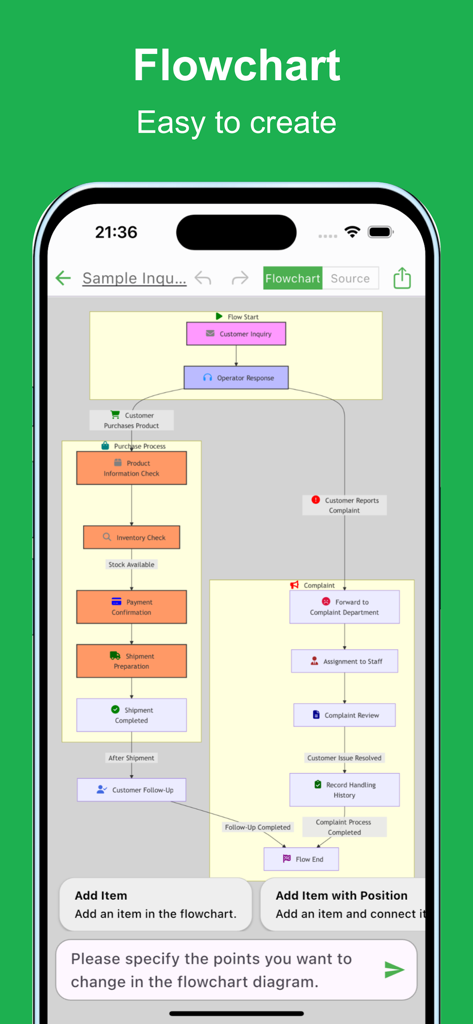
Un organigramme d'entreprise complexe affiché sur l'interface de l'application mobile Flowchart AI montrant un processus d'achat et de réclamation.
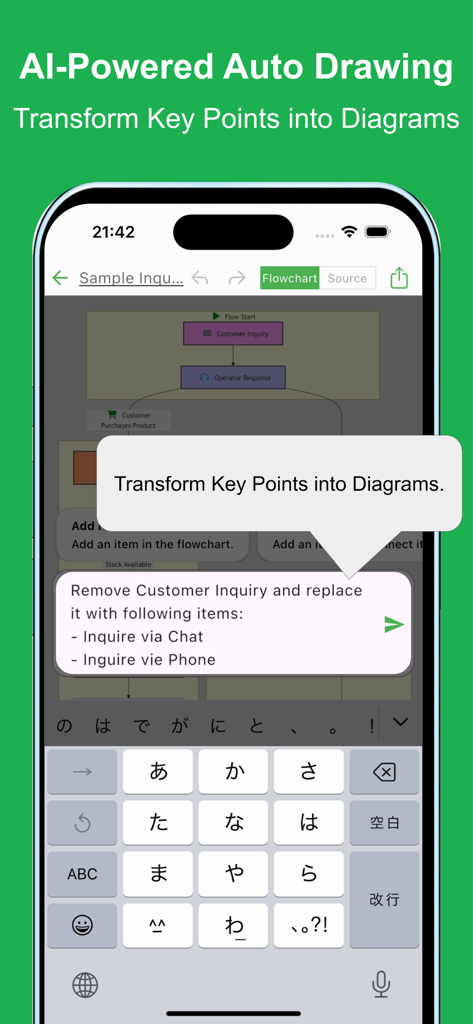
Une interface d'application mobile montrant la génération automatique d'organigrammes pilotée par l'IA à partir d'invites textuelles.
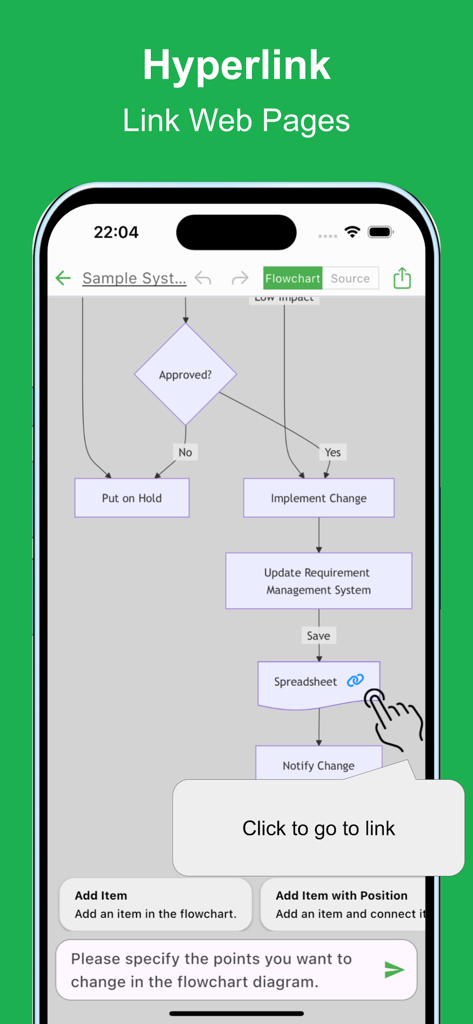
Interface de l'application mobile montrant un organigramme avec un hyperlien vers une feuille de calcul et une info-bulle pour cliquer pour aller au lien.
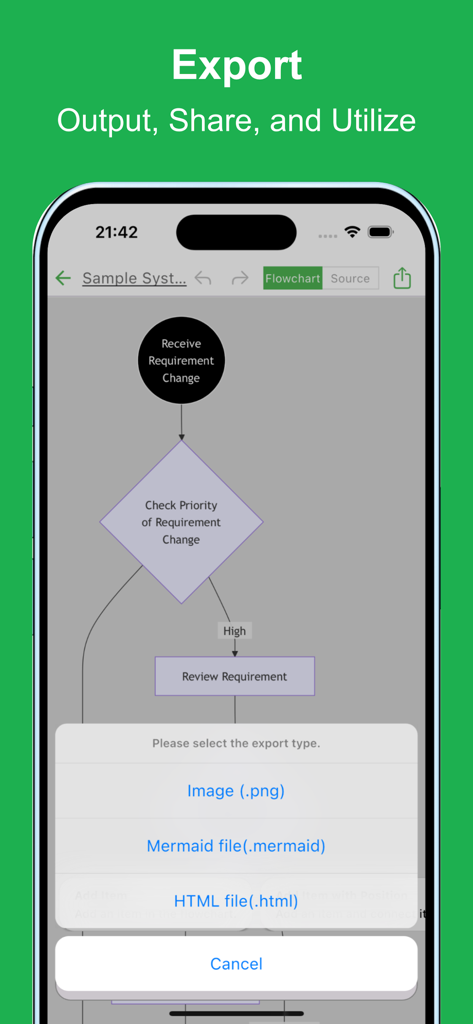
Menu d'exportation de l'application Flowchart AI affichant les options d'enregistrement en tant qu'image, fichier Mermaid ou fichier HTML.
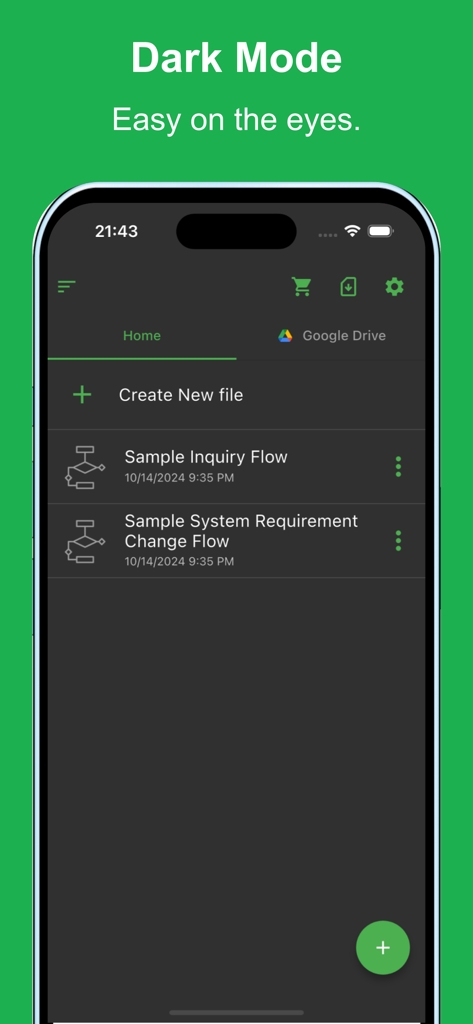
Interface de l'application mobile Flowchart AI montrant le thème du mode sombre et une liste de fichiers d'organigrammes enregistrés.
Description
Download
Apps Similaires
Apps les mieux classées dans la même catégorie

Microsoft Teams
Microsoft Corporation

Zoom Workplace
Zoom Communications, Inc.

WhatsApp Business
WhatsApp Inc.

Indeed Job Search
Indeed Inc.

LinkedIn: Network & Job Finder
LinkedIn Corporation

Adobe Acrobat Reader: Sign PDF
Adobe Inc.

WeCom-Work Communication&Tools
Tencent Technology (Shenzhen) Company Limited

BOSS直聘-招聘求职找工作神器
Beijing China Product Bo Farce Network Technology Co., Ltd.

DingDing - Redefine Work in AI
DingTalk Technology Co., Ltd.
Cette page n'est pas une page officielle de l'application ou de son développeur, mais une publication éditoriale indépendante créée à des fins d'information et de commentaire. Sauf indication expresse contraire, ni l'application ni son développeur ne sont affiliés, approuvés, sponsorisés, autorisés ou autrement officiellement liés à MWM, Apple, Google Play, à l'éditeur de l'application ou au développeur de l'application, et rien sur cette page n'implique que l'application a été développée en utilisant les services de MWM. Toutes les marques, logos, captures d'écran et autres contenus restent la propriété de leurs propriétaires respectifs.