Geometrica
Geometrica
Télécharger sur App Store

Cette page n'est pas une page officielle de l'application ou de son développeur, mais une publication éditoriale indépendante créée à des fins d'information et de commentaire. Sauf indication expresse contraire, ni l'application ni son développeur ne sont affiliés, approuvés, sponsorisés, autorisés ou autrement officiellement liés à MWM, Apple, Google Play, à l'éditeur de l'application ou au développeur de l'application, et rien sur cette page n'implique que l'application a été développée en utilisant les services de MWM. Toutes les marques, logos, captures d'écran et autres contenus restent la propriété de leurs propriétaires respectifs.

Logo de Geometrica
Télécharger sur App Store

Geometrica

Conçu par le pionnier de l'industrie Cory Ferguson, Geometrica permet aux tatoueurs de maîtriser les mandalas complexes, les motifs et le dotwork. Rationalisez votre flux de travail professionnel avec des outils de symétrie avancés et un système automatisé d'impression de stencil à grande échelle.

Chiffres Clés

Téléchargements

239K+

Note

4.4/5

Nombre d'avis

1K+

Éditeur

TattooLoyal Inc

Catégorie

Graphics & Design

Langues

2

Dernière version

1.42

Taille

13.1 MB

Date de sortie

25 janv. 2020
Fonctionnalités

Conçu pour la précision professionnelle

Rationalisez votre flux de création avec des outils spécialisés créés par des pionniers de l'industrie pour faire passer vos créations géométriques de l'iPad à la peau sans effort.

Contrôle de symétrie infini

Créez des mandalas complexes et des motifs de papier peint avec jusqu'à 400 segments miroir et des groupes de symétrie personnalisables.

Impression de stencil de précision

Éliminez le copieur. Entrez les dimensions en pouces et l'application divise automatiquement votre création en pages parfaitement mises à l'échelle et prêtes à imprimer.

Les captures d'écran et la description suivantes proviennent directement de la fiche officielle de l'application sur le store et sont la propriété du développeur.

App Store

Captures
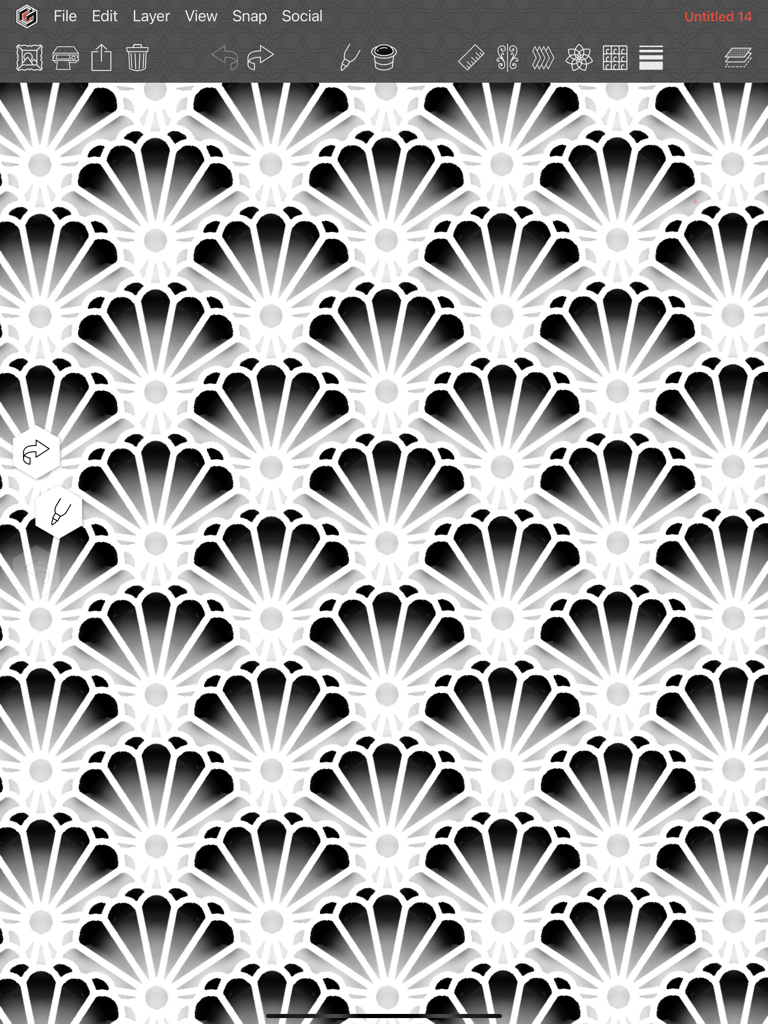
Geometrica - Un motif géométrique complexe en répétition de type feston créé dans l'interface de l'application de dessin Geometrica.
Un motif géométrique complexe en répétition de type feston créé dans l'interface de l'application de dessin Geometrica.

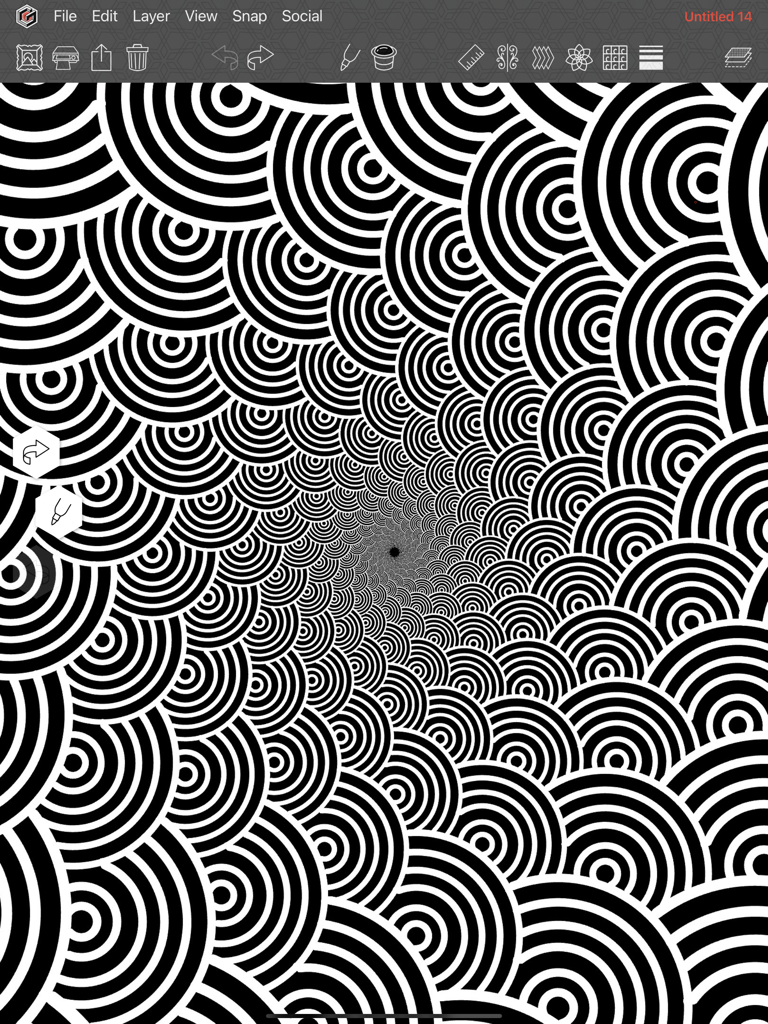
Geometrica - Motif complexe en spirale noir et blanc créé dans l'application de dessin Geometrica
Motif complexe en spirale noir et blanc créé dans l'application de dessin Geometrica

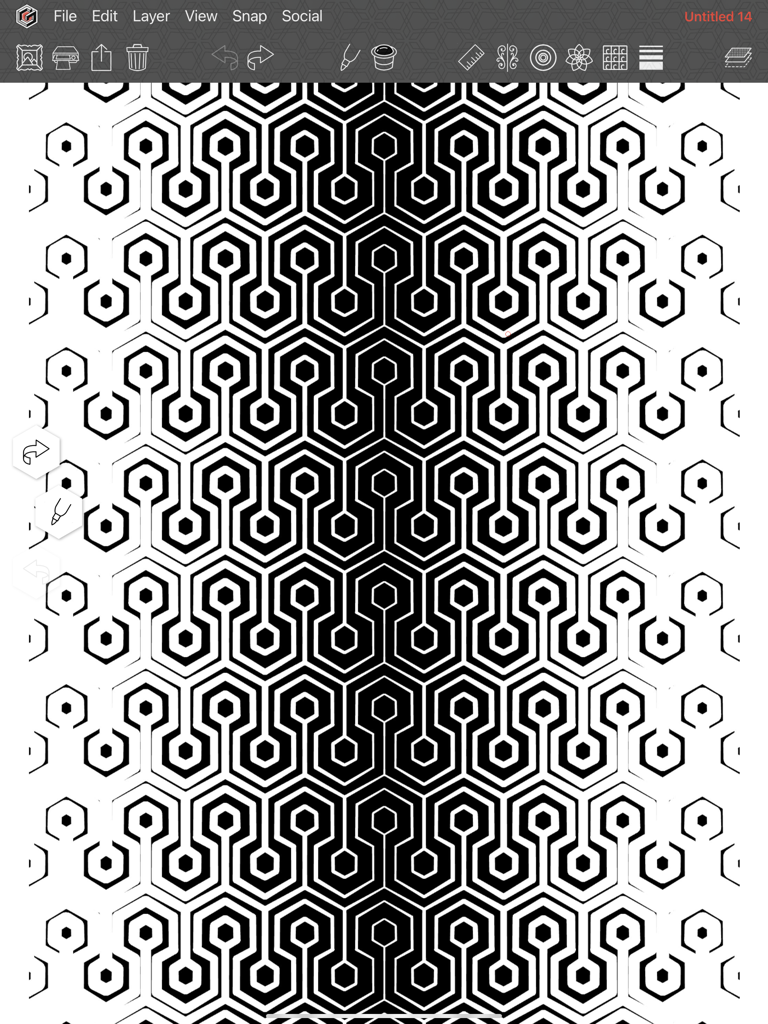
Geometrica - Un motif complexe en nid d'abeille noir et blanc avec une épaisseur de ligne en dégradé créé dans l'application de dessin Geometrica.
Un motif complexe en nid d'abeille noir et blanc avec une épaisseur de ligne en dégradé créé dans l'application de dessin Geometrica.

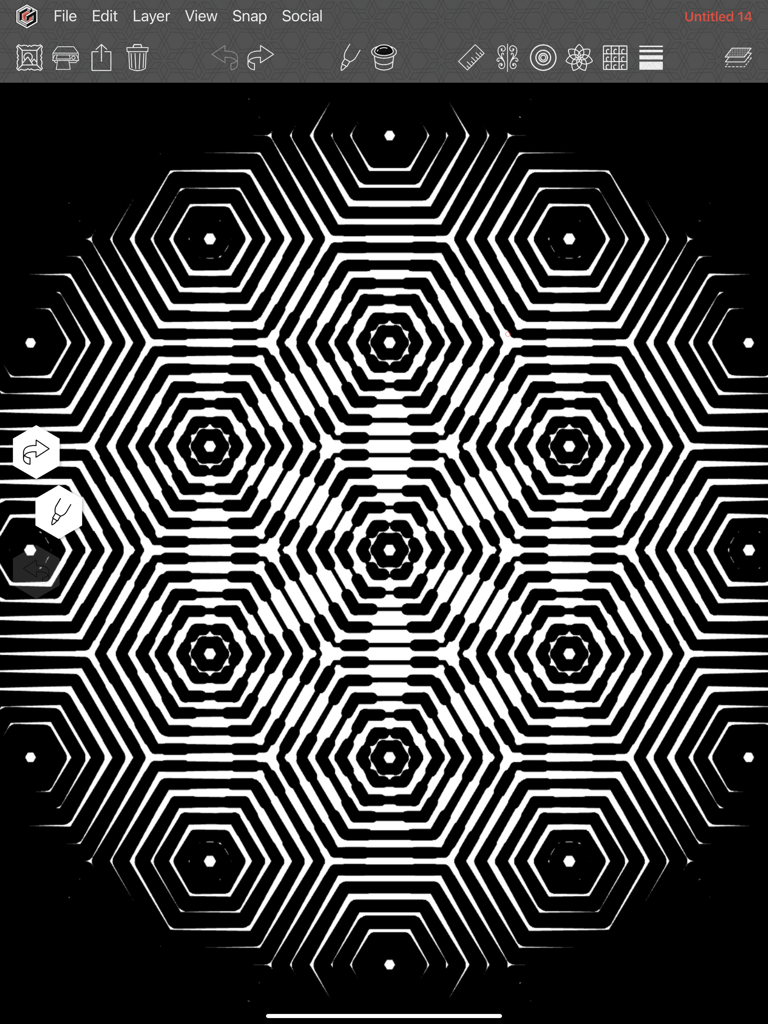
Geometrica - Un motif complexe en nid d'abeille noir et blanc conçu dans l'application de dessin Geometrica
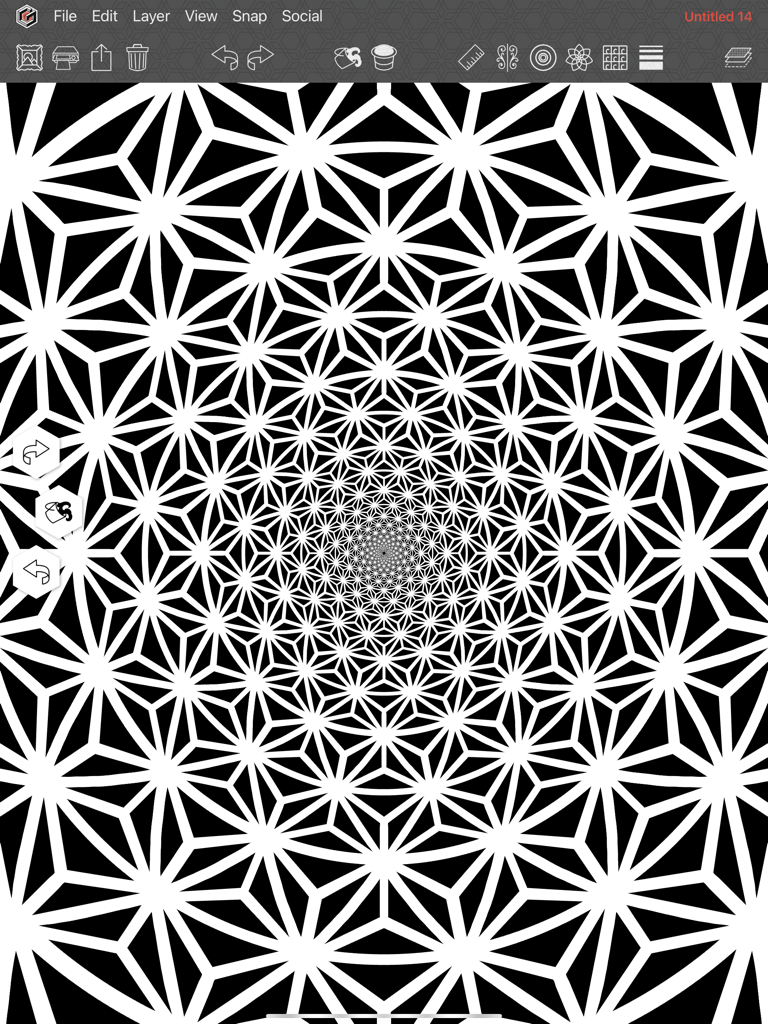
Un motif complexe en nid d'abeille noir et blanc conçu dans l'application de dessin Geometrica

Geometrica - Un motif de mandala géométrique complexe noir et blanc créé dans l'interface de l'application Geometrica
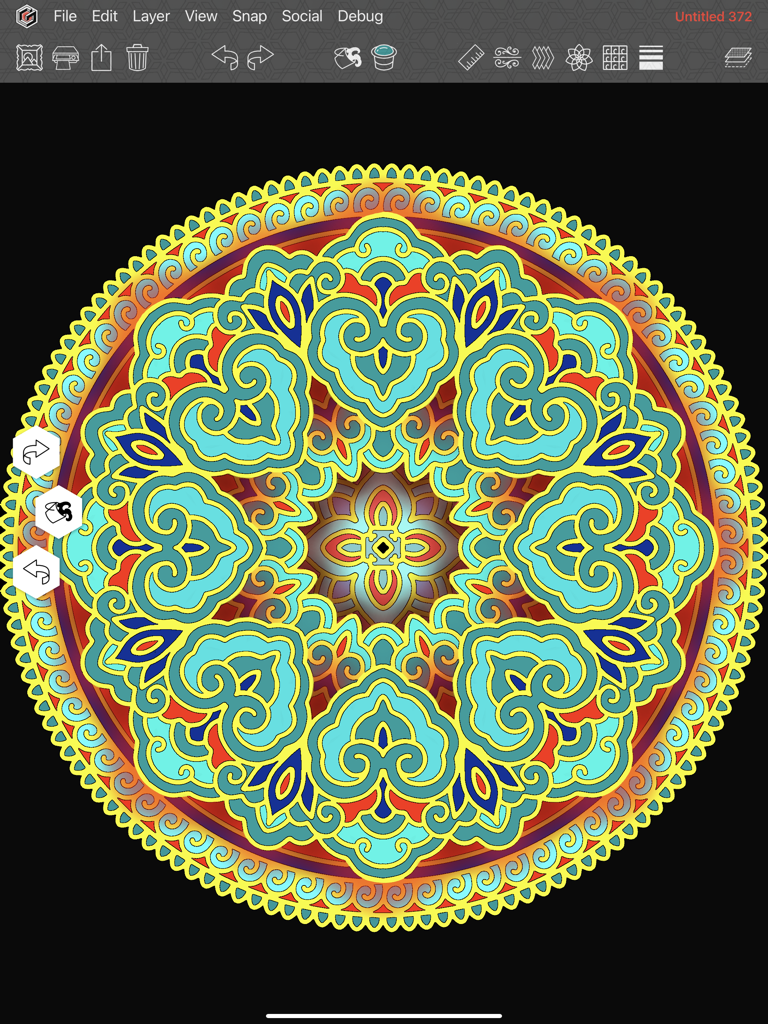
Un motif de mandala géométrique complexe noir et blanc créé dans l'interface de l'application Geometrica

Geometrica - Œuvre d'art circulaire de mandala colorée créée sur l'interface de l'application de dessin Geometrica
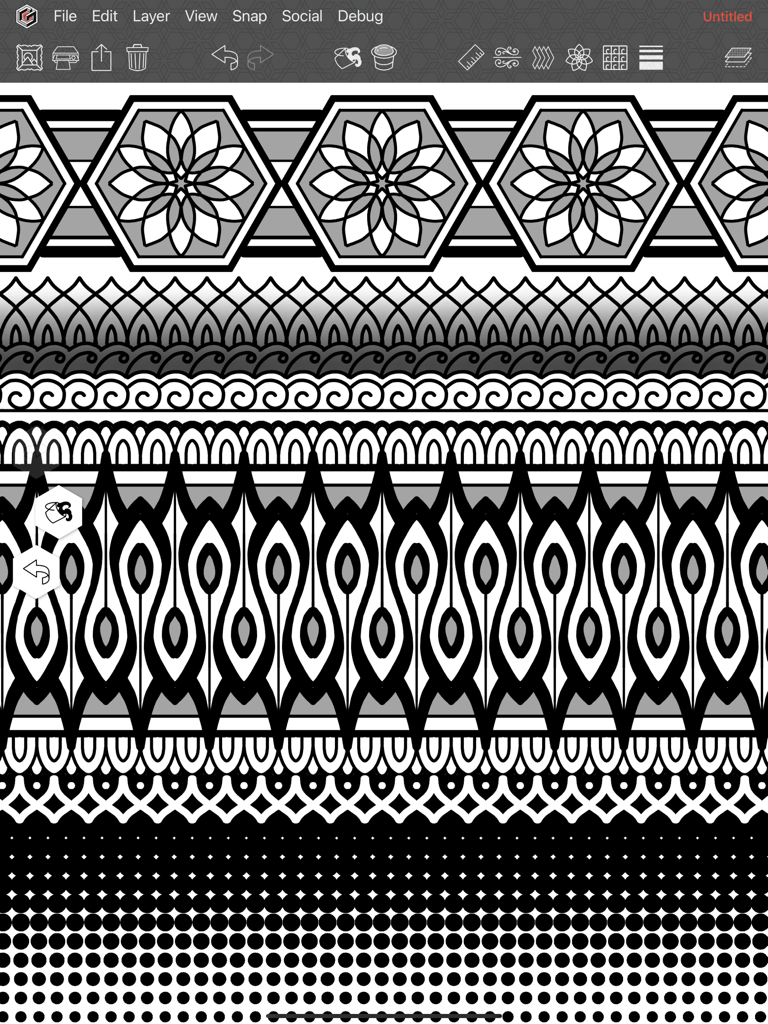
Œuvre d'art circulaire de mandala colorée créée sur l'interface de l'application de dessin Geometrica

Geometrica - Un motif géométrique complexe avec symétrie et dotwork créé dans l'application de dessin Geometrica.
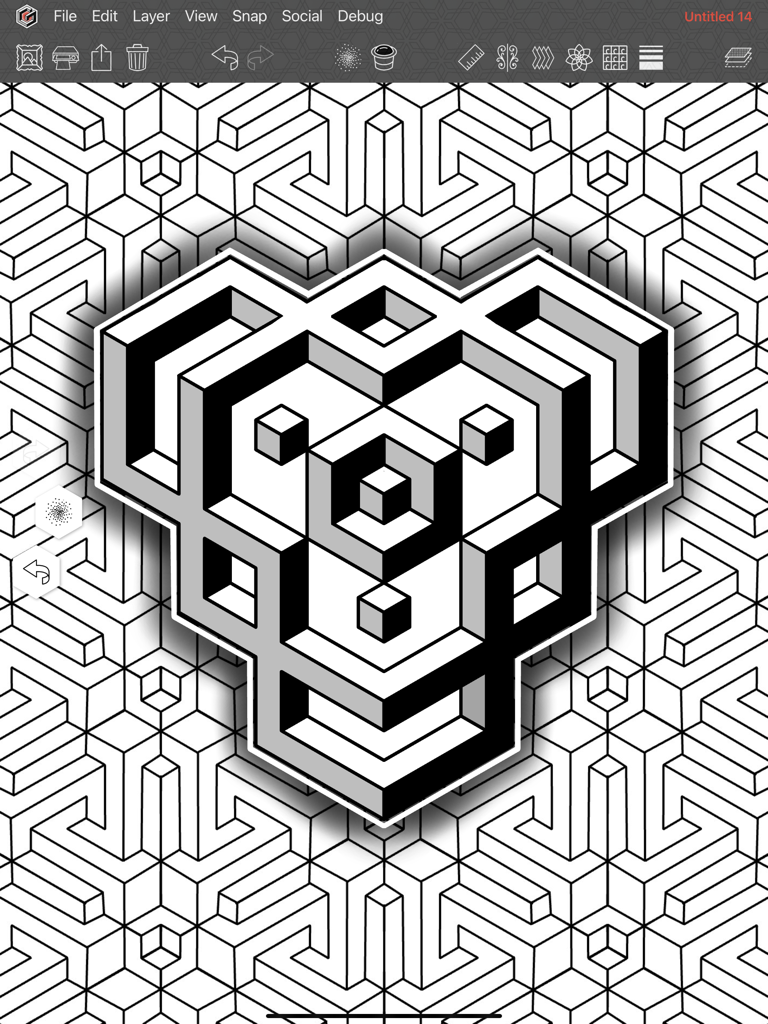
Un motif géométrique complexe avec symétrie et dotwork créé dans l'application de dessin Geometrica.

Geometrica - Une conception géométrique 3D détaillée créée avec l'application de dessin Geometrica pour iPad

Une conception géométrique 3D détaillée créée avec l'application de dessin Geometrica pour iPad

Description

Geometrica is the first drawing app made for tattooers, by a tattooer. Second generation tattooer and geometric/dotwork pioneer, Cory Ferguson, has built on 30 years in the industry to create a way for tattooers to push their geometric drawing to the next level. Even though we're focused on the needs of tattoo artists and solving problems specific to their workflow, we have been pleasantly surprised to learn that artists from many different disciplines have become fans of Geometrica. From quilters, to illustrators, to tattoo veterans, the power of this fun to use app is undeniable. [ SYMMETRY AND PATTERN MAKING FEATURES ] Combine and use these simultaneously: ROTATION EFFECT - AKA the mandala maker. Other apps may have this, but not like ours. With Geometrica your mandala can be a maximum of 200 mirrored segments (so technically 400 segments!). REPEAT EFFECT - Multiplies your drawing and repeats it in a row formation to create a “band” of pattern either vertically or horizontally. POLAR REPEAT - Combines with the rotation effect to repeat your drawing in rows of concentric circles that get smaller towards the center. Toggle on curve to draw in spirals. That’s right, your drawing curves out in any number of spirals! WALLPAPER EFFECT - We took all known symmetry groups used to make full page patterns, and figured out a way to vastly expand them to make them customizable. GRADIENT THICKNESS - Lines increase from thin to thick on the canvas in the direction that you choose, top to bottom, outward in a circular, left to right in multiple rows. There are dozens of options! Combine it with any of the above symmetry tools for a drawing experience you have to see to believe. [ DRAWING TOOLS ] Here’s just a couple of our favourites: MARKER TOOL - The main drawing tool in the app can be customized in many ways, by turning various functions on. These include tapers, a whip shading option, and a “rope stabilizer” that helps draw the smoothest curves. STRAIGHT LINE TOOL - Hold the Pencil on screen to draw straight lines. Works well with symmetry effects for sharp, industrial images and unexpected designs. Enable its "continuous" option for a unique drawing experience. DOTWORK TOOL - We couldn’t release a Cory Ferguson app without a dotwork tool, so we made the most customizable version of pointillism shading we could think of. Change the dot size, density, the brush size, randomize the size of the dots. Personalize it to suit your taste. [ FOR PROFESSIONAL TATTOOERS ] - Keep your work organized with folders in the Gallery section. - Convert To Lines function turns any image into a line drawing with one click, then you can fine tune the image from there. - Adjustable grids can be turned on in the background such as square, hexagon or isometric. - Snap Menu allows the straight line tool to "snap" to points on the grid, or place your symmetry tool at the exact centre of your drawing after you’ve moved it. Rotate layers in 5 degree increments when transforming. - Printing features that EVERY tattooer needs. Print drawings at ANY size! Want a tattoo to measure 28” tall? Enter those numbers into our print system and the app will break the image up into as many pages as needed, and you’re ready to stencil. No more resizing on the photocopier! Various image adjustment tools to make sure you get the cleanest, most accurate stencils. - Monthly Patterns. Each month you get 6 patterns that show off the possibilities of what Geometrica can do. You are free to make use of them however you wish. [ SUBSCRIPTION ] Because Geometrica is focused on a small niche market of working tattoo professionals, it requires a subscription. After the 14 day free trial period ends, the subscription equals approximately 11.50 USD per month when you sign up for the full year. An investment in yourself that is certain to level up your geometric tattooing. Privacy Policy: http://geometri.ca/privacy Terms of Use: http://geometri.ca/tou

Download

Télécharger sur App Store

Cette page n'est pas une page officielle de l'application ou de son développeur, mais une publication éditoriale indépendante créée à des fins d'information et de commentaire. Sauf indication expresse contraire, ni l'application ni son développeur ne sont affiliés, approuvés, sponsorisés, autorisés ou autrement officiellement liés à MWM, Apple, Google Play, à l'éditeur de l'application ou au développeur de l'application, et rien sur cette page n'implique que l'application a été développée en utilisant les services de MWM. Toutes les marques, logos, captures d'écran et autres contenus restent la propriété de leurs propriétaires respectifs.