
Cette page n'est pas une page officielle de l'application ou de son développeur, mais une publication éditoriale indépendante créée à des fins d'information et de commentaire. Sauf indication expresse contraire, ni l'application ni son développeur ne sont affiliés, approuvés, sponsorisés, autorisés ou autrement officiellement liés à MWM, Apple, Google Play, à l'éditeur de l'application ou au développeur de l'application, et rien sur cette page n'implique que l'application a été développée en utilisant les services de MWM. Toutes les marques, logos, captures d'écran et autres contenus restent la propriété de leurs propriétaires respectifs.


Meeting Point Digital Signage
Éliminez les réunions fantômes et optimisez l'efficacité de votre bureau. Transformez vos iPads en écrans de salle professionnels avec enregistrements automatiques, réservations ad hoc et prise en charge MDM complète pour votre environnement Apple.
Téléchargements
0Note
Nombre d'avis
0Éditeur
Catégorie
ProductivityLangues
1Dernière version
1.6.0Taille
7.1 MBDate de sortie
18 oct. 2022Optimisez vos espaces de bureau
Transformez n'importe quel iPad en écran de salle professionnel qui élimine les "réunions fantômes" et automatise votre flux de planification en utilisant votre écosystème Apple existant.
Récupération automatique des salles
Éliminez les "réunions fantômes" en libérant automatiquement les salles lorsque les participants ne s'enregistrent pas, maximisant ainsi votre espace de travail disponible.
Enregistrement automatique par proximité
Offrez une expérience employé fluide avec des enregistrements basés sur la proximité qui reconnaissent la présence via l'application client iPhone.
Les captures d'écran et la description suivantes proviennent directement de la fiche officielle de l'application sur le store et sont la propriété du développeur.
App Store
Captures
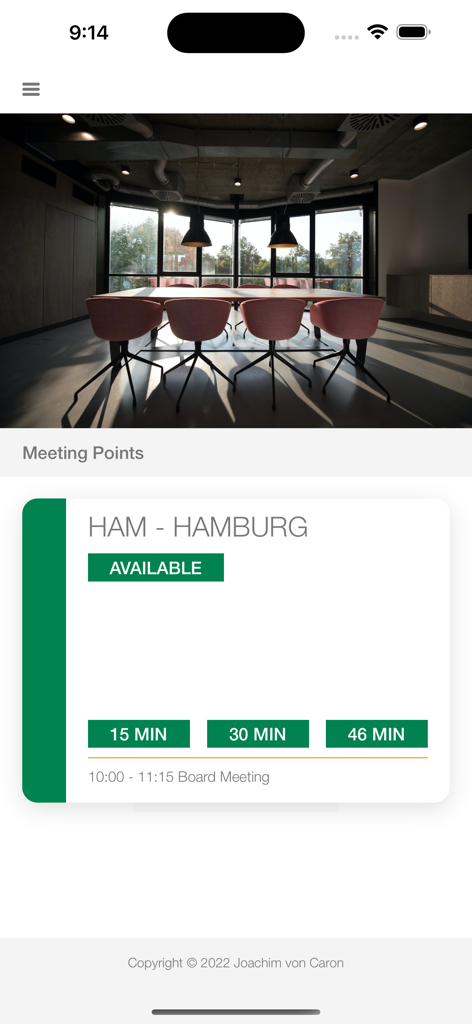
Écran d'iPhone affichant une salle de réunion disponible à Hambourg dans l'application Meeting Point
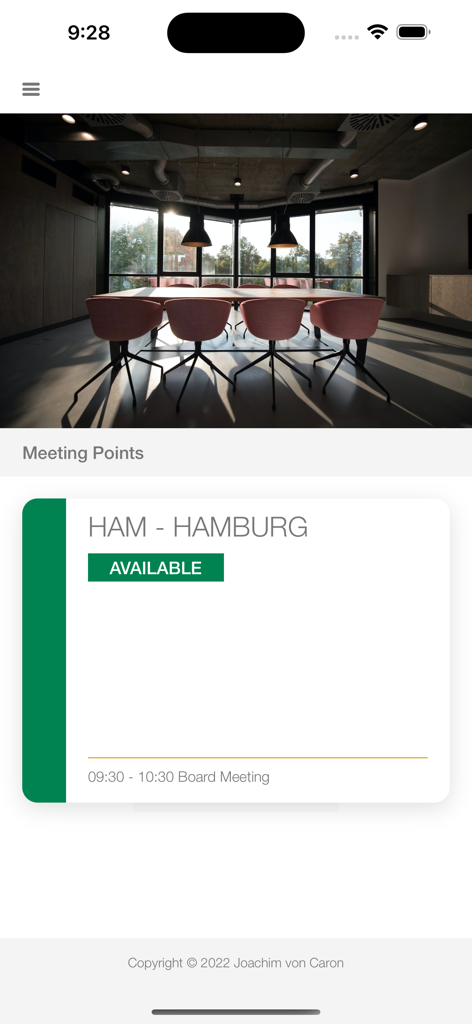
Interface de l'application de signalisation numérique montrant une salle de réunion disponible nommée Hambourg avec un badge de statut vert.
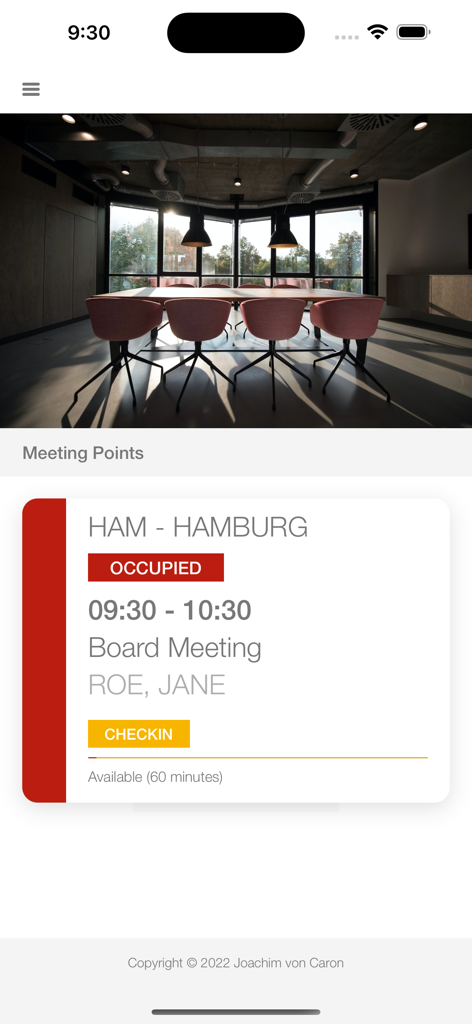
Écran d'iPhone montrant le statut d'une salle de conférence occupée pour une réunion du conseil d'administration avec un bouton d'enregistrement jaune
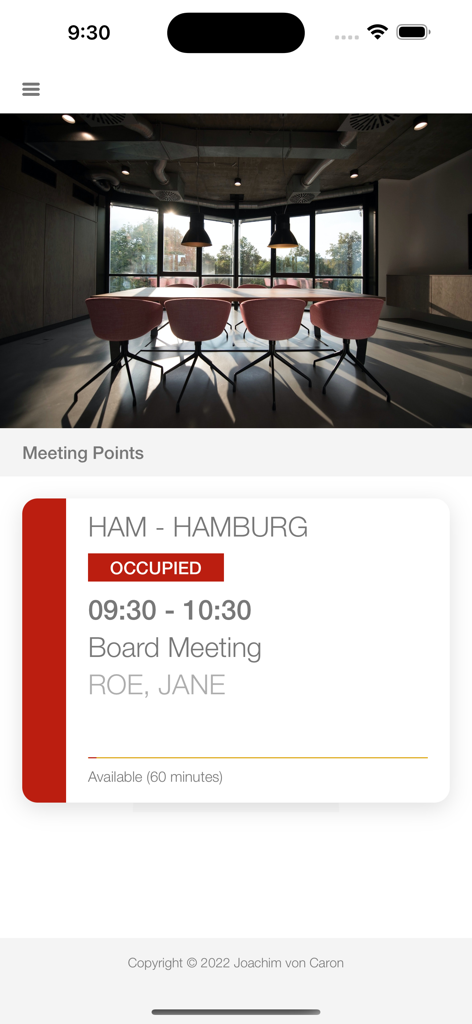
Interface de l'application iPhone Meeting Point montrant une salle de conférence occupée pour une réunion du conseil d'administration
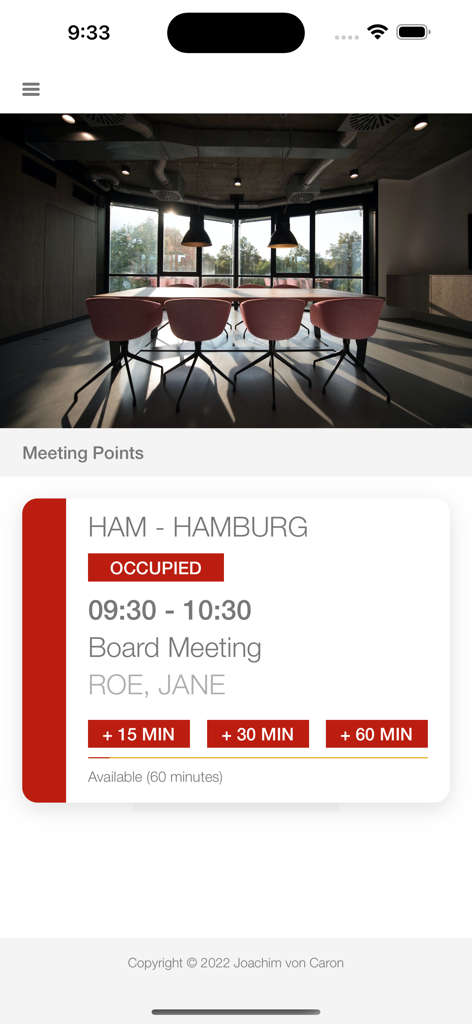
Écran d'iPhone montrant le statut d'une salle de conférence occupée pour une réunion du conseil d'administration avec des options d'extension
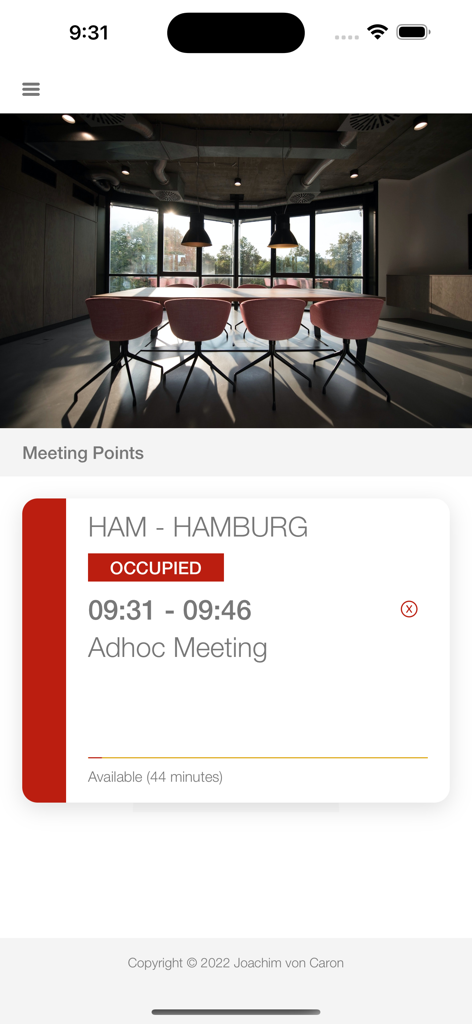
Interface d'iPhone montrant le statut d'une salle occupée pour une réunion ad hoc à Hambourg
Description
Download
Apps Similaires
Apps les mieux classées dans la même catégorie

ChatGPT
OpenAI OpCo, LLC

Google Gemini
Google LLC

Grok
X.AI Corporation

Gmail - Email by Google
Google LLC

千问 - 阿里最强大模型官方AI助手
Shanghai Zhixin Puhui Technology Co., Ltd.

Google Drive
Google LLC

Microsoft Authenticator
Microsoft Corporation

Google Sheets
Google LLC

Google Docs
Google LLC
Cette page n'est pas une page officielle de l'application ou de son développeur, mais une publication éditoriale indépendante créée à des fins d'information et de commentaire. Sauf indication expresse contraire, ni l'application ni son développeur ne sont affiliés, approuvés, sponsorisés, autorisés ou autrement officiellement liés à MWM, Apple, Google Play, à l'éditeur de l'application ou au développeur de l'application, et rien sur cette page n'implique que l'application a été développée en utilisant les services de MWM. Toutes les marques, logos, captures d'écran et autres contenus restent la propriété de leurs propriétaires respectifs.