
Cette page n'est pas une page officielle de l'application ou de son développeur, mais une publication éditoriale indépendante créée à des fins d'information et de commentaire. Sauf indication expresse contraire, ni l'application ni son développeur ne sont affiliés, approuvés, sponsorisés, autorisés ou autrement officiellement liés à MWM, Apple, Google Play, à l'éditeur de l'application ou au développeur de l'application, et rien sur cette page n'implique que l'application a été développée en utilisant les services de MWM. Toutes les marques, logos, captures d'écran et autres contenus restent la propriété de leurs propriétaires respectifs.


Norton Password Manager
Finies les difficultés pour se souvenir de mots de passe complexes. Stockez vos identifiants en toute sécurité dans un coffre-fort chiffré, connectez-vous d'un simple clic grâce à Face ID et synchronisez gratuitement vos données sur tous vos appareils.
Téléchargements
1M+Note
Nombre d'avis
67K+Éditeur
Catégorie
UtilitiesLangues
14Dernière version
8.8.5Taille
229.5 MBDate de sortie
20 avr. 2012Une sécurité sans effort pour votre vie numérique
Reprenez le contrôle de votre sécurité en ligne grâce à un coffre-fort numérique gratuit et performant qui sécurise vos mots de passe et simplifie votre expérience de connexion quotidienne sur tous vos appareils.
Une sécurité de niveau bancaire à laquelle vous pouvez faire confiance
Protégez vos données en toute sérénité grâce au chiffrement à connaissance nulle et à l'authentification à deux facteurs. Vos données sont si bien protégées que vous seul en possédez les clés ; même Norton ne peut y accéder.
Connexion et paiement en un clic
Dites adieu à la frustration des mots de passe oubliés ! Utilisez Face ID ou Touch ID pour remplir automatiquement et instantanément vos identifiants et informations de carte bancaire en toute simplicité.
Les captures d'écran et la description suivantes proviennent directement de la fiche officielle de l'application sur le store et sont la propriété du développeur.
App Store
Captures
Femme souriante utilisant son smartphone avec le logo et le slogan de Norton Password Manager
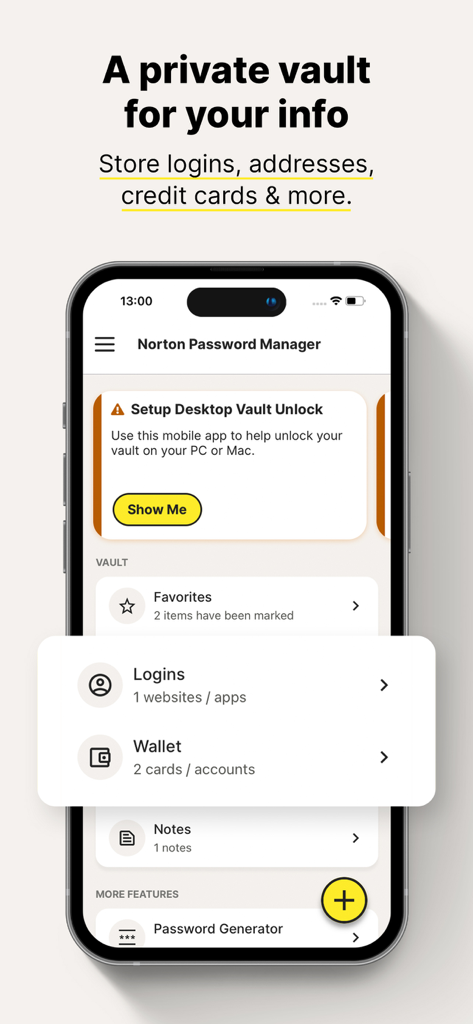
Interface de Norton Password Manager affichant le coffre-fort privé pour stocker les identifiants et les informations du portefeuille.
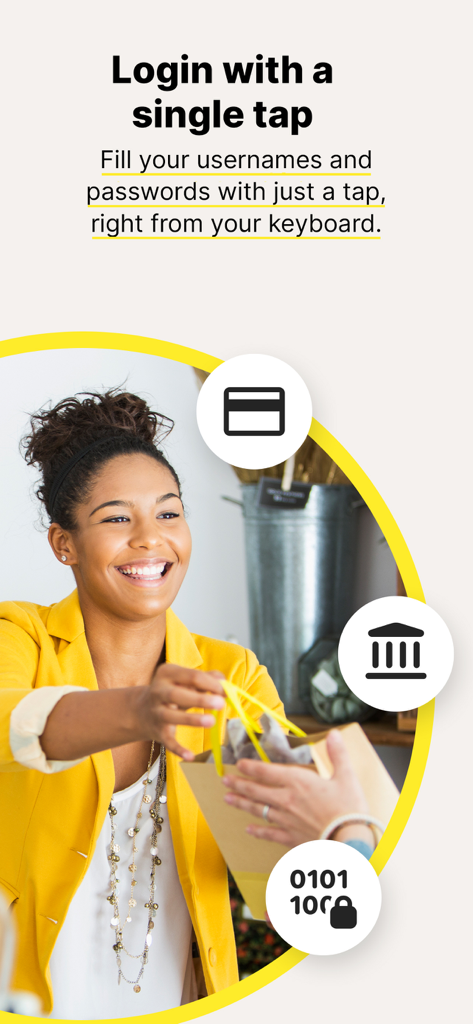
Fonctionnalité de connexion en un clic pour Norton Password Manager illustrant une femme faisant du shopping.
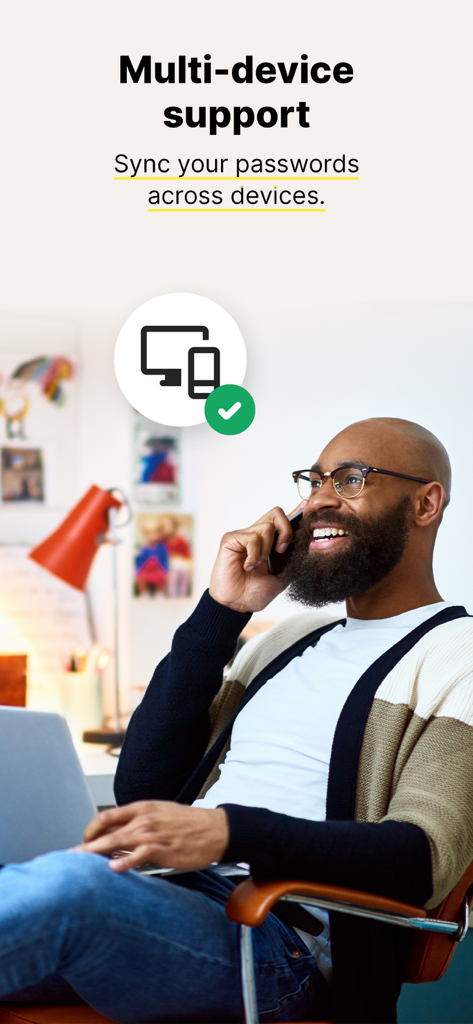
Un homme utilise un téléphone et un ordinateur portable pour représenter la synchronisation multi-appareils de Norton Password Manager.
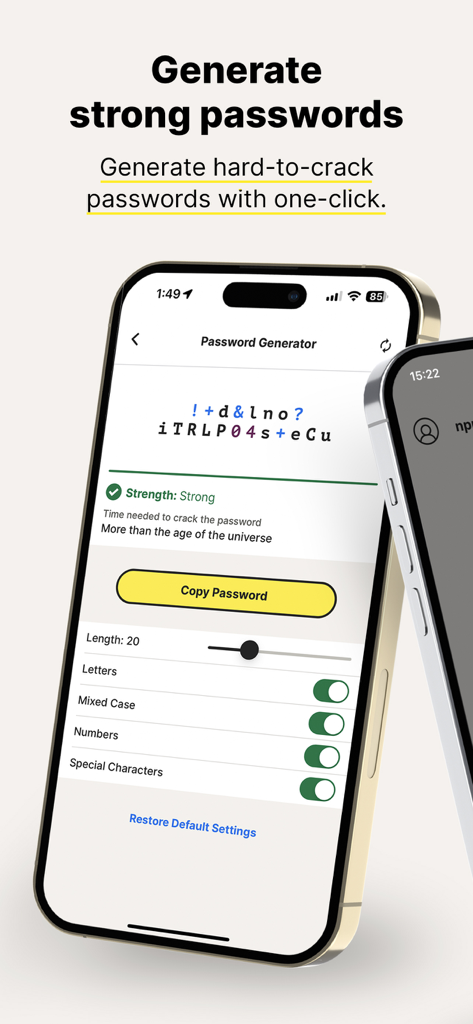
L'application Norton Password Manager affiche l'interface du générateur de mots de passe forts avec des paramètres personnalisés.
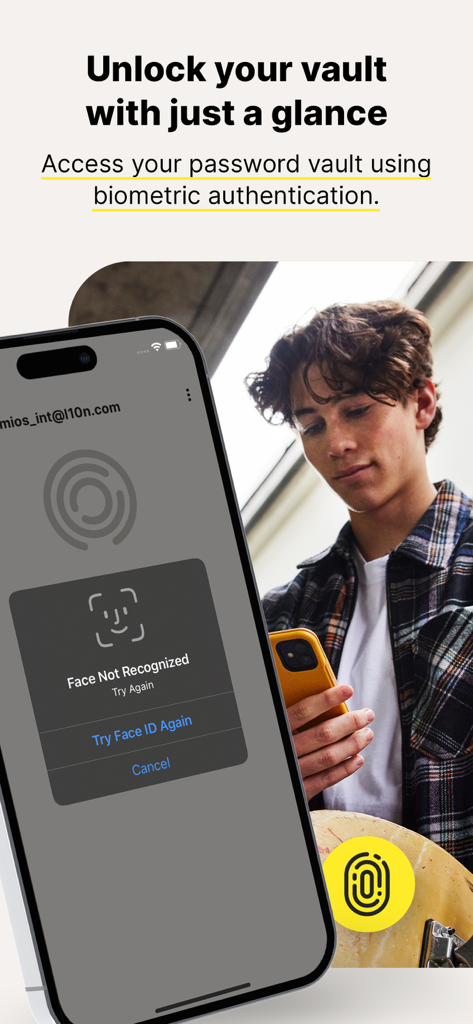
Norton Password Manager affichant la fonction de déverrouillage biométrique du coffre-fort avec Face ID sur un iPhone
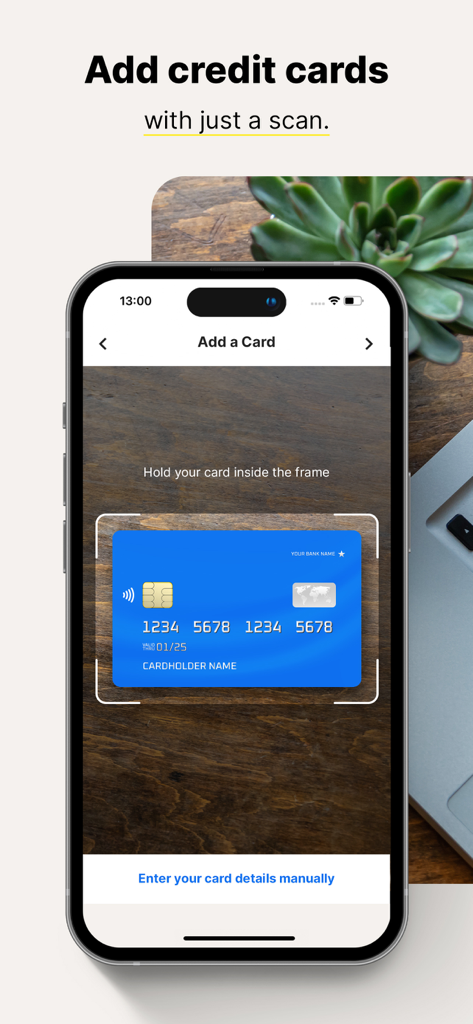
Un smartphone utilisant l'application Norton Password Manager pour scanner et ajouter une carte de crédit au coffre-fort numérique
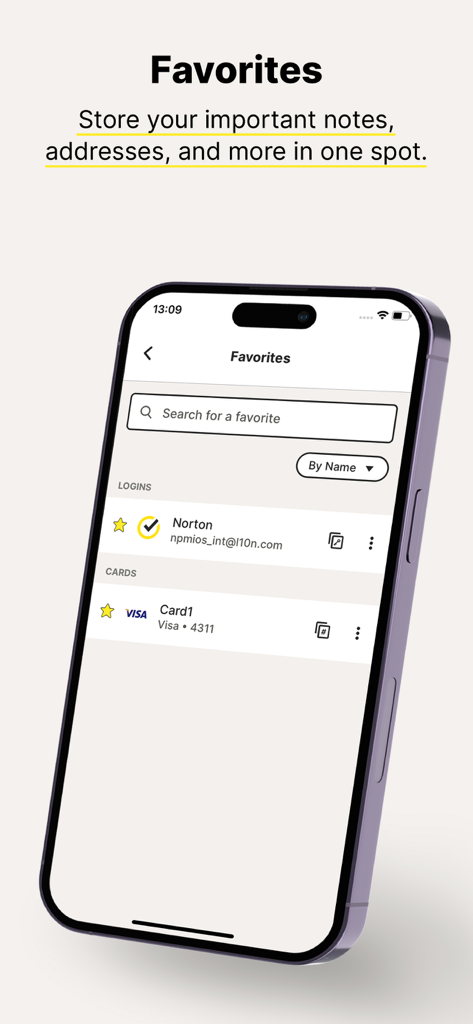
L'écran des favoris de Norton Password Manager affiche les identifiants de connexion et les informations de carte de crédit stockés dans un coffre-fort numérique sécurisé.
Description
Download
Apps Similaires
Apps les mieux classées dans la même catégorie

Google LLC

Google Chrome
Google LLC

中国移动(手机营业厅)
China Mobile Online Services Co., Ltd.

Google Authenticator
Google LLC

CNH do Brasil
Servicos e Informacoes do Brasil

Cleanup: Phone Storage Cleaner
DEEP FLOW SOFTWARE SERVICES - FZCO

gov.br
Servicos e Informacoes do Brasil

中国电信-全国统一官方服务平台
CHINA TELECOM Corporation Ltd.

Microsoft Edge: AI Browser
Microsoft Corporation
Cette page n'est pas une page officielle de l'application ou de son développeur, mais une publication éditoriale indépendante créée à des fins d'information et de commentaire. Sauf indication expresse contraire, ni l'application ni son développeur ne sont affiliés, approuvés, sponsorisés, autorisés ou autrement officiellement liés à MWM, Apple, Google Play, à l'éditeur de l'application ou au développeur de l'application, et rien sur cette page n'implique que l'application a été développée en utilisant les services de MWM. Toutes les marques, logos, captures d'écran et autres contenus restent la propriété de leurs propriétaires respectifs.