
Cette page n'est pas une page officielle de l'application ou de son développeur, mais une publication éditoriale indépendante créée à des fins d'information et de commentaire. Sauf indication expresse contraire, ni l'application ni son développeur ne sont affiliés, approuvés, sponsorisés, autorisés ou autrement officiellement liés à MWM, Apple, Google Play, à l'éditeur de l'application ou au développeur de l'application, et rien sur cette page n'implique que l'application a été développée en utilisant les services de MWM. Toutes les marques, logos, captures d'écran et autres contenus restent la propriété de leurs propriétaires respectifs.


Panasonic LUMIX Flow
Le compagnon de flux de travail ultime pour les créateurs indépendants. Transformez votre smartphone en moniteur professionnel, créez le storyboard de votre chef-d'œuvre et réduisez votre temps de montage de moitié grâce à une organisation intelligente des clips.
Téléchargements
11K+Note
Nombre d'avis
0Éditeur
Catégorie
Photo & VideoLangues
11Dernière version
1.3.0Taille
46.3 MBDate de sortie
25 févr. 2025Maîtrisez votre flux de travail cinématographique
L'outil ultime pour les créateurs indépendants afin de combler le fossé entre la planification, le tournage et le montage avec une précision et une rapidité professionnelles.
Tri instantané des métrages
Évaluez vos clips comme 'OK' ou 'BAD' sur le plateau et exportez des fichiers XML directement vers DaVinci Resolve ou Premiere Pro pour éviter des heures de tri manuel.
Storyboarding intégré
Rédigez des scénarios et esquissez des storyboards visuels dans l'application pour vous assurer que vos plans principaux sont parfaitement planifiés et jamais manqués pendant la production.
Les captures d'écran et la description suivantes proviennent directement de la fiche officielle de l'application sur le store et sont la propriété du développeur.
App Store
Captures
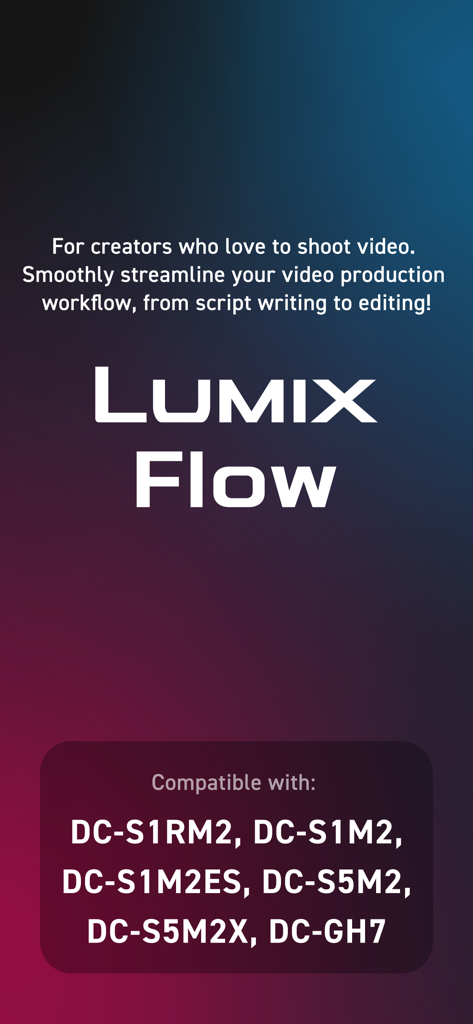
Présentation de l'application Panasonic LUMIX Flow mettant en avant le flux de travail de production vidéo et les modèles d'appareils photo compatibles
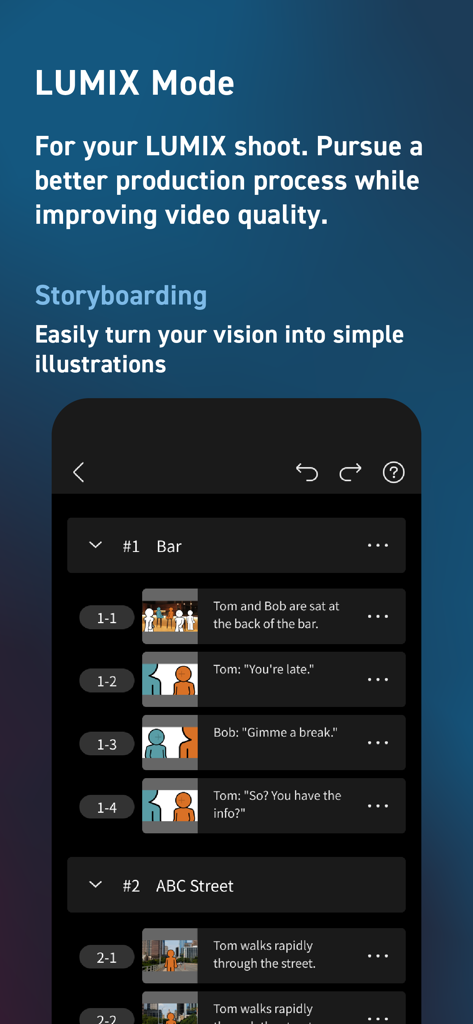
Écran de storyboard de l'application Panasonic LUMIX Flow montrant une liste de scènes avec des descriptions de plans et des illustrations simples.
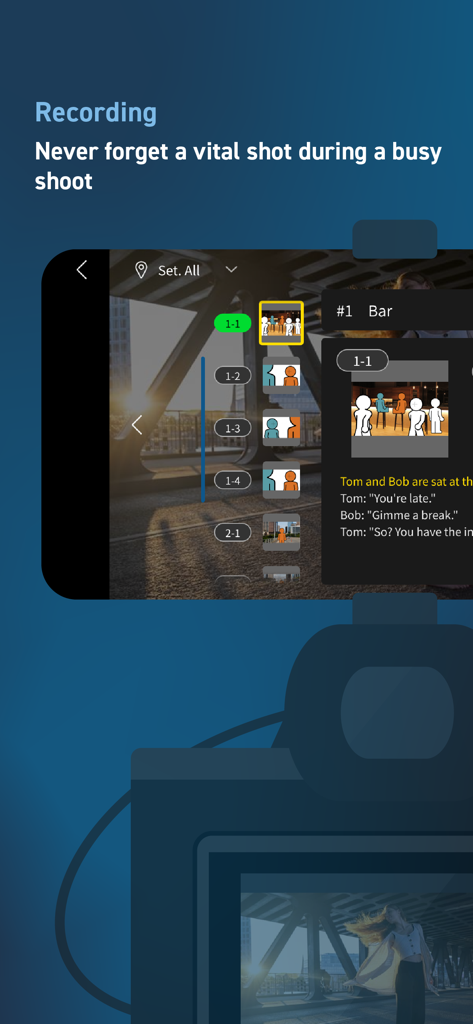
Interface d'enregistrement LUMIX Flow présentant un storyboard intégré et une liste de plans numérique.
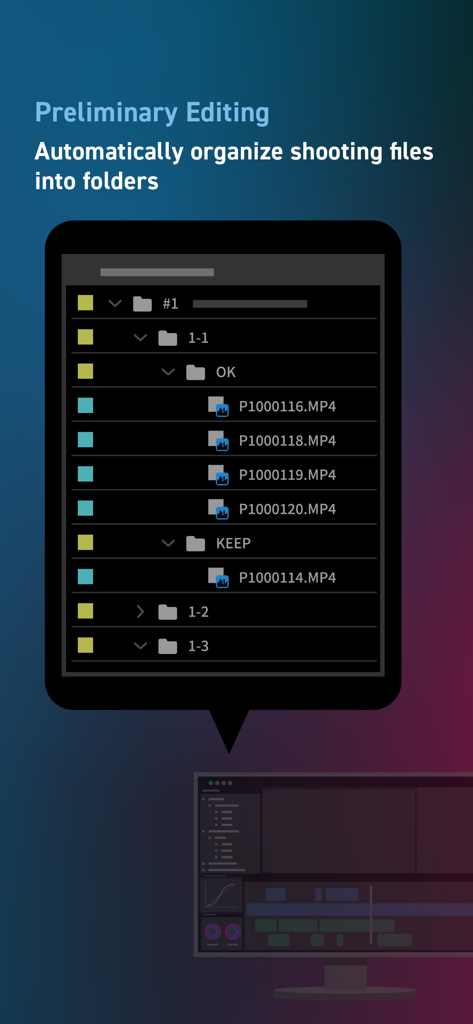
L'interface de l'application LUMIX Flow montrant les fichiers vidéo organisés automatiquement en dossiers pour le montage préliminaire.
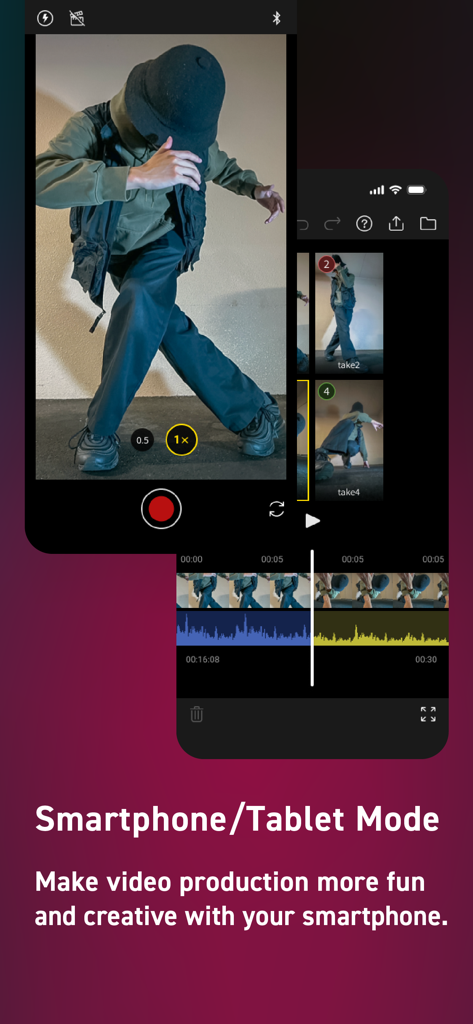
Interface de l'application Panasonic LUMIX Flow montrant le mode smartphone pour l'enregistrement et le montage vidéo mobile
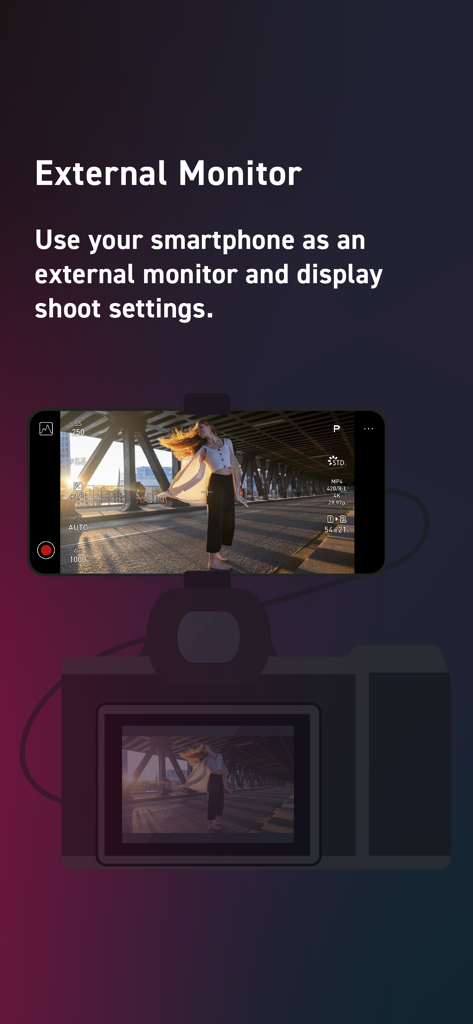
Un smartphone monté sur un appareil photo servant de moniteur externe affichant les paramètres vidéo via l'application LUMIX Flow
Description
Download
Apps Similaires
Apps avec des fonctionnalités et une expérience similaires





Cette page n'est pas une page officielle de l'application ou de son développeur, mais une publication éditoriale indépendante créée à des fins d'information et de commentaire. Sauf indication expresse contraire, ni l'application ni son développeur ne sont affiliés, approuvés, sponsorisés, autorisés ou autrement officiellement liés à MWM, Apple, Google Play, à l'éditeur de l'application ou au développeur de l'application, et rien sur cette page n'implique que l'application a été développée en utilisant les services de MWM. Toutes les marques, logos, captures d'écran et autres contenus restent la propriété de leurs propriétaires respectifs.