
Cette page n'est pas une page officielle de l'application ou de son développeur, mais une publication éditoriale indépendante créée à des fins d'information et de commentaire. Sauf indication expresse contraire, ni l'application ni son développeur ne sont affiliés, approuvés, sponsorisés, autorisés ou autrement officiellement liés à MWM, Apple, Google Play, à l'éditeur de l'application ou au développeur de l'application, et rien sur cette page n'implique que l'application a été développée en utilisant les services de MWM. Toutes les marques, logos, captures d'écran et autres contenus restent la propriété de leurs propriétaires respectifs.

Periodic Timer +
Le minuteur répétitif minimaliste conçu pour vous garder concentré. Maîtrisez vos séances de HIIT, vos temps de cuisson et votre travail en profondeur sans jamais avoir besoin de regarder votre écran.
Téléchargements
104K+Note
Nombre d'avis
200Éditeur
Catégorie
Health & FitnessLangues
22Dernière version
4.5Taille
8.8 MBDate de sortie
31 janv. 2017Maîtrisez votre flux sans distractions
Un outil minimaliste et hautement utile conçu pour vous permettre de garder le cap dans le sport, le travail et à la maison, sans jamais avoir besoin de regarder votre écran.
Éloignez-vous de votre écran
Fonctionne de manière fluide en arrière-plan avec des alertes haptiques précises et des sons personnalisés, vous permettant de rester concentré sur votre tâche, pas sur votre appareil.
Interaction sans effort
Utilisez 'Secouer pour démarrer' et la prévention du verrouillage de l'écran pour gérer vos intervalles en mode mains libres tout en cuisinant, en vous entraînant ou en travaillant.
Les captures d'écran et la description suivantes proviennent directement de la fiche officielle de l'application sur le store et sont la propriété du développeur.
App Store
Captures
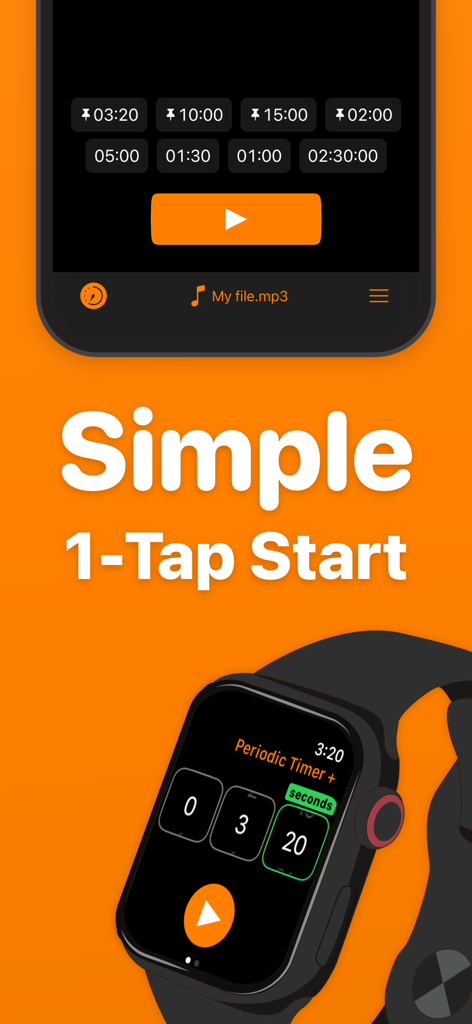
Interface de l'application Periodic Timer Plus sur iPhone et Apple Watch mettant en avant la fonction simple de démarrage en un seul geste
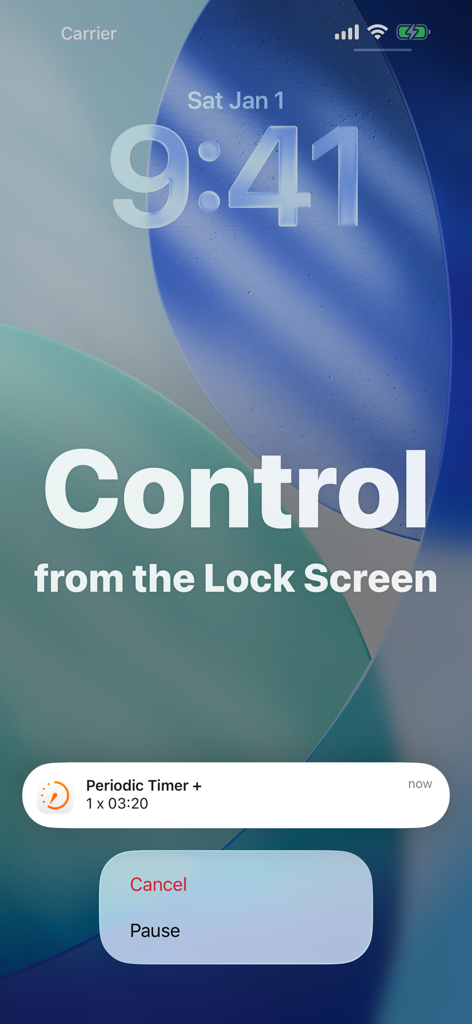
Notification de Periodic Timer Plus affichant les options de pause et d'annulation sur l'écran de verrouillage
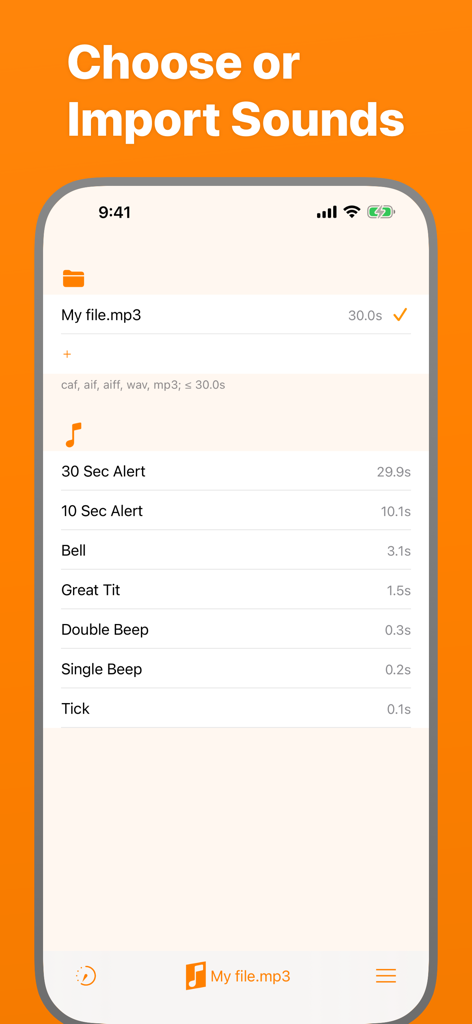
Interface pour choisir et importer des sons d'alerte personnalisés dans Periodic Timer Plus
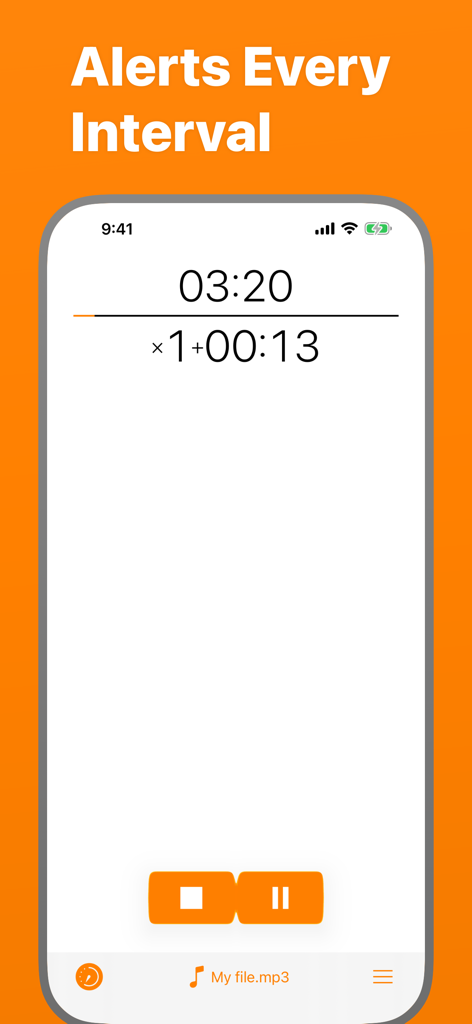
Interface de l'application Periodic Timer Plus affichant un compte à rebours avec des alertes d'intervalle et la sélection de fichiers sonores personnalisés
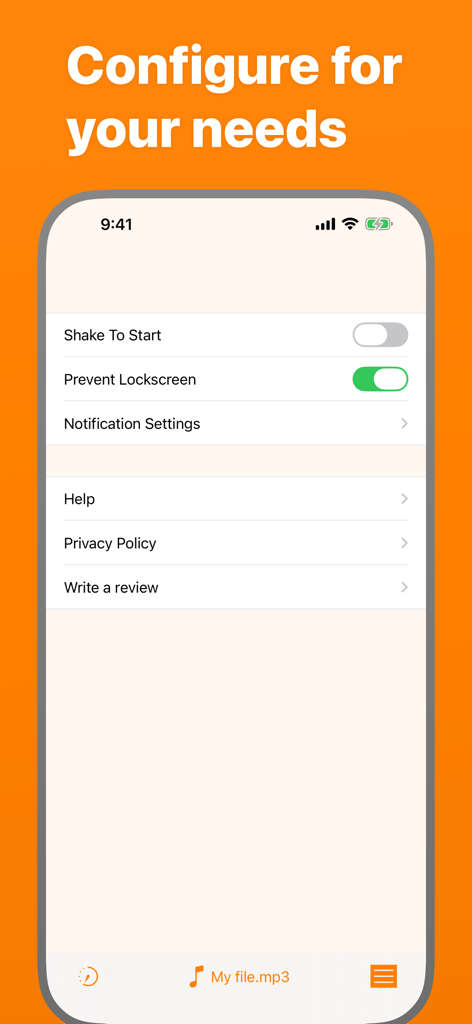
Écran des paramètres de l'application Periodic Timer Plus affichant les options de configuration
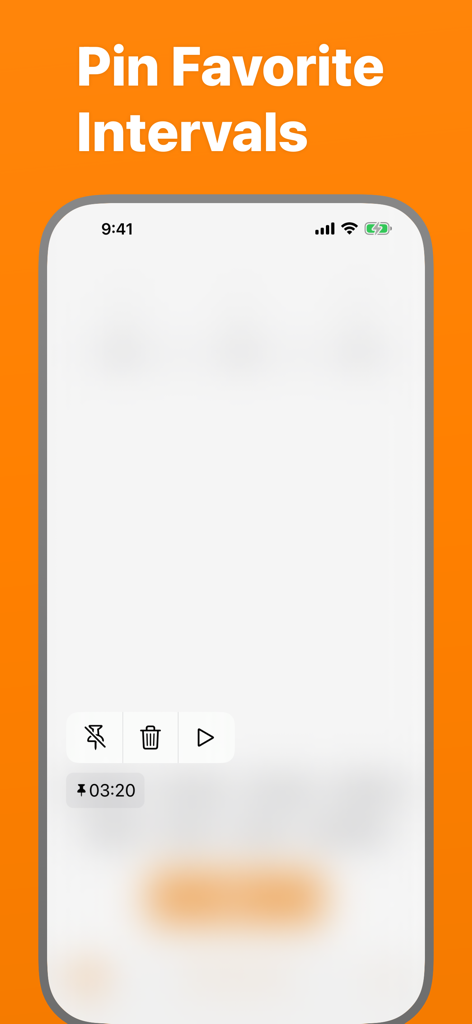
Écran de l'application Periodic Timer affichant les intervalles favoris épinglés
Description
Download
Apps Similaires
Apps les mieux classées dans la même catégorie

Strava: Run, Bike, Walk
Strava Inc.

Flo Cycle & Period Tracker
FLO HEALTH UK LIMITED

AI Calorie Tracker by Yazio
YAZIO GmbH

MyFitnessPal: Calorie Counter
MyFitnessPal, Inc.

Mi Fitness (Xiaomi Wear Lite)
Beijing Xiaomi Co., Ltd

美柚 - 经期·备孕·怀孕·育儿&亲友版
Xiamen Meet You Co., Ltd.

Cal AI - Calorie Tracker
Viral Development LLC

Yuka - Food & Cosmetic Scanner
Yuca

BitePal: Food Tracker Pet
REFACE LITHUANIA UAB
Cette page n'est pas une page officielle de l'application ou de son développeur, mais une publication éditoriale indépendante créée à des fins d'information et de commentaire. Sauf indication expresse contraire, ni l'application ni son développeur ne sont affiliés, approuvés, sponsorisés, autorisés ou autrement officiellement liés à MWM, Apple, Google Play, à l'éditeur de l'application ou au développeur de l'application, et rien sur cette page n'implique que l'application a été développée en utilisant les services de MWM. Toutes les marques, logos, captures d'écran et autres contenus restent la propriété de leurs propriétaires respectifs.