
Cette page n'est pas une page officielle de l'application ou de son développeur, mais une publication éditoriale indépendante créée à des fins d'information et de commentaire. Sauf indication expresse contraire, ni l'application ni son développeur ne sont affiliés, approuvés, sponsorisés, autorisés ou autrement officiellement liés à MWM, Apple, Google Play, à l'éditeur de l'application ou au développeur de l'application, et rien sur cette page n'implique que l'application a été développée en utilisant les services de MWM. Toutes les marques, logos, captures d'écran et autres contenus restent la propriété de leurs propriétaires respectifs.


Phocus: Portrait Mode Editor
Maîtrisez la profondeur et le bokeh avec une simulation d'objectif réelle. Créez des portraits et des vidéos cinématographiques avec des outils de précision conçus pour les créateurs de réseaux sociaux et les perfectionnistes esthétiques.
Téléchargements
734K+Note
Nombre d'avis
1K+Éditeur
Catégorie
Photo & VideoLangues
15Dernière version
3.0.8Taille
239.7 MBDate de sortie
17 août 2017Photographie Pro, Réinventée
Phocus combine l'IA avancée avec des contrôles manuels de reflex numérique pour vous aider à créer de superbes portraits et vidéos de qualité professionnelle directement depuis votre iPhone.
Maîtrise du Portrait par IA
Séparez instantanément les sujets et les arrière-plans avec une précision chirurgicale grâce à notre technologie intelligente de détection de profondeur pour la prise de vue parfaite.
Véritable Bokeh Reflex Numérique
Émulez la physique des objectifs coûteux avec des réglages d'ouverture personnalisables, une intensité de flou et des styles optiques vintage.
Les captures d'écran et la description suivantes proviennent directement de la fiche officielle de l'application sur le store et sont la propriété du développeur.
App Store
Captures
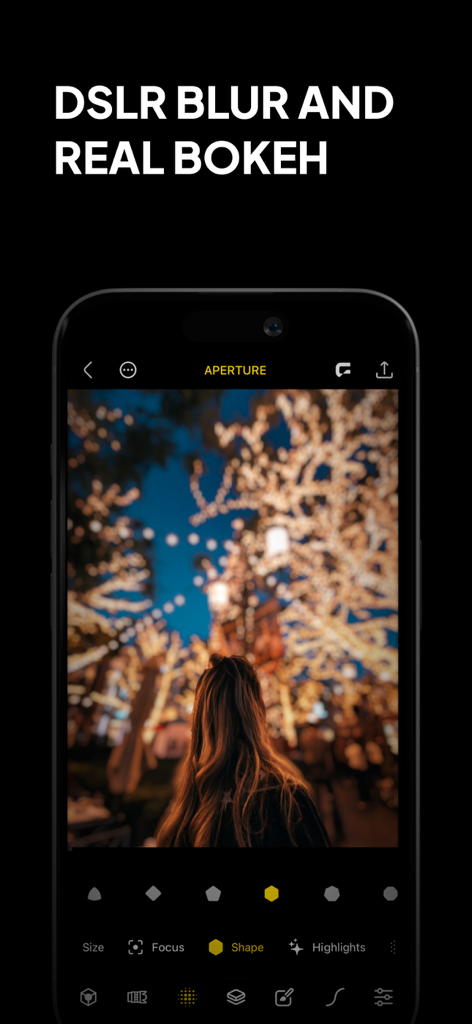
Interface de l'application Phocus montrant des effets de flou et de bokeh de style reflex numérique sur une photo de portrait
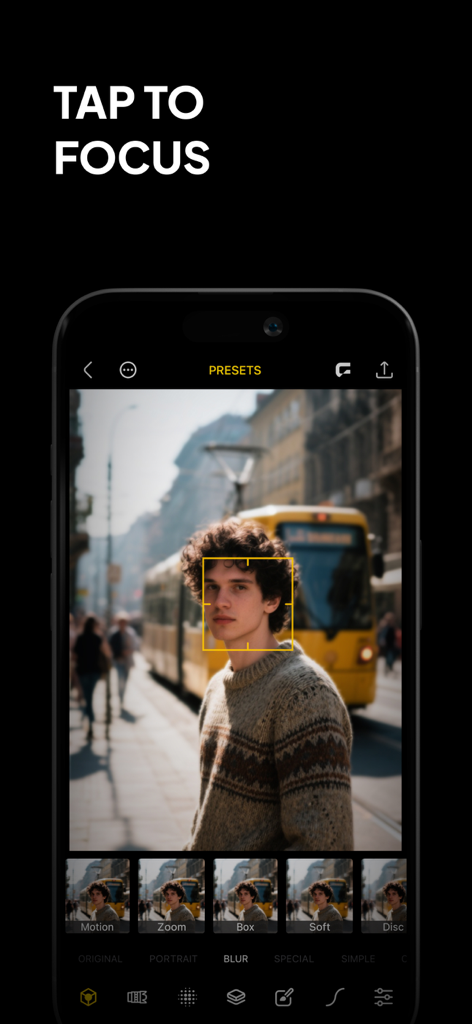
Interface de l'application Phocus démontrant la fonction tapoter pour faire la mise au point sur une photo de portrait
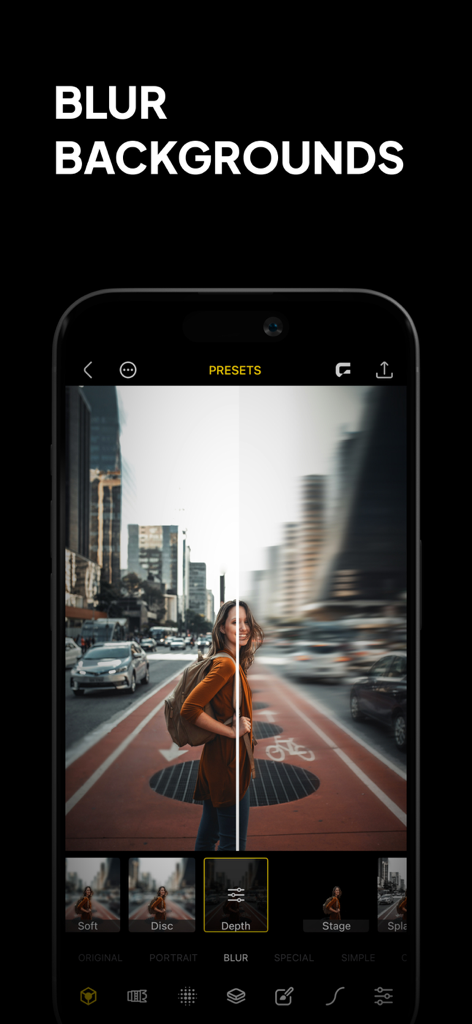
Écran de smartphone montrant la fonction de flou d'arrière-plan de l'application Phocus avec une comparaison avant et après d'un portrait de ville.
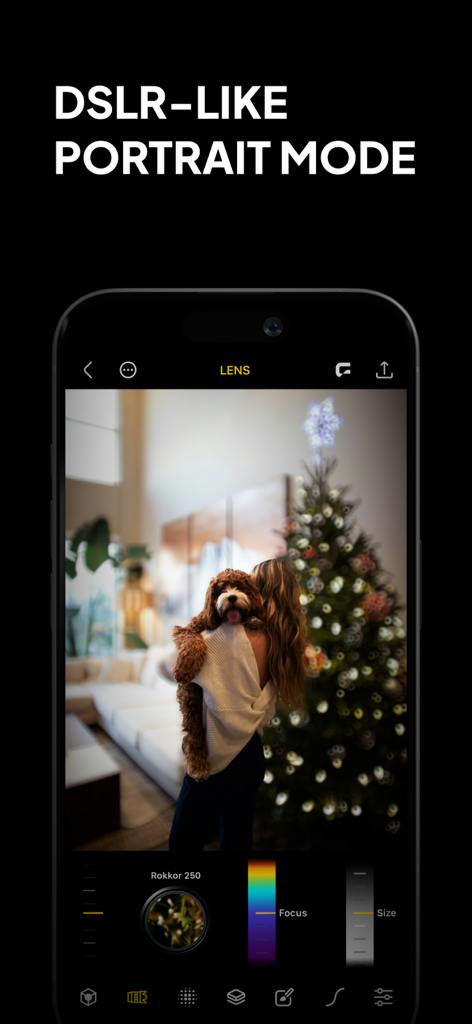
Interface de l'application Phocus montrant le mode portrait de style reflex numérique avec flou de bokeh et contrôles manuels de l'objectif sur une photo d'une personne tenant un chien
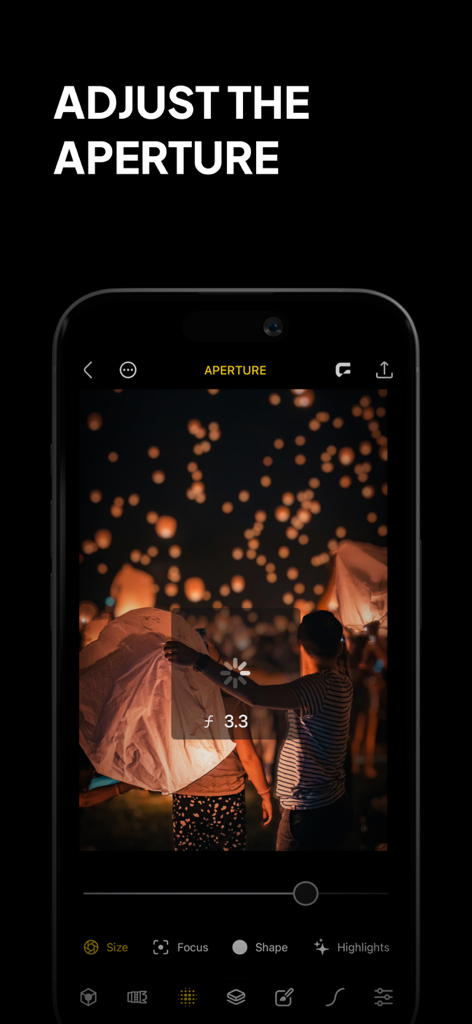
Un téléphone affichant l'interface de l'application Phocus avec la fonction d'ajustement de l'ouverture utilisée sur une photo nocturne de lanternes célestes
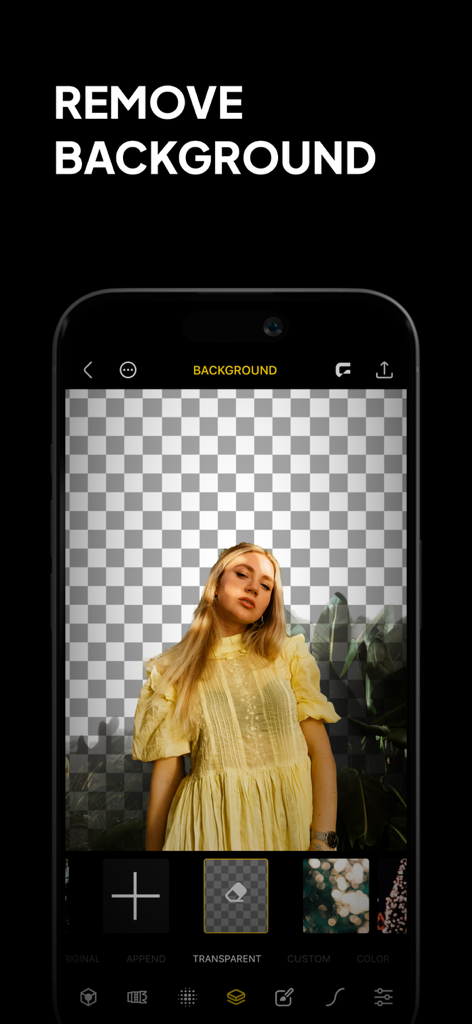
Une capture d'écran de l'interface de l'application Phocus montrant un portrait de femme avec l'arrière-plan supprimé sur une grille transparente
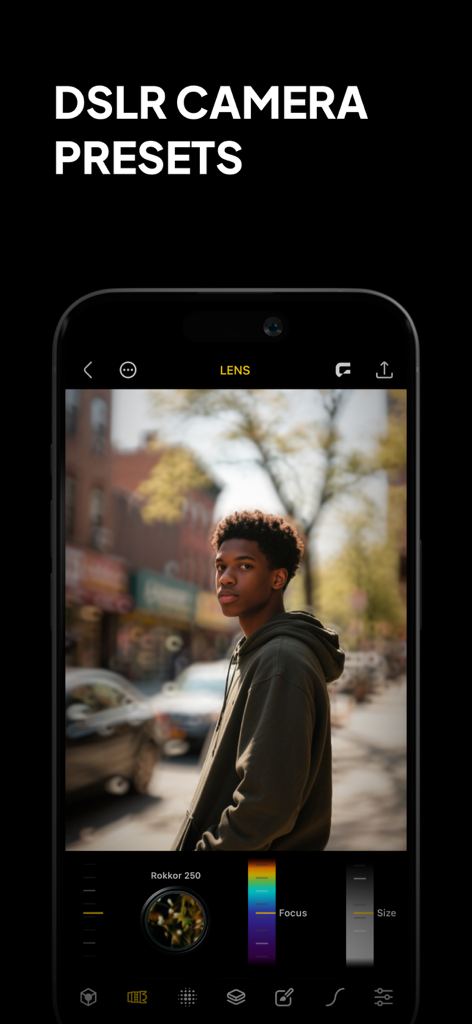
Interface de l'application Phocus montrant un portrait d'homme avec des préréglages d'appareil photo reflex numérique et un flou d'arrière-plan professionnel.
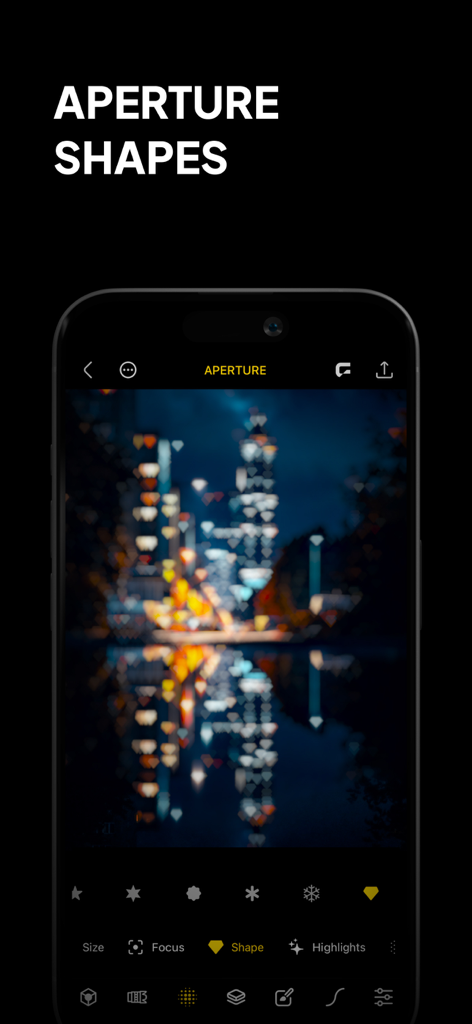
Un smartphone affichant l'interface de l'application Phocus avec des effets de bokeh en forme de cœur sur une ligne d'horizon de ville nocturne.
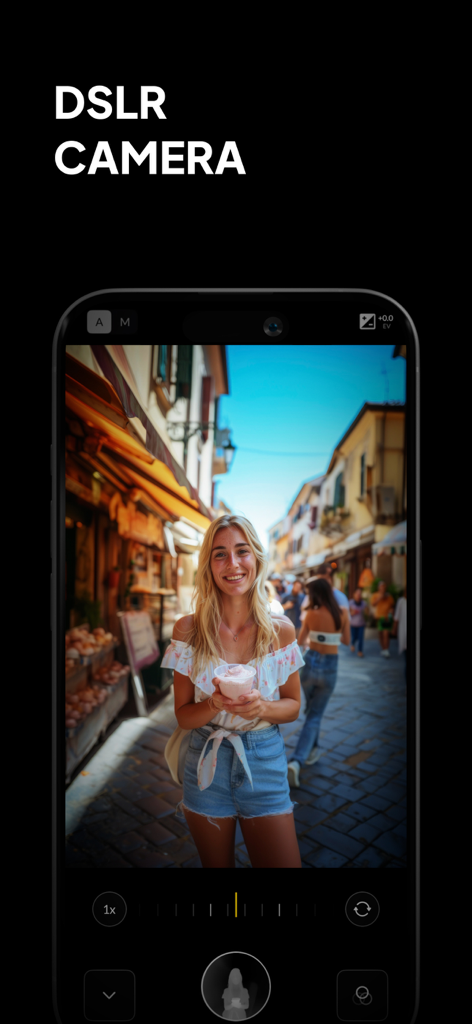
Interface de l'application Phocus montrant les contrôles manuels de l'appareil photo reflex numérique et un effet de bokeh de portrait professionnel
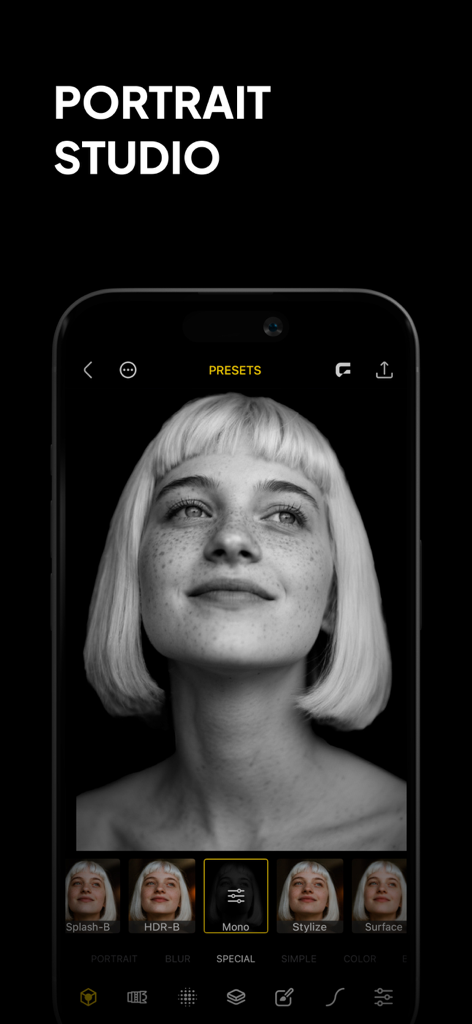
Écran de smartphone affichant l'application Phocus avec une photo de portrait en noir et blanc et des préréglages d'édition.
Description
Download
Apps Similaires
Apps les mieux classées dans la même catégorie

CapCut: Photo & Video Editor
BYTEDANCE PTE. LTD.

Instagram, Inc.

YouTube
Google LLC

Canva: AI Photo & Video Editor
Canva Pty Ltd

Snapchat
Snap, Inc.

快手
Beijing Kwai Technology Co., Ltd.

Edits: Video Editor
Instagram, Inc.

Meitu- AI Photo & Video Editor
Xiamen Meitu Technology Co., Ltd.

Google Photos: Backup & Edit
Google LLC
Cette page n'est pas une page officielle de l'application ou de son développeur, mais une publication éditoriale indépendante créée à des fins d'information et de commentaire. Sauf indication expresse contraire, ni l'application ni son développeur ne sont affiliés, approuvés, sponsorisés, autorisés ou autrement officiellement liés à MWM, Apple, Google Play, à l'éditeur de l'application ou au développeur de l'application, et rien sur cette page n'implique que l'application a été développée en utilisant les services de MWM. Toutes les marques, logos, captures d'écran et autres contenus restent la propriété de leurs propriétaires respectifs.