
Cette page n'est pas une page officielle de l'application ou de son développeur, mais une publication éditoriale indépendante créée à des fins d'information et de commentaire. Sauf indication expresse contraire, ni l'application ni son développeur ne sont affiliés, approuvés, sponsorisés, autorisés ou autrement officiellement liés à MWM, Apple, Google Play, à l'éditeur de l'application ou au développeur de l'application, et rien sur cette page n'implique que l'application a été développée en utilisant les services de MWM. Toutes les marques, logos, captures d'écran et autres contenus restent la propriété de leurs propriétaires respectifs.


Pixaki 4 Pro
Le studio ultime pour les développeurs de jeux indépendants et les artistes numériques. Créez des sprites pixel-perfect, des mondes isométriques et des animations complexes avec un flux de travail professionnel qui comble le fossé entre votre canapé et votre bureau.
Téléchargements
105K+Note
Nombre d'avis
300Éditeur
Catégorie
Graphics & DesignLangues
1Dernière version
4.6Taille
29.4 MBDate de sortie
18 déc. 2020Pixel Art de Qualité Professionnelle, Partout
Pixaki 4 Pro apporte l'animation de qualité bureau, des outils isométriques et une intégration de fichiers transparente à votre iPad, conçus pour le développeur indépendant et l'artiste numérique sérieux.
Dessin Pixel-Perfect
Créez des lignes impeccables avec la peinture intelligente pixel-perfect et des outils de ligne isométriques dédiés, adaptés à la conception de jeux moderne.
Calques d'Animation Avancés
Maîtrisez les mouvements complexes avec une chronologie déroulable, des calques partagés entre les images et un onion skinning professionnel pour des transitions fluides.
Les captures d'écran et la description suivantes proviennent directement de la fiche officielle de l'application sur le store et sont la propriété du développeur.
App Store
Captures
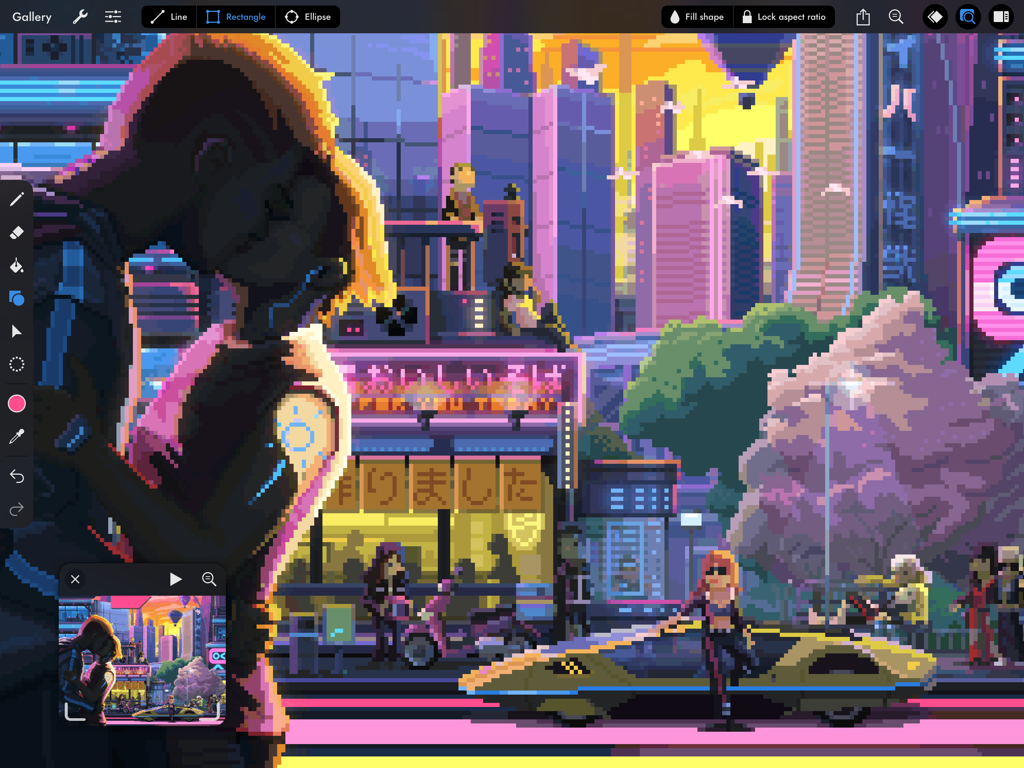
Illustration détaillée de ville cyberpunk en pixel art dans l'interface Pixaki 4 Pro sur iPad
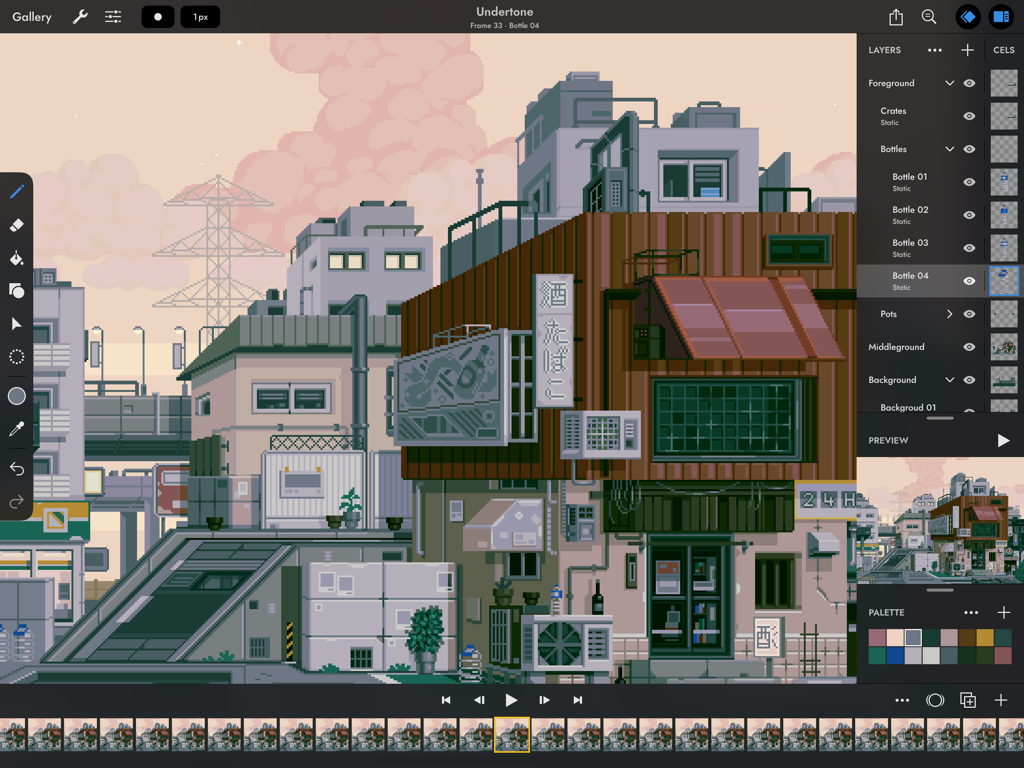
Interface de l'application Pixaki 4 Pro sur iPad montrant un paysage urbain détaillé en pixel art et une chronologie d'animation
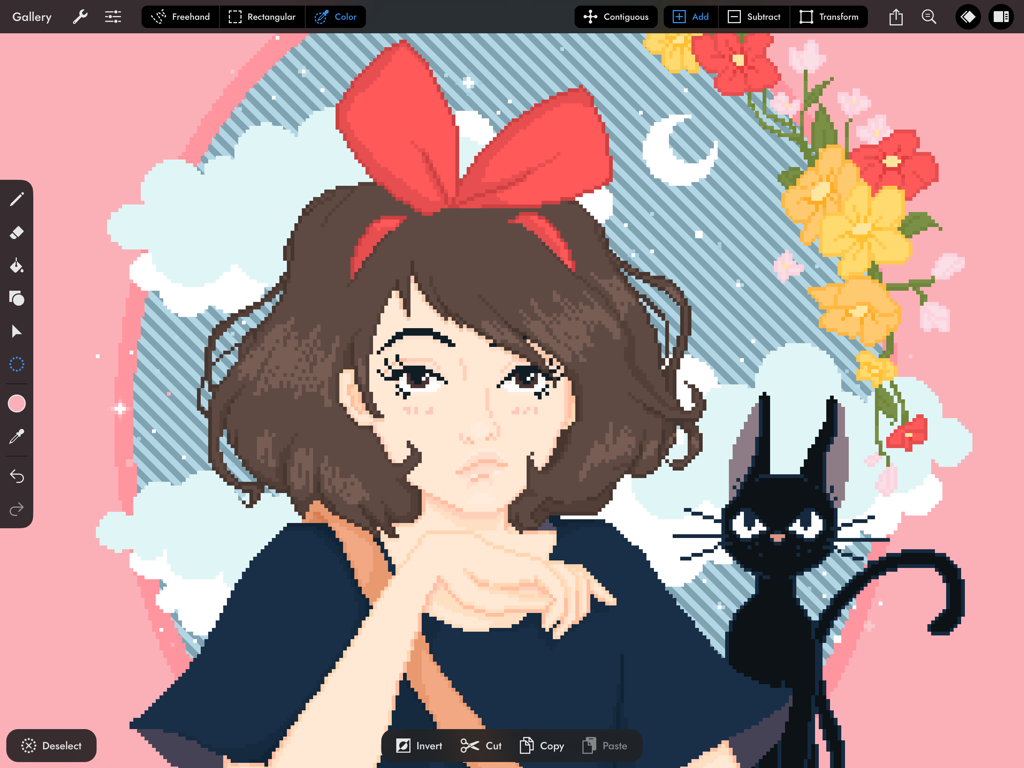
Interface de l'application Pixaki 4 Pro montrant une illustration en pixel art d'une fille et d'un chat noir
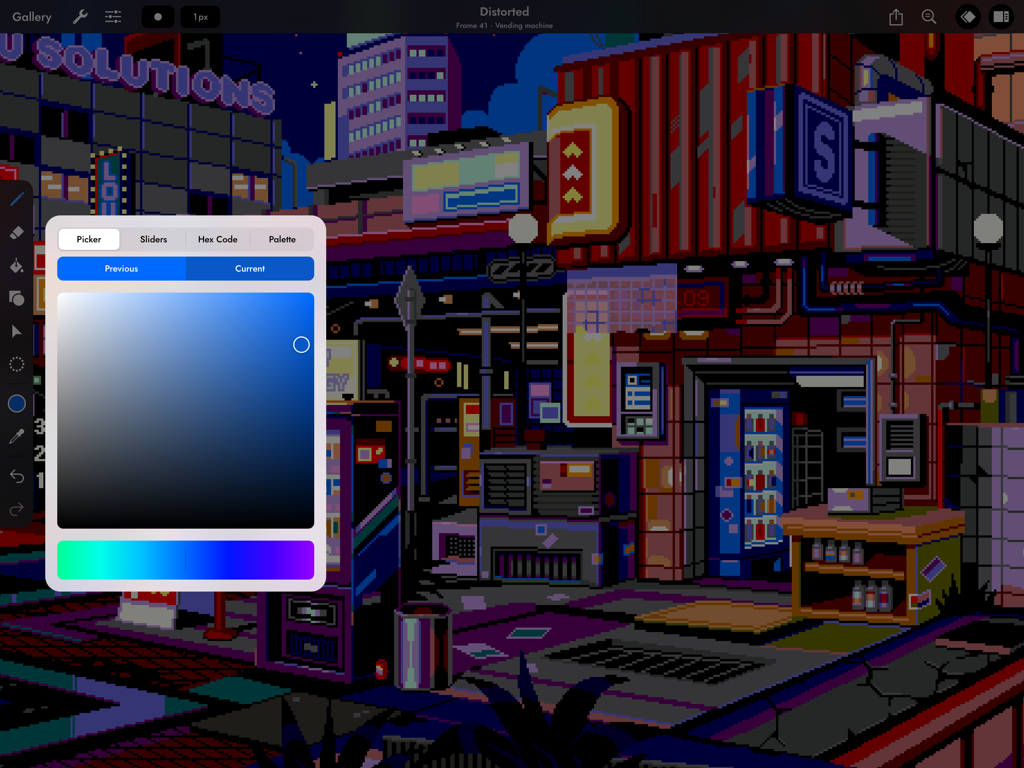
Une scène de ville cyberpunk en pixel art sur iPad utilisant l'outil pipette de Pixaki 4 Pro.
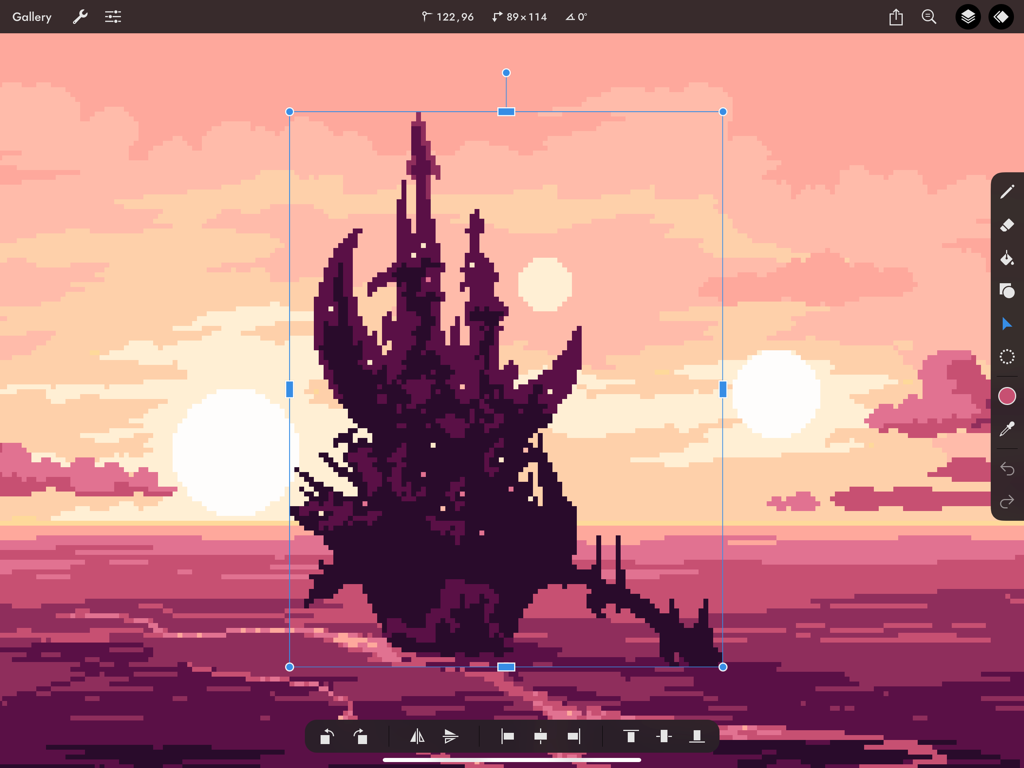
Un château sombre en pixel art redimensionné avec l'outil de transformation dans Pixaki 4 Pro sur iPad sur fond de coucher de soleil rose.
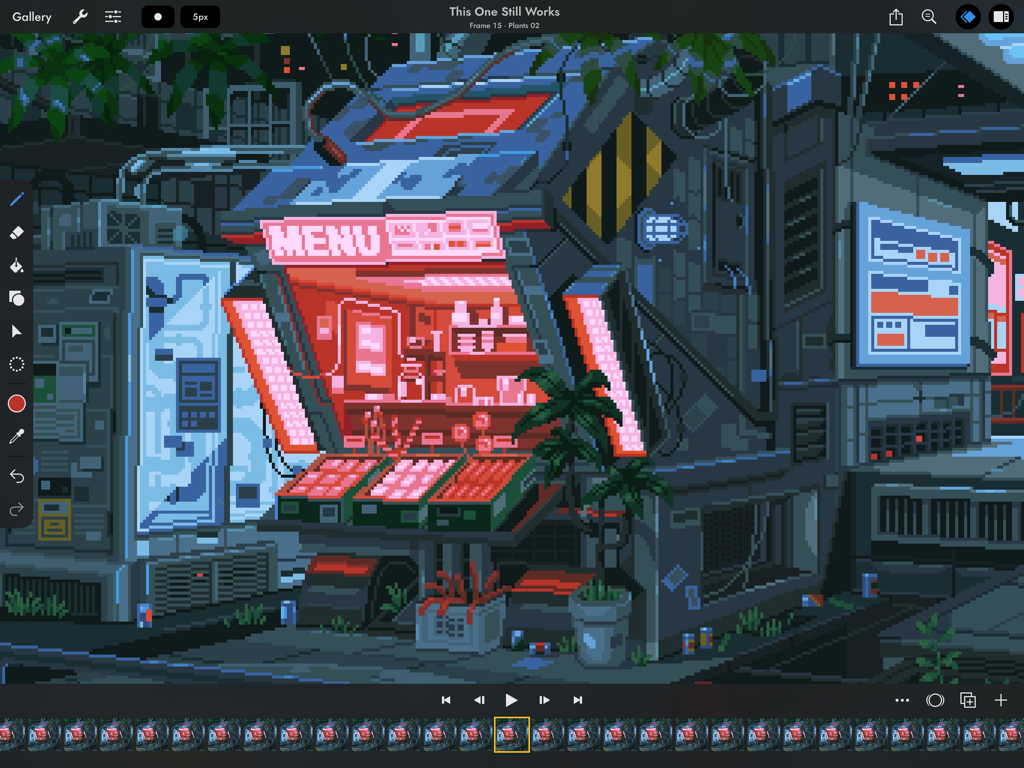
Interface d'animation en pixel art dans Pixaki 4 Pro avec une devanture de magasin cyberpunk
Description
Download
Apps Similaires
Apps avec des fonctionnalités et une expérience similaires



Cette page n'est pas une page officielle de l'application ou de son développeur, mais une publication éditoriale indépendante créée à des fins d'information et de commentaire. Sauf indication expresse contraire, ni l'application ni son développeur ne sont affiliés, approuvés, sponsorisés, autorisés ou autrement officiellement liés à MWM, Apple, Google Play, à l'éditeur de l'application ou au développeur de l'application, et rien sur cette page n'implique que l'application a été développée en utilisant les services de MWM. Toutes les marques, logos, captures d'écran et autres contenus restent la propriété de leurs propriétaires respectifs.