
Cette page n'est pas une page officielle de l'application ou de son développeur, mais une publication éditoriale indépendante créée à des fins d'information et de commentaire. Sauf indication expresse contraire, ni l'application ni son développeur ne sont affiliés, approuvés, sponsorisés, autorisés ou autrement officiellement liés à MWM, Apple, Google Play, à l'éditeur de l'application ou au développeur de l'application, et rien sur cette page n'implique que l'application a été développée en utilisant les services de MWM. Toutes les marques, logos, captures d'écran et autres contenus restent la propriété de leurs propriétaires respectifs.

PixelLab: AI Photo Editor
Transformez vos photos en chefs-d'œuvre grâce au rendu IA, aux effets drip tendance et à la suppression intelligente de l'arrière-plan. De la transformation en dessin animé à la création d'une grille Instagram virale, créez instantanément du contenu de qualité professionnelle qui se démarque.
Téléchargements
24K+Note
Nombre d'avis
200Éditeur
Catégorie
Photo & VideoLangues
1Dernière version
16.1Taille
164.2 MBDate de sortie
30 juil. 2021Libérez votre puissance créative
La boîte à outils IA tout-en-un conçue pour la nouvelle génération de créateurs. Des filtres viraux aux retouches professionnelles, transformez vos photos en quelques secondes.
Gomme magique IA
Supprimez instantanément les photobombeurs et les objets indésirables de votre cliché parfait avec une précision en un clic.
Styles IA viraux
Restez à la pointe des tendances en transformant instantanément vos photos en dessins animés, croquis ou œuvres d'art drip.
Les captures d'écran et la description suivantes proviennent directement de la fiche officielle de l'application sur le store et sont la propriété du développeur.
App Store
Captures
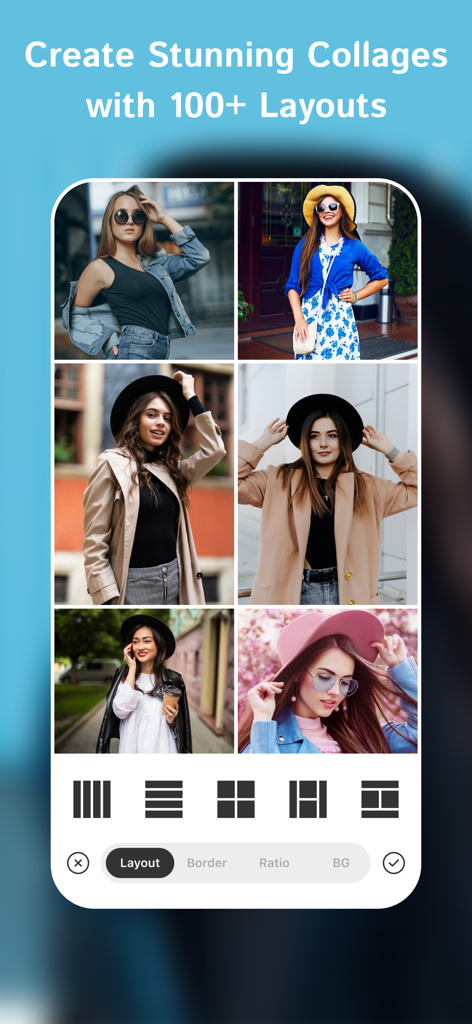
Une interface d'application mobile montrant un collage de 6 photos de femmes stylées avec diverses options de mise en page de grille en bas.
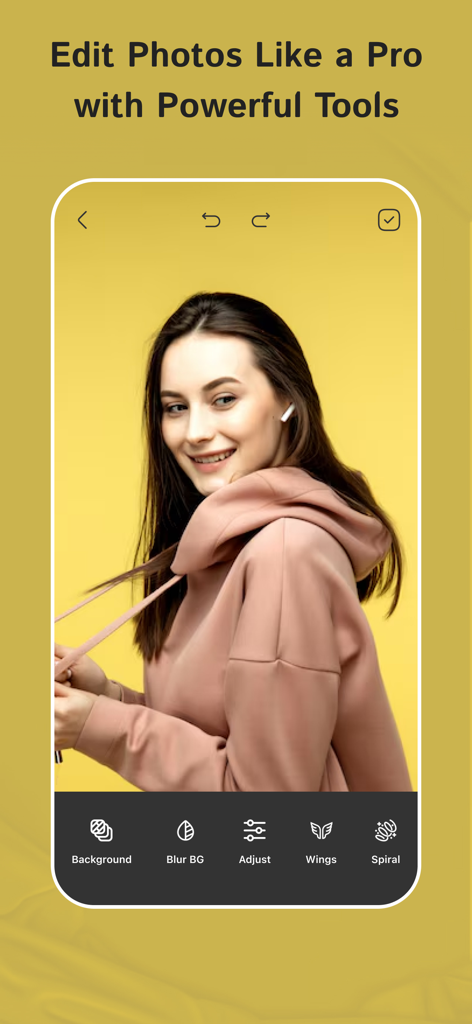
Interface de l'application PixelLab montrant une jeune femme modifiant un portrait avec des outils comme le flou d'arrière-plan et des ailes.
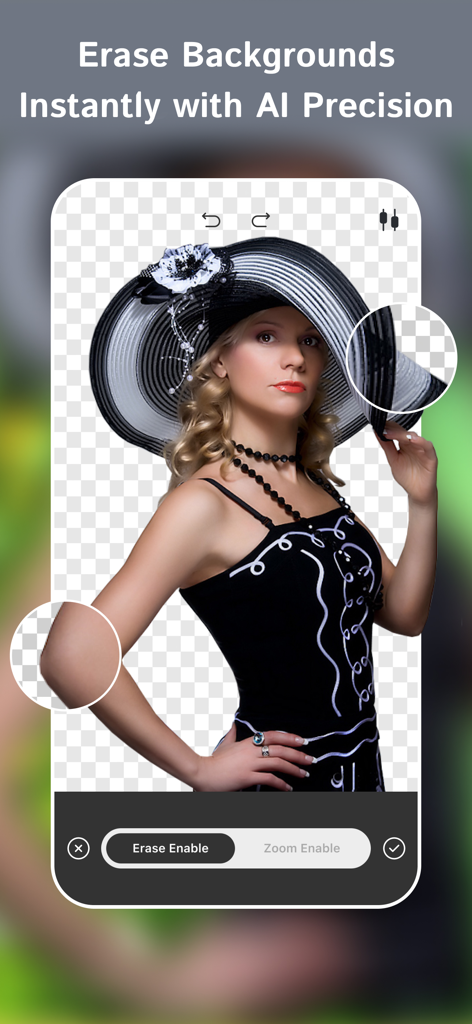
Interface de l'application PixelLab montrant la fonction de suppression d'arrière-plan IA sur une photo de portrait.
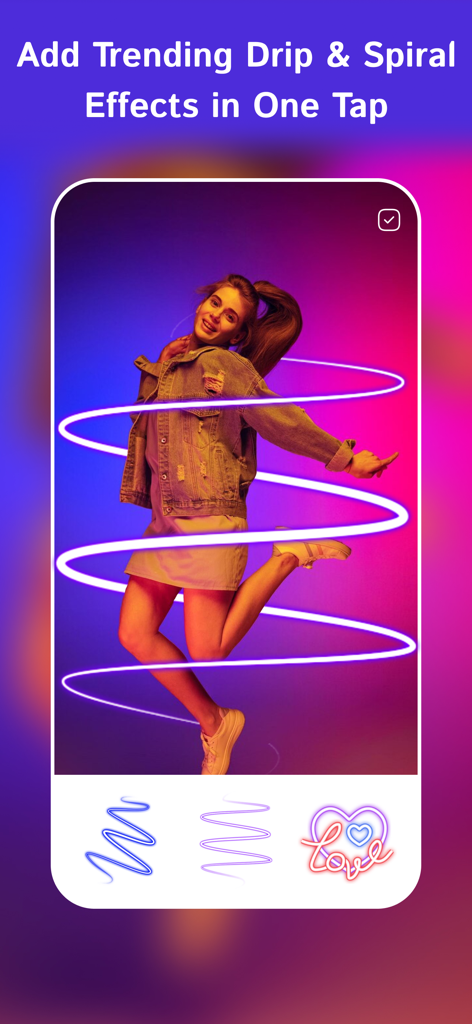
Effet spiralé néon appliqué à une photo de femme dans l'application PixelLab.
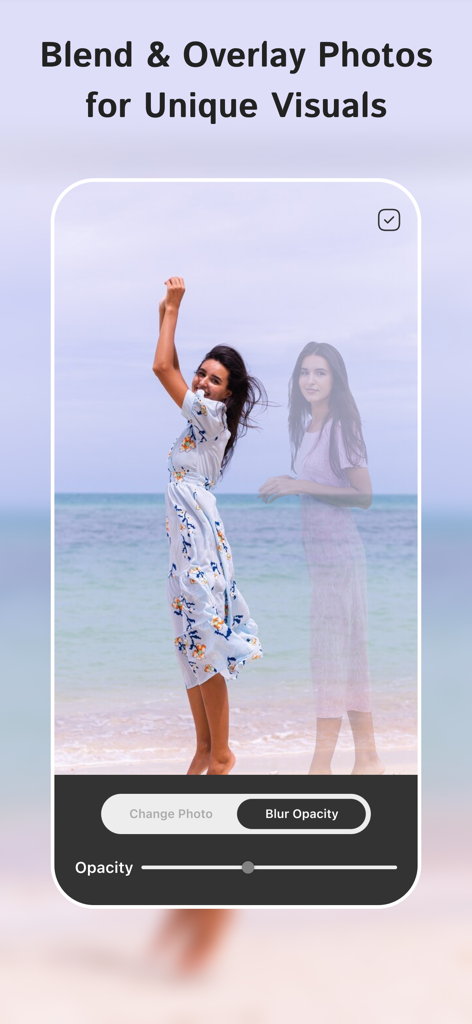
Interface de l'application PixelLab montrant comment mélanger et superposer deux photos avec contrôle de l'opacité.
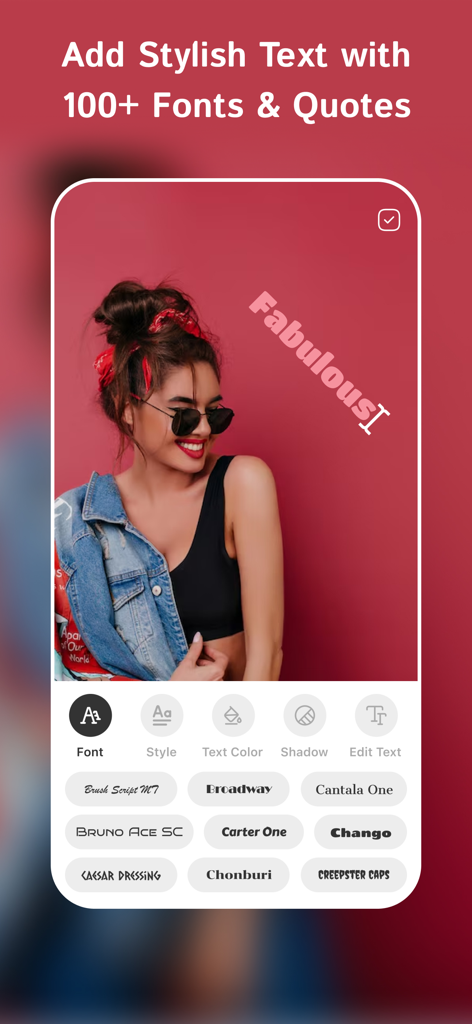
Capture d'écran de l'application PixelLab montrant un texte stylisé superposé et diverses options de police pour l'édition de photos
Description
Download
Apps Similaires
Apps les mieux classées dans la même catégorie

CapCut: Photo & Video Editor
BYTEDANCE PTE. LTD.

Instagram, Inc.

YouTube
Google LLC

Canva: AI Photo & Video Editor
Canva Pty Ltd

Snapchat
Snap, Inc.

快手
Beijing Kwai Technology Co., Ltd.

Edits: Video Editor
Instagram, Inc.

Meitu- AI Photo & Video Editor
Xiamen Meitu Technology Co., Ltd.

Google Photos: Backup & Edit
Google LLC
Cette page n'est pas une page officielle de l'application ou de son développeur, mais une publication éditoriale indépendante créée à des fins d'information et de commentaire. Sauf indication expresse contraire, ni l'application ni son développeur ne sont affiliés, approuvés, sponsorisés, autorisés ou autrement officiellement liés à MWM, Apple, Google Play, à l'éditeur de l'application ou au développeur de l'application, et rien sur cette page n'implique que l'application a été développée en utilisant les services de MWM. Toutes les marques, logos, captures d'écran et autres contenus restent la propriété de leurs propriétaires respectifs.