
Cette page n'est pas une page officielle de l'application ou de son développeur, mais une publication éditoriale indépendante créée à des fins d'information et de commentaire. Sauf indication expresse contraire, ni l'application ni son développeur ne sont affiliés, approuvés, sponsorisés, autorisés ou autrement officiellement liés à MWM, Apple, Google Play, à l'éditeur de l'application ou au développeur de l'application, et rien sur cette page n'implique que l'application a été développée en utilisant les services de MWM. Toutes les marques, logos, captures d'écran et autres contenus restent la propriété de leurs propriétaires respectifs.

Planimeter GPS Area Measure
L'outil essentiel pour les agriculteurs, les entrepreneurs et les géomètres afin de calculer avec précision les superficies, de cartographier les périmètres et de suivre les distances directement depuis votre appareil mobile.
Téléchargements
181K+Note
Nombre d'avis
900Éditeur
Catégorie
ProductivityLangues
1Dernière version
2.1.17Taille
29.7 MBDate de sortie
23 juil. 2014Mesure professionnelle de terrain et de champs
Calculez avec précision la surface, la distance et les périmètres pour l'agriculture, la construction et l'immobilier avec des outils GPS de qualité professionnelle adaptés à l'efficacité sur le terrain.
Relevé GPS en temps réel
Parcourez à pied ou en voiture le périmètre de toute parcelle de terrain pour capturer instantanément les limites exactes et les superficies grâce à un suivi de haute précision.
Planification satellite à distance
Estimez les surfaces de toiture pour les installations solaires ou tracez des plans d'aménagement paysager directement à partir d'images haute résolution, sans avoir besoin d'être sur site.
Les captures d'écran et la description suivantes proviennent directement de la fiche officielle de l'application sur le store et sont la propriété du développeur.
App Store
Captures
Application Planimeter GPS Area Measure affichant le logo et le texte pour mesurer la distance et la surface sur les cartes et les champs
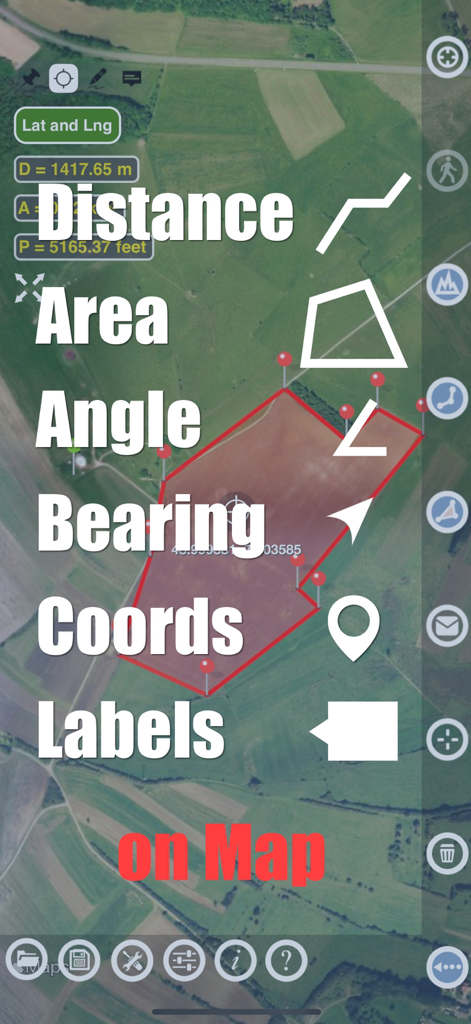
Application Planimeter affichant les fonctionnalités de mesure de distance et d'angle de surface sur une carte satellite
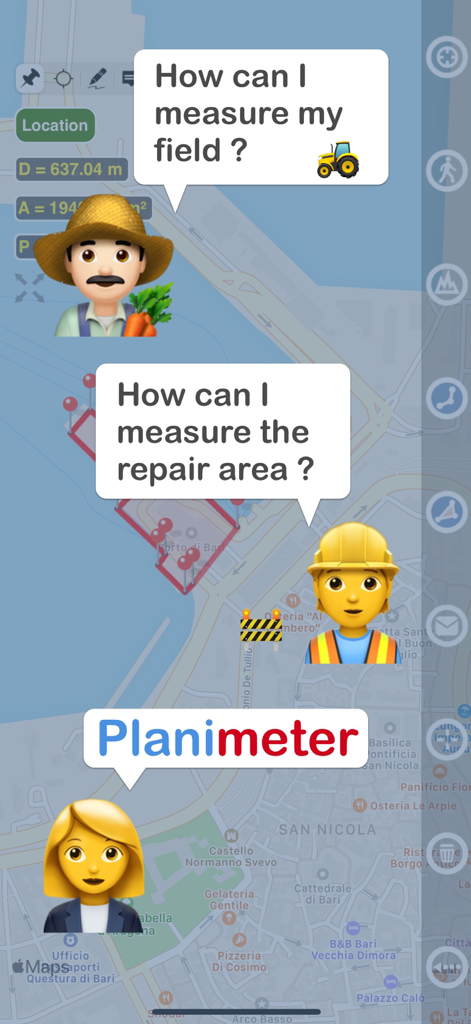
Graphique montrant un agriculteur et un ouvrier du bâtiment demandant comment mesurer un terrain et une zone de réparation avec l'application Planimeter
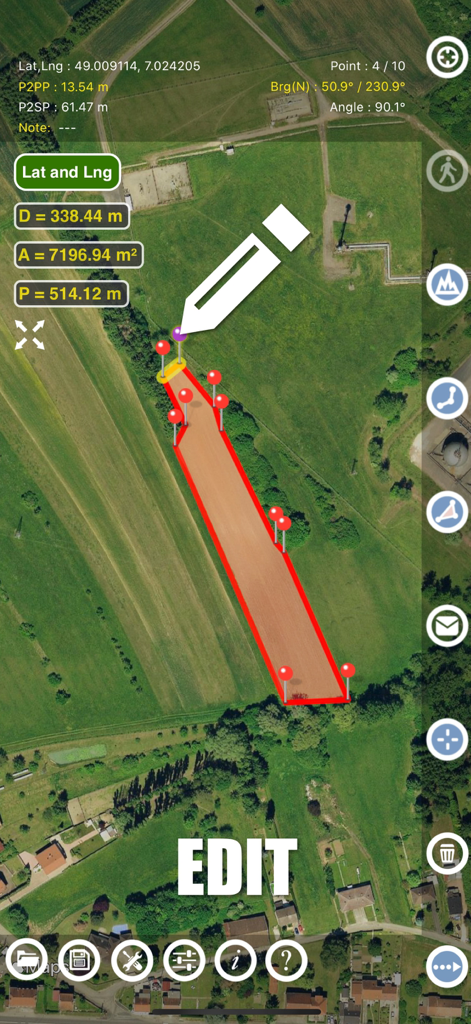
Interface de l'application Planimeter montrant la modification manuelle des mesures de surface de terrain sur une carte satellite
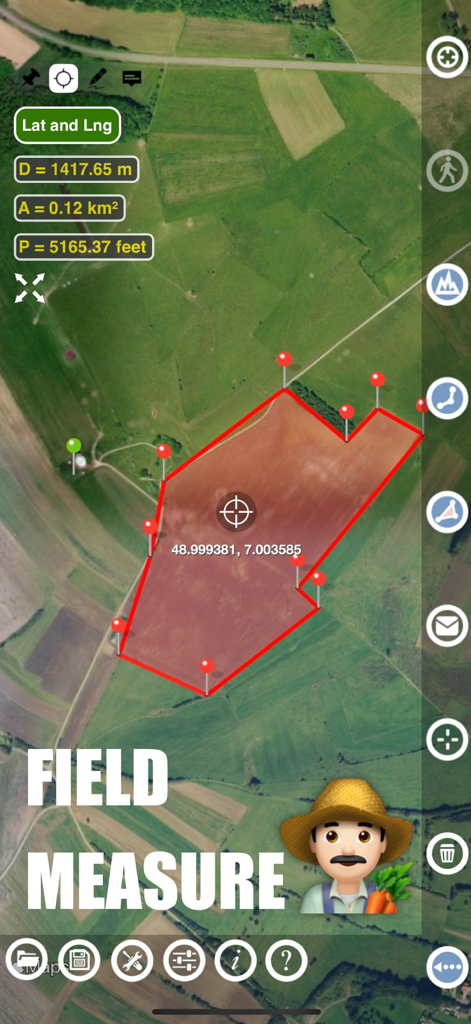
Interface de l'application Planimeter montrant la mesure de la surface et du périmètre d'un champ agricole sur une carte satellite
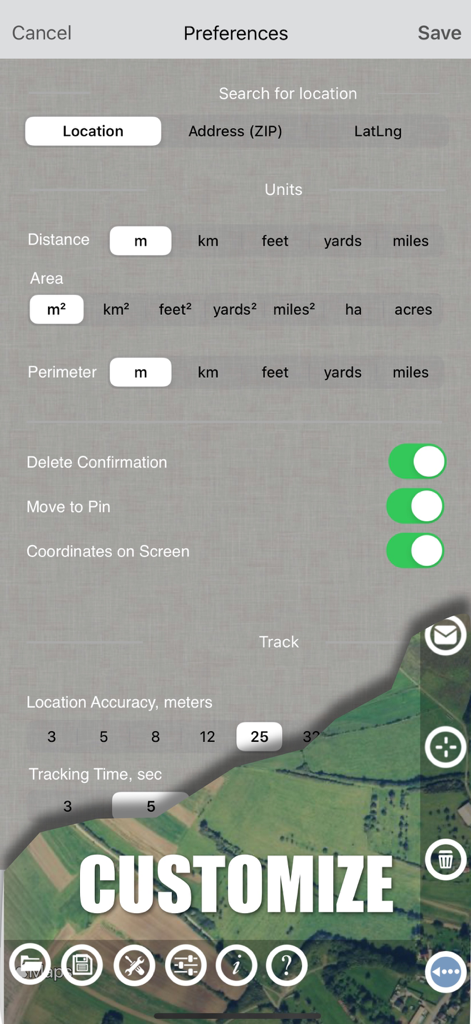
Écran des paramètres de l'application Planimeter montrant les options d'unités de mesure et les préférences de suivi GPS
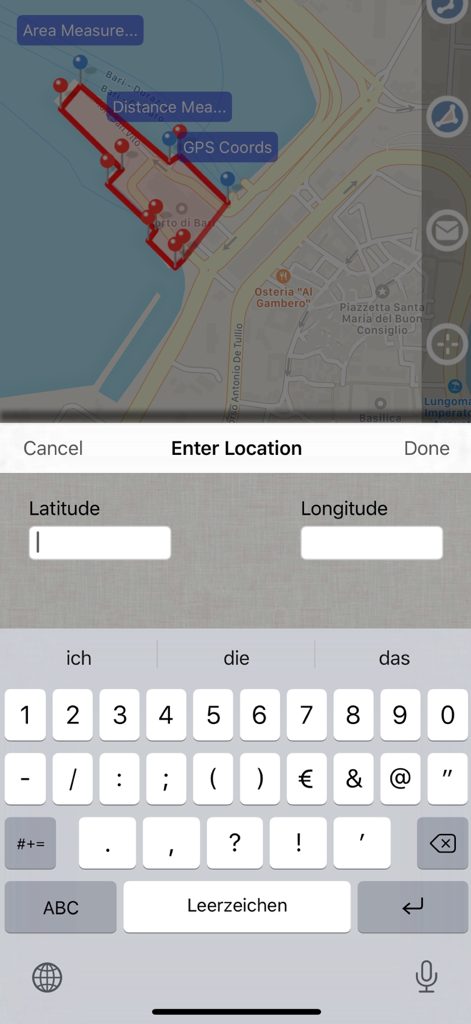
Capture d'écran de l'application Planimeter GPS Area Measure montrant une carte avec la surface mesurée et un écran de saisie de données pour les coordonnées de latitude et de longitude.
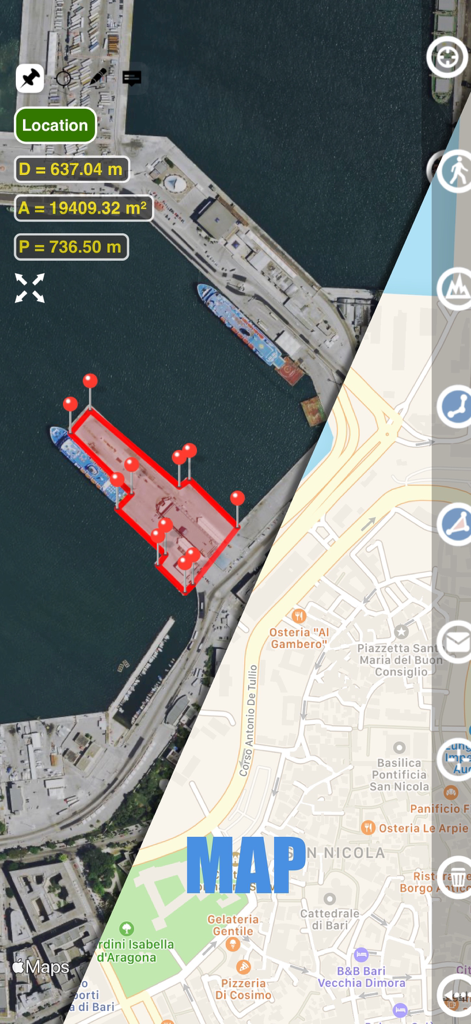
Interface de l'application Planimeter montrant un écran partagé avec les vues satellite et carte de rue affichant les mesures de surface et de distance d'un port
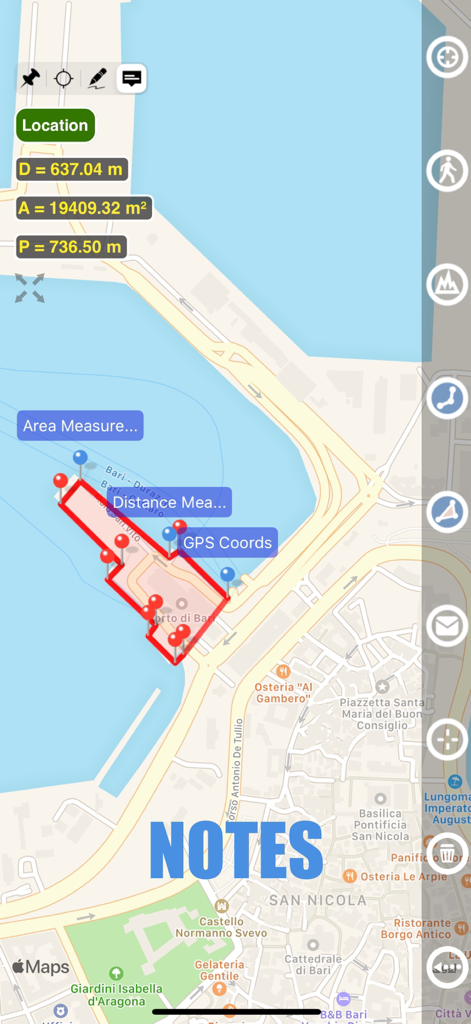
Vue carte montrant la mesure de surface et la fonctionnalité de notes dans l'application Planimeter GPS
Description
Download
Apps Similaires
Apps les mieux classées dans la même catégorie

ChatGPT
OpenAI OpCo, LLC

Google Gemini
Google LLC

Grok
X.AI Corporation

Gmail - Email by Google
Google LLC

千问 - 阿里最强大模型官方AI助手
Shanghai Zhixin Puhui Technology Co., Ltd.

Google Drive
Google LLC

Microsoft Authenticator
Microsoft Corporation

Google Sheets
Google LLC

Google Docs
Google LLC
Cette page n'est pas une page officielle de l'application ou de son développeur, mais une publication éditoriale indépendante créée à des fins d'information et de commentaire. Sauf indication expresse contraire, ni l'application ni son développeur ne sont affiliés, approuvés, sponsorisés, autorisés ou autrement officiellement liés à MWM, Apple, Google Play, à l'éditeur de l'application ou au développeur de l'application, et rien sur cette page n'implique que l'application a été développée en utilisant les services de MWM. Toutes les marques, logos, captures d'écran et autres contenus restent la propriété de leurs propriétaires respectifs.