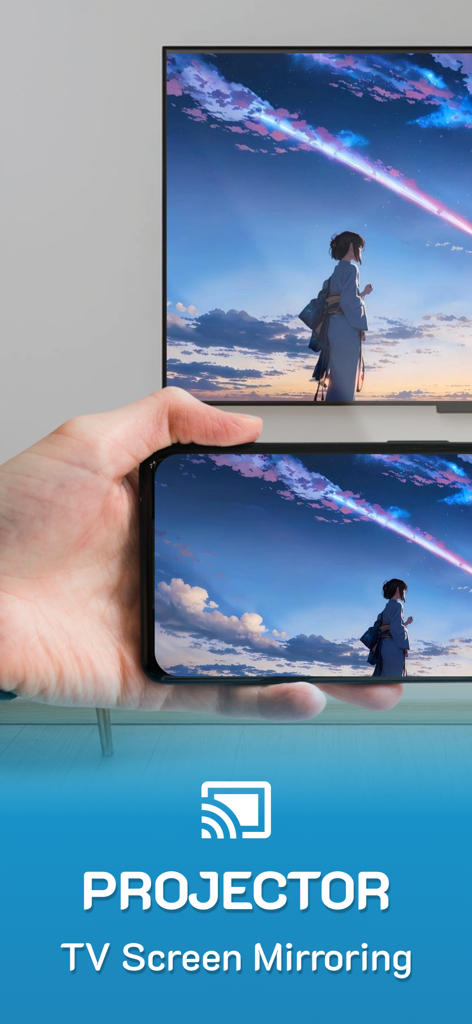
Projector: TV Screen Mirroring

Projector: TV Screen Mirroring

Télécharger sur App Store
Logo de Projector: TV Screen Mirroring

Projecteur : Mise en miroir d'écran TV – La solution ultime de télécommande universelle et de diffusion HD

Comblez instantanément le fossé entre votre iPhone et n'importe quel téléviseur intelligent. Diffusez des vidéos haute définition, partagez des photos de famille et prenez le contrôle total de votre divertissement avec une télécommande universelle, tout en utilisant votre téléphone comme d'habitude.

Télécharger sur App Store

Éditeur

Arpana Singh

Catégorie

Utilities

Téléchargements

2K+

Note

4.2/5

Nombre d'avis

0

Langues

14

Voyez-le en action

Découvrez l'interface utilisée par 2K+ utilisateurs.

Mise en miroir d'écran d'iPhone d'un paysage d'anime coloré sur un grand téléviseur intelligent
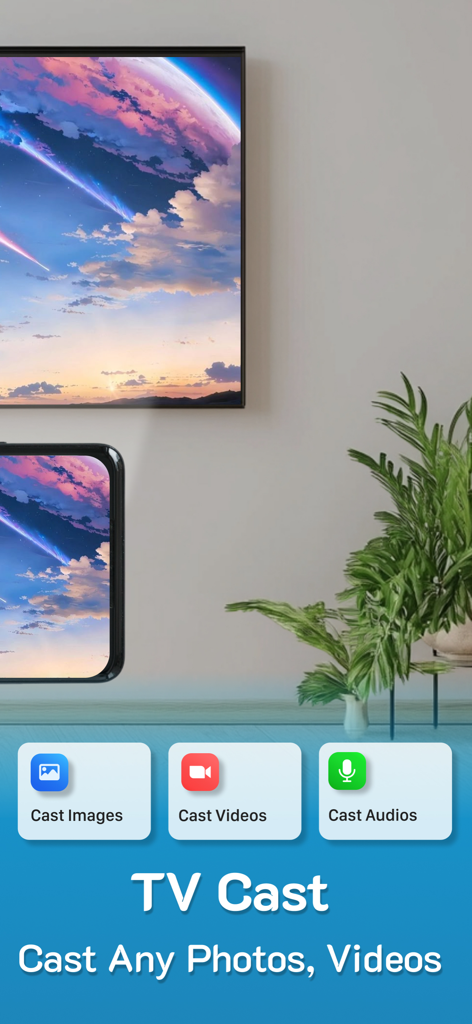
Mise en miroir d'écran d'iPhone d'un paysage d'anime coloré sur un grand téléviseur intelligent

Un iPhone mettant en miroir un paysage pittoresque sur un grand téléviseur intelligent à l'aide de l'application Projecteur
Un iPhone mettant en miroir un paysage pittoresque sur un grand téléviseur intelligent à l'aide de l'application Projecteur

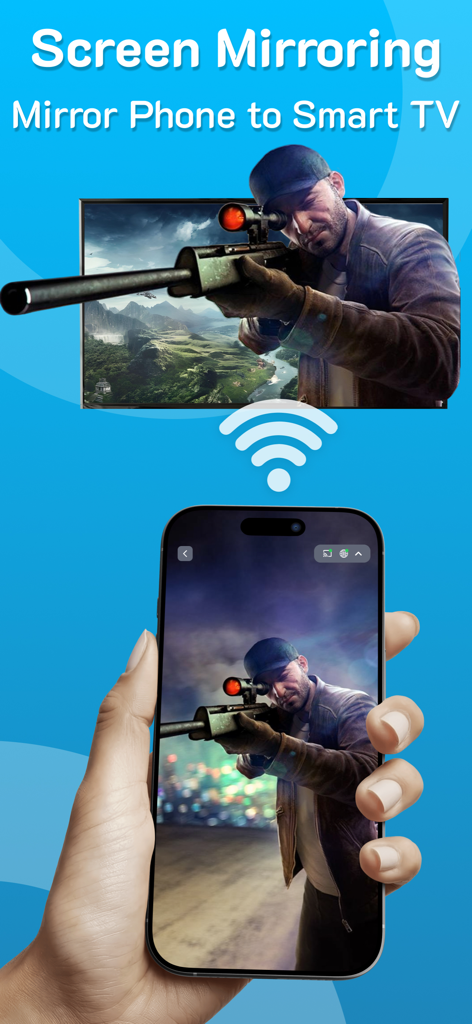
Une main tenant un iPhone mettant en miroir un jeu de sniper sur un grand écran de téléviseur intelligent via Wi-Fi
Une main tenant un iPhone mettant en miroir un jeu de sniper sur un grand écran de téléviseur intelligent via Wi-Fi

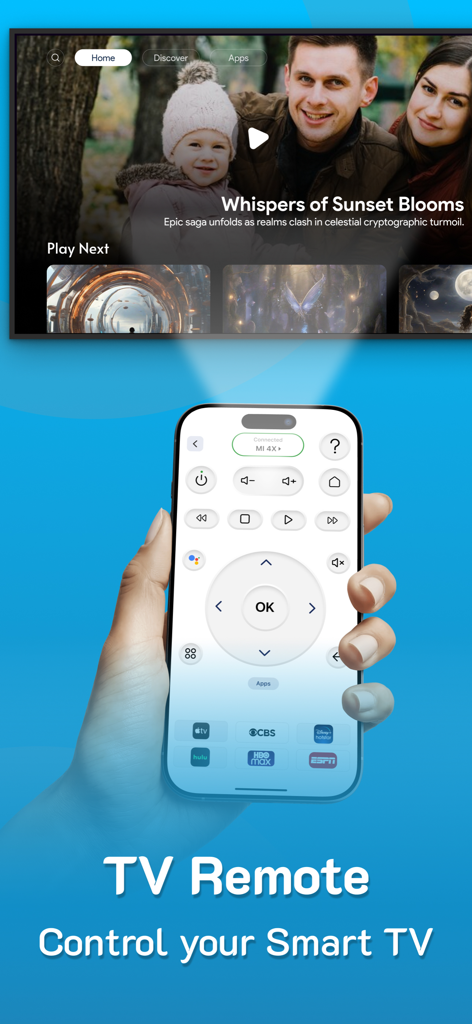
Un iPhone affichant une interface de télécommande TV universelle utilisée pour contrôler un téléviseur intelligent
Un iPhone affichant une interface de télécommande TV universelle utilisée pour contrôler un téléviseur intelligent

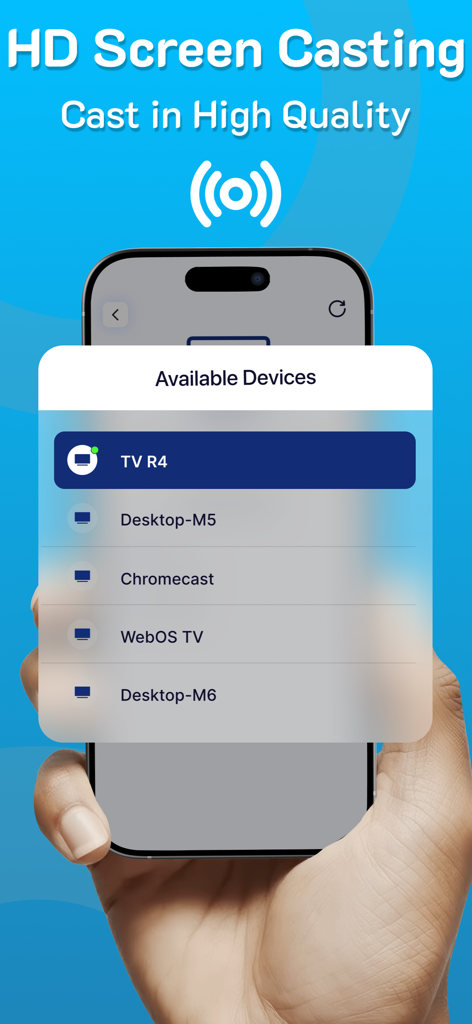
Une main tenant un iPhone montrant une liste d'appareils disponibles pour la diffusion d'écran HD
Une main tenant un iPhone montrant une liste d'appareils disponibles pour la diffusion d'écran HD

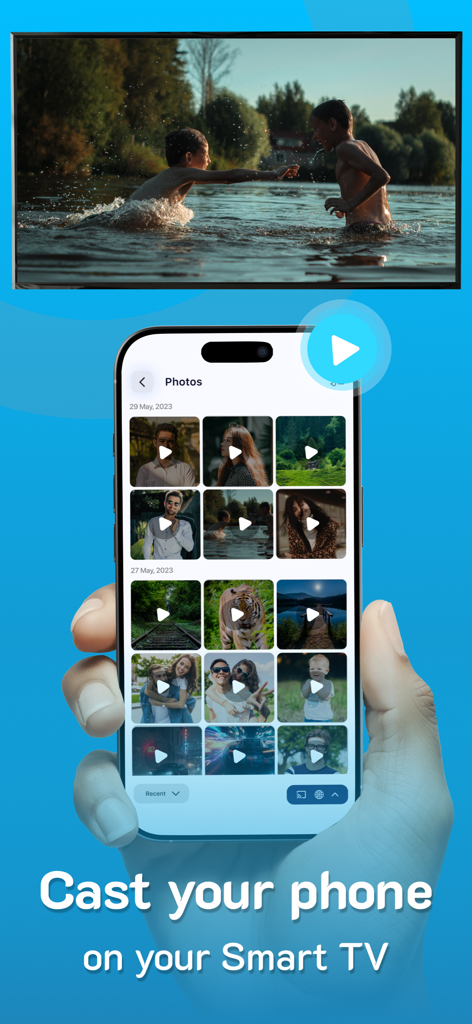
Un iPhone diffusant une vidéo de sa galerie photo sur un grand écran de téléviseur intelligent

Un iPhone diffusant une vidéo de sa galerie photo sur un grand écran de téléviseur intelligent

Fonctionnalités intelligentes pour un divertissement fluide

Les outils qui font la différence, choisis par 2K+ utilisateurs.

📺

Mise en miroir HD universelle

Partagez vos photos, vidéos et applications sur grand écran en haute définition époustouflante, sans câbles et avec une configuration instantanée.

📱

Télécommande intelligente tout-en-un

Ne cherchez plus jamais une télécommande perdue. Contrôlez n'importe quelle marque de téléviseur directement depuis votre téléphone et accédez à vos chaînes préférées en un seul clic.

🚀

Liberté multitâche

Diffuser votre contenu préféré sur n'importe quel téléviseur, moniteur ou ordinateur portable tout en continuant à utiliser votre téléphone pour envoyer des SMS et naviguer en arrière-plan.

À propos de l'app

Tout ce que vous devez savoir sur Projector: TV Screen Mirroring.

Description

PROJECTOR TO Control your TV, CAST to TV, SCREEN MIRRORING, Universal TV REMOTE, SCREEN CASTING, Supports ALL TVs With PROJECTOR enjoy Casting to TV, screen mirroring & Universal remote control, All in one for helping you project on your screen. Projector, Screen mirroring revolutionizes the way you experience entertainment by facilitating a seamless transition of your cherished videos, photos, and even apps from your mobile directly onto your smart TV. From reminiscing on precious moments with loved ones to immersing yourself in a movie night marathon, this feature stands as your passport to a captivating world of entertainment. Ensure both devices are connected to the same WiFi network to utilize this casting function effortlessly. Moreover, you can continue utilizing your phone as usual while the casting continues in the background. Key Features of PROJECTOR: Screen Mirroring - Projector - Screen mirroring & screen casting - High-Quality Screen Projection - Facilitates casting of photos, videos, and audio - Swift & User-Friendly Interface - Universal TV remote Highlights of Screen Casting HD: - TV Casting: Dive into the spectacular world of TV casting. Effortlessly project your favorite videos, photos, and apps onto your smart TV, Roku TV and Miracast with a simple tap, bringing them to life in vibrant high resolution. - Support for MULTIPLE TVs: This app introduces an innovative feature allowing you to cast onto any TV, enhancing your viewing experience. Supports all TVs. - CAST on any devices: Cast your screen on tablets, monitors, laptops and even on other phones etc. Simple copy the unique IP Address and paste it in Google Chrome. The special part of this feature is that you can continue using the phone normally while you cast. - SCREEN CASTING HD: Redefine your Screen Casting HD adventures with our application. Project your smartphone screen onto your TV effortlessly, offering a mesmerizing and expansive visual experience. - UNIVERSAL COMPATIBILITY: Screen Casting HD extends its compatibility across a vast range of smart TVs, ensuring a hassle-free connection, irrespective of the make of your smart TV. - SIMPLE SETUP: Connecting is a breeze; just ensure both devices are on the same WiFi network. Choose your TV from the device list displayed within the app for a quick and easy pairing. - This app also has a UNIVERSAL REMOTE CONTROL for TV, users can easily access their favorite shows and movies at the touch of a button. This remote allows users to personalize their experience by setting up apps and creating a convenient list of their preferred channels and programs. Screencast Highlights: - Universal TV Casting: Cast to any model of smart TV. - High-Quality Display: Ensure clarity with high-definition casting. - Diverse Media Casting: Share photos, videos, and audio files effortlessly. - User-Friendly Interface: Quick and straightforward operations. Premium plans Monthly - $6.99 Yearly - $24.99 Subscription Info - The yearly subscription plan comes with a 3 day trial period. The user can cancel their subscription anytime during the trial period without being billed. They will be billed automatically after the trial period ends. - The user can cancel his/her subscription at any time by going into iTunes and App Store Apple ID Settings. - All prices include applicable local sales taxes. - Payment will be charged to your iTunes Account after confirmation of purchase. - Subscription automatically renews at least 24-hours before the end of the current period. - The user's account will be charged for renewal within 24-hours before the end of the current period. Privacy policy: https://www.q4umobileapps.com/web/screencastingios/privacy-policy Terms & conditions: https://www.q4umobileapps.com/web/screencastingios/tandc EULA: https://www.q4umobileapps.com/web/screencastingios/eula

Dernière version

4.0

Taille

76.7 MB

Date de sortie

13 sept. 2023

Prêt à prendre le contrôle total de tous les écrans de votre maison ?

Rejoignez des milliers d'utilisateurs qui ont abandonné leurs télécommandes perdues pour une mise en miroir d'écran HD transparente. Commencez votre essai gratuit de 3 jours dès aujourd'hui et découvrez le pont ultime entre votre iPhone et n'importe quel téléviseur intelligent.

Télécharger sur App Store

App information, icons, screenshots, and descriptions displayed on this page are sourced from the Apple App Store and are the property of their respective developers. Download estimates and rankings are based on MWM's proprietary models and may not reflect actual figures. This page is provided for informational and analytical purposes only.

Believe this page infringes your intellectual property? File a dispute