
Cette page n'est pas une page officielle de l'application ou de son développeur, mais une publication éditoriale indépendante créée à des fins d'information et de commentaire. Sauf indication expresse contraire, ni l'application ni son développeur ne sont affiliés, approuvés, sponsorisés, autorisés ou autrement officiellement liés à MWM, Apple, Google Play, à l'éditeur de l'application ou au développeur de l'application, et rien sur cette page n'implique que l'application a été développée en utilisant les services de MWM. Toutes les marques, logos, captures d'écran et autres contenus restent la propriété de leurs propriétaires respectifs.

ReColor - Art Photo Editor
Donnez vie à votre vision créative avec le recolorement sélectif basé sur l'IA, des calques professionnels et des animations par images clés conçus pour la nouvelle génération de créateurs numériques.
Téléchargements
126K+Note
Nombre d'avis
500Éditeur
Catégorie
Graphics & DesignLangues
1Dernière version
3.9.71Taille
122.4 MBDate de sortie
7 déc. 2019Le studio tout-en-un pour les créateurs numériques
Découvrez la puissance de la conception professionnelle. Des illustrations haute résolution aux animations sociales tendance, ReColor met une suite créative complète dans votre poche.
Recolorement sélectif basé sur l'IA
Modifiez n'importe quelle couleur avec une précision chirurgicale grâce à notre pinceau IA intelligent. Parfait pour la curation de flux esthétiques et des effets de pop de couleur saisissants qui attirent l'attention.
Illustration professionnelle et calques 40MP
Concevez sans limites en utilisant plus de 120 pinceaux et une gestion professionnelle des calques. Exportez des chefs-d'œuvre haute résolution jusqu'à 40MP pour une qualité cristalline.
Les captures d'écran et la description suivantes proviennent directement de la fiche officielle de l'application sur le store et sont la propriété du développeur.
App Store
Captures
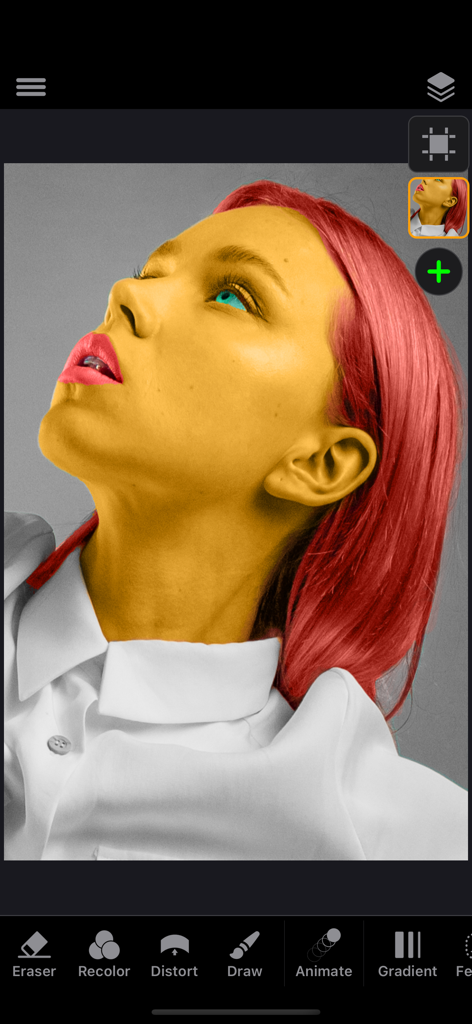
Un portrait de femme avec la peau jaune et les cheveux rouges en cours d'édition à l'aide de l'outil de recolorement sélectif dans l'interface de l'application ReColor
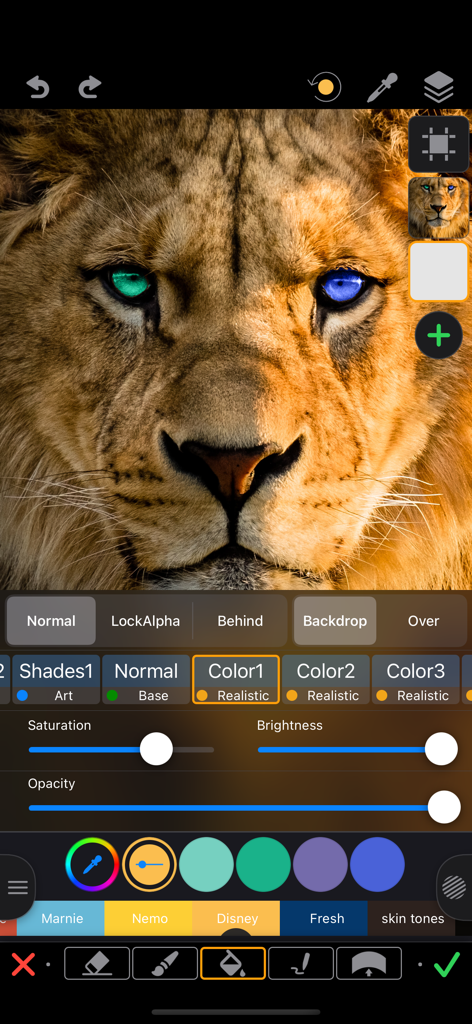
Recolorement sélectif des yeux d'un lion en bleu et vert à l'aide de l'application d'édition de photos ReColor
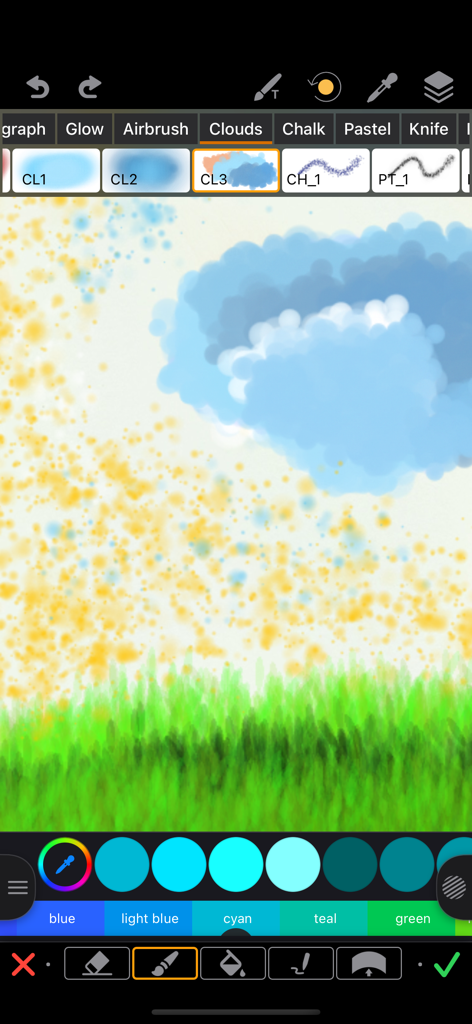
Une capture d'écran de l'interface de l'application ReColor montrant divers pinceaux de dessin et une esquisse de paysage avec des nuages et de l'herbe
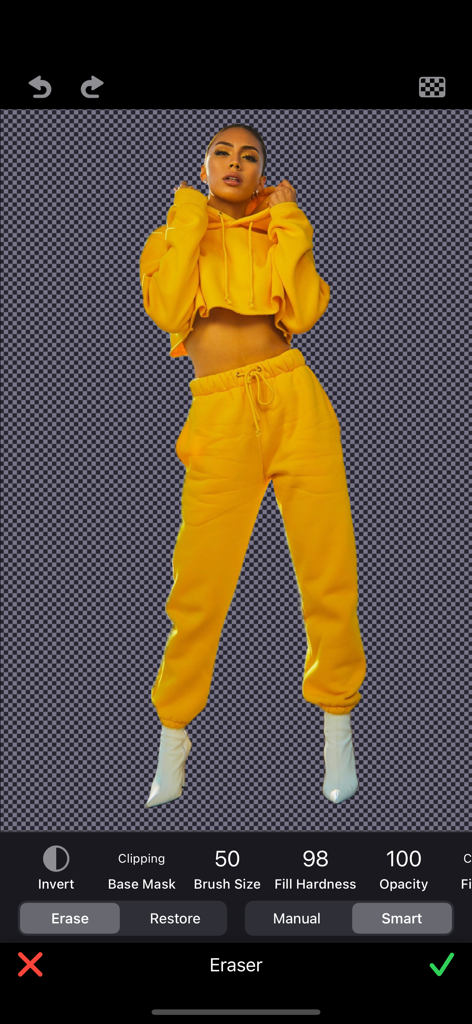
Interface d'application mobile montrant une personne isolée sur un fond transparent à l'aide d'un outil d'effacement intelligent
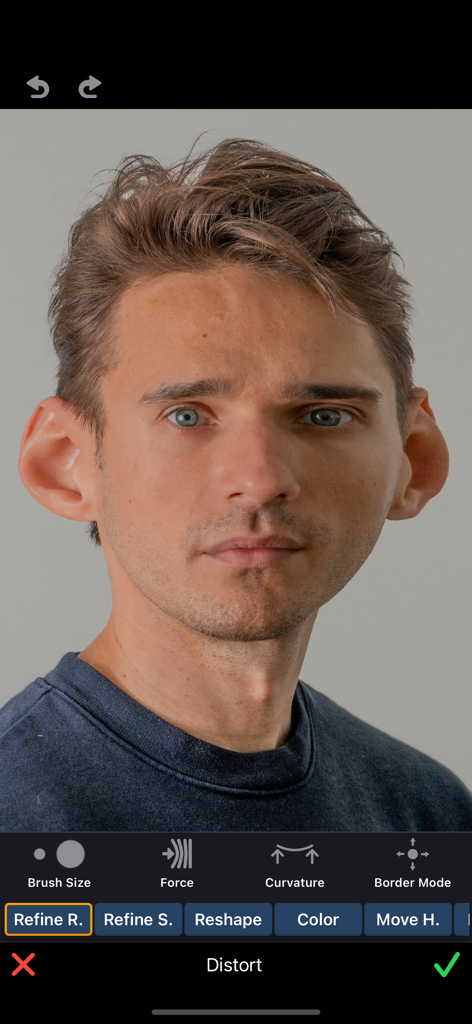
Un portrait d'homme en cours d'édition avec l'outil de distorsion de caricature dans l'application ReColor montrant des oreilles agrandies
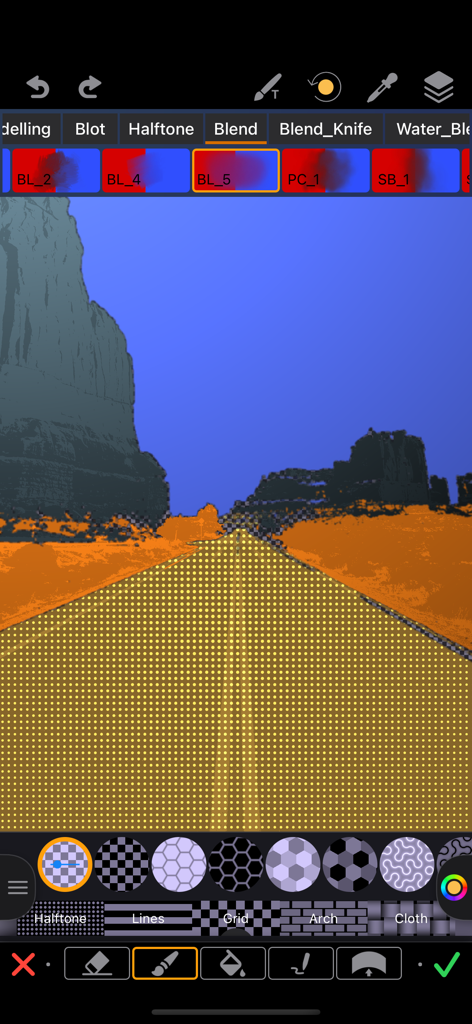
Interface de l'application ReColor montrant un motif de points tramés appliqué à une route dans une photo de paysage.
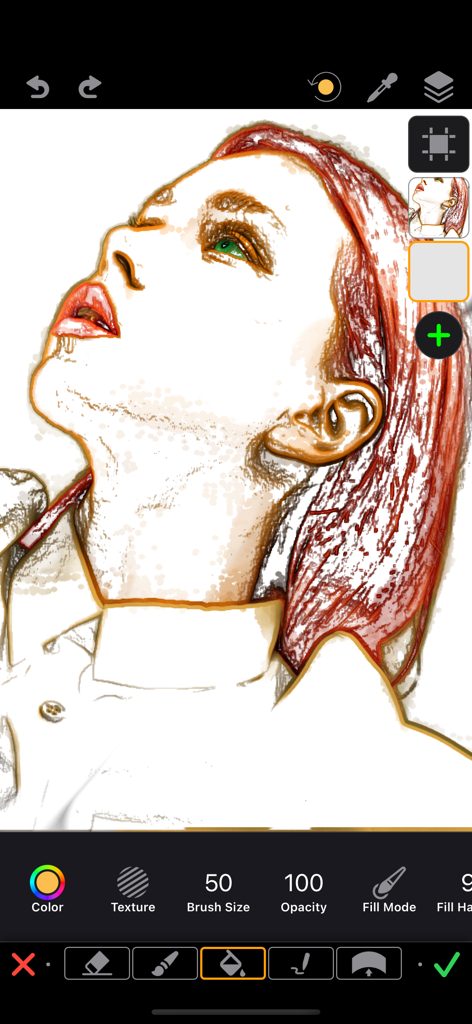
Une illustration de portrait numérique d'une femme aux cheveux rouges en cours d'édition dans l'interface de l'application ReColor présentant des calques et des outils de dessin.

Interface de l'application ReColor montrant un filtre sépia vintage appliqué à une photo d'un couple faisant des grimaces.
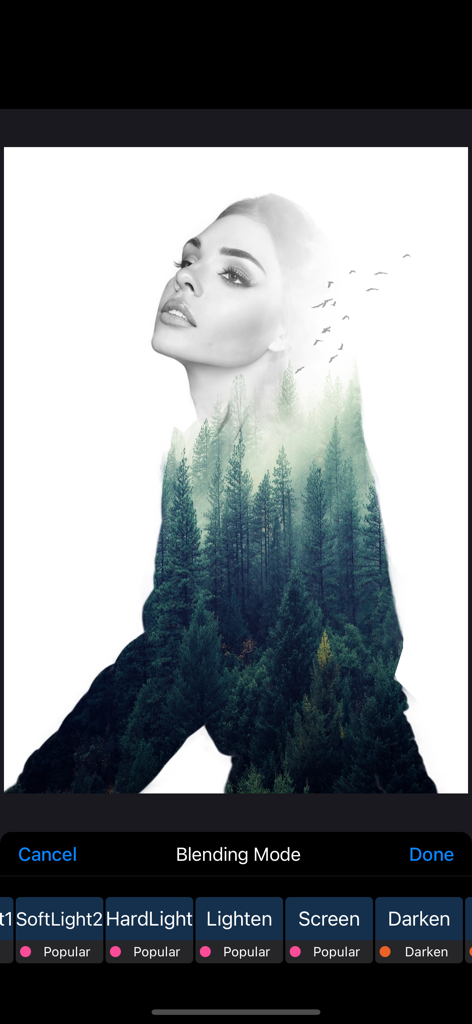
Portrait en double exposition d'une femme fusionné avec une forêt de pins à l'aide des modes de fusion de l'application
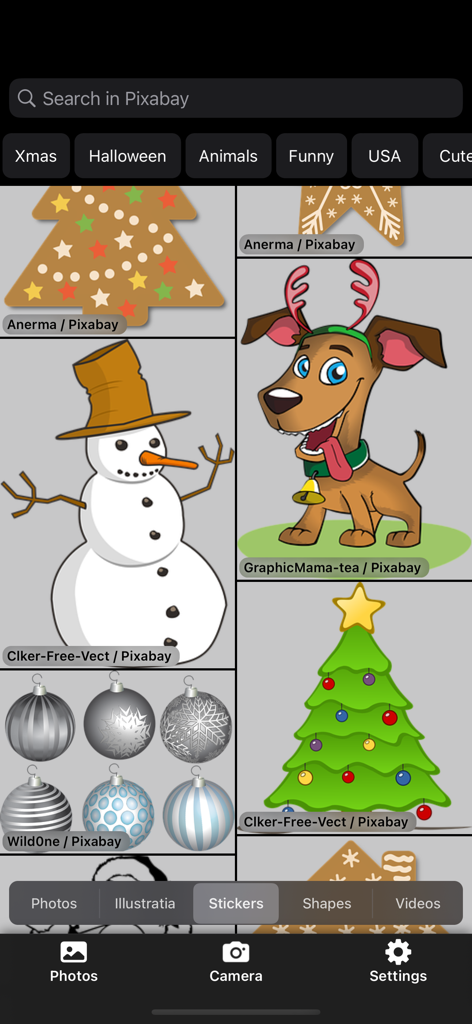
Interface de bibliothèque d'autocollants dans ReColor Art Photo Editor montrant des illustrations et des graphiques festifs
Description
Download
Apps Similaires
Apps les mieux classées dans la même catégorie

Kling AI: AI Image&Video Maker
LOHAS GAMES PTE. LTD.

iScreen - Widgets & Wallpaper
Xiamen ShenZhuo Information Technology Co., Ltd.

Dreamina AI: Image&Video Maker
BYTEDANCE PTE. LTD.

Home AI - AI Interior Design
HUBX YAZILIM HIZMETLERI ANONIM SIRKETI

ibis Paint X
ibis inc.

ThemeKit: Widget & Icon Themes
Woohoo Tech. Ltd.

Sketchbook®
Sketchbook, Inc.

Colorful Widget- Widget&Themes
Guangzhou ZHIFENG Information Technology Co.,Ltd.

ReRoom AI: Interior Design
GM UniverseApps Limited
Cette page n'est pas une page officielle de l'application ou de son développeur, mais une publication éditoriale indépendante créée à des fins d'information et de commentaire. Sauf indication expresse contraire, ni l'application ni son développeur ne sont affiliés, approuvés, sponsorisés, autorisés ou autrement officiellement liés à MWM, Apple, Google Play, à l'éditeur de l'application ou au développeur de l'application, et rien sur cette page n'implique que l'application a été développée en utilisant les services de MWM. Toutes les marques, logos, captures d'écran et autres contenus restent la propriété de leurs propriétaires respectifs.