
Cette page n'est pas une page officielle de l'application ou de son développeur, mais une publication éditoriale indépendante créée à des fins d'information et de commentaire. Sauf indication expresse contraire, ni l'application ni son développeur ne sont affiliés, approuvés, sponsorisés, autorisés ou autrement officiellement liés à MWM, Apple, Google Play, à l'éditeur de l'application ou au développeur de l'application, et rien sur cette page n'implique que l'application a été développée en utilisant les services de MWM. Toutes les marques, logos, captures d'écran et autres contenus restent la propriété de leurs propriétaires respectifs.


TapeACall Pro: Call Recorder
Consignez chaque détail de vos entretiens importants, consultations juridiques et transactions clients. Bénéficiez d'enregistrements illimités, d'une synchronisation instantanée dans le cloud et de la tranquillité d'esprit que procure la conservation d'une trace écrite de chaque conversation.
Téléchargements
409K+Note
Nombre d'avis
30K+Éditeur
Catégorie
BusinessLangues
24Dernière version
5.11.12Taille
121.1 MBDate de sortie
22 janv. 2013Capturez chaque détail avec une fiabilité professionnelle
Le choix numéro un des journalistes, des experts juridiques et des chefs d'entreprise qui ont besoin d'un enregistrement illimité des appels et d'une intégration fluide des flux de travail.
Enregistrement d'appels illimité
Enregistrez les appels entrants et sortants de toute durée sans frais à la minute et sans limite quant au nombre d'enregistrements que vous pouvez stocker.
Synchronisation transparente des flux de travail
Téléchargez instantanément vos enregistrements sur Google Drive, Dropbox ou Evernote, ou exportez-les au format MP3 pour vos archives professionnelles.
Les captures d'écran et la description suivantes proviennent directement de la fiche officielle de l'application sur le store et sont la propriété du développeur.
App Store
Captures
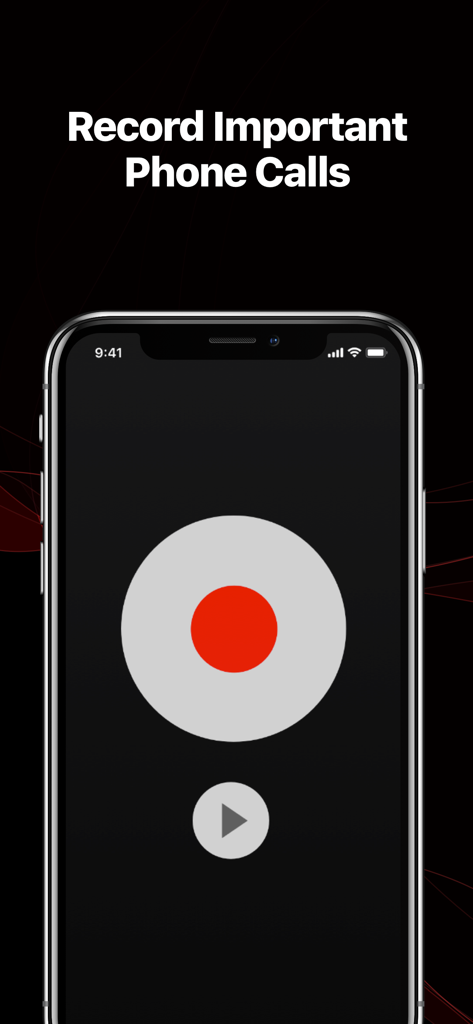
L'interface de l'application TapeACall Pro affiche un grand bouton d'enregistrement rouge et le titre « Enregistrer les appels téléphoniques importants ».
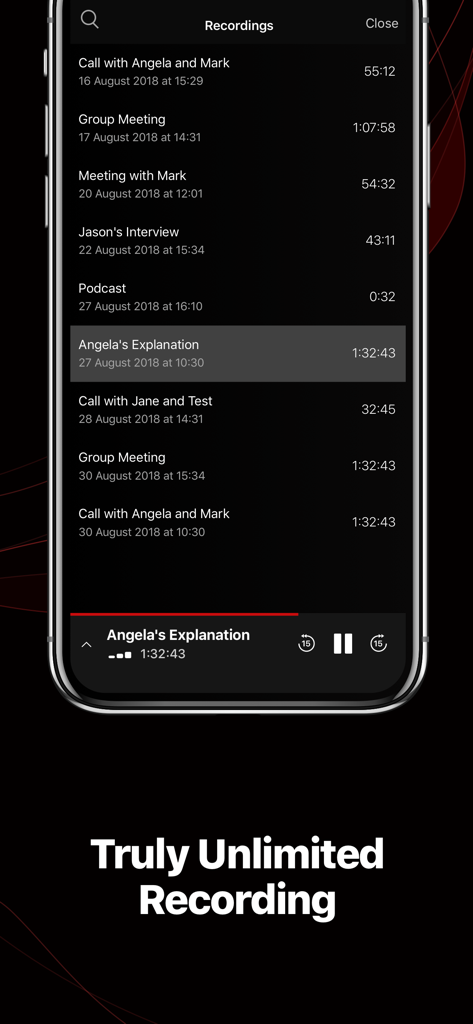
Liste d'enregistrements d'appels dans l'application TapeACall Pro sur iPhone, montrant diverses réunions et entretiens d'affaires.
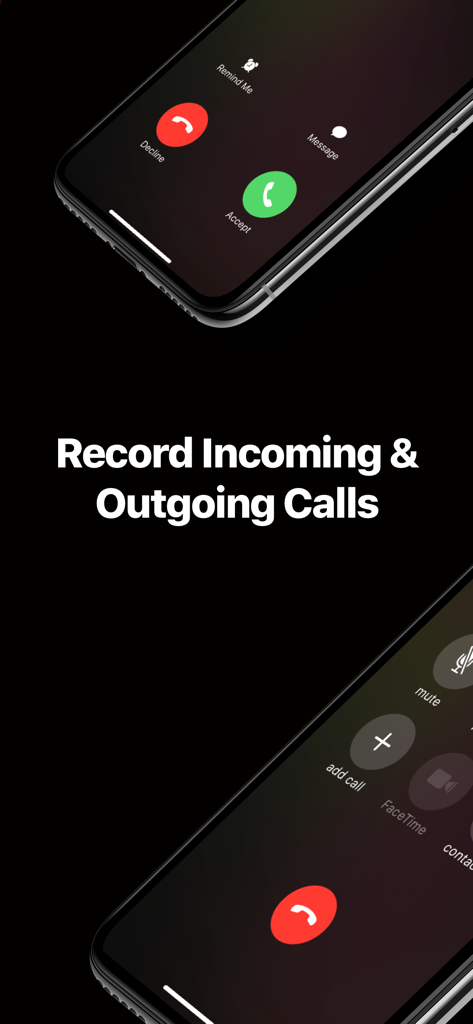
Interface de l'application TapeACall Pro montrant comment enregistrer les appels entrants et sortants sur un iPhone
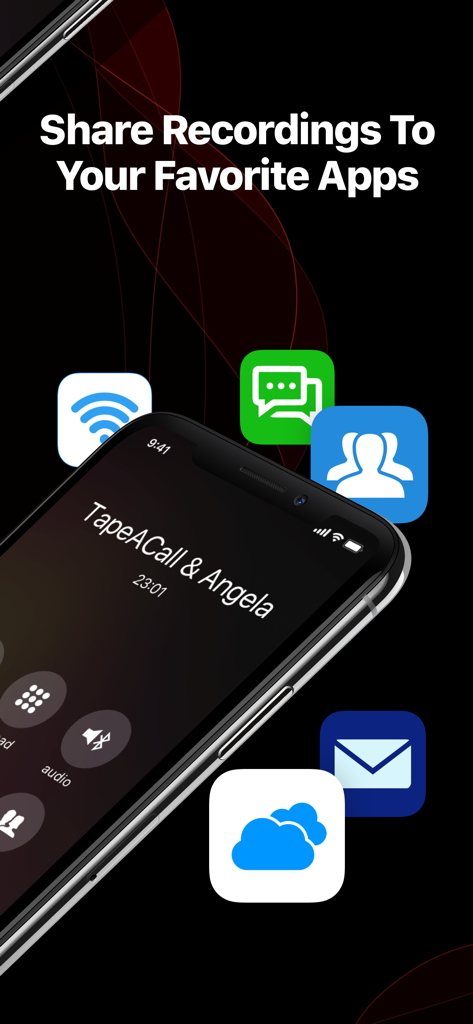
Capture d'écran d'un iPhone affichant les options permettant de partager les enregistrements d'appels avec différentes applications
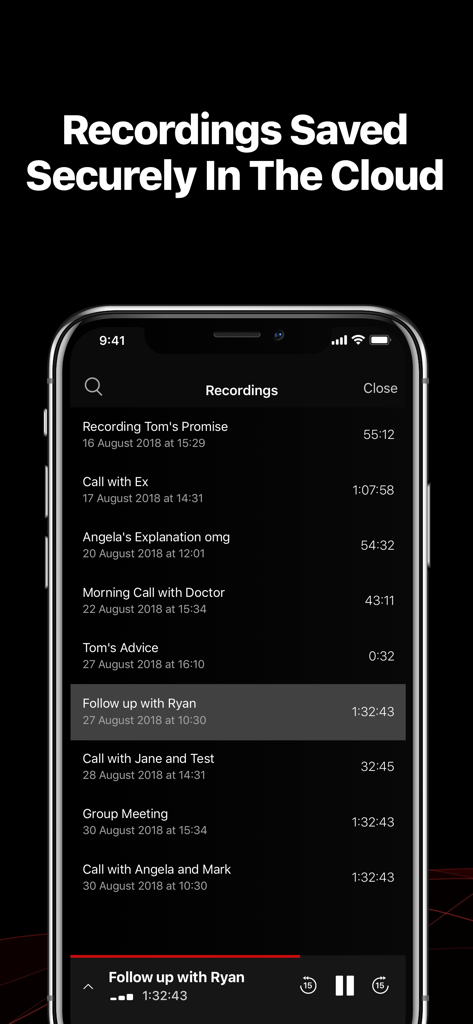
Une liste des enregistrements d'appels sauvegardés en toute sécurité dans le cloud, accessible via l'interface de l'application TapeACall Pro.
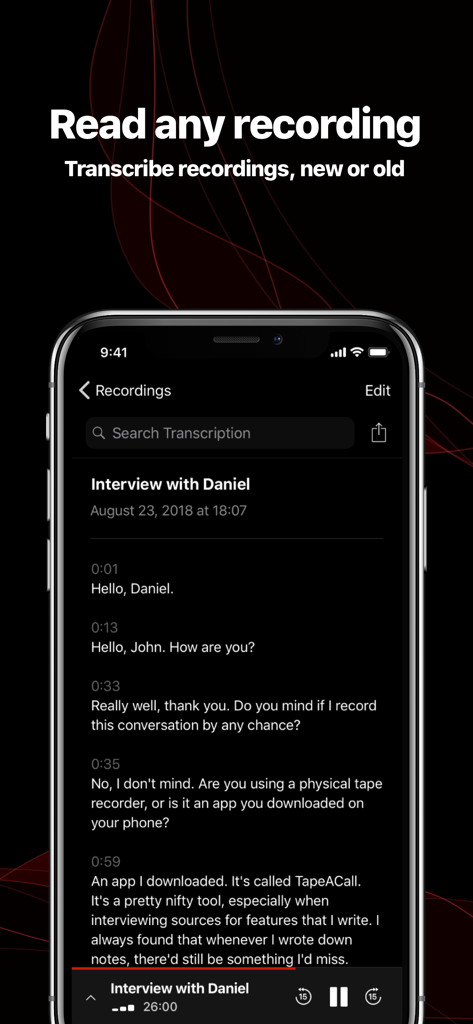
Interface de l'application TapeACall Pro affichant la transcription textuelle d'un entretien téléphonique enregistré
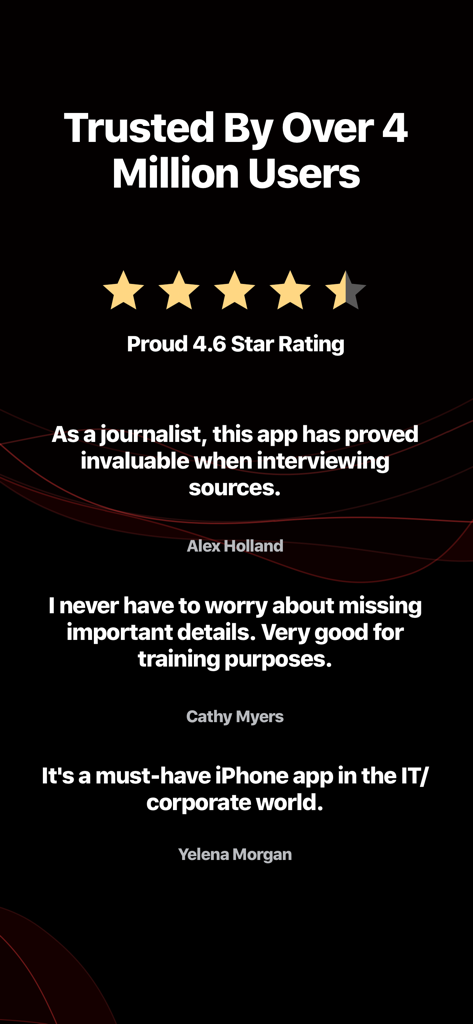
L'application d'enregistrement d'appels TapeACall Pro bénéficie de témoignages d'utilisateurs et d'une note de 4,6 étoiles.
Description
Download
Apps Similaires
Apps avec des fonctionnalités et une expérience similaires

Beside (M1): AI Receptionist
Interface, Inc.

Call Recorder for iPhone.
JatApp LLC

Voice Recorder & Audio Editor
TapMedia Ltd

Call Recorder App ◉ACR MyCalls
AppAmore Limited

Switch - Call recording app
Atlas Guide, Inc.

Call Recorder App-Voice Record
WindTalking LLC

TeleMe – Record on 2nd Number
Gelenk Networks Inc.

Call Recorder: Record All
Henrieta Jaworski

Record Phone Calls App - Auto
Henning Christensen Bonde Søgaard
Cette page n'est pas une page officielle de l'application ou de son développeur, mais une publication éditoriale indépendante créée à des fins d'information et de commentaire. Sauf indication expresse contraire, ni l'application ni son développeur ne sont affiliés, approuvés, sponsorisés, autorisés ou autrement officiellement liés à MWM, Apple, Google Play, à l'éditeur de l'application ou au développeur de l'application, et rien sur cette page n'implique que l'application a été développée en utilisant les services de MWM. Toutes les marques, logos, captures d'écran et autres contenus restent la propriété de leurs propriétaires respectifs.