
Cette page n'est pas une page officielle de l'application ou de son développeur, mais une publication éditoriale indépendante créée à des fins d'information et de commentaire. Sauf indication expresse contraire, ni l'application ni son développeur ne sont affiliés, approuvés, sponsorisés, autorisés ou autrement officiellement liés à MWM, Apple, Google Play, à l'éditeur de l'application ou au développeur de l'application, et rien sur cette page n'implique que l'application a été développée en utilisant les services de MWM. Toutes les marques, logos, captures d'écran et autres contenus restent la propriété de leurs propriétaires respectifs.

Text to Handwriting Converter
Évitez les crampes aux mains et transformez votre texte tapé en une écriture belle et authentique instantanément. Parfait pour les étudiants et les professionnels qui souhaitent la touche personnelle du papier et du stylo avec la rapidité de la frappe numérique.
Téléchargements
1K+Note
Nombre d'avis
0Éditeur
Catégorie
EducationLangues
65Dernière version
1.0.1Taille
56.2 MBDate de sortie
17 oct. 2025Dites Adieu aux Crampes aux Mains
La solution ultime pour les étudiants. Transformez vos dissertations et devoirs tapés en documents manuscrits réalistes en quelques secondes, prêts pour toute soumission.
Numérique vers Stylo Instantané
Économisez des heures de travail manuel fastidieux. Copiez simplement votre texte tapé ou vos brouillons générés par IA et regardez-les se transformer instantanément en écriture naturelle.
Personnalisation Ultra-Réaliste
Choisissez parmi plusieurs styles d'écriture, couleurs d'encre et arrière-plans de papier authentiques comme du papier ligné ou quadrillé pour un look 100 % humain.
Les captures d'écran et la description suivantes proviennent directement de la fiche officielle de l'application sur le store et sont la propriété du développeur.
App Store
Captures
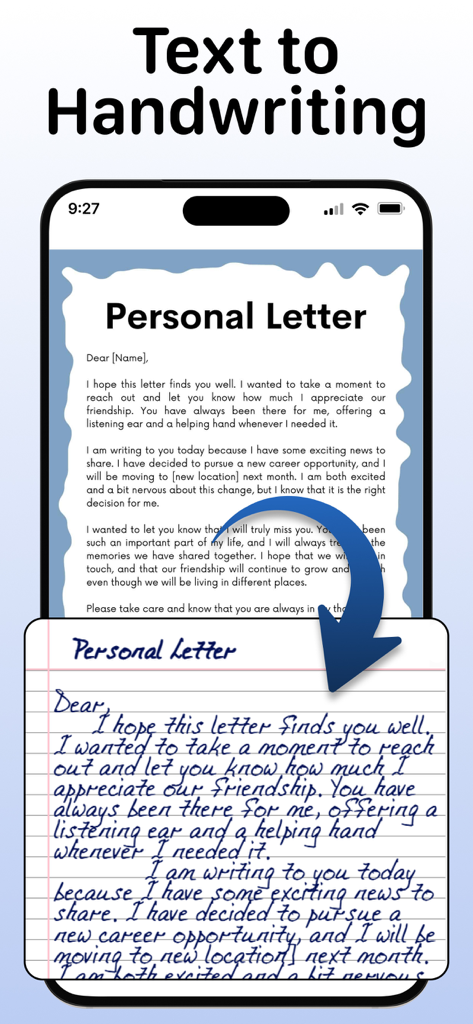
Un écran de téléphone portable montrant une lettre personnelle tapée en cours de conversion en une note manuscrite réaliste sur du papier ligné.
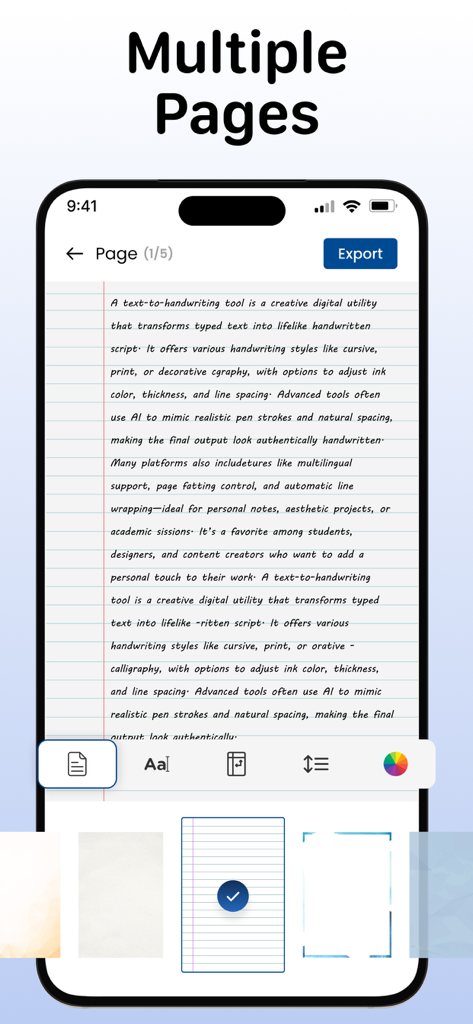
Interface d'une application de conversion texte en écriture manuscrite montrant un document manuscrit sur papier ligné avec des outils de personnalisation.
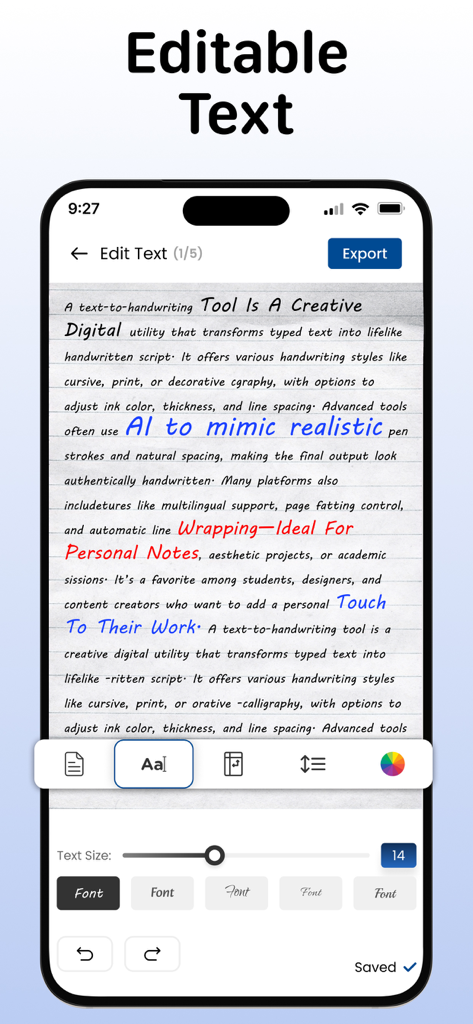
Écran mobile affichant du texte converti en écriture manuscrite avec des options de personnalisation pour les polices et les couleurs d'encre.
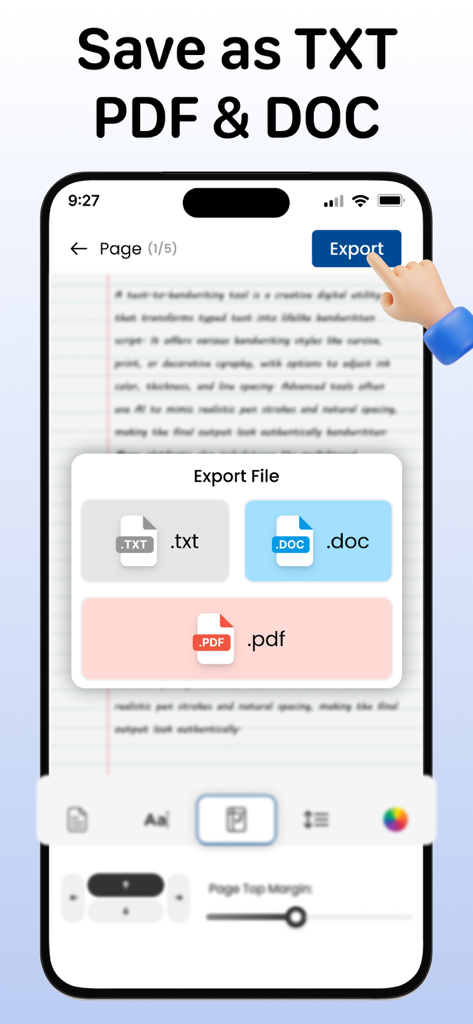
Une interface mobile montrant les options d'exportation de fichiers pour les formats TXT, DOC et PDF dans une application de conversion d'écriture manuscrite.
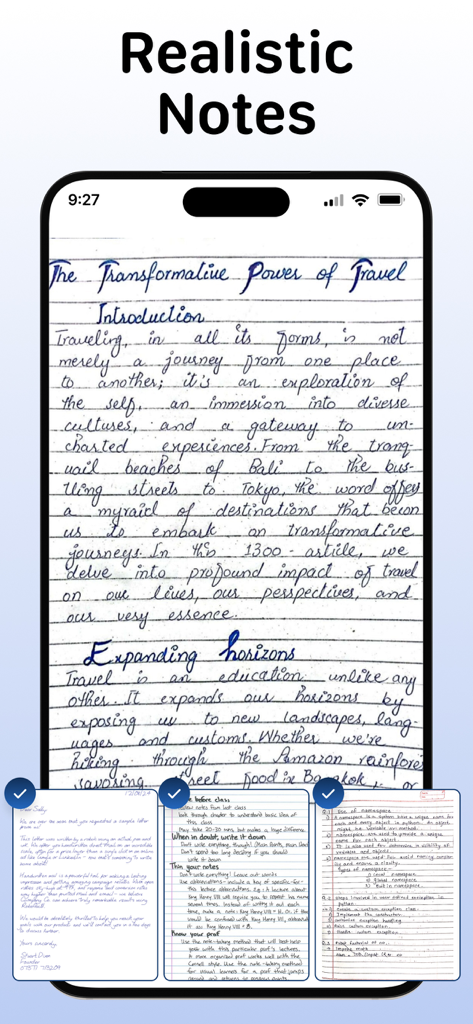
Un smartphone affichant des notes manuscrites réalistes sur un fond de papier ligné.
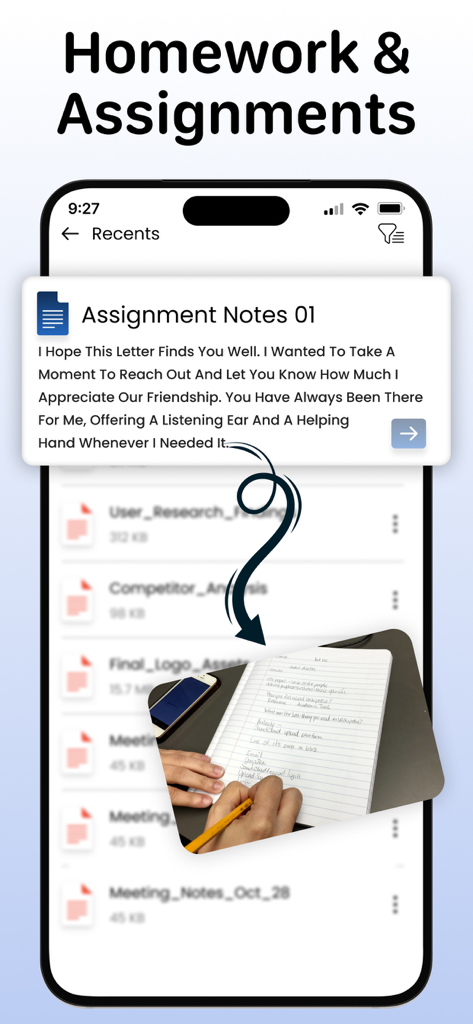
Interface de l'application montrant la conversion de texte numérique en devoirs manuscrits réalistes pour les devoirs.
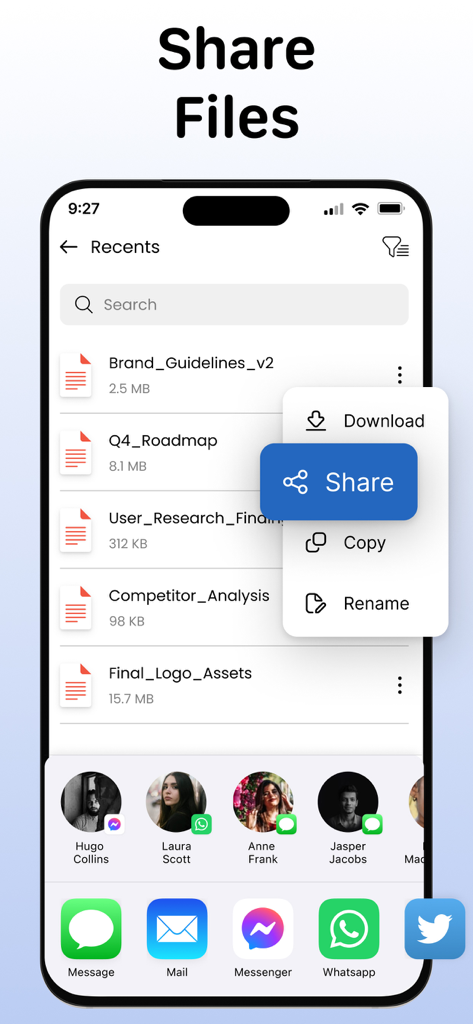
Un écran d'application mobile intitulé Partager des fichiers montrant une liste de documents et un menu de partage.
Description
Download
Apps Similaires
Apps les mieux classées dans la même catégorie

Duolingo - Language Lessons
Duolingo, Inc

Speak & Learn English: Learna
DEEP FLOW SOFTWARE SERVICES - FZCO

驾考宝典-科一科四驾驶证考试驾考通
Wuhan Jiakaobaodian Information Service Co., Ltd.

Toca Boca World
Toca Boca AB

Google Classroom
Google LLC

作业帮-中小学家长作业检查和辅导工具
Guangzhou Polar Future Culture Technology Co., Ltd

学信网
Student Information Consultation Service Co., Ltd.

Gauth: AI Study Companion
GAUTHTECH PTE. LTD.

ArtWorkout: Learn How to Draw
Aleksandr Ulitin
Cette page n'est pas une page officielle de l'application ou de son développeur, mais une publication éditoriale indépendante créée à des fins d'information et de commentaire. Sauf indication expresse contraire, ni l'application ni son développeur ne sont affiliés, approuvés, sponsorisés, autorisés ou autrement officiellement liés à MWM, Apple, Google Play, à l'éditeur de l'application ou au développeur de l'application, et rien sur cette page n'implique que l'application a été développée en utilisant les services de MWM. Toutes les marques, logos, captures d'écran et autres contenus restent la propriété de leurs propriétaires respectifs.