WeekCal pour iPad : Maîtrisez votre emploi du temps avec une clarté professionnelle
L'outil ultime pour les utilisateurs expérimentés et les personnes qui réussissent. Dépassez les limitations des calendriers intégrés avec la fonction de glisser-déposer avancée, le codage couleur personnalisé et une vue d'ensemble visuelle transparente de votre vie professionnelle complexe.
Découvrez l'interface utilisée par 130K+ utilisateurs.
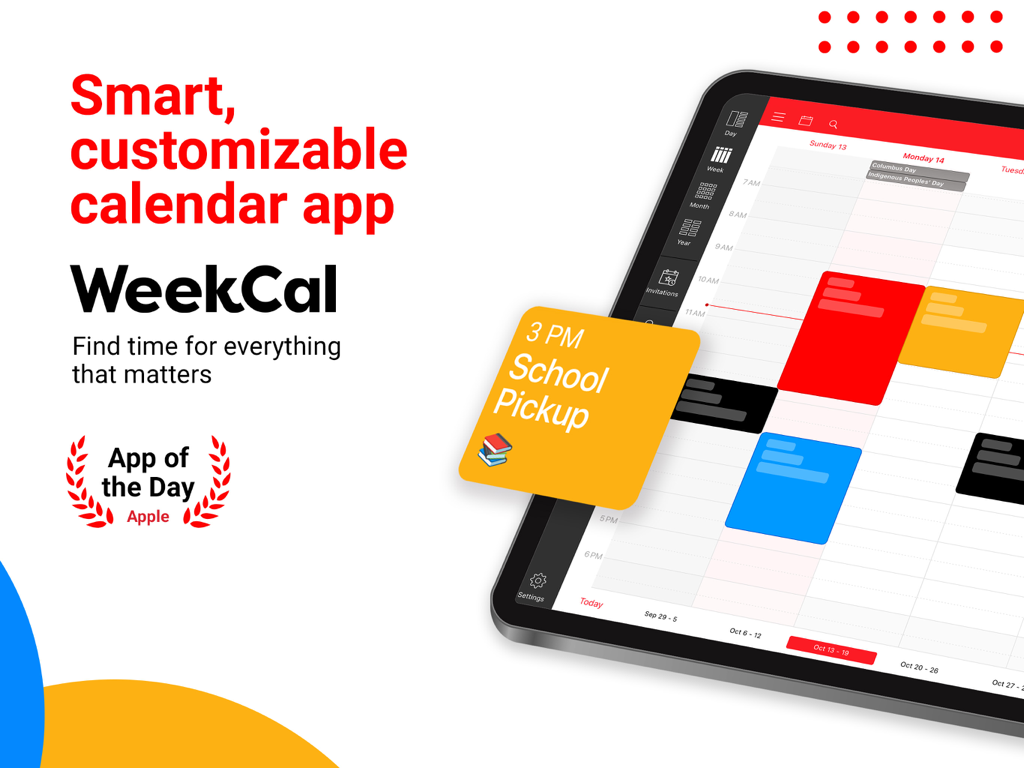
Graphique promotionnel pour WeekCal, une application de calendrier intelligente et personnalisable pour iPad, montrant un emploi du temps codé par couleur et le badge App de la journée d'Apple.
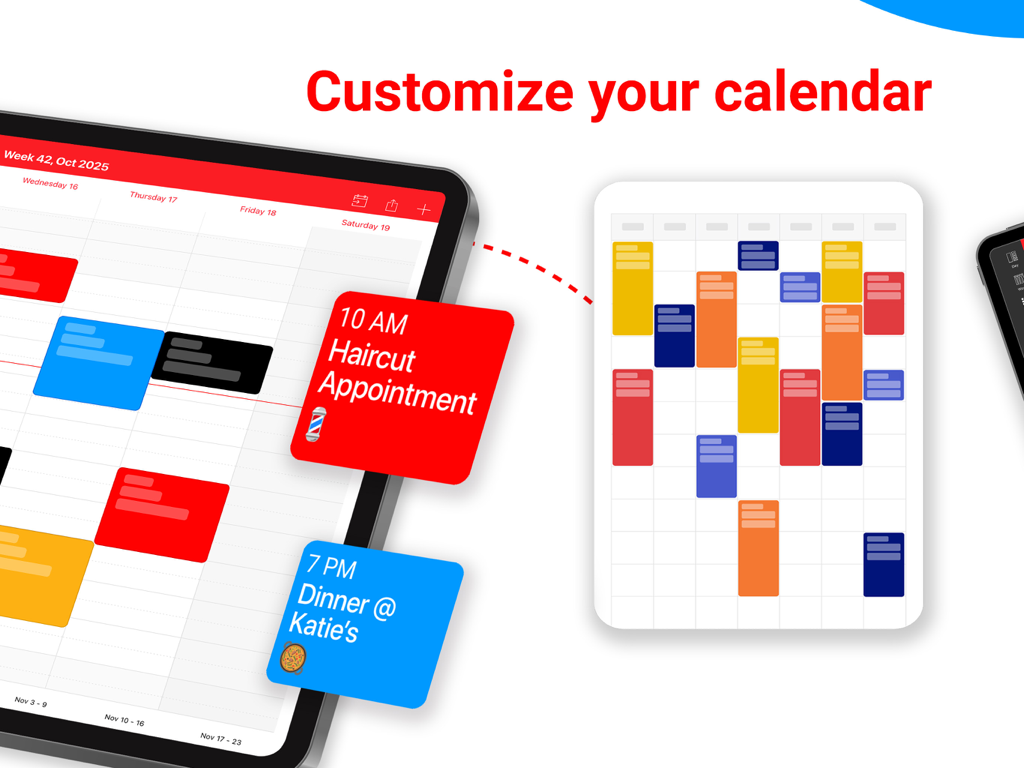
Interface WeekCal pour iPad montrant des événements de calendrier codés par couleur et des options de personnalisation
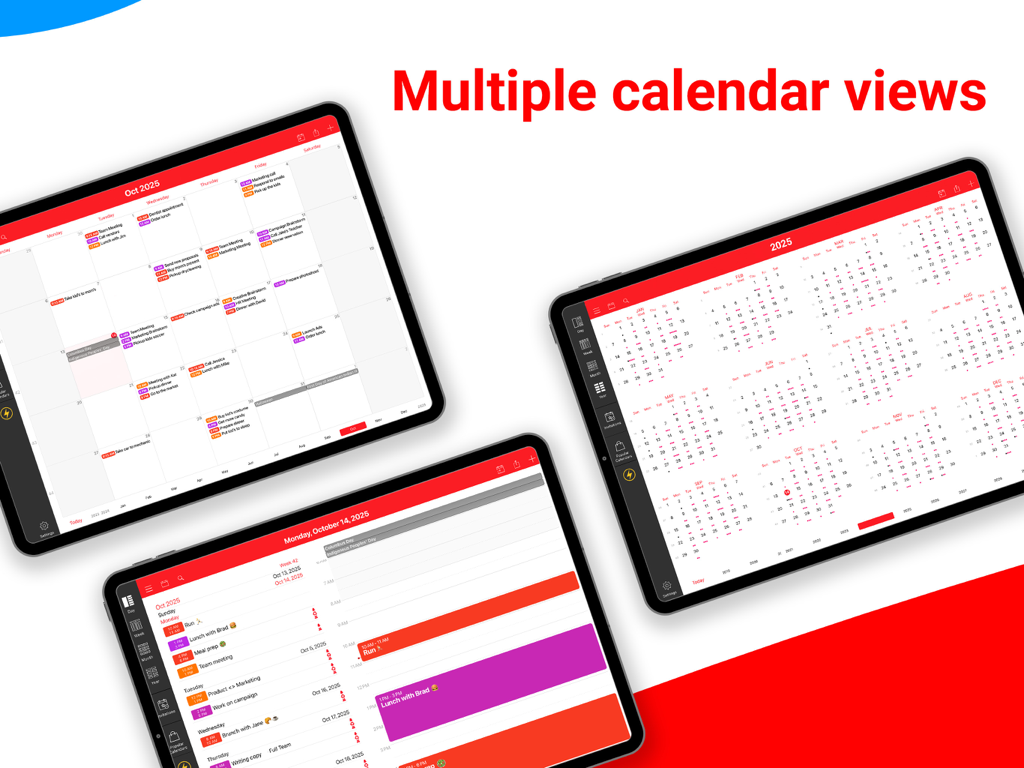
WeekCal pour iPad montrant plusieurs options de vue de calendrier, y compris les mises en page des calendriers mensuels, annuels et quotidiens
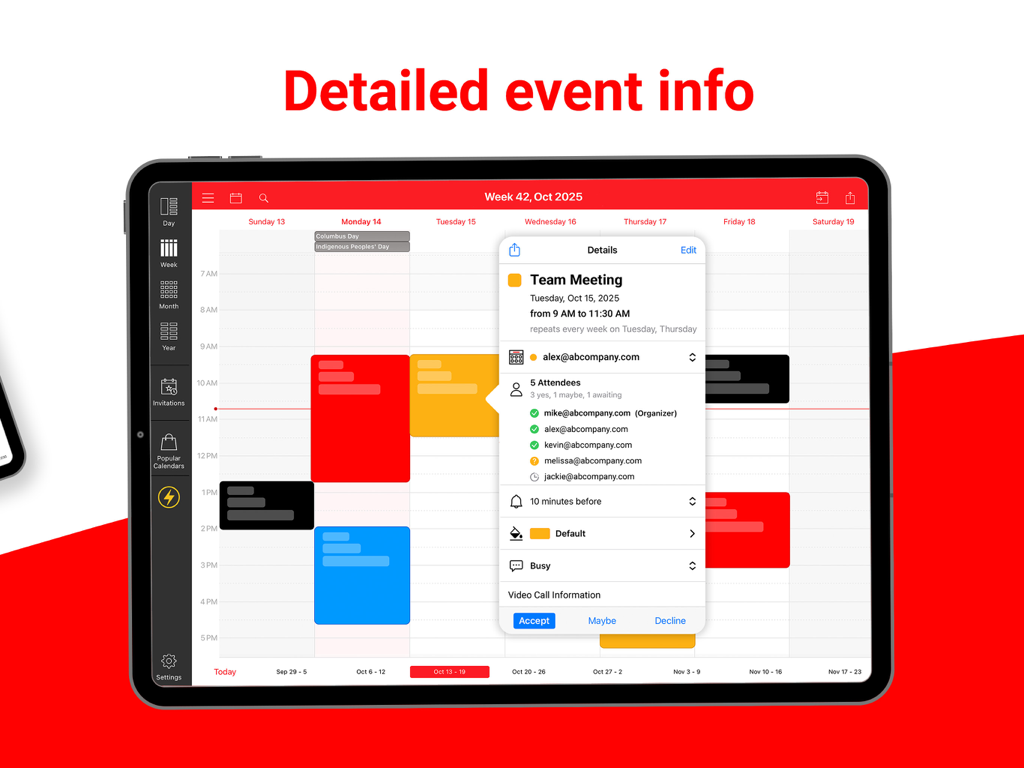
WeekCal pour iPad affichant des informations détaillées sur les événements et la liste des participants pour une réunion d'équipe sur un calendrier codé par couleur
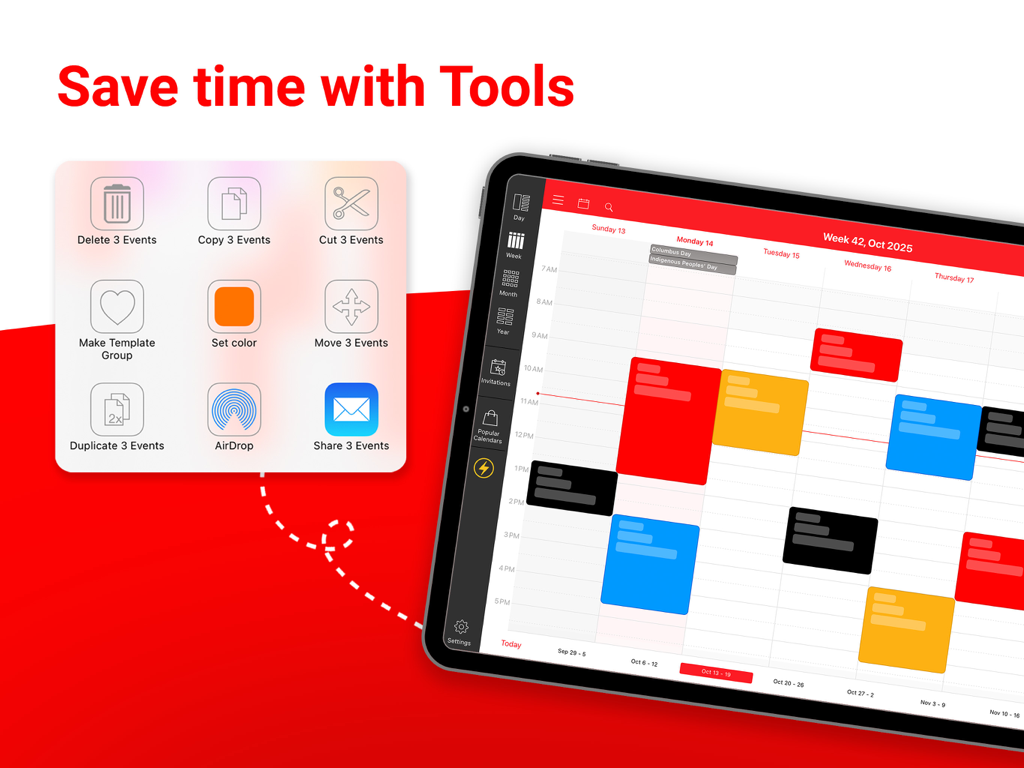
Interface WeekCal pour iPad montrant les outils d'opération par lots pour gérer plusieurs événements de calendrier à la fois
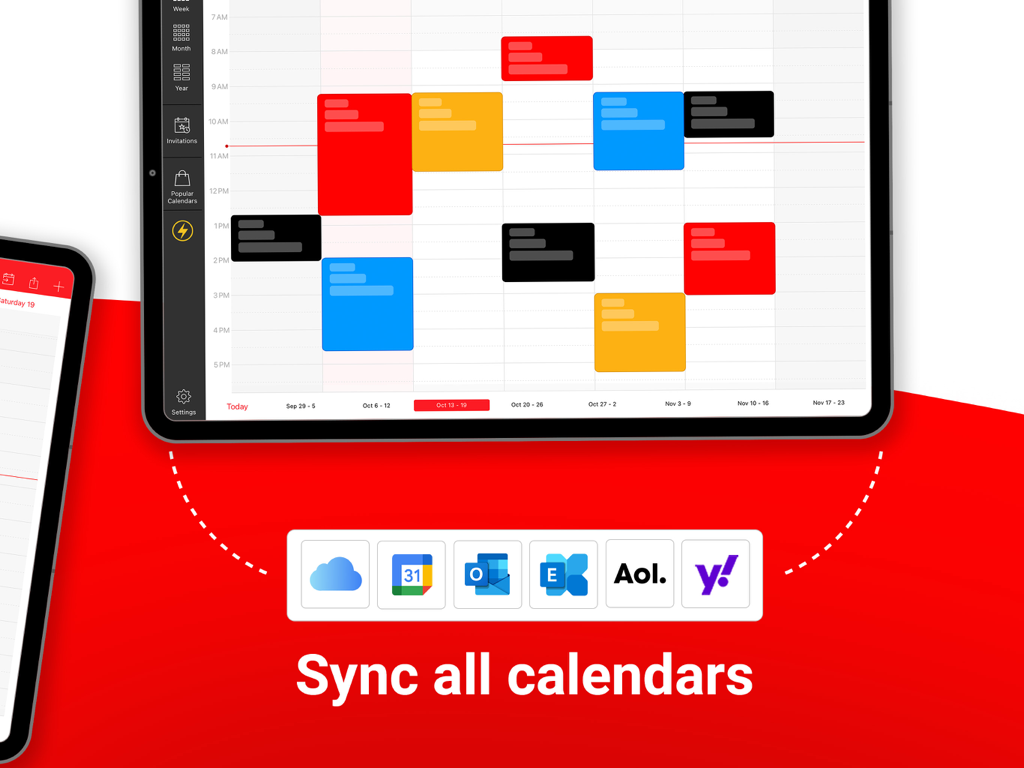
Interface WeekCal pour iPad montrant la synchronisation avec plusieurs services de calendrier comme Google, Outlook et iCloud
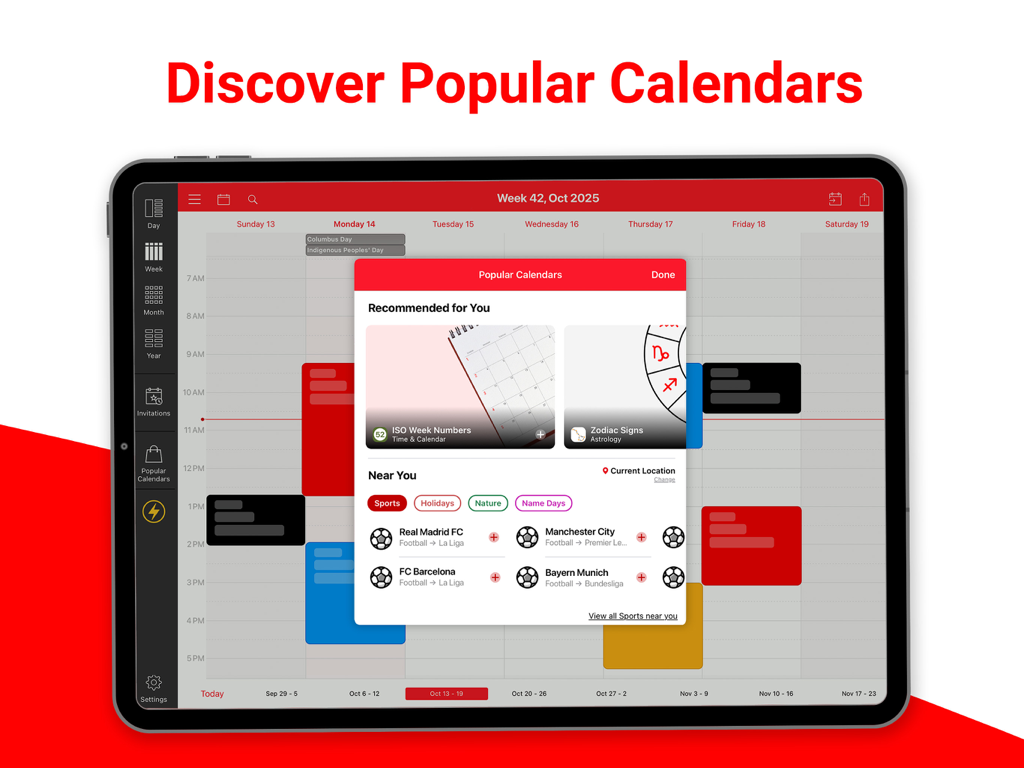
Interface WeekCal pour iPad montrant la superposition "Découvrir les calendriers populaires" pour les calendriers sportifs et de vacances.
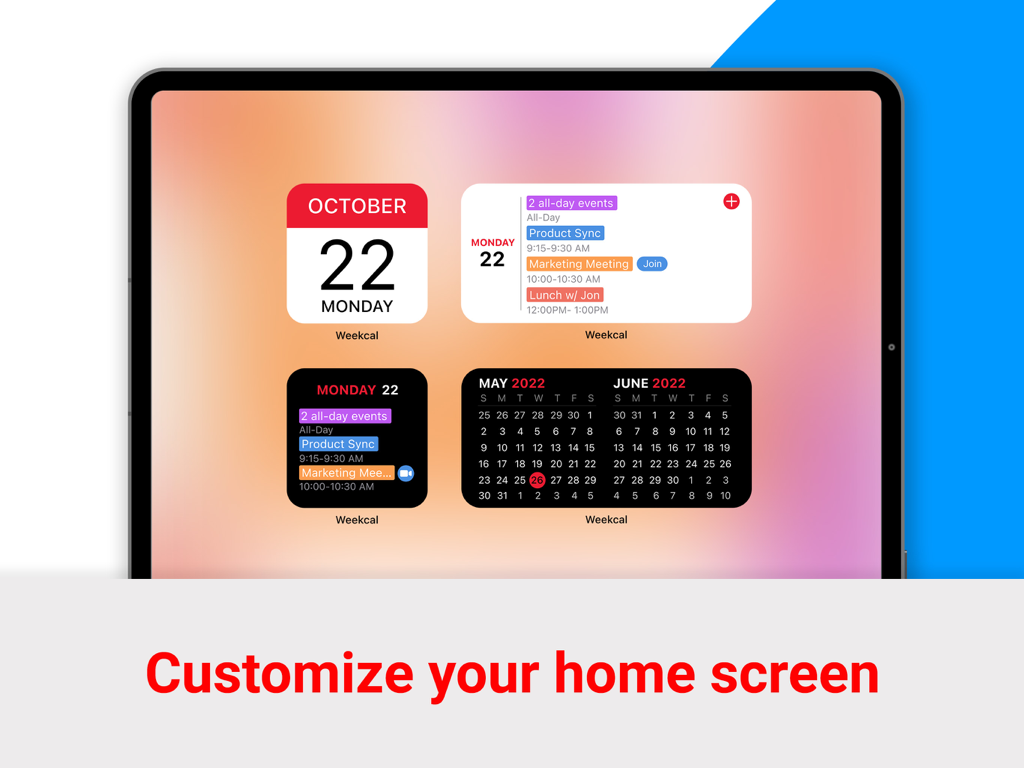
Écran d'accueil de l'iPad présentant des widgets de calendrier WeekCal pour les événements quotidiens et les vues mensuelles
Maîtrisez votre emploi du temps avec aisance
Les outils qui font la différence, choisis par 130K+ utilisateurs.
🎨
Clarté visuelle totale
Arrêtez de plisser les yeux devant le texte gris. Utilisez des couleurs et des icônes personnalisées pour catégoriser votre vie, vous permettant de visualiser l'intégralité de votre semaine en un seul coup d'œil.
⚡
Efficacité de niveau professionnel
Gagnez du temps grâce au rééchelonnement intuitif par glisser-déposer et aux opérations par lots. C'est la puissance de classe bureau dont vous avez besoin, optimisée pour votre flux de travail sur iPad.
🚀
Accès aux réunions en un clic
Rejoignez Zoom, Teams ou Google Meet instantanément depuis votre calendrier. Éliminez la friction de la recherche de liens de réunion dans vos e-mails.
À propos de l'app
Tout ce que vous devez savoir sur WeekCal for iPad.
Description
***** BEST CALENDAR APP WORLDWIDE *****
Whether you use iCloud, Exchange or Google calendar, WeekCal is the most user friendly and the all-round calendar app worldwide for everyone that needs to get the most out of their calendar app. Does your ordinary iPhone or iPad calendar give you insufficient insight and options? Then WeekCal is the solution for you.
CALENDAR CLARITY
WeekCal provides a clear and detailed overview based on day, week, (mini)month or year level. WeekCal breaks through the limitations of the standard calendar and adds functionality to improve your calendar usage.
PACKED WITH USEFUL FUNCTIONS
Move your appointments by simply dragging, copying and pasting. Clear up a busy schedule by assigning different colors to various appointments and events. Powerful reminder functions make sure you’ll always remember your events. Customizable week numbers or repetitive options and many other functions suited to your own personal needs.
FAST AND EASY TO USE
Adding, repeating and moving events is much easier with WeekCal. With a magnificent user interface and intuitive usability, WeekCal is a pleasure for both regular as well as power users.
SUBSCRIBE TO HOLIDAYS, SPORTS AND OTHER EVENTS
You can subscribe for unlimited access to all content offered for purchase within WeekCal. Recurring subscriptions are billed annually. Subscriptions auto-renew at the cost of the chosen package, unless cancelled 24-hours in advance prior to the end of the current period. The subscription fee is charged to your iTunes account at confirmation of purchase. You may manage your subscription and turn off auto-renewal by going to your Account Settings after purchase. Per Apple policy, no cancellation of the current subscription is allowed during active subscription period. Once purchased, refunds will not be provided for any unused portion of the term. Payment will be charged to your iTunes account at confirmation of purchase.
Terms of Use: https://maplemedia.io/terms-of-service/
MOST IMPORTANT FEATURES
● NEW Widgets: easily preview your upcoming events directly from the Home Screen
● NEW Join Meeting button: one-tap access to virtual meetings (Zoom, Google Meet + other meeting services)
● Magnificent overview of your appointments and events
● Viewing all your events for the week at one glance
● Calendar overview by day, week, month and year
● Simply relocate events using drag and drop
● Quickly add events on the right time using tap-and-hold
● Completely adaptable and customizable Tools menu to quickly change appointments and events
● Invite participants / share appointments and events by e-mail, Messages, WhatsApp
● Local calendar invite, enabling you to send invitations using a local calendar too.
● Works without setup for all calendar services supported by iOS (iCloud, iCal, Google, Exchange, Outlook, CalDAV, Birthdays, Subscriptions)
● Attachments
● Pinch to zoom
● Various icons for different events
● Link contacts to events
● Rotates with screen
● Event templates
● Easy-to-read widget
● Advanced recurrence rules
● Customizable display
● Time Zone Support
● Navigate with: Apple & Google Maps, Citymapper, Garmin, Here, iGo, Maps.me, Moovit, MotionX, Sygic, TransitApp, Waze, Yandex, 高德地图
● Alternate Calendars (Chinese, Hebrew, Indian, Islamitic & Persian)
● Batch operations
● Full customization of events
● Adaptable week numbers
● Available in many languages
The subscription fee is charged to your iTunes account at confirmation of purchase. You may manage your subscription and turn off auto-renewal by going to your Account Settings after purchase. Payment will be charged to your iTunes account at confirmation of purchase.
Do you have questions, complaints, or comments? Please share them with us at support@weekcal.com. You can also find the most frequently asked questions and tips on using WeekCal on our website.
Dernière version
16.0.39
Taille
211.0 MB
Date de sortie
29 avr. 2011
Prenez le contrôle total de votre temps
Rejoignez plus de 130 000 utilisateurs expérimentés qui ont opté pour une façon plus intelligente et plus visuelle de gérer leur vie. Téléchargez WeekCal et transformez votre iPad en votre centre de commande de productivité ultime.
Recommandations
Apps Similaires
Apps avec des fonctionnalités et une expérience similaires
App information, icons, screenshots, and descriptions displayed on this page are sourced from the Apple App Store and are the property of their respective developers. Download estimates and rankings are based on MWM's proprietary models and may not reflect actual figures. This page is provided for informational and analytical purposes only.
Believe this page infringes your intellectual property? File a dispute