AirDrive - Wireless Hard Drive
Scarica su App Store

Questa pagina non è una pagina ufficiale dell'app o del suo sviluppatore, ma una pubblicazione editoriale indipendente creata a scopo informativo e di commento. Salvo espressa indicazione contraria, né l'app né il suo sviluppatore sono affiliati, approvati, sponsorizzati, autorizzati o altrimenti ufficialmente collegati a MWM, Apple, Google Play, all'editore dell'app o allo sviluppatore dell'app, e nulla in questa pagina implica che l'app sia stata sviluppata utilizzando i servizi di MWM. Tutti i marchi, loghi, screenshot e altri contenuti rimangono di proprietà dei rispettivi proprietari.


Logo di AirDrive - Wireless Hard Drive
Scarica su App Store

AirDrive - Wireless Hard Drive

Dimentica i cavi e salta iTunes. Trasferisci, gestisci e proteggi facilmente i tuoi file tra il tuo telefono e qualsiasi computer tramite Wi-Fi.

Numeri Chiave

Download

325K+

Valutazione

2.3/5

Valutazioni totali

0

Editore

Sebastien BUET

Categoria

Productivity

Lingue

2

Ultima versione

2.4

Dimensione

9.7 MB

Data di lancio

18 gen 2014
Funzioni

Il Ponte Wireless Definitivo per i Tuoi File

Trasforma il tuo iPhone in un potente disco rigido esterno. Nessun cavo, nessun abbonamento e nessun cloud richiesto, solo pura produttività e trasferimenti senza interruzioni.

Trasferimenti Multipiattaforma Veloci

Ignora iTunes e i cavi. Sposta istantaneamente video di grandi dimensioni, foto e documenti tra il tuo iPhone e qualsiasi computer Windows o Mac utilizzando solo il tuo Wi-Fi.

Archiviazione Locale con Priorità alla Privacy

Smetti di pagare per abbonamenti cloud. Mantieni i tuoi dati sensibili al sicuro sul tuo dispositivo con protezione a blocco integrata e condivisione sicura solo sulla rete locale.

Gli screenshot e la descrizione seguenti provengono direttamente dall'elenco ufficiale dello store dell'app e sono di proprietà dello sviluppatore.

App Store

Screenshot
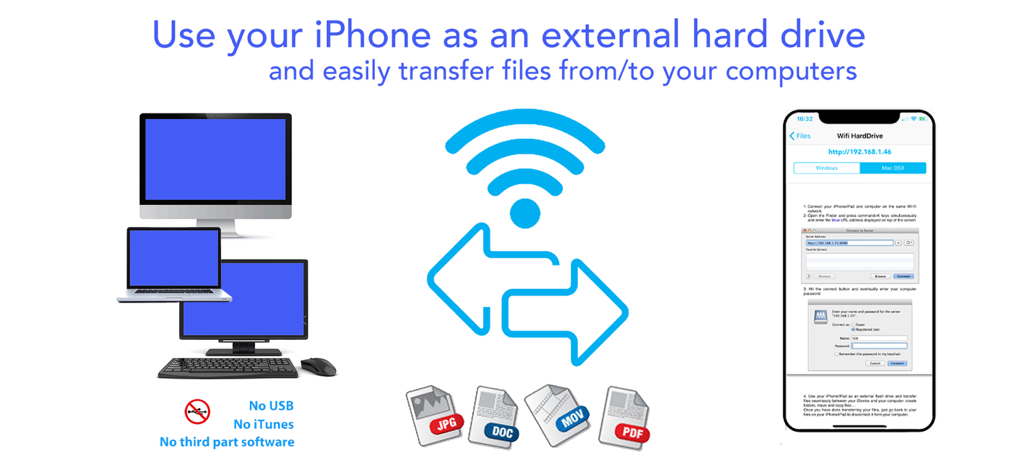
AirDrive - Wireless Hard Drive - Infografica che mostra come usare un iPhone come disco rigido esterno wireless per trasferire file come JPG, DOC e MOV ai computer senza USB o iTunes.
Infografica che mostra come usare un iPhone come disco rigido esterno wireless per trasferire file come JPG, DOC e MOV ai computer senza USB o iTunes.

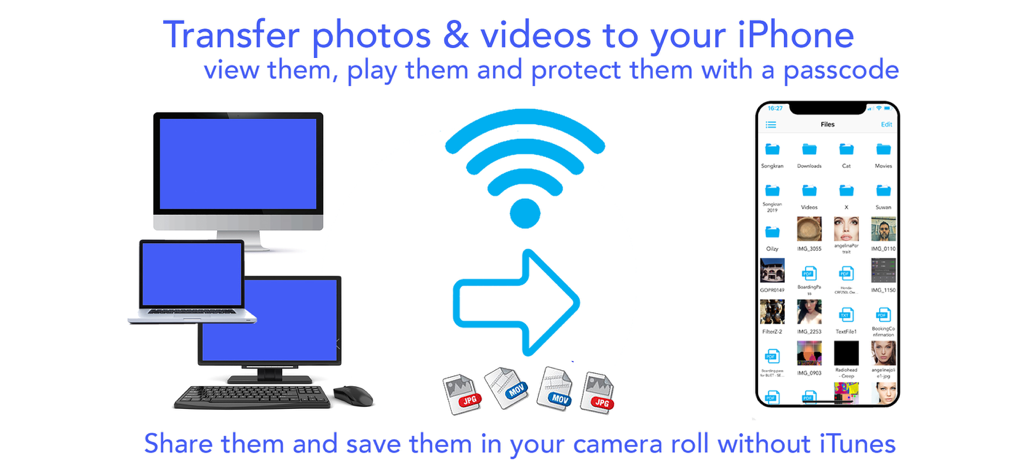
AirDrive - Wireless Hard Drive - Trasferimento wireless di foto e video da computer a un iPhone senza iTunes usando l'app AirDrive.

Trasferimento wireless di foto e video da computer a un iPhone senza iTunes usando l'app AirDrive.
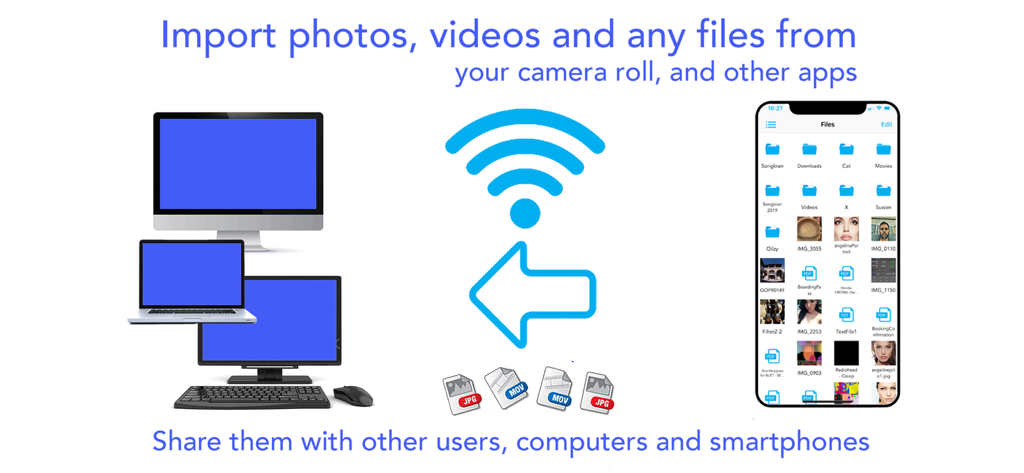
AirDrive - Wireless Hard Drive - Infografica che mostra il trasferimento di file wireless tra un iPhone e vari computer, inclusi un desktop e un laptop.
Infografica che mostra il trasferimento di file wireless tra un iPhone e vari computer, inclusi un desktop e un laptop.

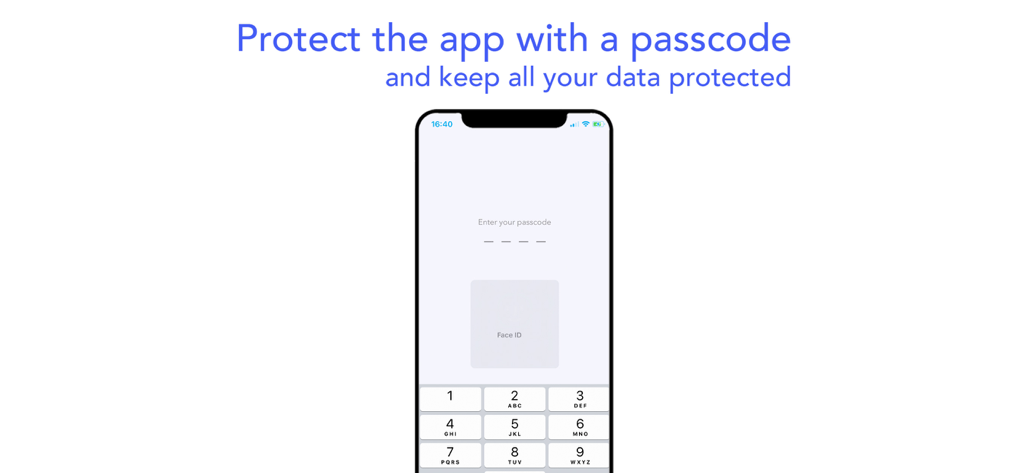
AirDrive - Wireless Hard Drive - Uno schermo mobile che mostra l'autenticazione tramite passcode e Face ID per l'app AirDrive.
Uno schermo mobile che mostra l'autenticazione tramite passcode e Face ID per l'app AirDrive.

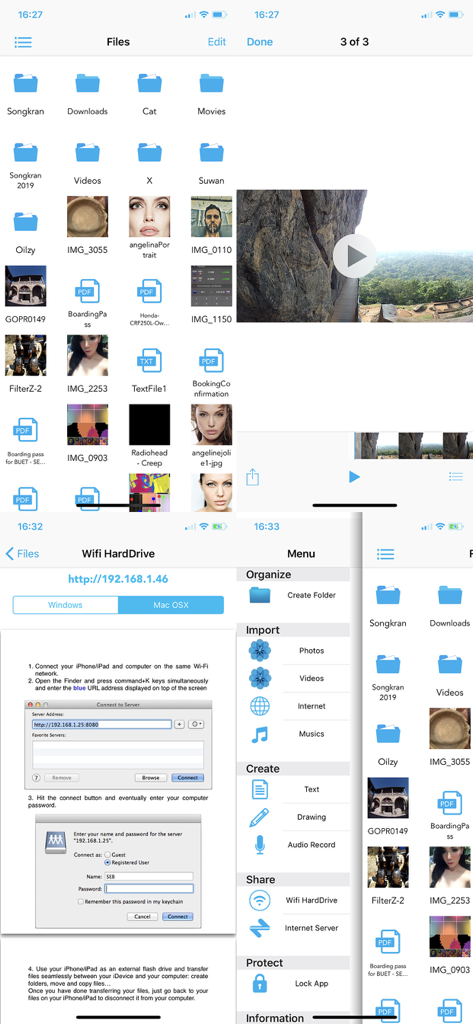
AirDrive - Wireless Hard Drive - Interfaccia dell'app AirDrive che mostra le funzionalità di gestione e trasferimento file wireless

Interfaccia dell'app AirDrive che mostra le funzionalità di gestione e trasferimento file wireless

Descrizione

Finally use your iPhone/iPad/iPod as an external hard drive; view and share your photos, videos, musics and other documents on the go. Connect your iDevices to computers and smart phones without iTunes or other third part software, and share files easily. Download musics, videos and other stuffs on the internet. Protect all your data with a pass lock… AirDrive does it all ! AirDrive combines wifi server features with a powerful file manager; it is now easy to connect your iPhone* to computers and smart phones, and use it as an external hard drive, to share files and view them on the go. No need for iTunes, special cables or other software to connect your iPhone: the only thing required is an internet wifi connection. Simply share photos, videos and musics with your friends when you see them. Import several photos and videos at once from your camera roll and albums and share them with your friends. Import musics from your iPod library and share them too! Your friends can also upload their photos, videos, musics and other files to your iPhone* and you can then view/play them and save the photos in videos all at once in your camera roll. Import files from any other apps that support file sharing (mail attachments, file manager apps, editing apps…): view them and protect them into the app with a pass lock. Download files on the internet and in other files sharing apps; download several files in the background while seeing photos/videos or creating notes. Let your friends download your files with their computers and smart phones. And so many other features that we could continue for hours ..! Main app features: - Connect your iPhone* to computers as an external hard drive and easily transfer files, create folders to organize them, view them and share them on the go. Works with Mac and Windows computers. - Connect your iPhone* to computers and smart phones by simply entering the app server url: let your friends download your files and upload theirs without itunes, special cables or software. - Import several photos and videos into the app to protect them or share them. - Import musics from your iPod library play and share them ! - Organize your files on the go: create folders, rename your files, copy, move them at specific locations, delete and save them. - Create drawing, audio and text notes directly in the app. -Of course you can also transfer file with iTunes and its file sharing feature. - Protect all your data with a pass lock. - Share all your files by email, with other apps and on social networks. If you have issues with the app, write us an email at support@seb-appstore.com. If you report a problem in your review, unfortunately we can not contact you and help you out. Check out many great other apps at www.SEB-AppStore.com iPhone*: iPhone, iPod and iPad devices

Download

Scarica su App Store

Questa pagina non è una pagina ufficiale dell'app o del suo sviluppatore, ma una pubblicazione editoriale indipendente creata a scopo informativo e di commento. Salvo espressa indicazione contraria, né l'app né il suo sviluppatore sono affiliati, approvati, sponsorizzati, autorizzati o altrimenti ufficialmente collegati a MWM, Apple, Google Play, all'editore dell'app o allo sviluppatore dell'app, e nulla in questa pagina implica che l'app sia stata sviluppata utilizzando i servizi di MWM. Tutti i marchi, loghi, screenshot e altri contenuti rimangono di proprietà dei rispettivi proprietari.








