
Questa pagina non è una pagina ufficiale dell'app o del suo sviluppatore, ma una pubblicazione editoriale indipendente creata a scopo informativo e di commento. Salvo espressa indicazione contraria, né l'app né il suo sviluppatore sono affiliati, approvati, sponsorizzati, autorizzati o altrimenti ufficialmente collegati a MWM, Apple, Google Play, all'editore dell'app o allo sviluppatore dell'app, e nulla in questa pagina implica che l'app sia stata sviluppata utilizzando i servizi di MWM. Tutti i marchi, loghi, screenshot e altri contenuti rimangono di proprietà dei rispettivi proprietari.


AnyMirror: Mirror Screen to PC
Migliora il tuo lavoro ibrido, l'insegnamento digitale e gli streaming live. Esegui il mirroring del tuo iPhone o iPad senza interruzioni e senza ritardi, annota in tempo reale e trasforma il tuo dispositivo mobile in una webcam e un microfono di livello professionale.
Download
8K+Valutazione
Valutazioni totali
0Editore
Categoria
UtilitiesLingue
3Ultima versione
1.1.1Dimensione
71.4 MBData di lancio
27 set 2021Migliora il Tuo Flusso di Lavoro Professionale
Più di un semplice mirroring. AnyMirror combina lo streaming ad alta definizione con strumenti professionali per aiutarti a insegnare, presentare e creare come un professionista su qualsiasi PC o Mac.
Webcam e Microfono di Livello Professionale
Migliora istantaneamente le tue riunioni virtuali. Usa la fotocamera 4K del tuo iPhone come webcam wireless di alta qualità per Zoom, Teams e streaming professionali.
Connessione USB Senza Ritardi
Sperimenta un mirroring ultra fluido e senza latenza. Perfetto per dimostrazioni di app ad alto rischio, giochi su mobile e creazione di contenuti in tempo reale.
Gli screenshot e la descrizione seguenti provengono direttamente dall'elenco ufficiale dello store dell'app e sono di proprietà dello sviluppatore.
App Store
Screenshot
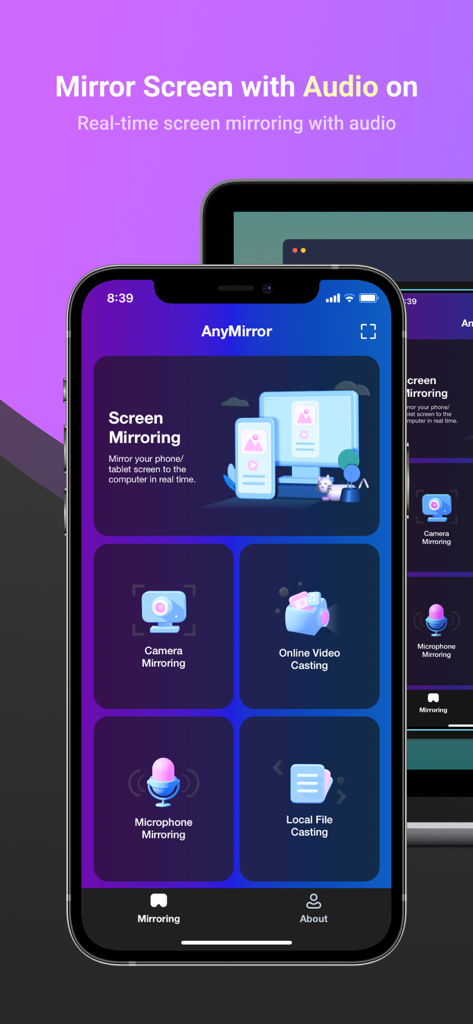
Schermata dell'app AnyMirror su un iPhone che mostra le opzioni di mirroring per audio e fotocamera su un PC
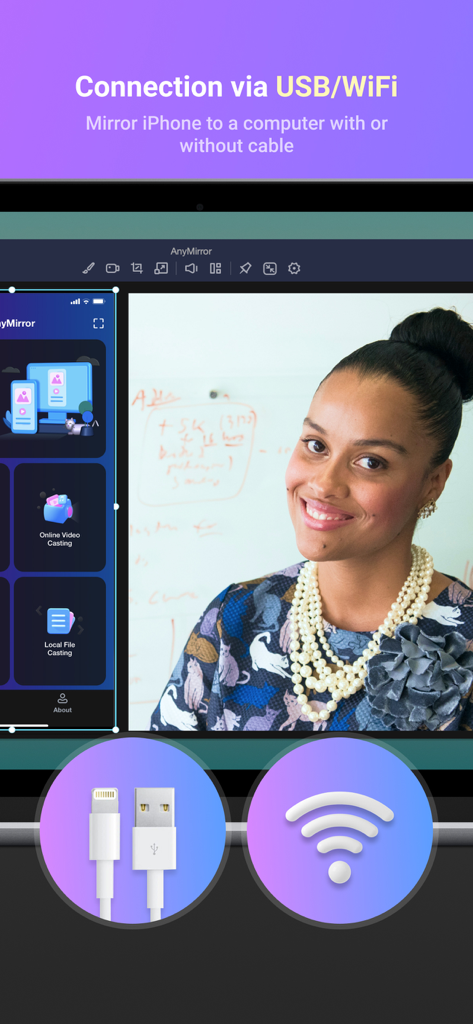
Interfaccia AnyMirror che visualizza le opzioni di connessione per il mirroring dello schermo tramite USB e Wi-Fi
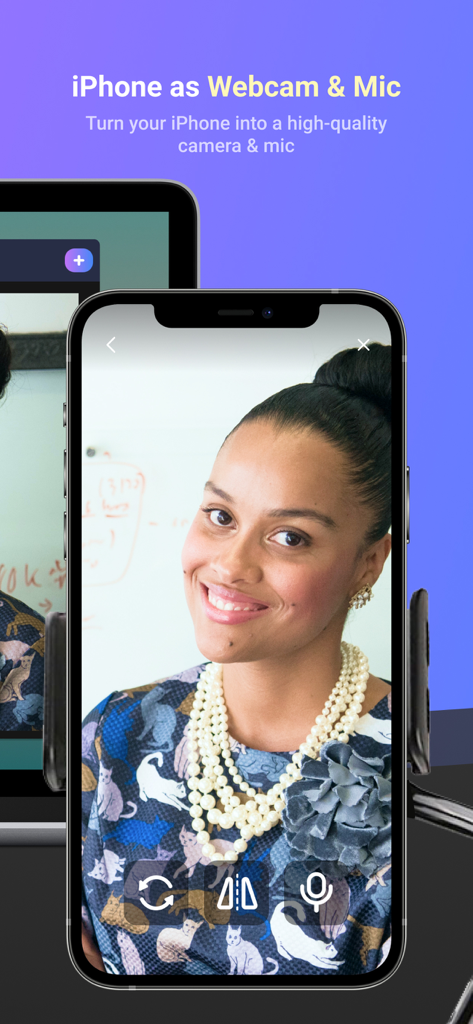
iPhone utilizzato come webcam e microfono di alta qualità per PC
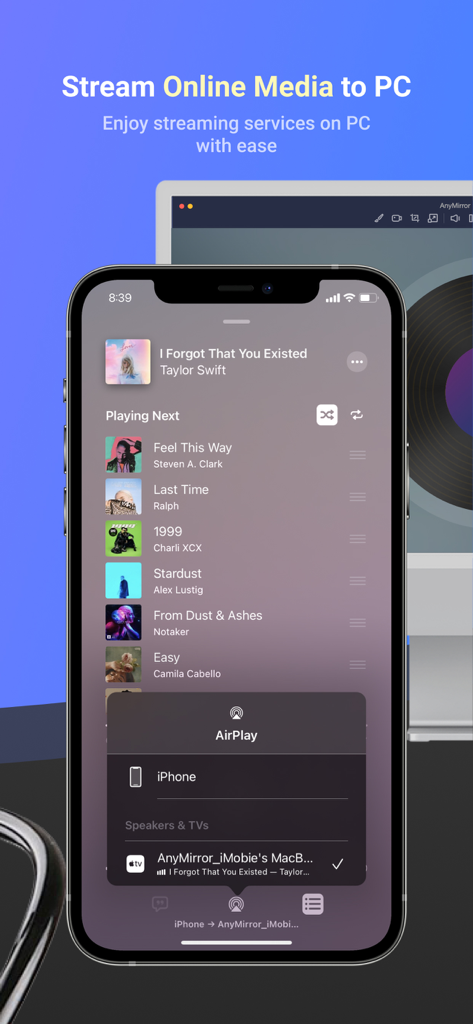
iPhone che trasmette un'app di lettore musicale a uno schermo del computer utilizzando AnyMirror
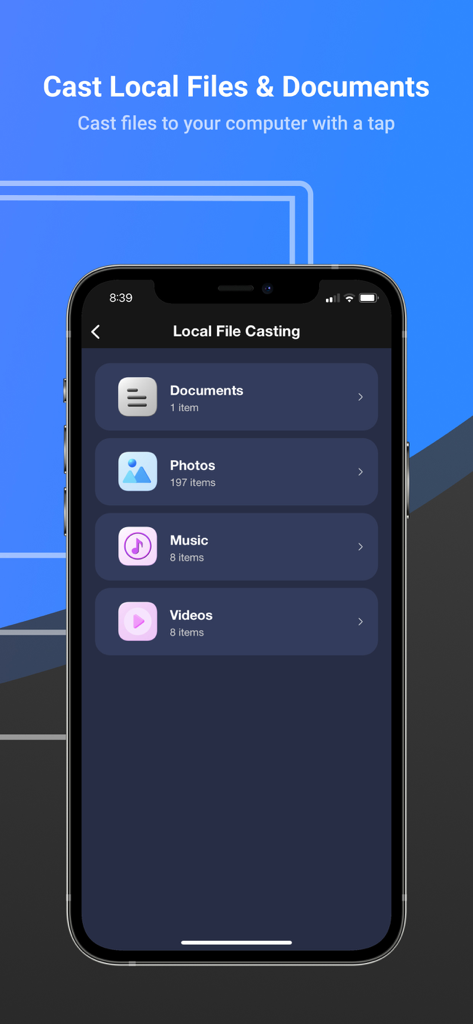
Interfaccia dell'app AnyMirror per la trasmissione di documenti locali, foto, musica e video a un computer
Descrizione
Download
App Simili
App più classificate nella stessa categoria

Google LLC

Google Chrome
Google LLC

中国移动(手机营业厅)
China Mobile Online Services Co., Ltd.

Google Authenticator
Google LLC

CNH do Brasil
Servicos e Informacoes do Brasil

Cleanup: Phone Storage Cleaner
DEEP FLOW SOFTWARE SERVICES - FZCO

gov.br
Servicos e Informacoes do Brasil

中国电信-全国统一官方服务平台
CHINA TELECOM Corporation Ltd.

Microsoft Edge: AI Browser
Microsoft Corporation
Questa pagina non è una pagina ufficiale dell'app o del suo sviluppatore, ma una pubblicazione editoriale indipendente creata a scopo informativo e di commento. Salvo espressa indicazione contraria, né l'app né il suo sviluppatore sono affiliati, approvati, sponsorizzati, autorizzati o altrimenti ufficialmente collegati a MWM, Apple, Google Play, all'editore dell'app o allo sviluppatore dell'app, e nulla in questa pagina implica che l'app sia stata sviluppata utilizzando i servizi di MWM. Tutti i marchi, loghi, screenshot e altri contenuti rimangono di proprietà dei rispettivi proprietari.