Bluetooth Lost Device Finder

Bluetooth Lost Device Finder


Scarica su App Store
Logo di Bluetooth Lost Device Finder

Trova Dispositivi Bluetooth Persi: Individua i tuoi auricolari e smartwatch mancanti in pochi secondi

Smetti di farti prendere dal panico ed evita costose sostituzioni. Usa il tracciamento avanzato del segnale per individuare qualsiasi dispositivo Bluetooth smarrito, dagli AirPods ai fitness tracker, prima che la batteria si scarichi.

Scarica su App Store

Editore

Konveer LLC

Categoria

Utilities

Download

9K+

Valutazione

4.2/5

Valutazioni totali

1K+

Lingue

9

Precisione a Colpo d'Occhio

Scopri l'interfaccia usata da 9K+ utenti.
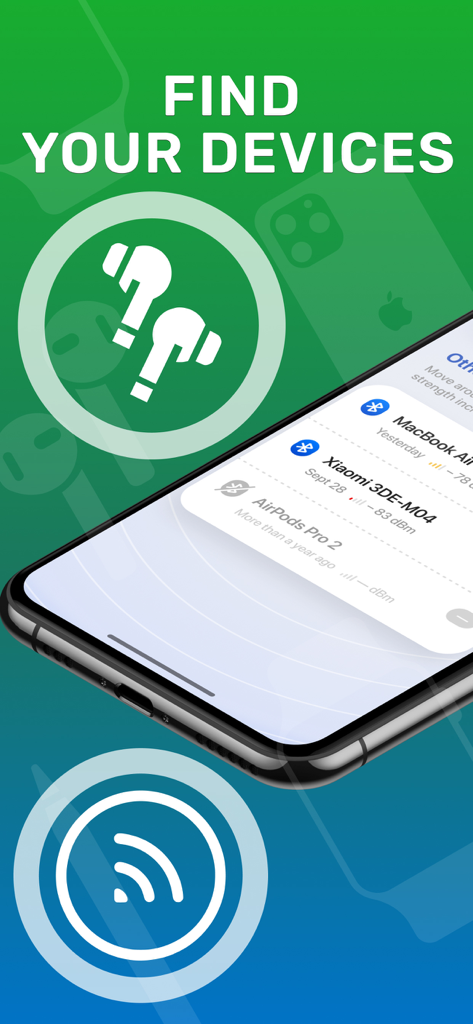
Interfaccia dell'app mobile che mostra un elenco di dispositivi Bluetooth nelle vicinanze come AirPods e MacBook per un facile tracciamento.

Interfaccia dell'app mobile che mostra un elenco di dispositivi Bluetooth nelle vicinanze come AirPods e MacBook per un facile tracciamento.

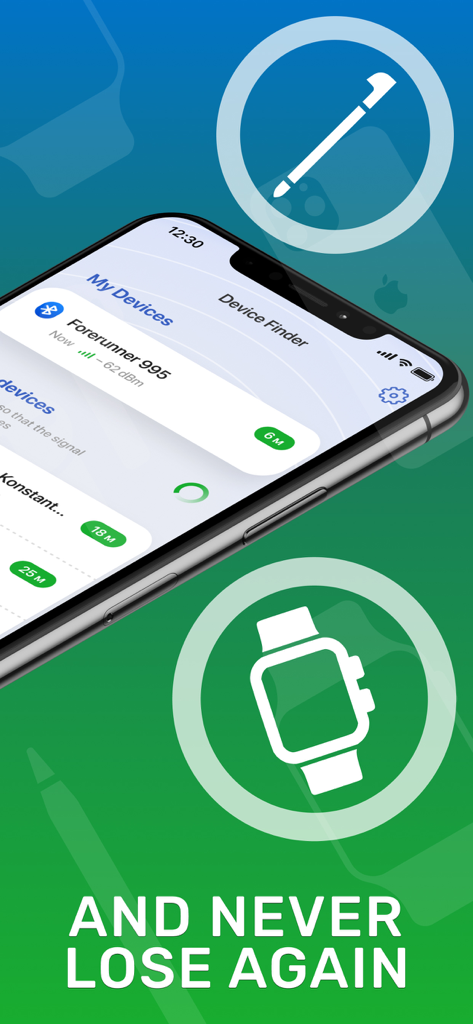
Interfaccia dell'app Bluetooth Lost Device Finder su un iPhone che mostra il tracciamento del dispositivo e la potenza del segnale

Interfaccia dell'app Bluetooth Lost Device Finder su un iPhone che mostra il tracciamento del dispositivo e la potenza del segnale

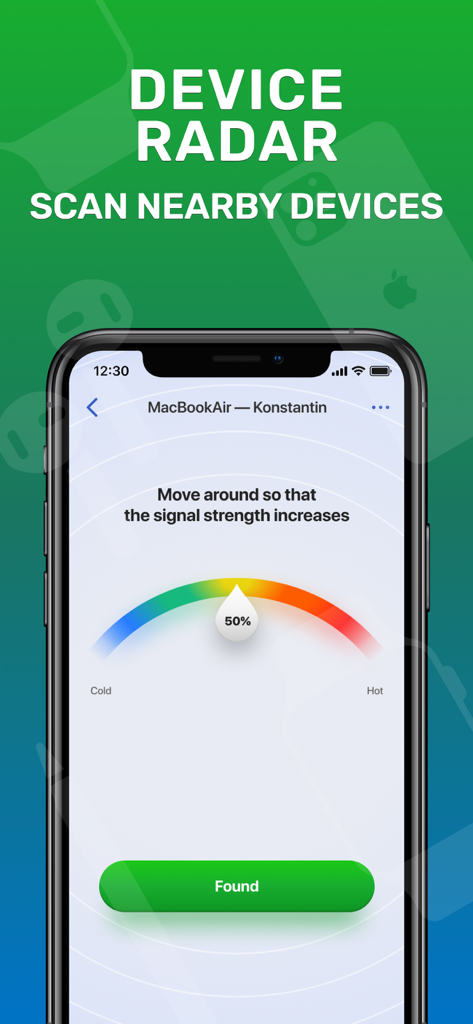
App finder Bluetooth che mostra il radar di potenza del segnale per un dispositivo perso

App finder Bluetooth che mostra il radar di potenza del segnale per un dispositivo perso

Smetti di Cercare, Inizia a Trovare

Gli strumenti che rendono questa app unica, scelti da 9K+ utenti.

📡

Radar di Segnale di Precisione

Segui il misuratore di tracciamento 'Caldo o Freddo' per individuare la posizione esatta del tuo dispositivo smarrito utilizzando l'analisi avanzata della potenza del segnale.

🎧

Supporto Universale per Dispositivi

A differenza del tracciamento nativo, la nostra app trova tutto, dagli AirPods e cuffie Bose agli smartwatch e ai fitness tracker di terze parti.

Scansione Istantanea con un Tocco

Progettato per il 'momento di panico': avvia l'app e inizia subito a scansionare senza complicate configurazioni per trovare rapidamente la tua attrezzatura.

Info sull'app

Tutto quello che devi sapere su Bluetooth Lost Device Finder.

Descrizione

Find Bluetooth Lost Devices is the essential app for anyone who frequently misplaces their Bluetooth devices. With its powerful tracking and locating capabilities, you can easily find your lost headphones, smartwatch, or any other Bluetooth device in seconds. Simply launch the app, scan for nearby devices, and let our advanced technology pinpoint their exact location. Say goodbye to the frustration of searching for misplaced devices and stay connected effortlessly. Download Find Bluetooth Lost Devices now and never lose your valuable Bluetooth devices again. Subscription info: - You can subscribe for full access to Pro account with unlimited function and no ads. - Subscription automatically renews for the same price and duration period as the original package unless auto-renew is turned off at least 24-hours before the end of the current period - Payment will be charged to iTunes Account at confirmation of purchase - Subscriptions may be managed by the user and auto-renewal may be turned off by going to the user's Account Settings after purchase For app support please contact us at: support@konvapps.com Terms of use: https://konvapps.com/bluetooth/terms.html Privacy policy: https://konvapps.com/bluetooth/privacy.html

Ultima versione

1.3.1

Dimensione

59.8 MB

Data di lancio

16 mag 2023

Smetti di Cercare e Salva la Tua Tecnologia

Unisciti a migliaia di utenti che hanno recuperato in pochi secondi le loro cuffie e smartwatch smarriti. Scarica ora per individuare il tuo dispositivo prima che la batteria si scarichi.

Scarica su App Store

App information, icons, screenshots, and descriptions displayed on this page are sourced from the Apple App Store and are the property of their respective developers. Download estimates and rankings are based on MWM's proprietary models and may not reflect actual figures. This page is provided for informational and analytical purposes only.

Believe this page infringes your intellectual property? File a dispute