bVNC Pro - VNC Screen Sharing
Scarica su App Store

Questa pagina non è una pagina ufficiale dell'app o del suo sviluppatore, ma una pubblicazione editoriale indipendente creata a scopo informativo e di commento. Salvo espressa indicazione contraria, né l'app né il suo sviluppatore sono affiliati, approvati, sponsorizzati, autorizzati o altrimenti ufficialmente collegati a MWM, Apple, Google Play, all'editore dell'app o allo sviluppatore dell'app, e nulla in questa pagina implica che l'app sia stata sviluppata utilizzando i servizi di MWM. Tutti i marchi, loghi, screenshot e altri contenuti rimangono di proprietà dei rispettivi proprietari.


Logo di bVNC Pro - VNC Screen Sharing
Scarica su App Store

bVNC Pro - VNC Screen Sharing

Comanda i tuoi server Linux, Mac e Windows con crittografia SSH di alto livello, supporto PiKVM e integrazione completa con tastiera e mouse esterni di classe desktop. Gestione remota potente per SysAdmin e utenti esperti, senza abbonamenti.

Numeri Chiave

Download

20K+

Valutazione

4.2/5

Valutazioni totali

0

Editore

iordan iordanov

Categoria

Productivity

Lingue

5

Ultima versione

56

Dimensione

8.3 MB

Data di lancio

11 apr 2020
Funzioni

Controllo Professionale per Ogni Ambiente

Potenzia il tuo flusso di lavoro con un client VNC sicuro e open-source, costruito per amministratori di sistema e utenti esperti che gestiscono infrastrutture multi-OS.

Sicurezza di Livello Enterprise

Proteggi le tue sessioni con tunnel SSH e certificati VeNCrypt (x509), garantendo che i tuoi dati rimangano privati e aggirando broker cloud di terze parti.

Precisione Multi-OS Nativa

Piena compatibilità con Linux, Mac, Windows e PiKVM, con gesti multi-touch avanzati e supporto completo per tastiera e mouse esterni.

Gli screenshot e la descrizione seguenti provengono direttamente dall'elenco ufficiale dello store dell'app e sono di proprietà dello sviluppatore.

App Store

Screenshot
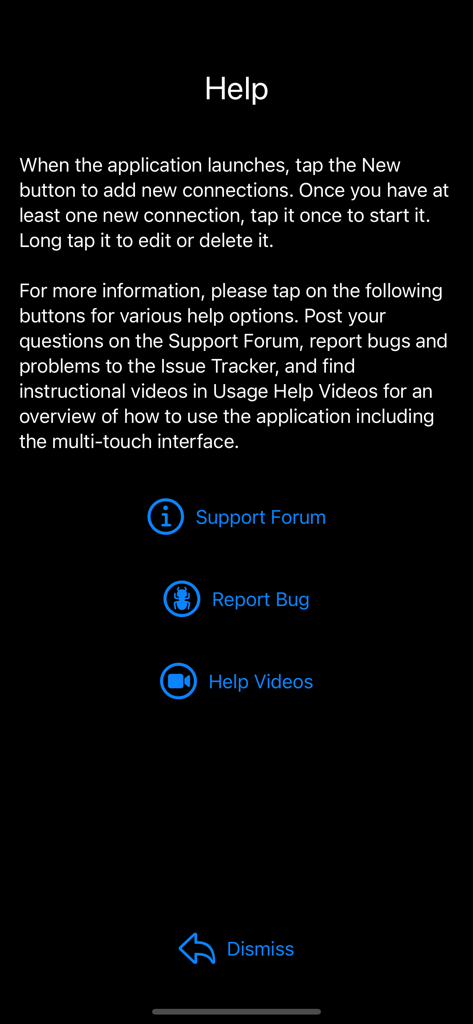
bVNC Pro - VNC Screen Sharing - La schermata di aiuto dell'app bVNC Pro che mostra link al forum di supporto, segnalazioni di bug e video tutorial.
La schermata di aiuto dell'app bVNC Pro che mostra link al forum di supporto, segnalazioni di bug e video tutorial.

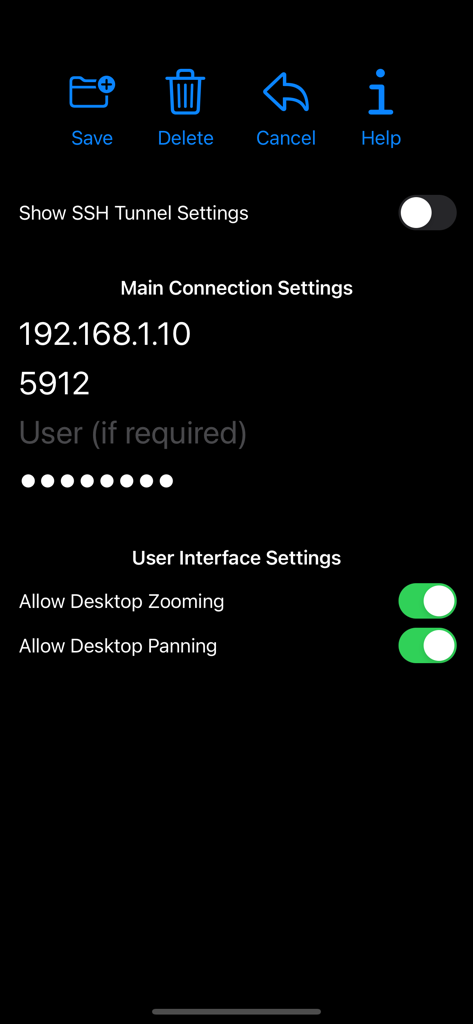
bVNC Pro - VNC Screen Sharing - Interfaccia dell'app bVNC Pro che mostra le impostazioni di connessione del desktop remoto, inclusi indirizzo IP, porta e interruttori dell'interfaccia utente.

Interfaccia dell'app bVNC Pro che mostra le impostazioni di connessione del desktop remoto, inclusi indirizzo IP, porta e interruttori dell'interfaccia utente.

bVNC Pro - VNC Screen Sharing - Menu principale dell'app bVNC Pro che mostra icone per Nuovo, Aiuto e Log.
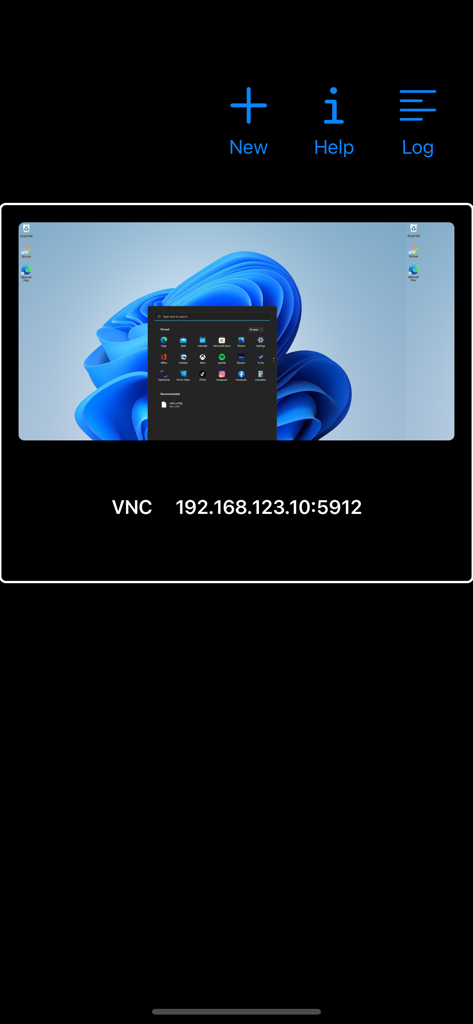
Menu principale dell'app bVNC Pro che mostra icone per Nuovo, Aiuto e Log.

bVNC Pro - VNC Screen Sharing - Interfaccia dell'app bVNC Pro che mostra una connessione remota a un desktop Windows con dettagli sull'indirizzo IP.
Interfaccia dell'app bVNC Pro che mostra una connessione remota a un desktop Windows con dettagli sull'indirizzo IP.

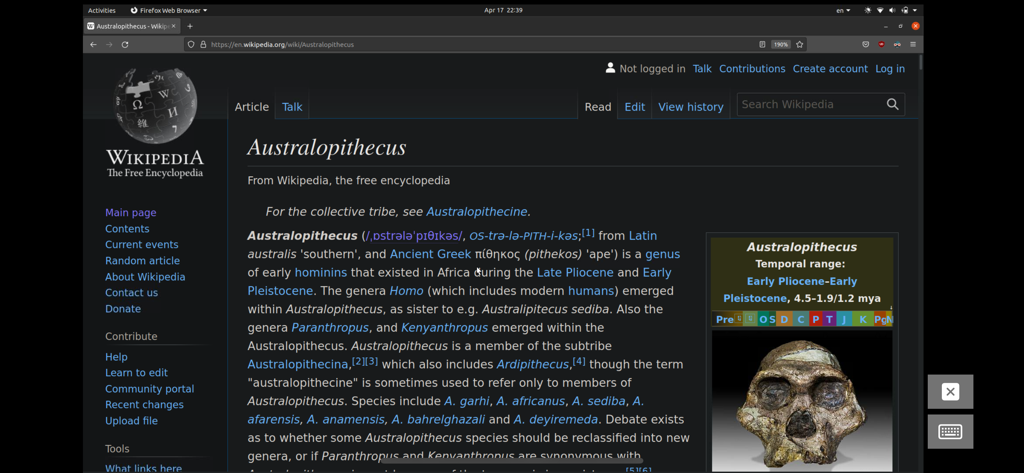
bVNC Pro - VNC Screen Sharing - Una sessione desktop Linux tramite bVNC Pro che mostra una finestra del browser Firefox aperta su Wikipedia.
Una sessione desktop Linux tramite bVNC Pro che mostra una finestra del browser Firefox aperta su Wikipedia.

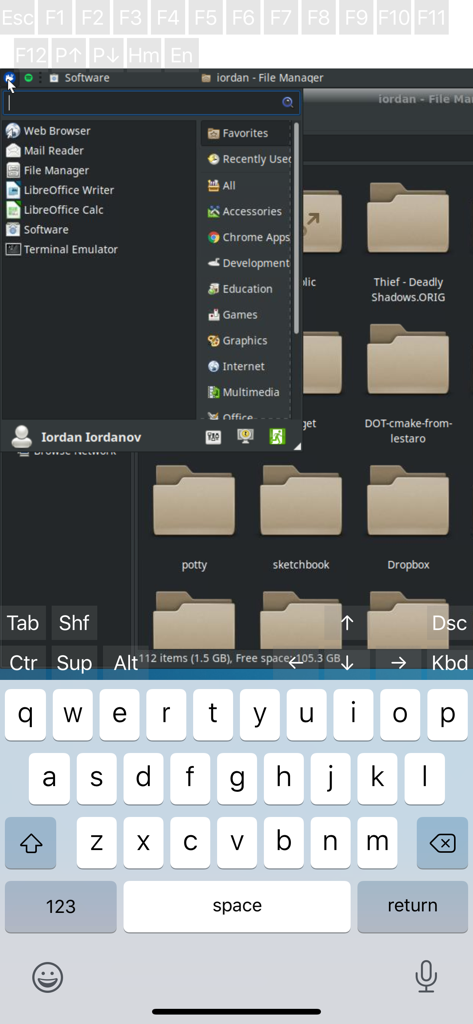
bVNC Pro - VNC Screen Sharing - Sessione desktop remota Linux su bVNC Pro che mostra il file manager e la tastiera virtuale.
Sessione desktop remota Linux su bVNC Pro che mostra il file manager e la tastiera virtuale.

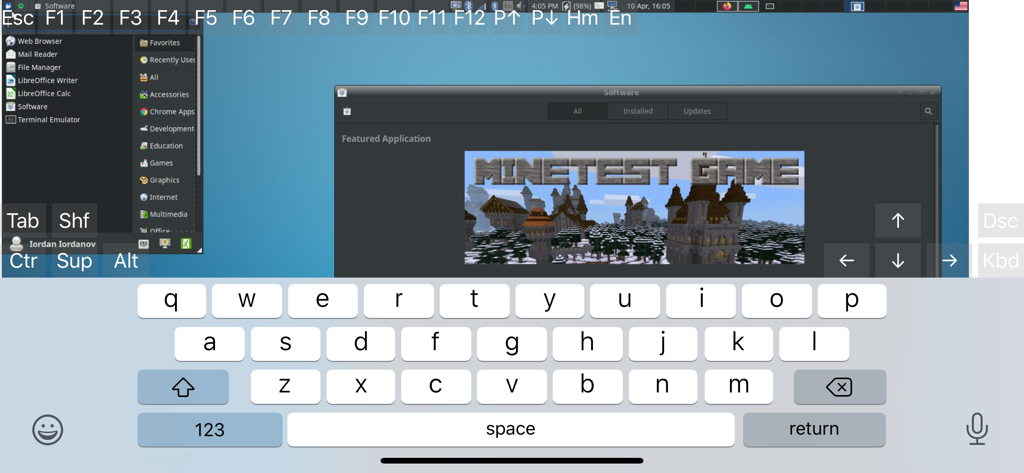
bVNC Pro - VNC Screen Sharing - Interfaccia dell'app bVNC Pro che mostra un desktop Linux remoto con tastiera su schermo e tasti di controllo tecnici.
Interfaccia dell'app bVNC Pro che mostra un desktop Linux remoto con tastiera su schermo e tasti di controllo tecnici.

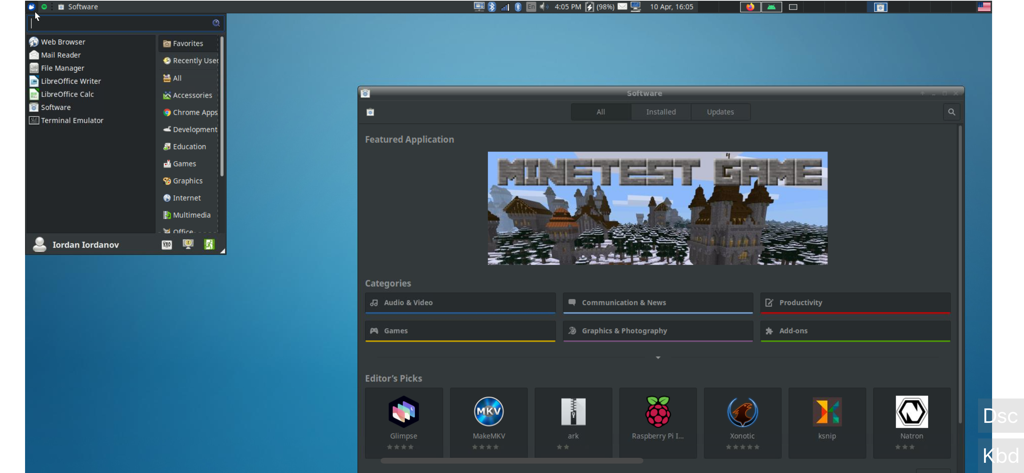
bVNC Pro - VNC Screen Sharing - Uno screenshot di bVNC Pro che mostra un desktop Linux remoto con una finestra di gestione software aperta.

Uno screenshot di bVNC Pro che mostra un desktop Linux remoto con una finestra di gestione software aperta.

Descrizione

Thank you for supporting my work and GPL open-source software by buying bVNC Pro! If you are unhappy, please don't give us a bad review, instead, request a refund and get in touch by email support _at_ morpheusly _dot_ com: https://support.apple.com/en-ca/118223 Need an RDP app to control Windows, Ubuntu 22.04+ or XRDP remotely? https://apps.apple.com/app/ardp-pro/id1620745523 Need a SPICE or Proxmox or oVirt client for controlling virtual machines remotely? https://apps.apple.com/app/aspice-pro/id1560593107 If bVNC doesn't work for you or you're unhappy, please do not ask for help in a review but do post your question in the forum: https://groups.google.com/forum/#!forum/bvnc-ardp-aspice-opaque-remote-desktop-clients If you have a feature request, or you found a bug, please open an issue at: https://github.com/iiordanov/remote-desktop-clients/issues - Instructions for Mac OS X: Plain VNC (Remote Desktop for Mac OS X): http://iiordanov.blogspot.ca/2012/04/how-to-connect-to-mac-os-x-using-bvnc.html Secure VNC over SSH: http://iiordanov.blogspot.ca/2012/04/tunneling-vnc-over-ssh-to-mac-os-x.html - Instructions for Windows: Plain VNC: http://iiordanov.blogspot.ca/2012/04/how-to-install-and-connect-to-tightvnc.html Secure VNC over VeNCrypt: https://groups.google.com/d/msg/bvnc-ardp-aspice-opaque-remote-desktop-clients/lINJkYJbN-U/3Q3oHWjjDQAJ Secure VNC over SSH: http://iiordanov.blogspot.ca/2012/04/tunneling-vnc-over-ssh-to-windows.html - Instructions for Ubuntu 20.04 and earlier Linux Plain VNC not tunneled over SSH: https://help.ubuntu.com/stable/ubuntu-help/sharing-desktop.html.en http://www.howtoforge.com/configure-remote-access-to-your-ubuntu-desktop If your business is looking for fixes and features, please get in touch by email at support _at_ morpheusly.com bVNC is a secure, open source VNC client. Its features include: - Controls Windows, Mac, Linux, BSD with VNC server installed - PiKVM compatible - External keyboard support - External mouse support - Magic Trackpad support - Multi-language support - Supports Mac OS X built-in remote desktop server (ARD) and Mac OS X authentication! - Windows, Mac, Linux, BSD, or any other OS with a VNC server installed - Multi-touch control over the remote mouse. One finger tap left-clicks, two-finger tap right-clicks, and three-finger tap middle-clicks - Right and middle-drag and drop if you don't lift the first finger that tapped - Scrolling with a two-finger gesture - Pinch-zoom - Dynamic resolution changes, allowing you to reconfigure your desktop while connected, and control over virtual machines from BIOS to OS - All device orientations - Full desktop visibility even with soft keyboard extended - SSH tunneling, AnonTLS and VeNCrypt for secure connections (does not support RealVNC encryption). - High-grade encryption superior to RDP using SSH and VeNCrypt (x509 certificates and SSL), preventing man-in-the-middle attacks - Tight and CopyRect encodings for quick updates - SSH public/private (pubkey)- Supports most VNC servers including TightVNC, UltraVNC, TigerVNC, (and RealVNC Enterprise only, when configured appropriately) - Clipboard integration for copy/pasting from your device Some of the planned features to look forward to: - AutoX session discovery/creation similar to NX client - Ability to reduce the color depth over slow links - Importing encrypted/unencrypted RSA keys in PEM format - View-only mode - On-device help on available input modes in the Menu when connected GPL source code here: https://gitlab.com/iiordanov/remote-desktop-clients-ios

Download

Scarica su App Store

Questa pagina non è una pagina ufficiale dell'app o del suo sviluppatore, ma una pubblicazione editoriale indipendente creata a scopo informativo e di commento. Salvo espressa indicazione contraria, né l'app né il suo sviluppatore sono affiliati, approvati, sponsorizzati, autorizzati o altrimenti ufficialmente collegati a MWM, Apple, Google Play, all'editore dell'app o allo sviluppatore dell'app, e nulla in questa pagina implica che l'app sia stata sviluppata utilizzando i servizi di MWM. Tutti i marchi, loghi, screenshot e altri contenuti rimangono di proprietà dei rispettivi proprietari.








