Chapters

Chapters

Scarica su App Store
Logo di Chapters

Chapters: Scrivi e Modifica Ebook Professionali Ovunque

L'editor ePub semplice e potente per autori e creatori indipendenti. Elabora il tuo manoscritto, gestisci i metadati e sincronizza senza interruzioni tra iPhone, iPad e Mac.

Scarica su App Store

Editore

Two-Byte Software Inc.

Categoria

Productivity

Download

200

Valutazione

1.0/5

Valutazioni totali

0

Lingue

1

Uno Sguardo all'Interno

Scopri l'interfaccia usata da 200 utenti.
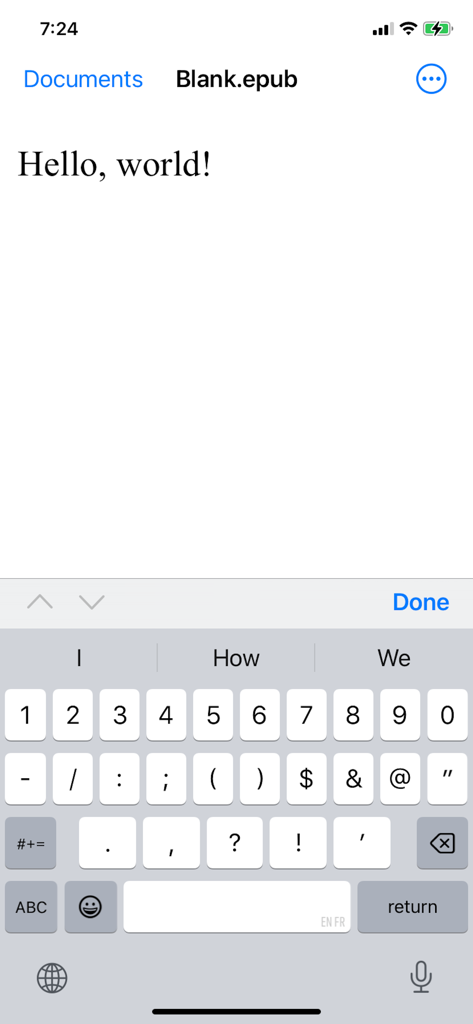
L'interfaccia dell'app Chapters su iPhone che mostra un editor di testo per un file ePub

L'interfaccia dell'app Chapters su iPhone che mostra un editor di testo per un file ePub

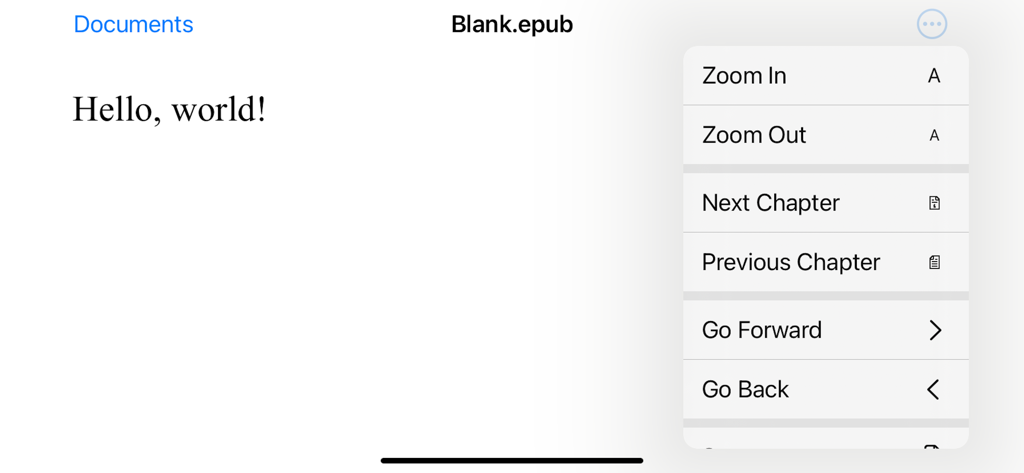
Screenshot dell'app Chapters che mostra un documento intitolato Blank epub con un menu di navigazione aperto contenente controlli di zoom e capitoli.

Screenshot dell'app Chapters che mostra un documento intitolato Blank epub con un menu di navigazione aperto contenente controlli di zoom e capitoli.

Trasforma il Tuo Manoscritto in un Ebook Professionale

Gli strumenti che rendono questa app unica, scelti da 200 utenti.

☁️

Sincronizza il Tuo Flusso Creativo

Modifica sul tuo iPhone durante il tragitto e finisci sul tuo Mac. L'integrazione iCloud garantisce che i tuoi progressi vengano salvati automaticamente su ogni dispositivo.

✍️

Modifica Visiva Intuitiva

Dimentica codice o HTML complessi. Formatta il tuo testo, gestisci l'indice e regola i layout con un'interfaccia pulita progettata per una scrittura focalizzata.

📖

Standard Pronti per la Pubblicazione

Produci ePub di alta qualità e ridisponibili che appaiono perfetti su qualsiasi schermo. Aggiungi facilmente copertine personalizzate e metadati per dare al tuo lavoro un tocco professionale.

Info sull'app

Tutto quello che devi sapere su Chapters.

Descrizione

Chapters can create new ePub documents and open existing ePub files for editing. ePub is the most widely adopted file format for ebooks. ePub files reflow their content for comfortable reading on screen of any size from smartphones to desktops. Each document's content zipped into a single file for maximum portability. It is an open and vendor-independent file format based on popular web standards, such as HTML and CSS. With Chapters, you can ▪ Open existing files and create new ePub documents ▪ View an entire document in vertical scroll view ▪ Pinch to zoom and smart zoom with double-tap ▪ Edit and format document’s text ▪ Save your changes back to the file ▪ Use Table of Contents to jump ahead (on Mac only at the moment) ▪ Print and export to PDF (on Mac only at the moment) ▪ Add cover image and modify metadata (on Mac only at the moment) Chapters also supports ▪ iCloud Drive for keeping documents in sync on all your devices ▪ Autosaving automatically saves changes in background while you are editing ▪ Unlimited undo and redo as you edit ▪ Browsing previous changes and restoring them ▪ Resume your work right where you left off once app launches ▪ Side by side multitasking with another app in full screen split view on Mac and iPad ▪ Sharing documents with others via Messages, Mail and AirDrop If you encounter a bug or app crashing, please contact app’s support at chapters@shaw.ca Thank you!

Ultima versione

1.2

Dimensione

1.1 MB

Data di lancio

11 dic 2014

Pronto a Pubblicare il Tuo Capolavoro?

Unisciti a migliaia di creatori indipendenti oggi stesso. Scarica Chapters e inizia a creare file ePub professionali in modo impeccabile su iPhone, iPad e Mac.

Scarica su App Store

App information, icons, screenshots, and descriptions displayed on this page are sourced from the Apple App Store and are the property of their respective developers. Download estimates and rankings are based on MWM's proprietary models and may not reflect actual figures. This page is provided for informational and analytical purposes only.

Believe this page infringes your intellectual property? File a dispute