
Questa pagina non è una pagina ufficiale dell'app o del suo sviluppatore, ma una pubblicazione editoriale indipendente creata a scopo informativo e di commento. Salvo espressa indicazione contraria, né l'app né il suo sviluppatore sono affiliati, approvati, sponsorizzati, autorizzati o altrimenti ufficialmente collegati a MWM, Apple, Google Play, all'editore dell'app o allo sviluppatore dell'app, e nulla in questa pagina implica che l'app sia stata sviluppata utilizzando i servizi di MWM. Tutti i marchi, loghi, screenshot e altri contenuti rimangono di proprietà dei rispettivi proprietari.

Converter Files & PDF Editor
Lo strumento di produttività definitivo per professionisti e studenti in movimento. Scansiona, modifica e converti senza sforzo anche i file più grandi con precisione desktop, senza laptop.
Download
100K+Valutazione
Valutazioni totali
900Editore
Categoria
ProductivityLingue
5Ultima versione
1.2.0Dimensione
62.7 MBData di lancio
4 nov 2024Potenza PDF Professionale, Ovunque
Trasforma il tuo iPhone in un hub di documenti ad alte prestazioni. Modifica, converti e gestisci file professionali senza attriti e con precisione di livello desktop.
Conversione Multi-Formato Impeccabile
Passa da Word, Excel, PPT e PDF mantenendo il tuo layout integro al 100%. Gestiamo file complessi oltre 100 MB senza testo confuso.
Modifica e Sicurezza PDF Avanzate
Modifica testo, firma contratti e unisci documenti in movimento. Proteggi la tua privacy con oscuramento professionale, filigrane e annotazioni sicure.
Domande Frequenti
Tutto quello che devi sapere su Converter Files & PDF Editor
Posso modificare testo e immagini nei PDF utilizzando l'app Converter Files & PDF Editor?
Sì, l'app "Converter Files & PDF Editor" ti consente di modificare il testo all'interno dei documenti PDF, modificare immagini, inserire nuovo testo e immagini ed eseguire varie operazioni come unire, dividere e riordinare le pagine.
Quali formati di file supporta Converter Files & PDF Editor per la conversione?
L'app "Converter Files & PDF Editor" converte documenti PDF in formati come Word, Excel, PPT, immagini e TXT. Supporta anche la conversione di vari altri formati di file in PDF preservando i layout originali.
Converter Files & PDF Editor supporta la conversione di file di grandi dimensioni?
Sì, "Converter Files & PDF Editor" supporta la conversione di file di oltre 100 MB. Garantisce una formattazione stabile e previene testi illeggibili, il che lo rende adatto per la gestione efficiente di attività di elaborazione di documenti complesse e di grandi dimensioni.
Come funziona la funzione Mobile Scanner in Converter Files & PDF Editor?
La funzione Mobile Scanner in "Converter Files & PDF Editor" utilizza la fotocamera del tuo telefono per trasformare documenti cartacei in file digitali ad alta risoluzione. Genera PDF o file immagine da elementi come contratti o fatture.
Converter Files & PDF Editor può combinare più immagini in un unico PDF?
Sì, "Converter Files & PDF Editor" ti consente di unire rapidamente più immagini, come foto, scansioni o screenshot, in un unico file PDF. Questa funzione crea file chiari e leggibili per una facile condivisione.
Come aiuta Converter Files & PDF Editor nella gestione dei documenti?
L'app "Converter Files & PDF Editor" include un Gestore Documenti Personale. Questa funzione ti consente di gestire e categorizzare facilmente tutti i tuoi file, inclusi PDF e immagini, utilizzando etichette e cartelle multiple.
Come posso condividere documenti utilizzando l'app Converter Files & PDF Editor?
Puoi condividere documenti da "Converter Files & PDF Editor" direttamente via e-mail, vari servizi cloud o ai tuoi contatti. Questa funzionalità semplifica la distribuzione e l'uso collaborativo dei file elaborati.
Dove posso trovare l'Informativa sulla privacy per Converter Files & PDF Editor?
L'Informativa sulla privacy per "Converter Files & PDF Editor" è disponibile tramite il link fornito nella descrizione dell'app: https://mgfun.cloudtofun.com/download/agreement/MgPDF-privacypolicy.html.
Gli screenshot e la descrizione seguenti provengono direttamente dall'elenco ufficiale dello store dell'app e sono di proprietà dello sviluppatore.
App Store
Screenshot
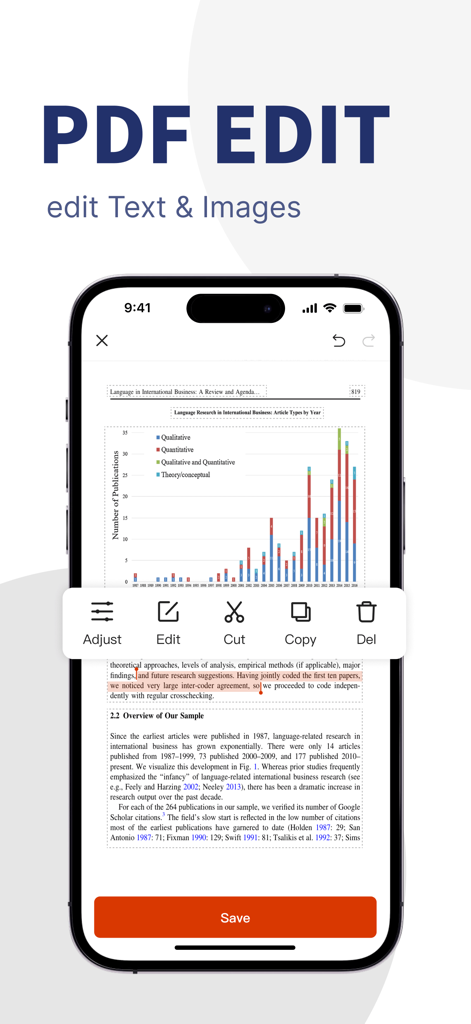
Interfaccia dell'applicazione mobile che mostra strumenti di modifica di testo e immagini PDF
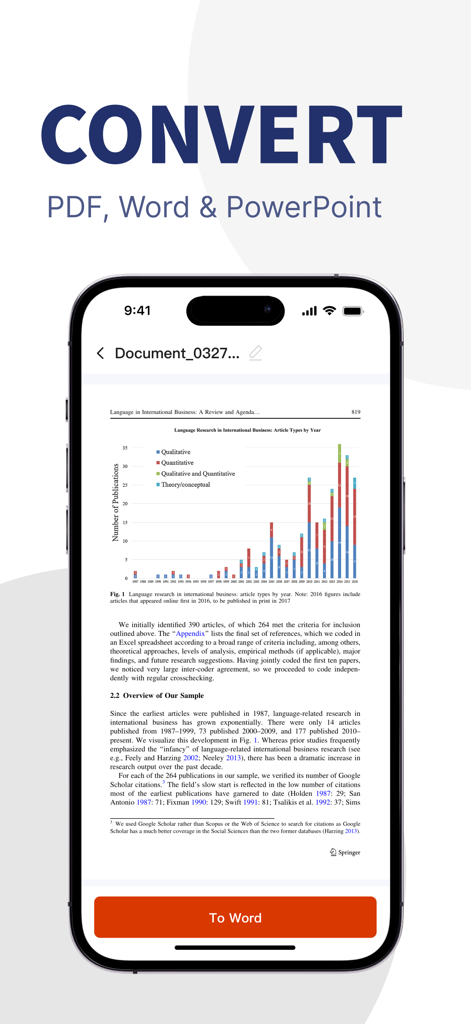
Schermata dello smartphone che mostra l'interfaccia di conversione da PDF a Word per la produttività mobile
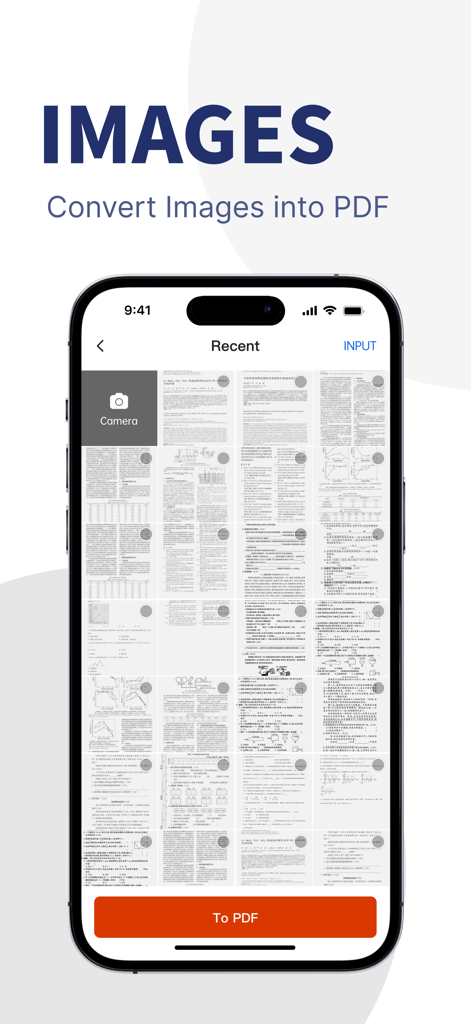
Una schermata di un'app mobile che mostra una galleria di documenti scansionati e immagini pronti per essere convertiti in un unico file PDF
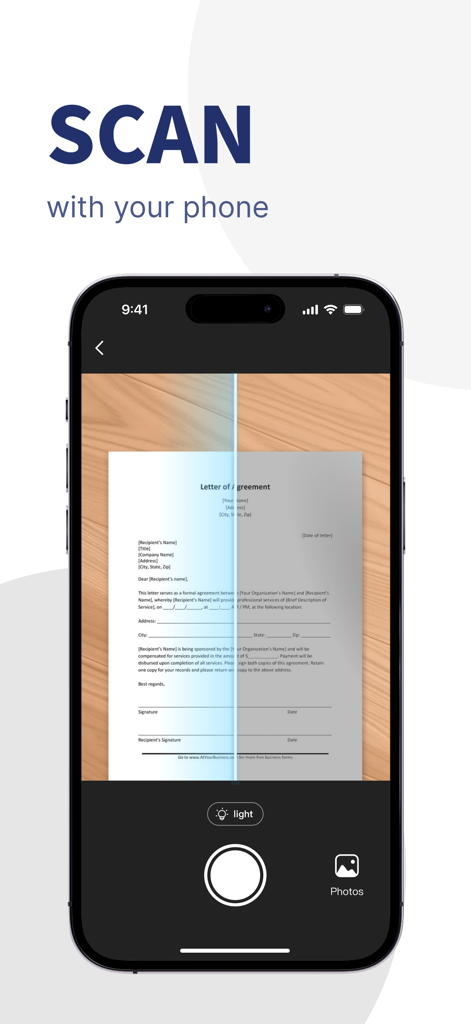
Interfaccia dello smartphone che scansiona una lettera di accordo cartacea per creare un documento PDF digitale
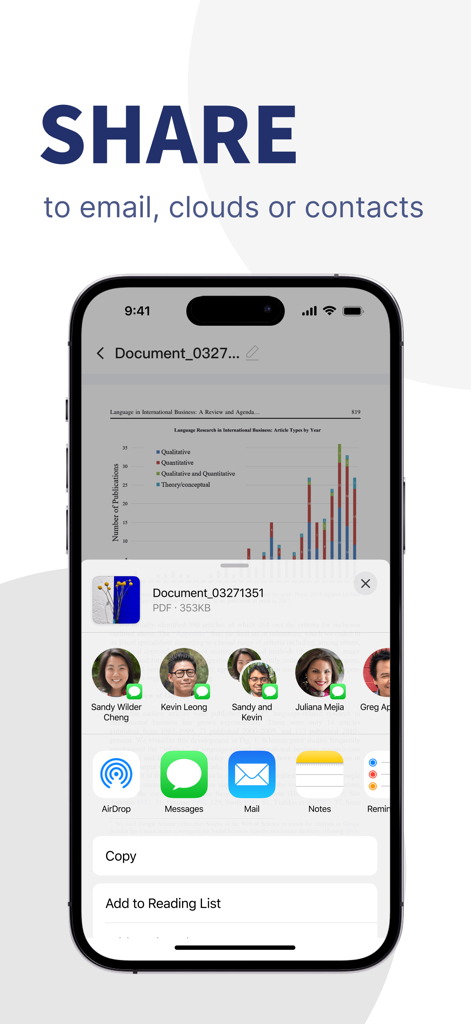
Interfaccia iOS che mostra l'opzione per condividere un documento PDF tramite email, cloud o contatti
Descrizione
Download
App Simili
App con funzionalità ed esperienza simili

文档手机版-word文档编辑,手机office办公软件
喜存 岳

PDF Maker - Convert to PDF
KUPERTINO BIL. YAZ. HALIL IBRAHIM KARAHAN SAFFET ARSLAN MUSTAFA AYTEN MUHAMMET YALCIN OZDEMIR K. S.

PDF Converter & PDF Creator
The Last Sunrise LLC

PDF Maker: Editor & Converter
SolveIt Inc.

PDF Editor・PDF File Converter
VISARGERD, S.L.

PDFit-AI PDF&Scanner
FAST LINE NETWORK TECHNOLOGY LIMITED

PDF Converter・Doc Scanner
Nikolai Ivanenko
PDF Editor-Converter & Viewer
SCOTT WILLIAM WALKER

PDF Editor | Files Converter
Yehor Karataiev
Questa pagina non è una pagina ufficiale dell'app o del suo sviluppatore, ma una pubblicazione editoriale indipendente creata a scopo informativo e di commento. Salvo espressa indicazione contraria, né l'app né il suo sviluppatore sono affiliati, approvati, sponsorizzati, autorizzati o altrimenti ufficialmente collegati a MWM, Apple, Google Play, all'editore dell'app o allo sviluppatore dell'app, e nulla in questa pagina implica che l'app sia stata sviluppata utilizzando i servizi di MWM. Tutti i marchi, loghi, screenshot e altri contenuti rimangono di proprietà dei rispettivi proprietari.