
Questa pagina non è una pagina ufficiale dell'app o del suo sviluppatore, ma una pubblicazione editoriale indipendente creata a scopo informativo e di commento. Salvo espressa indicazione contraria, né l'app né il suo sviluppatore sono affiliati, approvati, sponsorizzati, autorizzati o altrimenti ufficialmente collegati a MWM, Apple, Google Play, all'editore dell'app o allo sviluppatore dell'app, e nulla in questa pagina implica che l'app sia stata sviluppata utilizzando i servizi di MWM. Tutti i marchi, loghi, screenshot e altri contenuti rimangono di proprietà dei rispettivi proprietari.

PDF Converter・Convert, Scanner
Scansiona, modifica e firma elettronicamente documenti senza sforzo con alta precisione. Unisciti a oltre 166.000 professionisti che trasformano il loro iPhone in una potente centrale di produttività per il successo in mobilità.
Download
166K+Valutazione
Valutazioni totali
100Editore
Categoria
ProductivityLingue
1Ultima versione
1.7Dimensione
12.1 MBData di lancio
22 set 2024Trasforma il Tuo iPhone in un Potente Ufficio Mobile
Semplifica il tuo flusso di lavoro documentale con un toolkit all-in-one progettato per professionisti e studenti che devono scansionare, convertire e firmare in movimento.
Scansione Mobile Professionale
Dimentica l'ingombrante hardware. Trasforma ricevute, appunti e documenti fisici in PDF nitidi e di alta qualità usando la fotocamera del tuo telefono.
Conversione Istantanea Multi-Formato
Converti senza sforzo immagini, presentazioni e documenti in PDF curati con un singolo tocco, preservando layout e qualità.
Gli screenshot e la descrizione seguenti provengono direttamente dall'elenco ufficiale dello store dell'app e sono di proprietà dello sviluppatore.
App Store
Screenshot
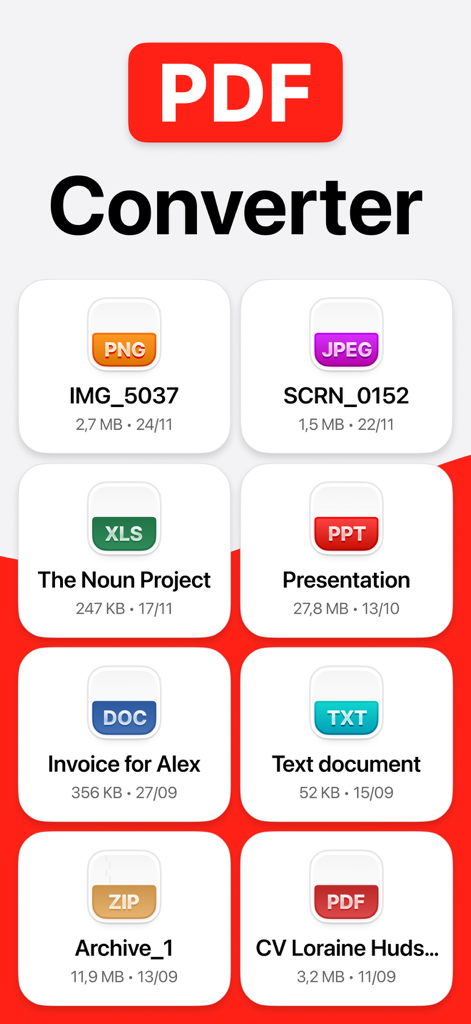
Interfaccia dell'app PDF Converter che mostra vari formati di file come PNG, JPEG, DOC e XLS per una facile conversione.
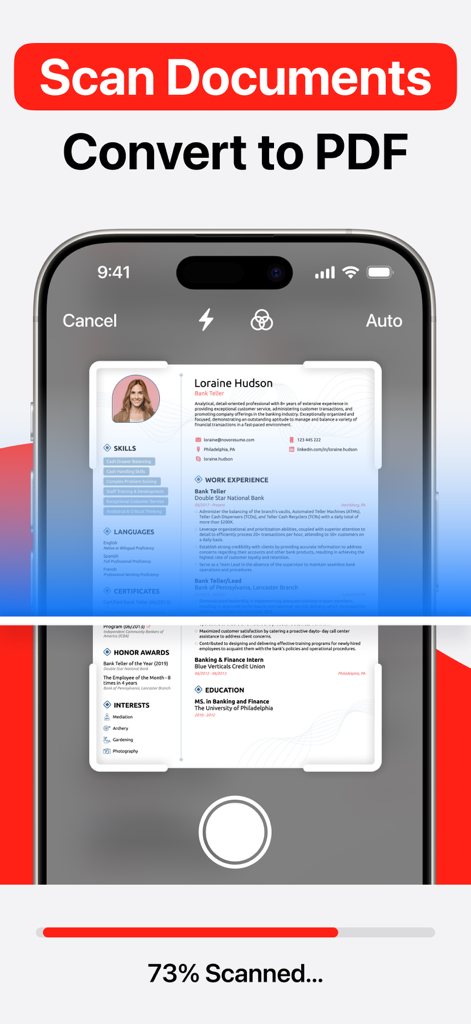
Un telefono cellulare che scansiona un documento cartaceo per convertirlo in un file PDF digitale
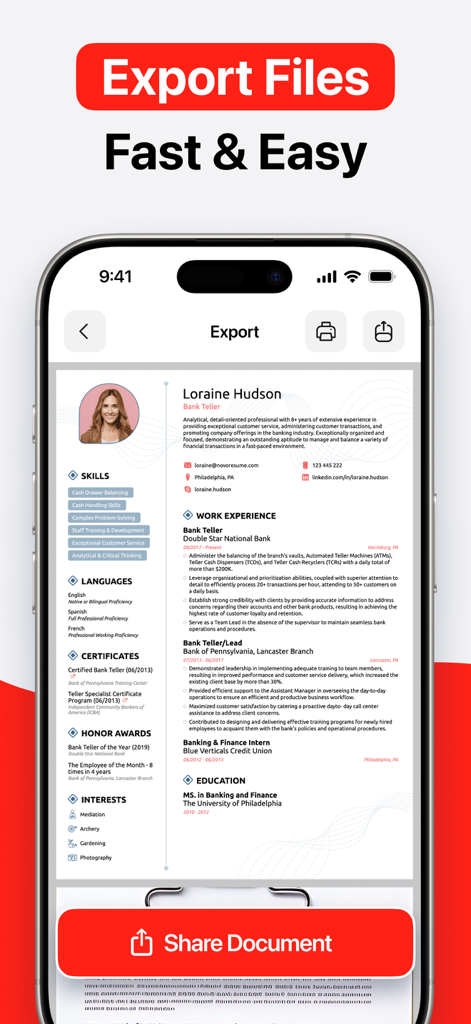
Screenshot dell'iPhone che mostra un curriculum vitae esportato e condiviso utilizzando l'app mobile PDF Converter
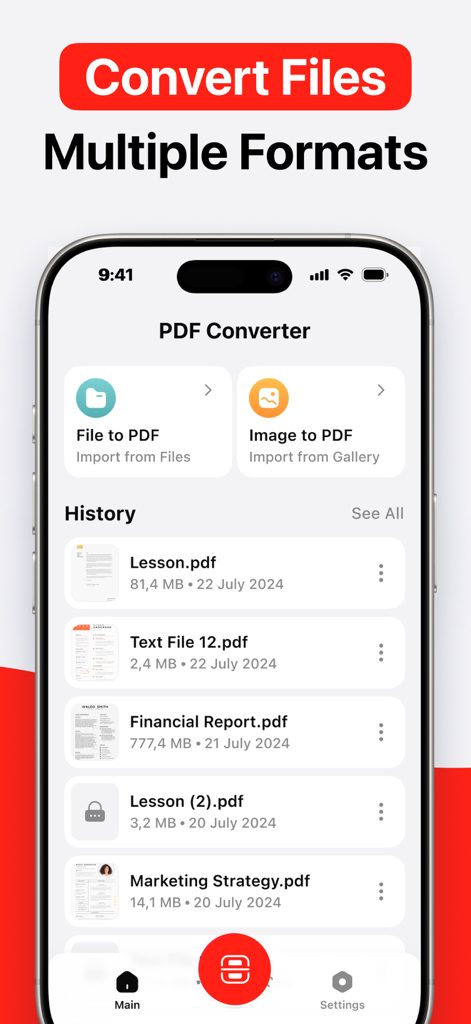
Interfaccia dell'app mobile per PDF Converter che mostra le opzioni per convertire file e immagini in PDF
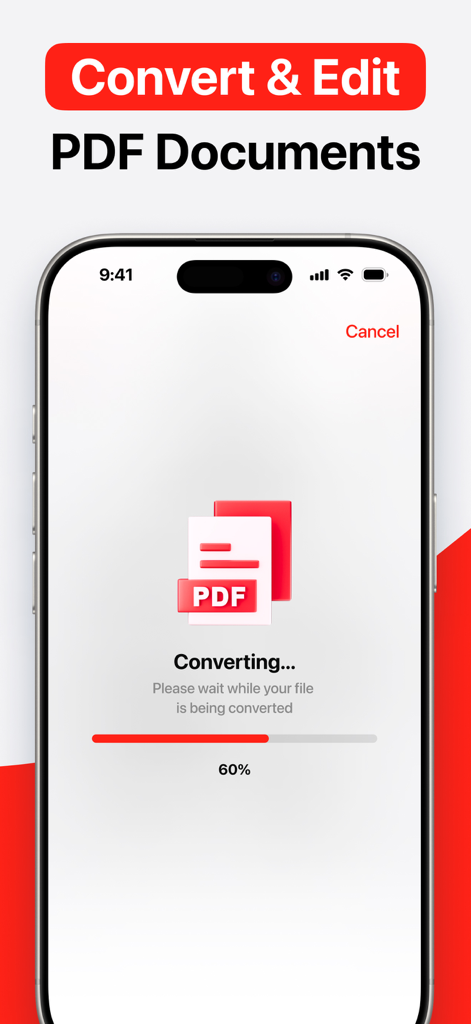
Schermata dell'iPhone che mostra un file in fase di conversione in PDF con una barra di avanzamento al 60 percento
Descrizione
Download
App Simili
App con funzionalità ed esperienza simili

Converter Files & PDF Editor
Shenzhen Miguo Qudong Technology Co., Ltd

文档手机版-word文档编辑,手机office办公软件
喜存 岳

PDF Maker - Convert to PDF
KUPERTINO BIL. YAZ. HALIL IBRAHIM KARAHAN SAFFET ARSLAN MUSTAFA AYTEN MUHAMMET YALCIN OZDEMIR K. S.

PDF Converter & PDF Creator
The Last Sunrise LLC

PDF Maker: Editor & Converter
SolveIt Inc.

PDF Editor・PDF File Converter
VISARGERD, S.L.

PDFit-AI PDF&Scanner
FAST LINE NETWORK TECHNOLOGY LIMITED

PDF Editor | Files Converter
Yehor Karataiev
PDF Converter: PDF Compressor
Marten Geiger
Questa pagina non è una pagina ufficiale dell'app o del suo sviluppatore, ma una pubblicazione editoriale indipendente creata a scopo informativo e di commento. Salvo espressa indicazione contraria, né l'app né il suo sviluppatore sono affiliati, approvati, sponsorizzati, autorizzati o altrimenti ufficialmente collegati a MWM, Apple, Google Play, all'editore dell'app o allo sviluppatore dell'app, e nulla in questa pagina implica che l'app sia stata sviluppata utilizzando i servizi di MWM. Tutti i marchi, loghi, screenshot e altri contenuti rimangono di proprietà dei rispettivi proprietari.