
Questa pagina non è una pagina ufficiale dell'app o del suo sviluppatore, ma una pubblicazione editoriale indipendente creata a scopo informativo e di commento. Salvo espressa indicazione contraria, né l'app né il suo sviluppatore sono affiliati, approvati, sponsorizzati, autorizzati o altrimenti ufficialmente collegati a MWM, Apple, Google Play, all'editore dell'app o allo sviluppatore dell'app, e nulla in questa pagina implica che l'app sia stata sviluppata utilizzando i servizi di MWM. Tutti i marchi, loghi, screenshot e altri contenuti rimangono di proprietà dei rispettivi proprietari.


Cursor AI Mobile - Remote IDE
Colma il divario tra ispirazione e implementazione. Invia in modo sicuro prompt AI al tuo Mac, sincronizza il contesto del progetto in tempo reale e sfrutta modelli come GPT-5 e Claude 4.5 per continuare il tuo flusso di lavoro di codifica in movimento.
Download
1K+Valutazione
Valutazioni totali
0Editore
Categoria
Developer ToolsLingue
1Ultima versione
1.0.3Dimensione
8.3 MBData di lancio
9 dic 2025Codifica alla velocità del pensiero
Trasforma il tempo di inattività in tempo di sviluppo. Attiva da remoto la tua IDE Cursor sul Mac, sincronizza il contesto del progetto in tempo reale e sfrutta i modelli AI più potenti al mondo dalla tua tasca.
Esecuzione Remota Istantanea
Invia prompt dal tuo iPhone direttamente al tuo Mac. Il tuo Cursor CLI elabora il lavoro pesante istantaneamente, così il tuo codice sarà pronto quando tornerai alla tua scrivania.
Profonda Consapevolezza del Progetto
Mantieni il contesto completo dello spazio di lavoro tra i dispositivi. Le interazioni AI si sincronizzano in modo sicuro tramite CloudKit, garantendo che i prompt mobili siano altrettanto consapevoli del contesto di quelli desktop.
Gli screenshot e la descrizione seguenti provengono direttamente dall'elenco ufficiale dello store dell'app e sono di proprietà dello sviluppatore.
App Store
Screenshot
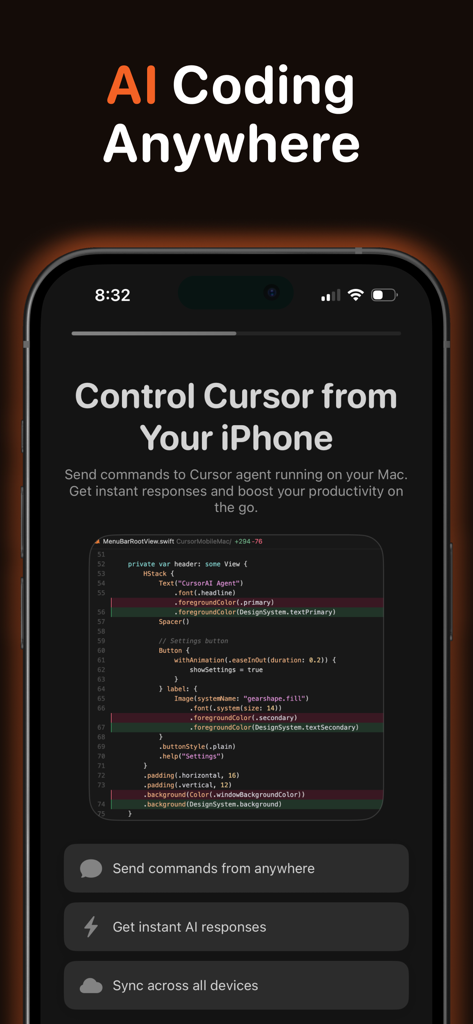
Schermata dell'iPhone che mostra l'app Cursor AI Mobile per la codifica remota e i comandi dell'assistente AI
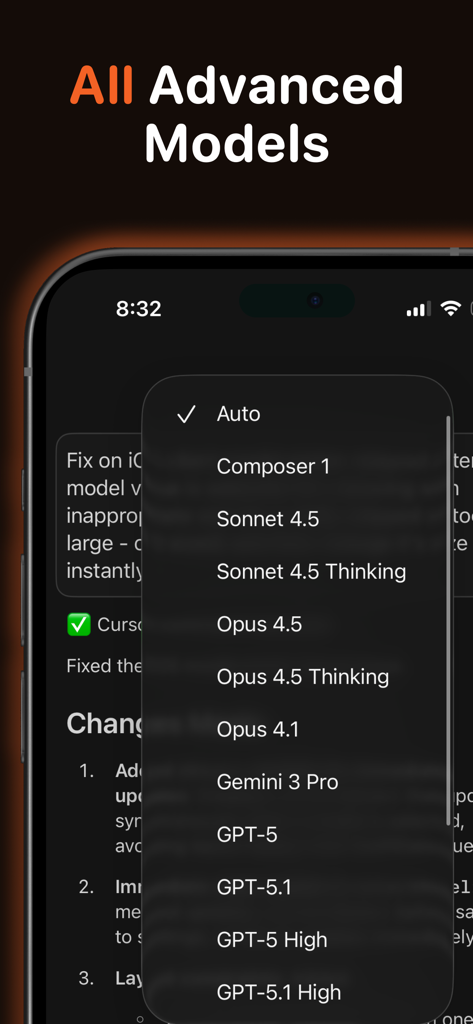
Un'interfaccia mobile che mostra un elenco di modelli AI avanzati come GPT-5 e Claude 4.5 per la codifica
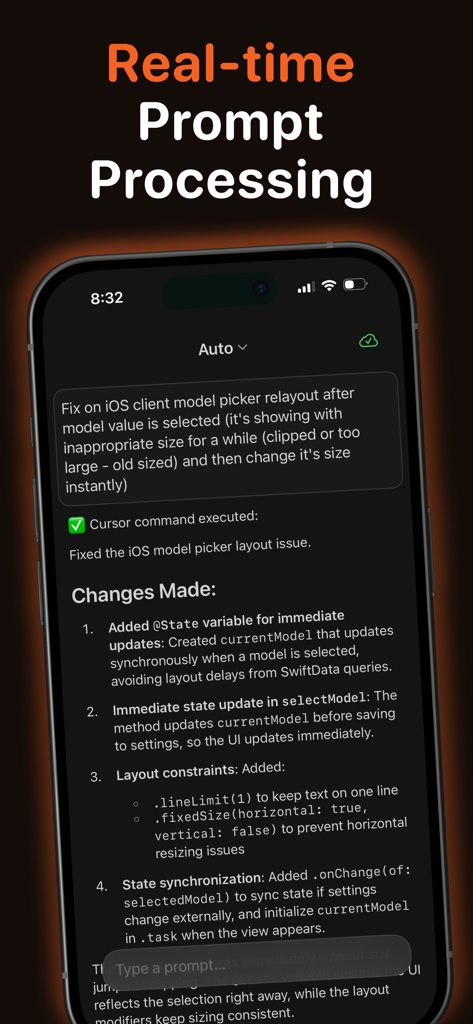
Screenshot dell'app Cursor AI Mobile che mostra l'elaborazione dei prompt in tempo reale e le modifiche al codice generate dall'AI su un iPhone
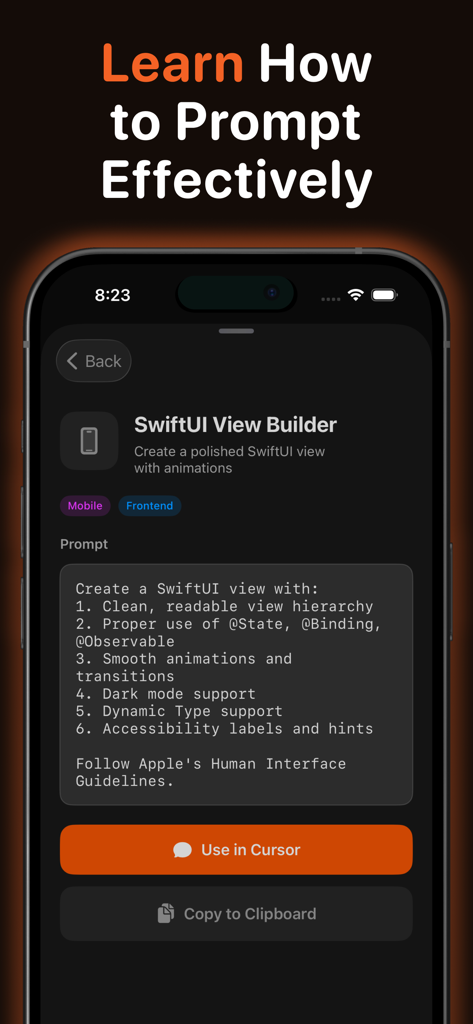
Un'interfaccia mobile che mostra un modello di prompt SwiftUI View Builder nell'app Cursor AI Mobile con pulsanti da usare in Cursor o copiare negli appunti.
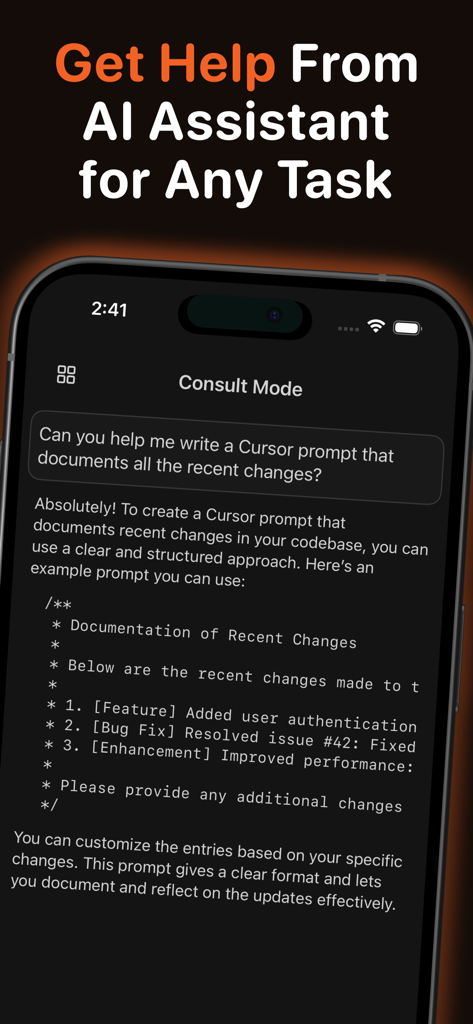
Interfaccia dell'app Cursor AI Mobile che mostra l'assistente AI in Modalità Consultazione che fornisce aiuto sulla documentazione del codice
Descrizione
Download
App Simili
App più classificate nella stessa categoria

TestFlight
Apple Inc.

Replit: Vibe Code Apps
Replit, Inc

GitHub
GitHub

O-KAM Pro
Shenzhen VeePai IoT Intelligent Technology LLC

Apple Developer
Apple Inc.

Expo Go
650 Industries, Inc.

Scriptable
Simon Stovring

App Store Connect
Apple Inc.

Sekai: Create · Remix · Play
Versa AI, Inc.
Questa pagina non è una pagina ufficiale dell'app o del suo sviluppatore, ma una pubblicazione editoriale indipendente creata a scopo informativo e di commento. Salvo espressa indicazione contraria, né l'app né il suo sviluppatore sono affiliati, approvati, sponsorizzati, autorizzati o altrimenti ufficialmente collegati a MWM, Apple, Google Play, all'editore dell'app o allo sviluppatore dell'app, e nulla in questa pagina implica che l'app sia stata sviluppata utilizzando i servizi di MWM. Tutti i marchi, loghi, screenshot e altri contenuti rimangono di proprietà dei rispettivi proprietari.