ES File Explorer: Il Gestore File di Livello Desktop per il Tuo iPhone
Prendi il controllo totale dello spazio di archiviazione del tuo cellulare. Organizza, visualizza e analizza senza sforzo i tuoi documenti, foto e contenuti multimediali con un'interfaccia potente progettata per la massima produttività e velocità.
Editore
alkesh dudhat
Categoria
Utilities
Download
27K+
Valutazione
2.4/5
Valutazioni totali
0
Lingue
15
I Tuoi File, Visualizzati
Scopri l'interfaccia usata da 27K+ utenti.
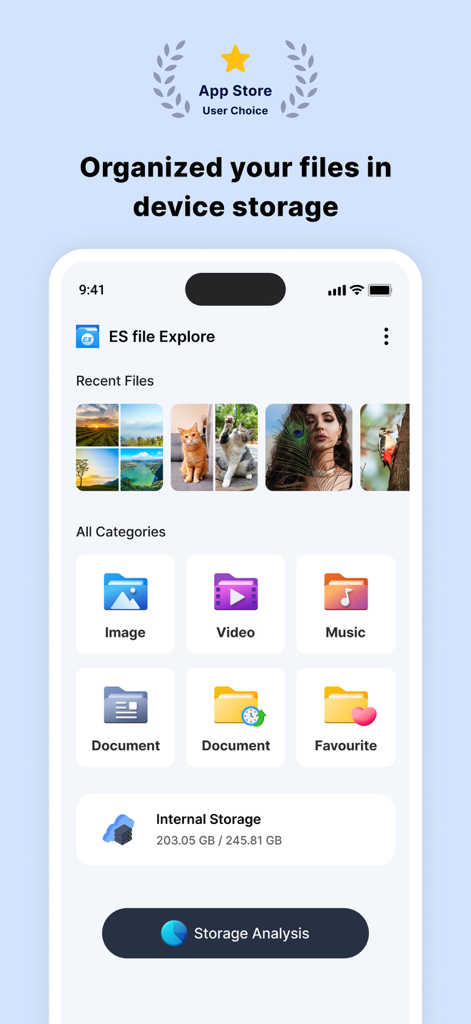
Dashboard di ES File Explorer che mostra categorie di file e analisi dello spazio di archiviazione su un iPhone
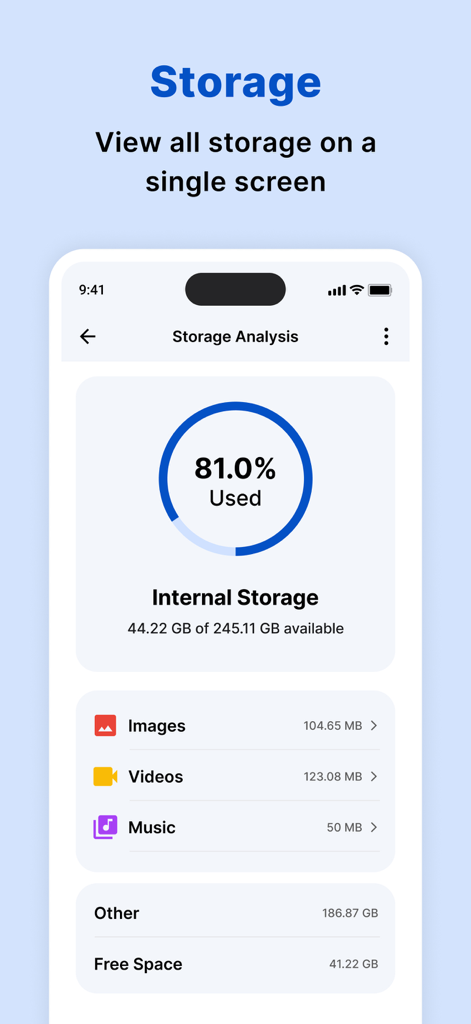
Dashboard di analisi dello spazio di archiviazione che mostra l'utilizzo dello spazio di archiviazione interno e la suddivisione per categorie
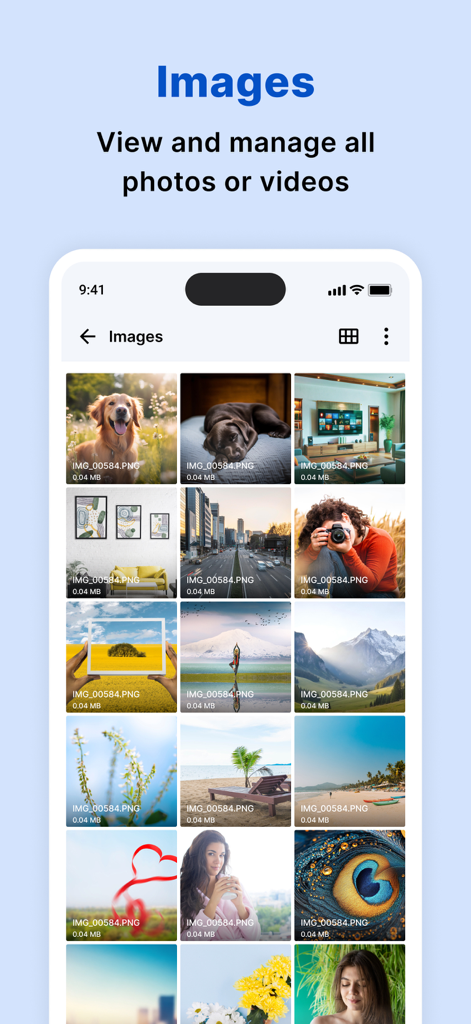
App ES File Explorer che mostra una griglia organizzata di immagini e foto su un iPhone
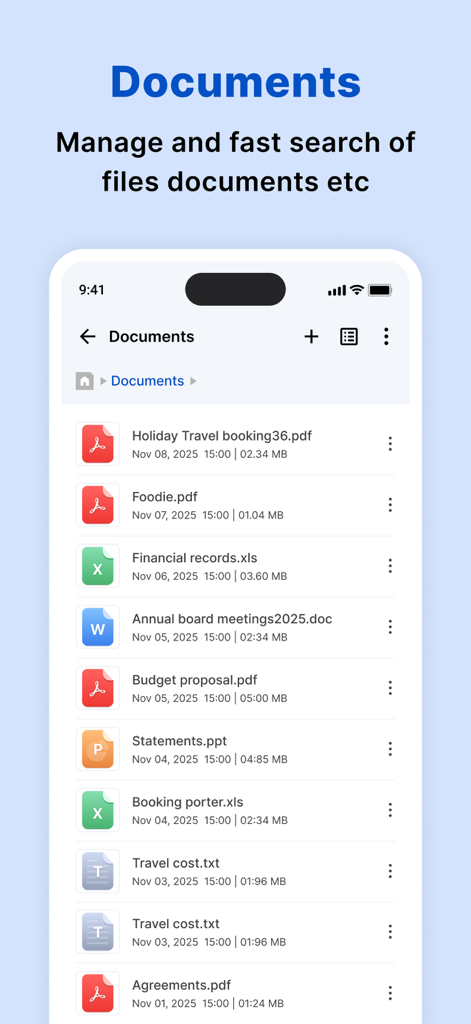
Un elenco di vari documenti, inclusi file PDF ed Excel, nell'app ES File Explorer.
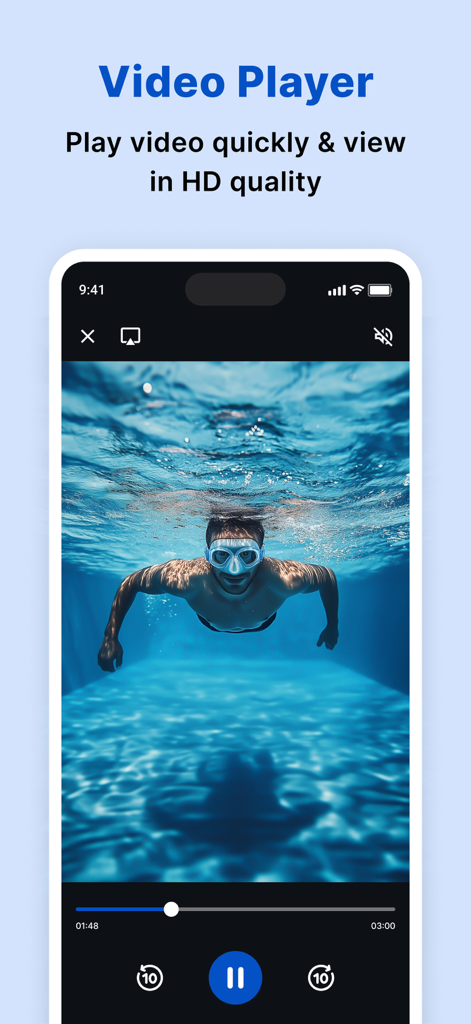
Interfaccia del lettore video HD integrato di ES File Explorer che mostra una persona che nuota sott'acqua.
Prendi il Pieno Comando dello Spazio di Archiviazione del Tuo Cellulare
Gli strumenti che rendono questa app unica, scelti da 27K+ utenti.
📊
Analisi Intelligente dello Spazio di Archiviazione
Identifica istantaneamente file di grandi dimensioni e disordine con una dashboard visiva per recuperare lo spazio prezioso del tuo iPhone e ottimizzare le prestazioni.
📁
Organizzazione di Livello Desktop
Naviga tra i tuoi file con una struttura di cartelle familiare e categorie intelligenti che rendono lo sforzo di trovare documenti e contenuti multimediali recenti un gioco da ragazzi.
⚡
Lettore Multimediale Integrato
Apri e riproduci qualsiasi formato video, audio o documento direttamente all'interno dell'app: niente più salti tra diversi strumenti di terze parti.
Info sull'app
Tutto quello che devi sapere su ES file explorer.
Descrizione
My Files helps you manage and organise any file stored on your device.
Using My Files, you can view your images, videos, audio files and documents,To find the My Files folder, search using the app search or in the default iPhone folder on your apps screen.
My Files sorts your files into categories, such as Images, Videos, Audio and documents. If you have recently opened a file and are trying to locate it, tap “recents” to access or delete the file.
My Files can perform an analysis of the storage usage of the files stored on your device.
How to manage files on your iPhone?
iPhone devices have a My Files app to access and manage files such as documents, pictures, videos, audio files, and documents.One of the strengths of My Files app is that the manager has a very simple interface. This simplicity turns out to be highly useful to help you find any element you're looking for in seconds. Another interesting aspect is that it displays the files you've modified recently to access them more quickly.
features:
• Built-in viewers and players for various file types: click to play music/videos, check image(s) and document(s)
• Quick browsing through categories like: file type, downloads, recent files, and large files.
• Check available storage with just a glance on a simple dashboard.
• Search your photos by date, size, date created, date opened.
• Multiple selection and various sorting support.
My Files helps you manage and organise any file stored on your device.
Using My Files, you can view your images, videos, audio files and documents,To find the My Files folder, search using the app search or in the default iPhone folder on your apps screen.
My Files sorts your files into categories, such as Images, Videos, Audio and documents. If you have recently opened a file and are trying to locate it, tap “recents” to access or delete the file.
My Files can perform an analysis of the storage usage of the files stored on your device.
How to manage files on your iPhone?
iPhone devices have a My Files app to access and manage files such as documents, pictures, videos, audio files, and documents.One of the strengths of My Files app is that the manager has a very simple interface. This simplicity turns out to be highly useful to help you find any element you're looking for in seconds. Another interesting aspect is that it displays the files you've modified recently to access them more quickly.
festures:
• Built-in viewers and players for various file types: click to play music/videos, check image(s) and document(s)
• Quick browsing through categories like: file type, downloads, recent files, and large files.
• Check available storage with just a glance on a simple dashboard.
• Search your photos by date, size, date created, date opened.
• Multiple selection and various sorting support.
Subscription Details:
Payment will be charged to iTunes Account at confirmation of purchase
Subscription automatically renews unless auto-renew is turned off at least 24-hours before the end of the current period
Account will be charged for renewal within 24-hours prior to the end of the current period, and identify the cost of the renewal
No cancellation of the current subscription is allowed during active subscription period
Any unused portion of a free trial period, if offered, will be forfeited when the user purchases a subscription to that publication, where applicable
Note:-
Privacy Policy: https://www.privacypolicycenter.com/alkesh_dudhat_ios/privacy.html
Terms of use: https://www.privacypolicycenter.com/view_custom.php?v=TXlabGhTL1NMSU14Q0Z1Rk1oS2NVZz09&n=Terms-Of-Use
Ultima versione
2.1
Dimensione
43.7 MB
Data di lancio
21 apr 2022
Prendi Oggi il Pieno Controllo dello Spazio di Archiviazione del Tuo iPhone
Unisciti a migliaia di utenti che hanno scambiato il disordine digitale con un'organizzazione di livello desktop. Scarica ES File Explorer e inizia a gestire i tuoi file come un professionista.
App information, icons, screenshots, and descriptions displayed on this page are sourced from the Apple App Store and are the property of their respective developers. Download estimates and rankings are based on MWM's proprietary models and may not reflect actual figures. This page is provided for informational and analytical purposes only.
Believe this page infringes your intellectual property? File a dispute