
Questa pagina non è una pagina ufficiale dell'app o del suo sviluppatore, ma una pubblicazione editoriale indipendente creata a scopo informativo e di commento. Salvo espressa indicazione contraria, né l'app né il suo sviluppatore sono affiliati, approvati, sponsorizzati, autorizzati o altrimenti ufficialmente collegati a MWM, Apple, Google Play, all'editore dell'app o allo sviluppatore dell'app, e nulla in questa pagina implica che l'app sia stata sviluppata utilizzando i servizi di MWM. Tutti i marchi, loghi, screenshot e altri contenuti rimangono di proprietà dei rispettivi proprietari.


Find Device - bluetooth finder
Smetti di farti prendere dal panico e salta i costi di sostituzione. Il nostro radar visivo del segnale ti guida direttamente al tuo Apple Watch, AirPods o qualsiasi dispositivo Bluetooth smarrito con precisione.
Download
7K+Valutazione
Valutazioni totali
100Editore
Categoria
UtilitiesLingue
33Ultima versione
1.2.6Dimensione
15.4 MBData di lancio
1 dic 2020Smetti di Cercare, Inizia a Trovare
Trasforma il tuo iPhone in un radar ad alta precisione per localizzare qualsiasi dispositivo Bluetooth smarrito in pochi secondi, dagli AirPods agli Apple Pencil e ai fitness tracker.
Radar del Segnale in Tempo Reale
Usa il nostro sensore di distanza 'Più Caldo o Più Freddo' per vedere esattamente quanto sei vicino al tuo dispositivo. Basta con il mettere sottosopra la stanza.
Scanner BLE Universale
Specificamente ottimizzato per l'ecosistema Apple, ma abbastanza potente da trovare qualsiasi dispositivo Bluetooth Low Energy come altoparlanti o smart band.
Gli screenshot e la descrizione seguenti provengono direttamente dall'elenco ufficiale dello store dell'app e sono di proprietà dello sviluppatore.
App Store
Screenshot
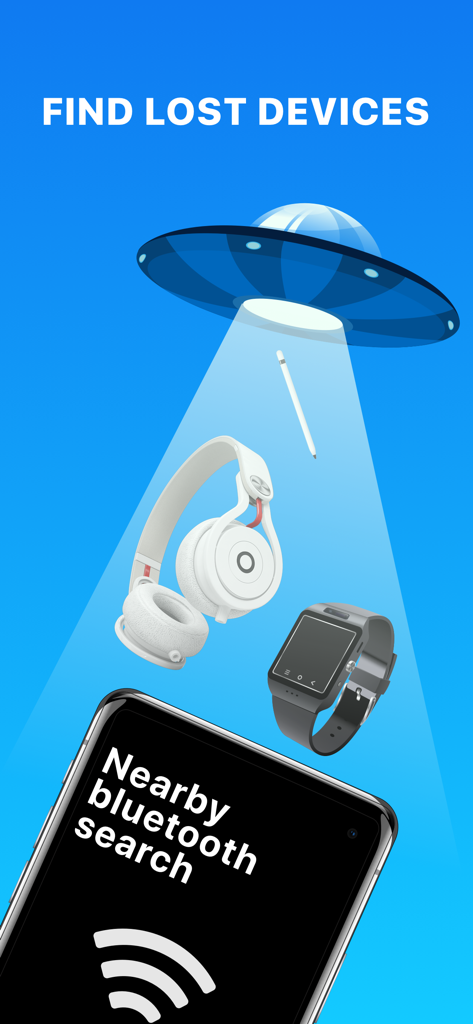
Un'illustrazione che mostra un raggio UFO che cerca oggetti smarriti come cuffie e smartwatch sopra un telefono che esegue l'app Find Device
Ragazzo dei cartoni animati che festeggia con una nuvoletta di parole che dice 'funziona' e un contatore di dispositivi trovati
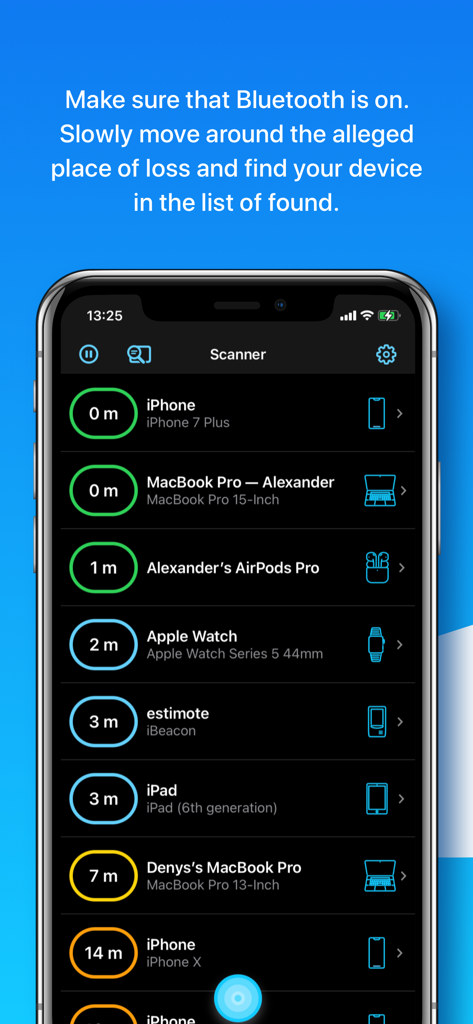
Interfaccia dell'app Find Device che mostra un elenco di dispositivi Bluetooth nelle vicinanze con distanze stimate in metri
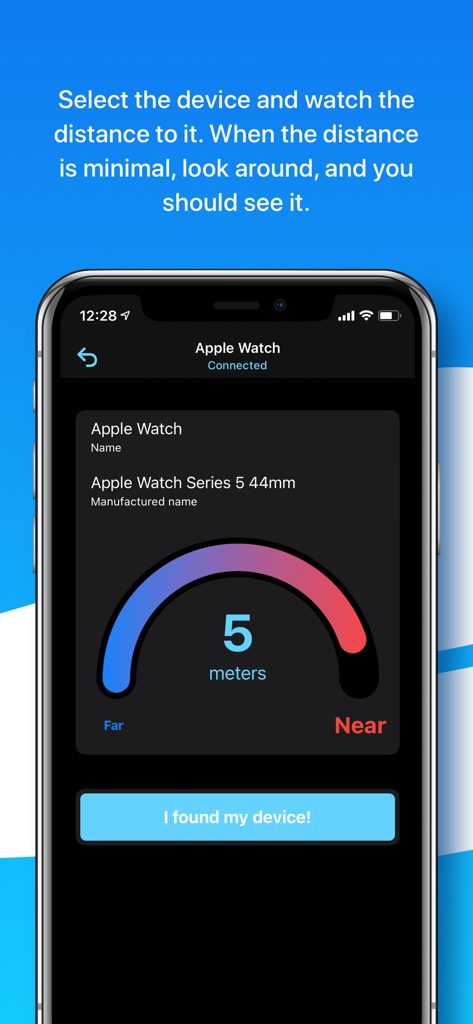
Interfaccia di un sensore di distanza che mostra cinque metri a un Apple Watch connesso
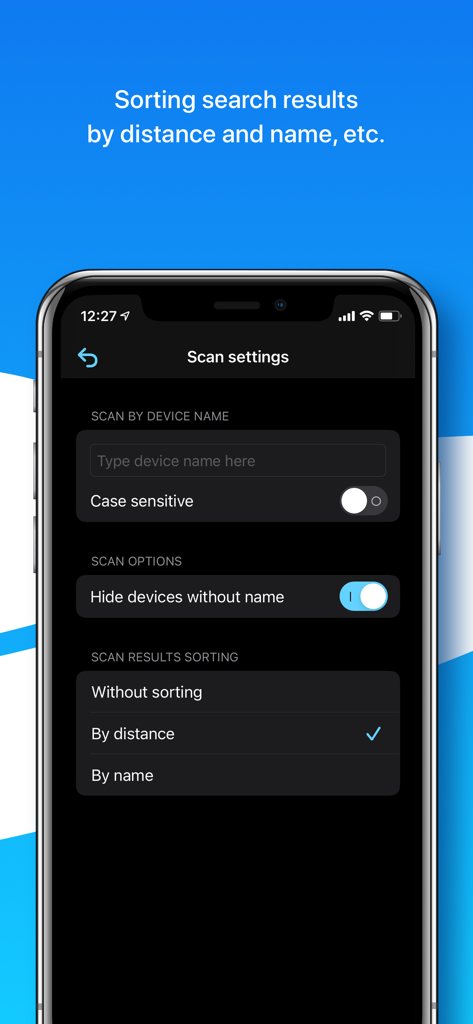
Schermata delle impostazioni di scansione nell'app Find Device che mostra opzioni per filtrare per nome del dispositivo e ordinare i risultati per distanza o nome
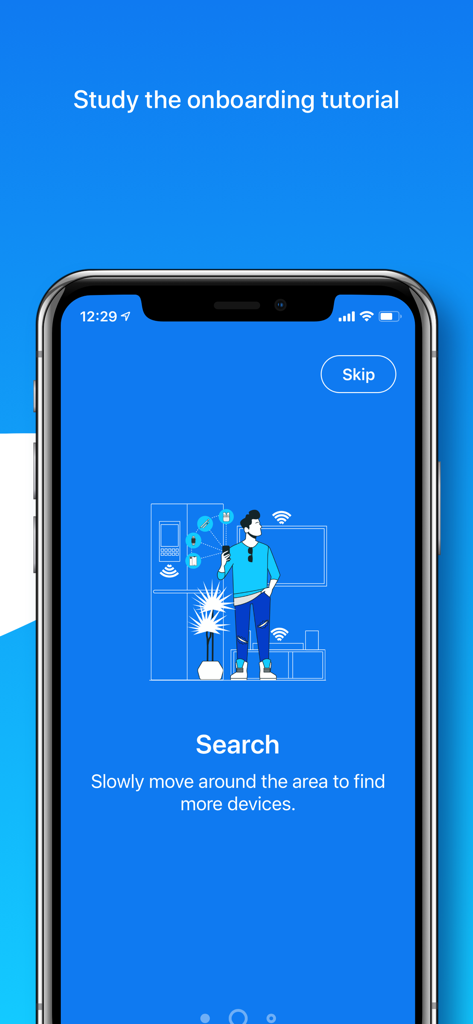
Schermata di onboarding dell'app che mostra una persona che scansiona una stanza alla ricerca di dispositivi Bluetooth smarriti
Descrizione
Download
App Simili
App più classificate nella stessa categoria

Google LLC

Google Chrome
Google LLC

中国移动(手机营业厅)
China Mobile Online Services Co., Ltd.

Google Authenticator
Google LLC

CNH do Brasil
Servicos e Informacoes do Brasil

Cleanup: Phone Storage Cleaner
DEEP FLOW SOFTWARE SERVICES - FZCO

gov.br
Servicos e Informacoes do Brasil

中国电信-全国统一官方服务平台
CHINA TELECOM Corporation Ltd.

Microsoft Edge: AI Browser
Microsoft Corporation
Questa pagina non è una pagina ufficiale dell'app o del suo sviluppatore, ma una pubblicazione editoriale indipendente creata a scopo informativo e di commento. Salvo espressa indicazione contraria, né l'app né il suo sviluppatore sono affiliati, approvati, sponsorizzati, autorizzati o altrimenti ufficialmente collegati a MWM, Apple, Google Play, all'editore dell'app o allo sviluppatore dell'app, e nulla in questa pagina implica che l'app sia stata sviluppata utilizzando i servizi di MWM. Tutti i marchi, loghi, screenshot e altri contenuti rimangono di proprietà dei rispettivi proprietari.