Glovius - Il Visualizzatore 3D CAD Professionale per l'Ingegneria in Movimento
Accedi, misura e collabora su complessi modelli 3D da qualsiasi formato CAD principale. Potenzia il tuo flusso di lavoro di produzione e progettazione con strumenti di precisione direttamente sul tuo iPhone e iPad.
Editore
Geometric Americas Inc
Categoria
Utilities
Download
12K+
Valutazione
3.1/5
Valutazioni totali
100
Lingue
1
L'Ingegneria a Portata di Mano
Scopri l'interfaccia usata da 12K+ utenti.
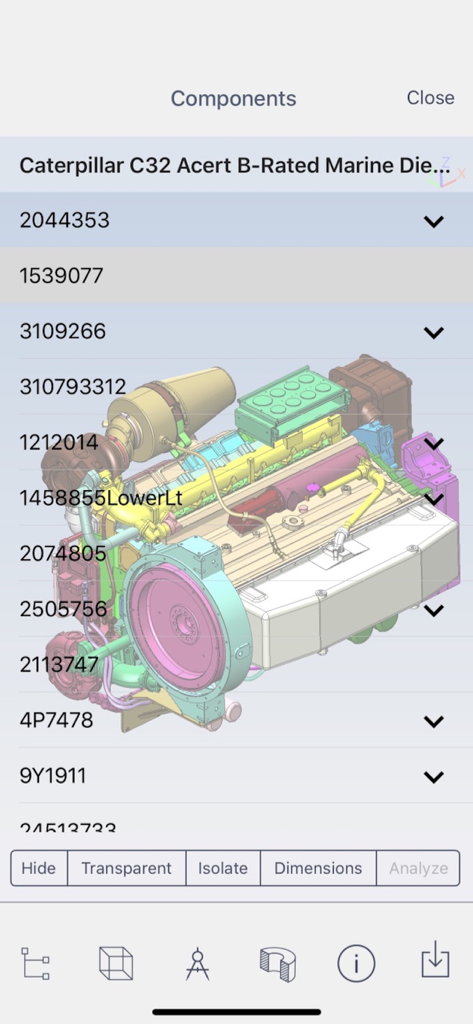
L'app Glovius visualizza un modello 3D di motore con il suo elenco di componenti e strumenti di analisi
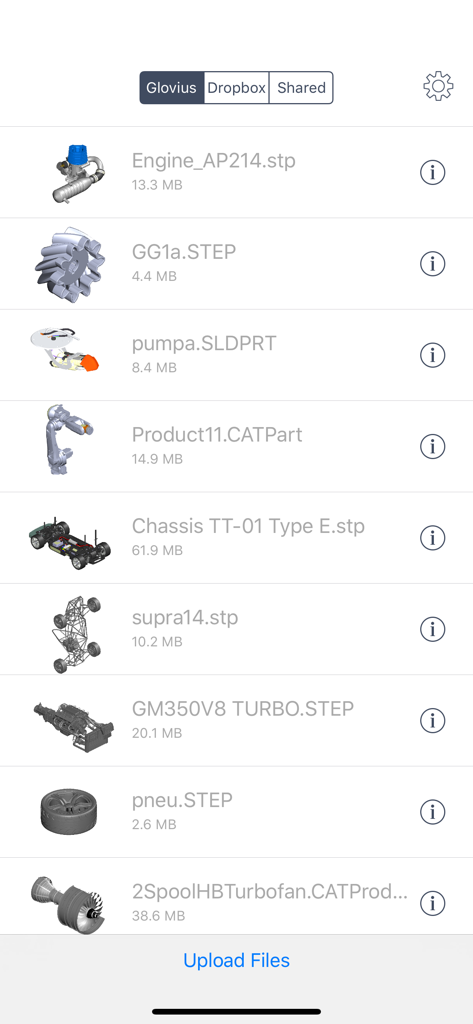
Un elenco di file CAD 3D in vari formati come STEP e CATPart nella libreria dell'app Glovius
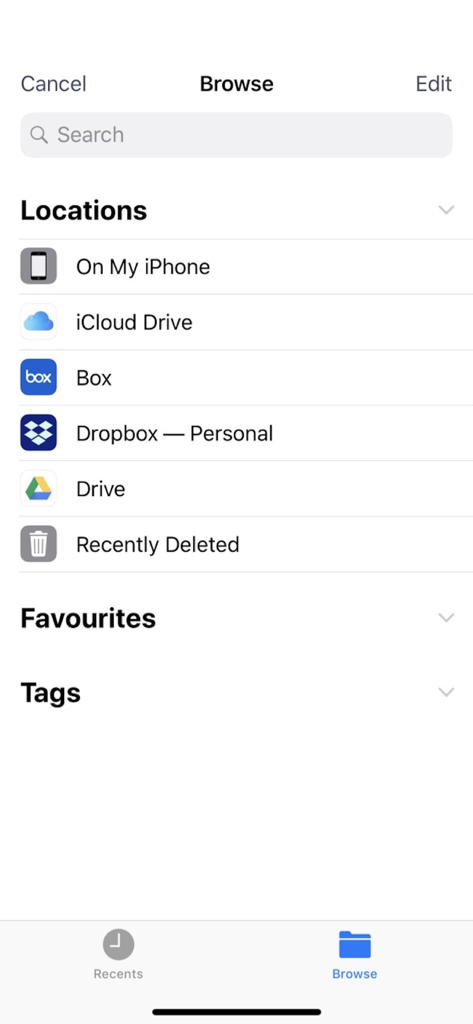
Il browser file dell'app Glovius che mostra posizioni di archiviazione come iCloud e Dropbox
Schermata di accesso Glovius Cloud con opzioni per accedere tramite email, Dropbox o Google
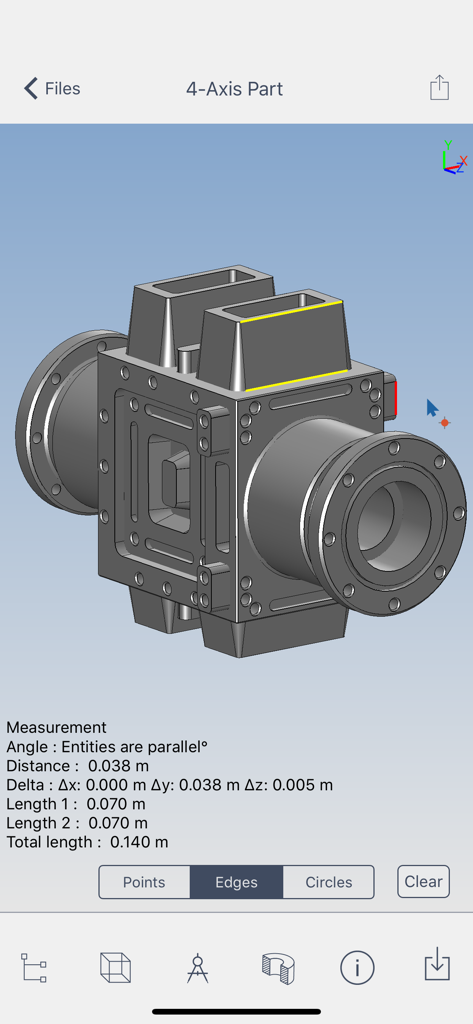
L'app Glovius visualizza un modello CAD 3D con strumenti di misurazione punto-punto e dimensioni su un dispositivo mobile
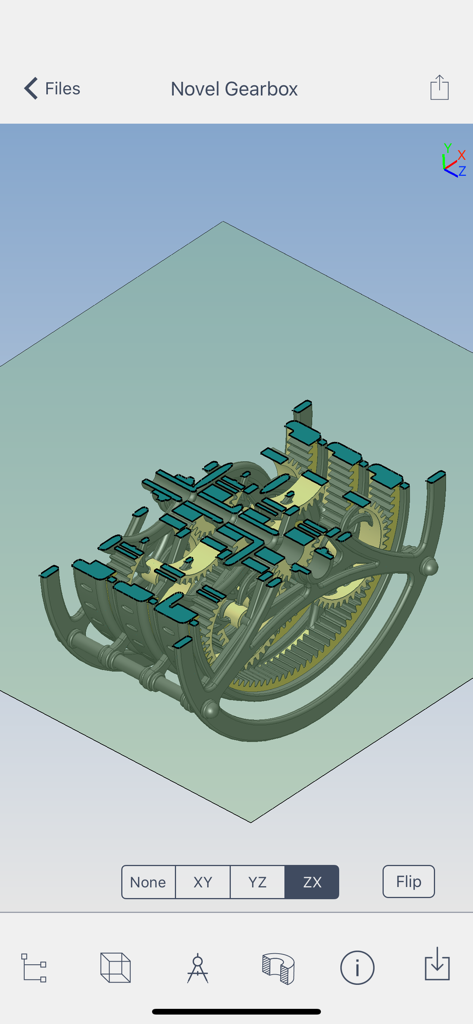
L'app Glovius mostra una vista in sezione dinamica sul piano ZX di un modello 3D CAD di riduttore
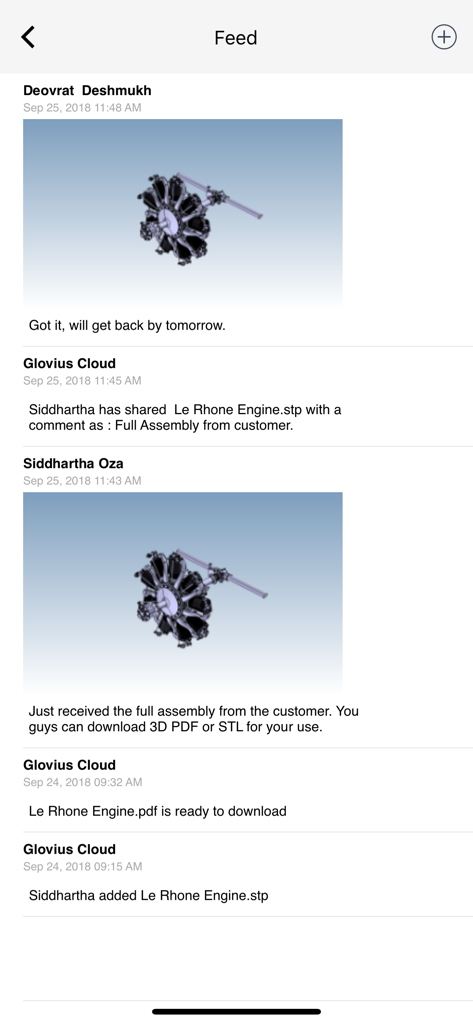
Feed delle attività nell'app Glovius che mostra la collaborazione del team e modelli CAD 3D di motori condivisi con commenti.
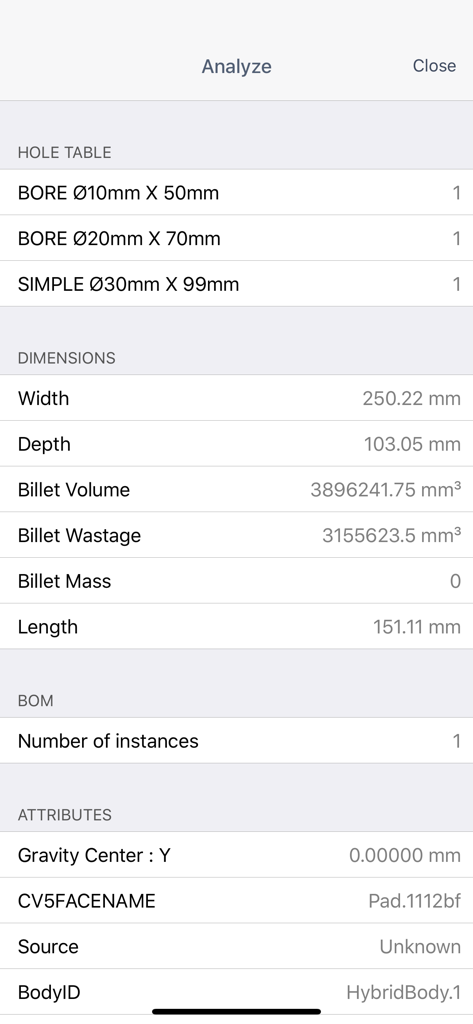
Una vista di analisi dettagliata nell'app Glovius che mostra dimensioni, tabelle di fori e dati BoM per una parte CAD.
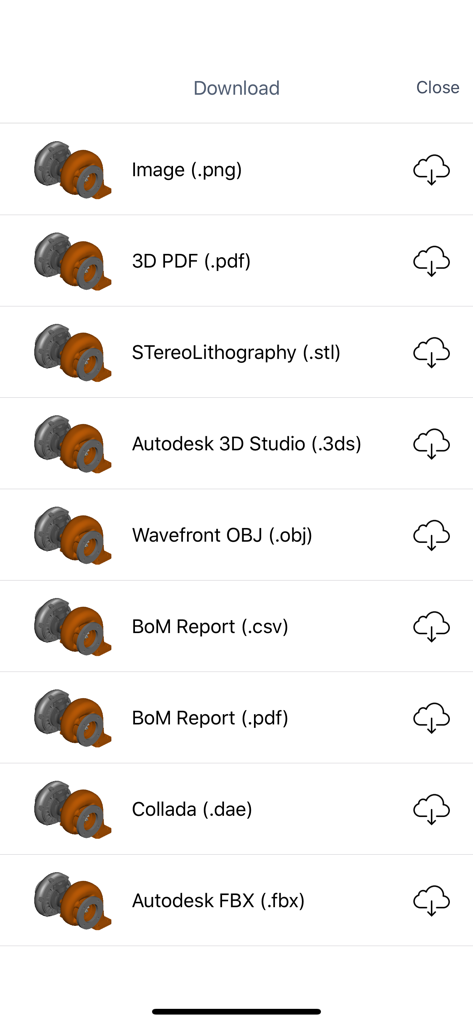
Un menu nell'app Glovius che mostra varie opzioni di download per file CAD 3D inclusi STL, OBJ e report BoM.
La Tua Workstation CAD, Liberata
Gli strumenti che rendono questa app unica, scelti da 12K+ utenti.
🌍
Accessibilità Universale CAD
Visualizza istantaneamente file CATIA, SolidWorks, NX e Creo senza la necessità di una licenza per workstation di fascia alta.
📏
Misure di Alta Precisione
Esegui analisi punto-punto e accedi alle informazioni GD&T con strumenti di misurazione costruiti per la precisione professionale.
⚡
Collaborazione Pronta per il Campo
Genera report BoM e condividi markup annotati per colmare il divario tra progettazione e produzione in tempo reale.
Info sull'app
Tutto quello che devi sapere su Glovius - 3D CAD File Viewer.
Descrizione
Glovius for iOS provides a simple and easy way to view, showcase, and collaborate on 3D CAD parts and assemblies on your iPhone and iPad. View 3D parts and assemblies from popular CAD formats. Analyze CAD components, run reports, and collaborate with your team. Glovius for iPhone and iPad is a perfect companion app for Glovius Cloud and Glovius for Windows.
View 3D CAD files on the go
• View 3D CAD files saved in your Dropbox or Glovius Cloud
• Upload parts from your iPhone or iPad
• Upload files on cloud.glovius.com
• One click Push to Cloud from Glovius for Windows
• Open large parts and assemblies in seconds
• Downloaded files are available for offline viewing
3D File Formats Supported
• CATIA (CATPart, CATProduct, CGR), NX (PRT), Creo and Pro/ENGINEER (PRT and ASM)
• SolidWorks (SLDPRT, SLDASM), Inventor (IPT, IAM), Solid Edge (PRT, ASM)
• STP, STEP, IGS, IGES, JT, STL, SketchUp, 3DS, and more.
View 3D Geometry, Attributes, Assembly Product Structure and PMI Information
• Zoom, pan, roll, rotate 3D models; double tap to reset
• Animate through standard views
• View assembly product structure and hide/show/isolate components
• View PMI, GDnT and attributes information
Analyze CAD Components
• Tap a component to view bounding box, attributes, make it transparent/solid
• Take point to point measurements
• Cut dynamic sections across standard XY, YZ, XZ planes
Run Reports, right from your iPhone or iPad
• Download Bill of Materials (BoM) report for Assemblies
• Download 3D PDF Report
• Download in high quality STL, 3DS, and OBJ formats
Collaborate with your Team
• Get and share feedback with the Activity Feed
• Save, Share, and email snapshots
• Add text comments, freehand markups on image snapshots
• Get notified when files are added, updated, or commented by others
Feedback and Suggestions
For feedback and suggestions, email us at support@glovius.com. Your feedback is important to us!
Glovius Cloud Subscription Details
Subscribe to Glovius Cloud Plan to continue using Glovius. Payment will be charged to your iTunes Account, and will automatically renew each year within 24 hours of your subscription ending. Cancel any time by turning off auto-renewal in your iTunes Account Settings.
Subscription Pricing
• USA - 18.99 USD per month + Taxes, if applicable
• USA - 98.99 USD per year + Taxes, if applicable
• All other countries priced in USD equivalent.
Apple Subscription Terms
– Payment will be charged to iTunes Account at confirmation of purchase.
– Subscription automatically renews unless auto-renew is turned off at least 24-hours before the end of the current period.
– Account will be charged for renewal within 24-hours prior to the end of the current period, and identify the cost of the renewal.
– Subscriptions may be managed by the user and auto-renewal may be turned off by going to the user's Account Settings after purchase.
– Any unused portion of a free trial period, if offered, will be forfeited when the user purchases a subscription to that publication, where applicable.
Terms & Conditions
https://www.hcltech.com/privacy-statement
Ultima versione
6.8.28
Dimensione
32.7 MB
Data di lancio
9 mag 2011
Porta i Tuoi Design CAD 3D Ovunque
Smetti di essere legato alla tua postazione di lavoro. Visualizza, misura e collabora su complessi assiemi direttamente dal tuo iPhone o iPad.
App information, icons, screenshots, and descriptions displayed on this page are sourced from the Apple App Store and are the property of their respective developers. Download estimates and rankings are based on MWM's proprietary models and may not reflect actual figures. This page is provided for informational and analytical purposes only.
Believe this page infringes your intellectual property? File a dispute