
Questa pagina non è una pagina ufficiale dell'app o del suo sviluppatore, ma una pubblicazione editoriale indipendente creata a scopo informativo e di commento. Salvo espressa indicazione contraria, né l'app né il suo sviluppatore sono affiliati, approvati, sponsorizzati, autorizzati o altrimenti ufficialmente collegati a MWM, Apple, Google Play, all'editore dell'app o allo sviluppatore dell'app, e nulla in questa pagina implica che l'app sia stata sviluppata utilizzando i servizi di MWM. Tutti i marchi, loghi, screenshot e altri contenuti rimangono di proprietà dei rispettivi proprietari.

Inkpad Notepad - Notes - To do
Sperimenta il comfort di un taccuino cartaceo con la potenza della sincronizzazione digitale. Gestisci facilmente le tue liste della spesa e le attività quotidiane sul tuo telefono o browser web con salvataggio automatico di cui ti puoi fidare.
Download
1M+Valutazione
Valutazioni totali
8K+Editore
Categoria
ProductivityLingue
1Ultima versione
6.3.59Dimensione
67.3 MBData di lancio
27 lug 2015Note Semplici per la Tua Vita Frenetica
Inkpad Notepad porta la familiarità di un blocco di carta sul tuo telefono e computer. È il modo più semplice per mantenere organizzati i tuoi pensieri, le tue liste e le tue idee senza alcun intoppo tecnico.
Proprio Come un Taccuino Cartaceo
Nessun menu complicato o formattazione. Tocca semplicemente per scrivere e le tue note vengono salvate automaticamente mentre procedi, proprio come un vero blocco legale.
Accedi dal Tuo Computer
Scrivi note o liste più lunghe comodamente sulla tastiera del tuo computer tramite il nostro sito web e trovale istantaneamente sul tuo telefono quando sei in giro.
Gli screenshot e la descrizione seguenti provengono direttamente dall'elenco ufficiale dello store dell'app e sono di proprietà dello sviluppatore.
App Store
Screenshot
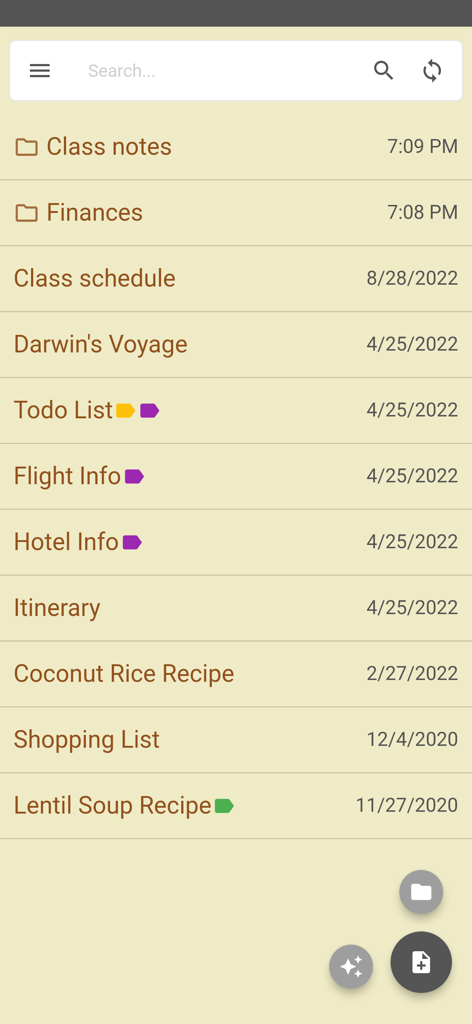
Schermata dell'app Inkpad Notepad che mostra un elenco di note e cartelle con un'estetica simile alla carta
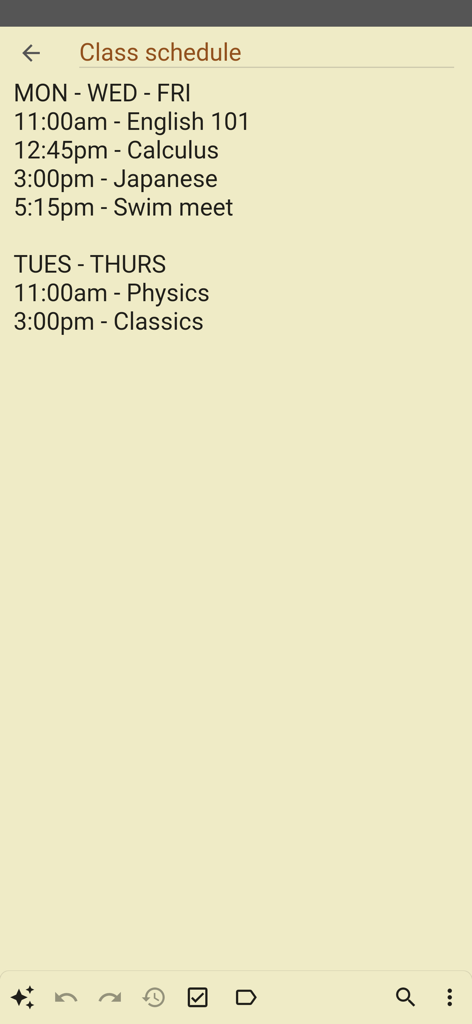
Una nota digitale semplice intitolata Orario delle lezioni che mostra un elenco di corsi e orari su uno sfondo simile alla carta
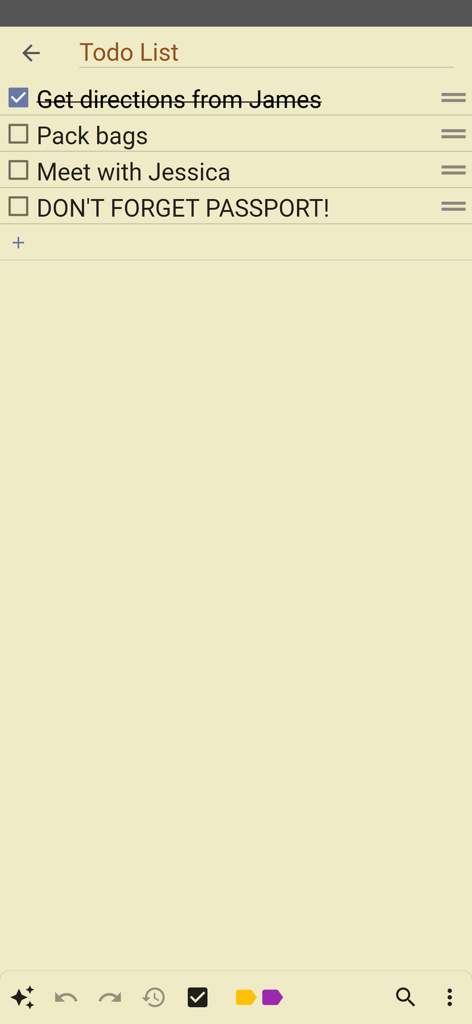
Una semplice lista di cose da fare su uno sfondo di carta gialla nell'app Inkpad Notepad
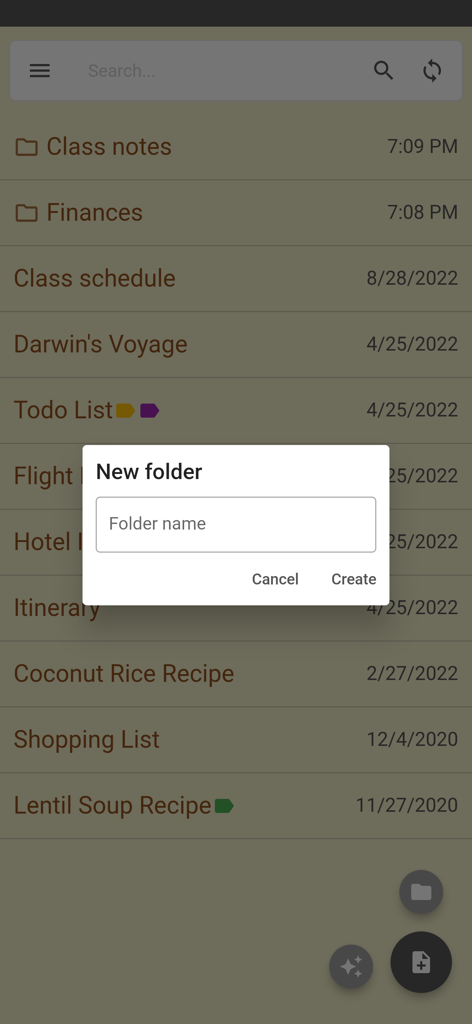
Schermata di creazione di una nuova cartella nell'app Inkpad Notepad
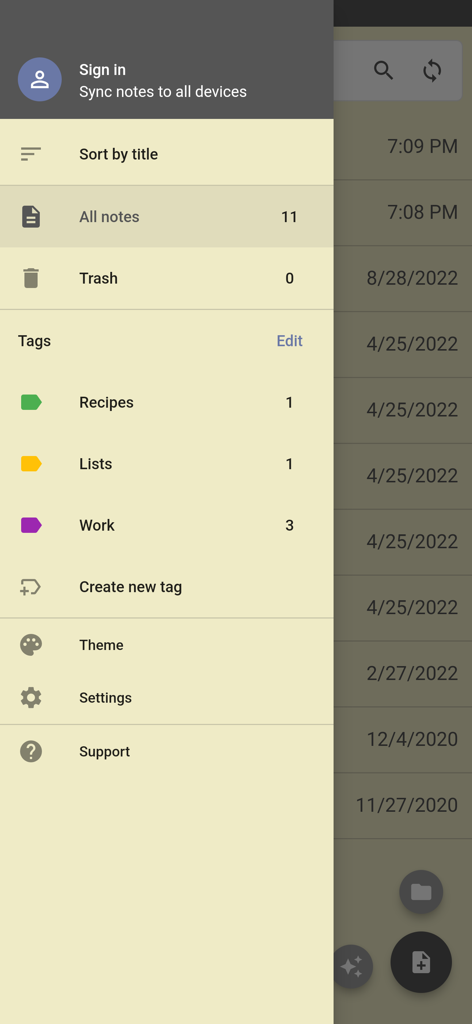
Menu di navigazione laterale dell'app Inkpad Notepad che mostra opzioni per tag di ordinamento delle note e impostazioni dell'account
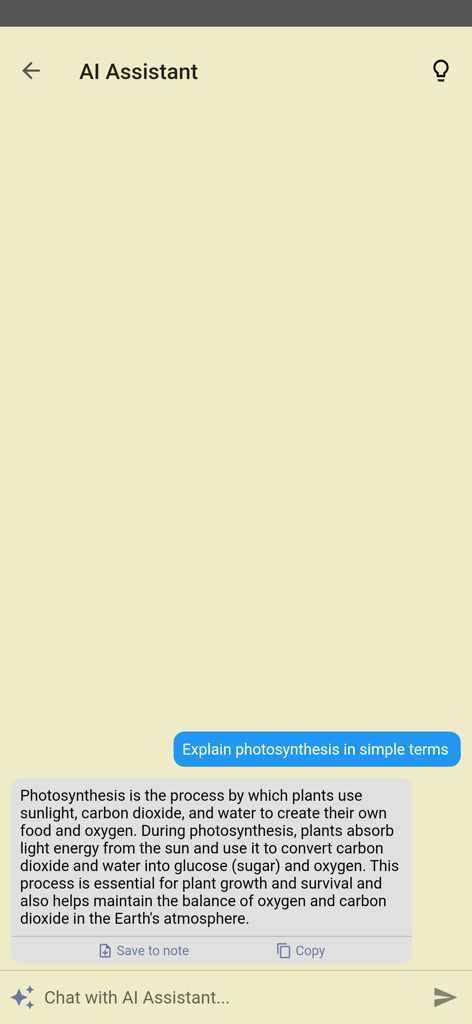
Funzione Assistente AI in Inkpad Notepad che risponde a una domanda in una semplice interfaccia di chat
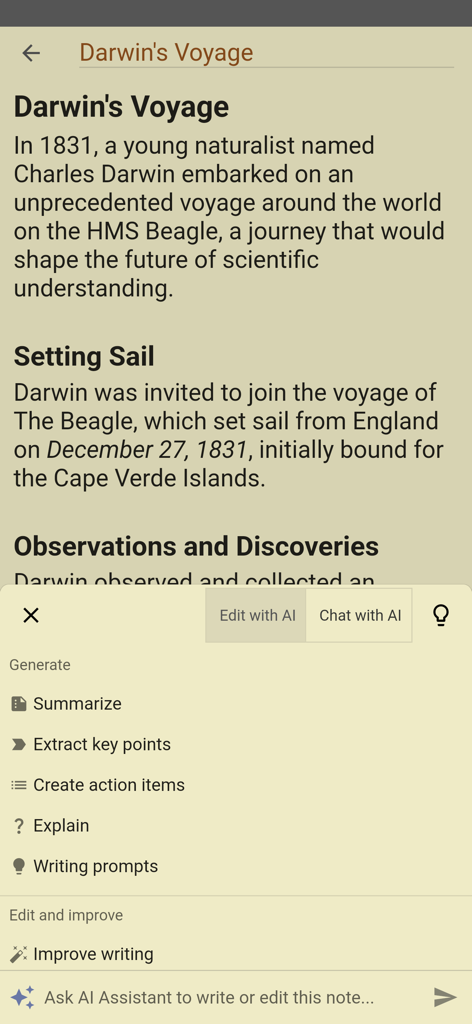
App Inkpad Notepad che mostra il menu dell'assistente AI con opzioni come riassumi e migliora la scrittura
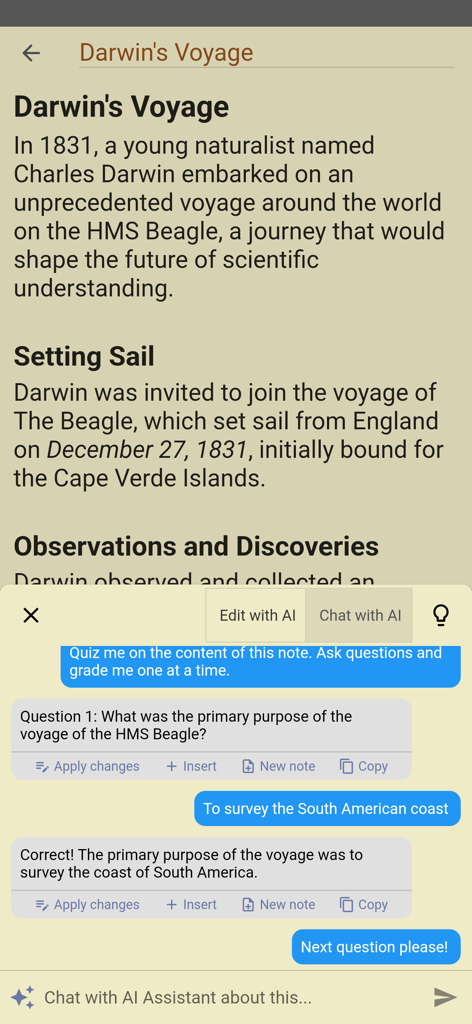
Un'interfaccia mobile per Inkpad Notepad che mostra un assistente AI che interroga un utente sulle sue note sul viaggio di Darwin
Descrizione
Download
App Simili
App più classificate nella stessa categoria

ChatGPT
OpenAI OpCo, LLC

Google Gemini
Google LLC

Grok
X.AI Corporation

Gmail - Email by Google
Google LLC

千问 - 阿里最强大模型官方AI助手
Shanghai Zhixin Puhui Technology Co., Ltd.

Google Drive
Google LLC

Microsoft Authenticator
Microsoft Corporation

Google Sheets
Google LLC

Google Docs
Google LLC
Questa pagina non è una pagina ufficiale dell'app o del suo sviluppatore, ma una pubblicazione editoriale indipendente creata a scopo informativo e di commento. Salvo espressa indicazione contraria, né l'app né il suo sviluppatore sono affiliati, approvati, sponsorizzati, autorizzati o altrimenti ufficialmente collegati a MWM, Apple, Google Play, all'editore dell'app o allo sviluppatore dell'app, e nulla in questa pagina implica che l'app sia stata sviluppata utilizzando i servizi di MWM. Tutti i marchi, loghi, screenshot e altri contenuti rimangono di proprietà dei rispettivi proprietari.