
Questa pagina non è una pagina ufficiale dell'app o del suo sviluppatore, ma una pubblicazione editoriale indipendente creata a scopo informativo e di commento. Salvo espressa indicazione contraria, né l'app né il suo sviluppatore sono affiliati, approvati, sponsorizzati, autorizzati o altrimenti ufficialmente collegati a MWM, Apple, Google Play, all'editore dell'app o allo sviluppatore dell'app, e nulla in questa pagina implica che l'app sia stata sviluppata utilizzando i servizi di MWM. Tutti i marchi, loghi, screenshot e altri contenuti rimangono di proprietà dei rispettivi proprietari.


JetSign: Fill & Sign PDF Docs
Dimentica stampante e scanner. Firma accordi, compila moduli e invita altri a firmare da remoto in pochi secondi. Legalmente vincolante, sicuro e pensato per il tuo flusso di lavoro mobile — non è necessario un account per iniziare.
Download
56K+Valutazione
Valutazioni totali
7K+Editore
Categoria
ProductivityLingue
1Ultima versione
2.7.8Dimensione
65.2 MBData di lancio
7 mar 2019Chiudi Accordi Più Velocemente, Ovunque
Il modo più semplice per firmare, compilare e inviare documenti professionali senza i costi aggiuntivi di complessi software aziendali.
Firma Mobile Istantanea
Dimentica stampa e scansione. Firma PDF, documenti Word o immagini con un semplice tocco — anche in movimento.
Invita e Tieni Traccia dei Firmatari
Condividi link di firma sicuri via SMS o email. Ricevi notifiche in tempo reale e un audit trail completo per ogni accordo.
Gli screenshot e la descrizione seguenti provengono direttamente dall'elenco ufficiale dello store dell'app e sono di proprietà dello sviluppatore.
App Store
Screenshot
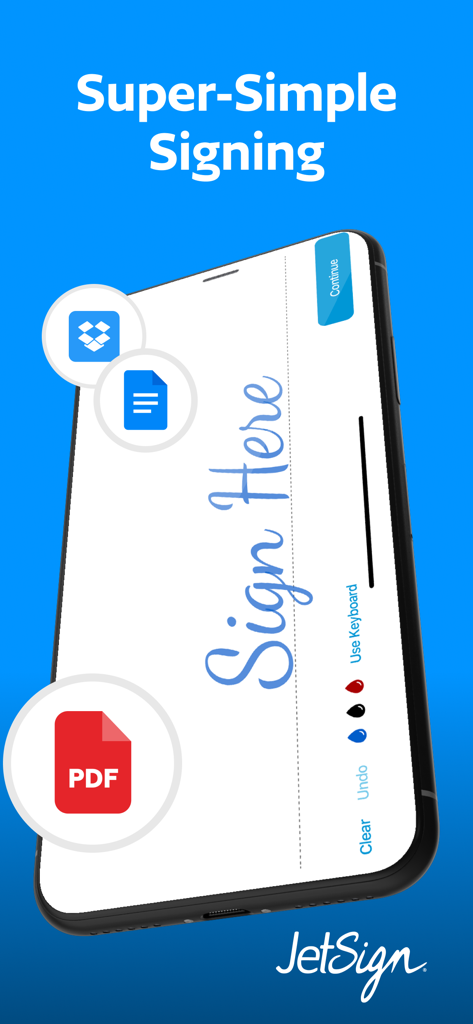
Uno smartphone che mostra l'interfaccia dell'app JetSign con una firma digitale su un documento PDF e icone di cloud storage.
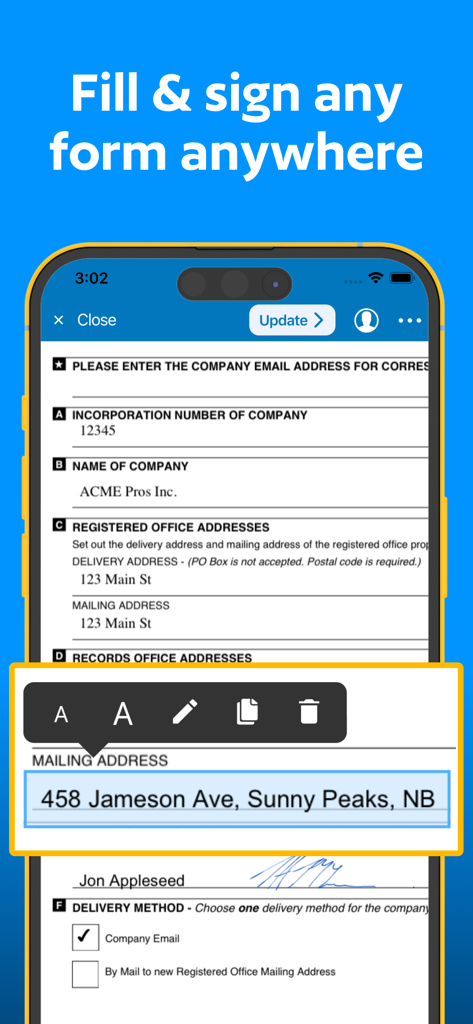
Interfaccia dell'app mobile JetSign che mostra un documento professionale compilato con testo e una firma digitale su uno smartphone.
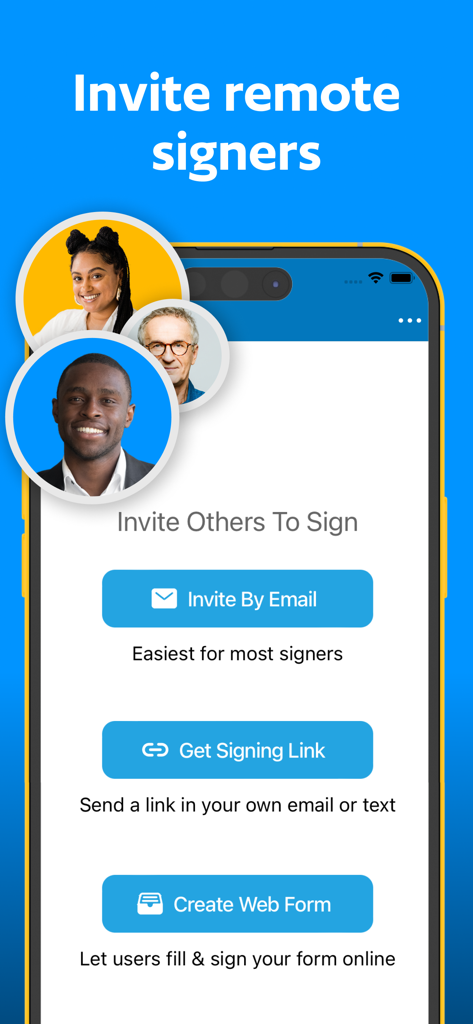
Schermata mobile che mostra le opzioni per invitare firmatari da remoto via email, condividendo un link o creando un modulo web.
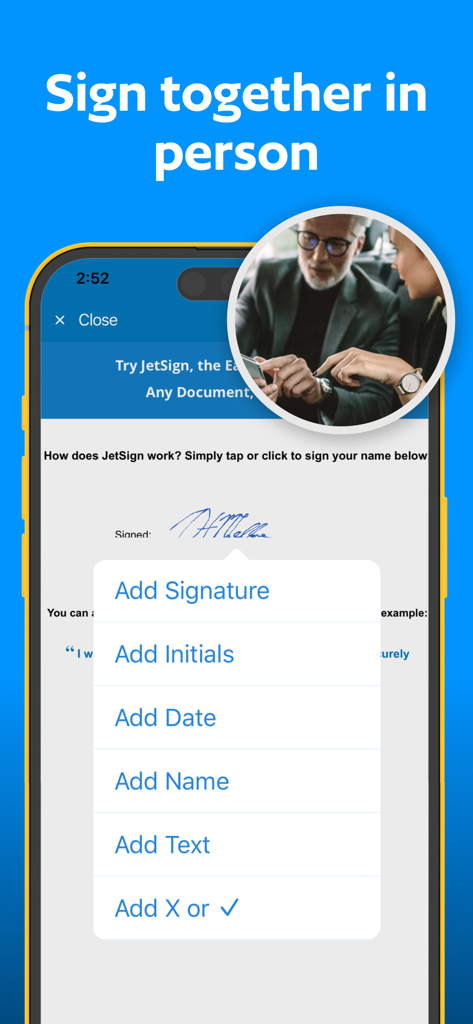
Interfaccia dell'app mobile JetSign che mostra le opzioni per aggiungere firma, iniziali e data su un documento per la firma di persona.
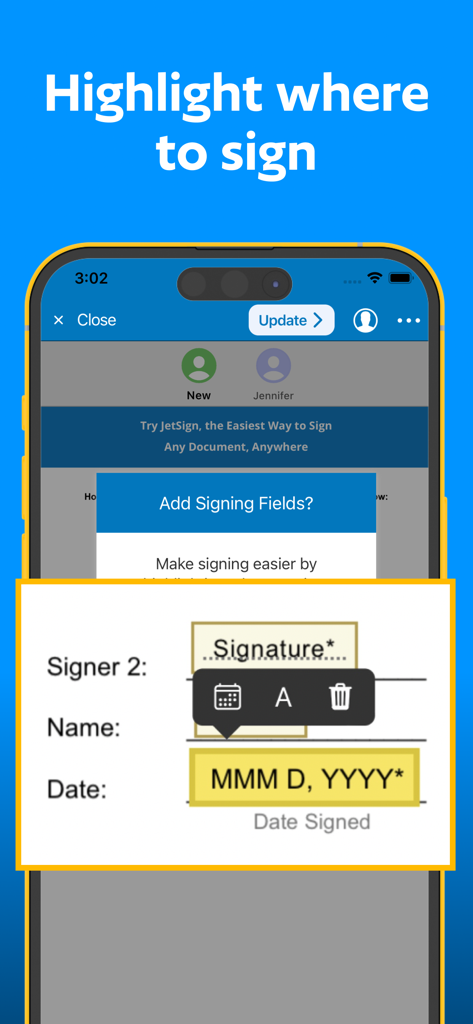
Un'interfaccia dello schermo mobile che mostra come aggiungere campi di firma e data a un documento per i firmatari da remoto.
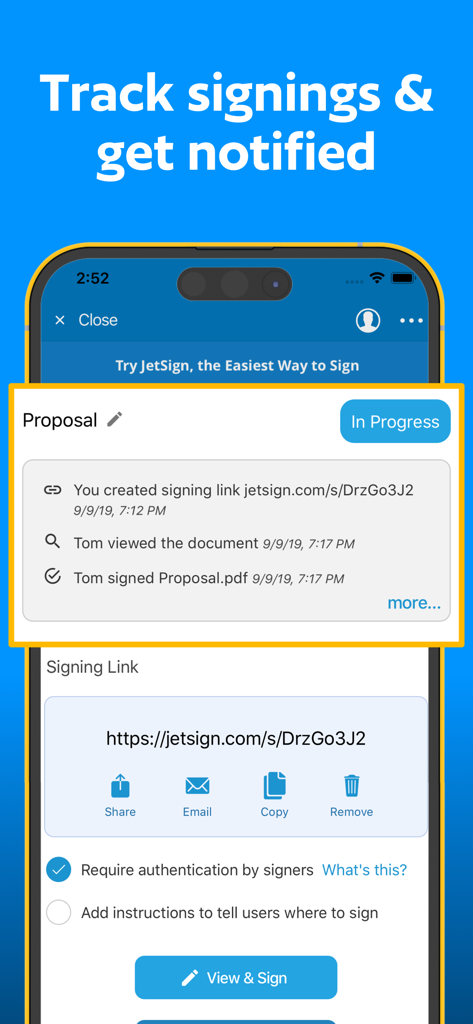
Schermata dell'app JetSign che mostra il tracciamento delle firme dei documenti in tempo reale e gli aggiornamenti dell'audit trail.
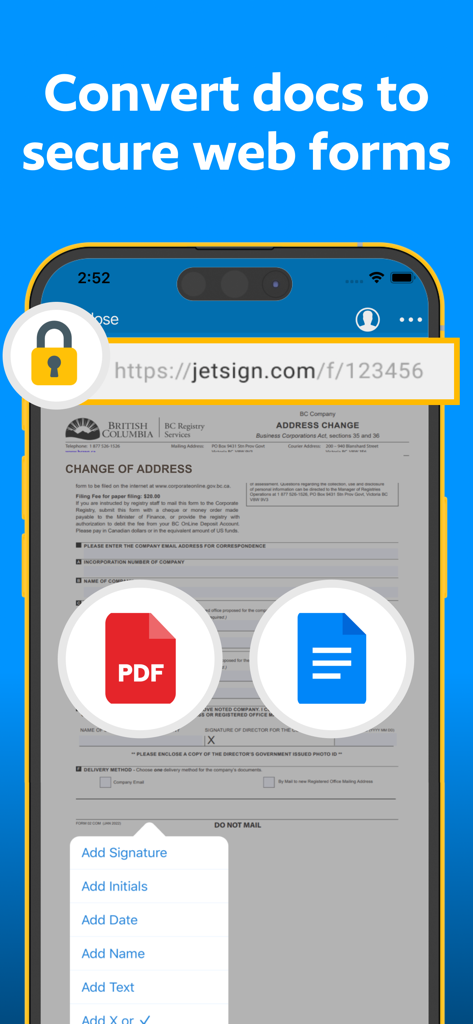
Schermata dell'app mobile JetSign che mostra come convertire documenti in moduli web sicuri per la firma da remoto.
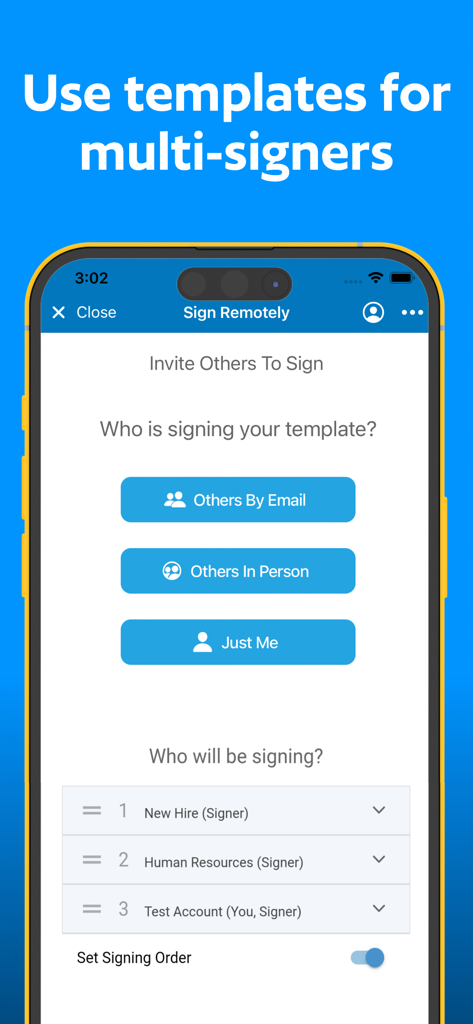
Interfaccia dell'app JetSign per invitare più firmatari e impostare un ordine di firma
Descrizione
Download
App Simili
App più classificate nella stessa categoria

ChatGPT
OpenAI OpCo, LLC

Google Gemini
Google LLC

Grok
X.AI Corporation

Gmail - Email by Google
Google LLC

千问 - 阿里最强大模型官方AI助手
Shanghai Zhixin Puhui Technology Co., Ltd.

Google Drive
Google LLC

Microsoft Authenticator
Microsoft Corporation

Google Sheets
Google LLC

Google Docs
Google LLC
Questa pagina non è una pagina ufficiale dell'app o del suo sviluppatore, ma una pubblicazione editoriale indipendente creata a scopo informativo e di commento. Salvo espressa indicazione contraria, né l'app né il suo sviluppatore sono affiliati, approvati, sponsorizzati, autorizzati o altrimenti ufficialmente collegati a MWM, Apple, Google Play, all'editore dell'app o allo sviluppatore dell'app, e nulla in questa pagina implica che l'app sia stata sviluppata utilizzando i servizi di MWM. Tutti i marchi, loghi, screenshot e altri contenuti rimangono di proprietà dei rispettivi proprietari.