
Questa pagina non è una pagina ufficiale dell'app o del suo sviluppatore, ma una pubblicazione editoriale indipendente creata a scopo informativo e di commento. Salvo espressa indicazione contraria, né l'app né il suo sviluppatore sono affiliati, approvati, sponsorizzati, autorizzati o altrimenti ufficialmente collegati a MWM, Apple, Google Play, all'editore dell'app o allo sviluppatore dell'app, e nulla in questa pagina implica che l'app sia stata sviluppata utilizzando i servizi di MWM. Tutti i marchi, loghi, screenshot e altri contenuti rimangono di proprietà dei rispettivi proprietari.

JotterPad - Novel, Screenplay
Concentrati sul tuo mestiere con un editor Markdown e Fountain senza distrazioni. Che tu stia scrivendo una sceneggiatura standard del settore o il tuo prossimo romanzo bestseller, JotterPad si occupa della formattazione in modo che tu possa rimanere nel flusso.
Download
33K+Valutazione
Valutazioni totali
200Editore
Categoria
ProductivityLingue
15Ultima versione
14.3.0Dimensione
63.9 MBData di lancio
17 lug 2020Tutto ciò di cui hai bisogno per creare
Crea il tuo prossimo capolavoro con strumenti progettati per lo storyteller moderno, che offrono scrittura senza distrazioni, formattazione professionale e assoluta sicurezza dei dati.
Formattazione professionale, zero sforzo
Produci sceneggiature e romanzi di livello professionale senza toccare alcuna impostazione dei margini. Utilizza Markdown e Fountain per soddisfare automaticamente gli standard del settore.
Ecosistema cloud senza interruzioni
Mantieni il tuo slancio. Passa da iPhone, iPad e Mac senza interruzioni con il supporto nativo per iCloud, Google Drive e Dropbox.
Domande Frequenti
Tutto quello che devi sapere su JotterPad - Novel, Screenplay
Che cos'è JotterPad?
JotterPad è uno strumento di scrittura e un editor WYSIWYG Markdown e Fountain per scrittori, sceneggiatori, autori e blogger. Aiuta nella pianificazione, scrittura, formattazione e pubblicazione di lavori scritti.
JotterPad supporta Markdown e Fountain?
Sì, JotterPad supporta entrambe le sintassi Markdown e Fountain. Gli utenti scrivono il contenuto e l'app gestisce automaticamente la formattazione, creando documenti strutturati.
Posso esportare il mio lavoro da JotterPad?
Sì, JotterPad consente agli utenti di esportare i lavori scritti in più formati. Questi includono Word, PDF, HTML, Final Draft (.fdx), Fountain e Markdown.
Con quali servizi cloud si sincronizza JotterPad?
JotterPad offre la sincronizzazione automatica con iCloud, Google Drive, OneDrive e Dropbox. Funziona offline e sincronizza il lavoro automaticamente una volta tornato online.
Quali sono i costi di abbonamento per JotterPad Pro Cloud?
JotterPad Pro Cloud costa $6,99 al mese o $29,99 all'anno. Si tratta di un abbonamento a rinnovo automatico, con prezzi che potrebbero variare in base alla località.
JotterPad offre modelli per la scrittura?
Sì, JotterPad fornisce oltre 50 modelli per guidare gli utenti nella formattazione del proprio lavoro. Questi modelli aiutano nella creazione di romanzi, libri, articoli, report e diapositive di presentazione.
JotterPad può gestire i formati di sceneggiatura standard del settore?
Sì, JotterPad supporta i formati di sceneggiatura standard del settore utilizzando modelli Fountain. Le opzioni includono Musical Broadway, Commedia radiofonica della BBC, Sitcom radiofonica e Musical Dramatists Guild.
JotterPad include il controllo delle versioni per i documenti?
Sì, JotterPad dispone di un controllo delle versioni integrato. Questo esegue automaticamente il backup del lavoro mentre l'utente scrive, consentendo la revisione e la modifica delle versioni precedenti.
Quali piattaforme supporta JotterPad?
JotterPad è disponibile sulle piattaforme iOS, iPad OS e Mac, consentendo agli utenti di scrivere su più dispositivi e sistemi operativi.
Posso pubblicare contenuti direttamente da JotterPad sui blog?
Sì, JotterPad consente agli utenti di pubblicare i propri lavori scritti direttamente su piattaforme di blog come Tumblr, Ghost e WordPress.
Gli screenshot e la descrizione seguenti provengono direttamente dall'elenco ufficiale dello store dell'app e sono di proprietà dello sviluppatore.
App Store
Screenshot
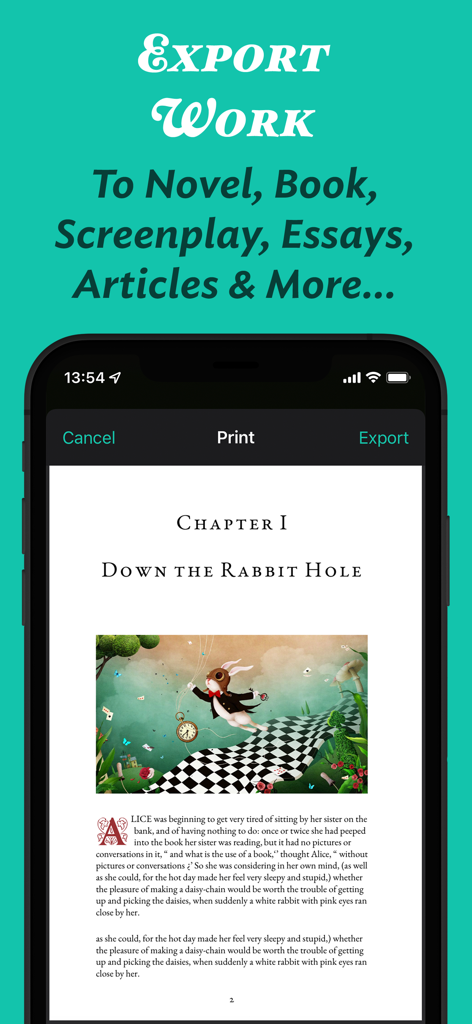
Interfaccia dell'app JotterPad che mostra un'anteprima di stampa ed esportazione di un capitolo di romanzo formattato con un'illustrazione
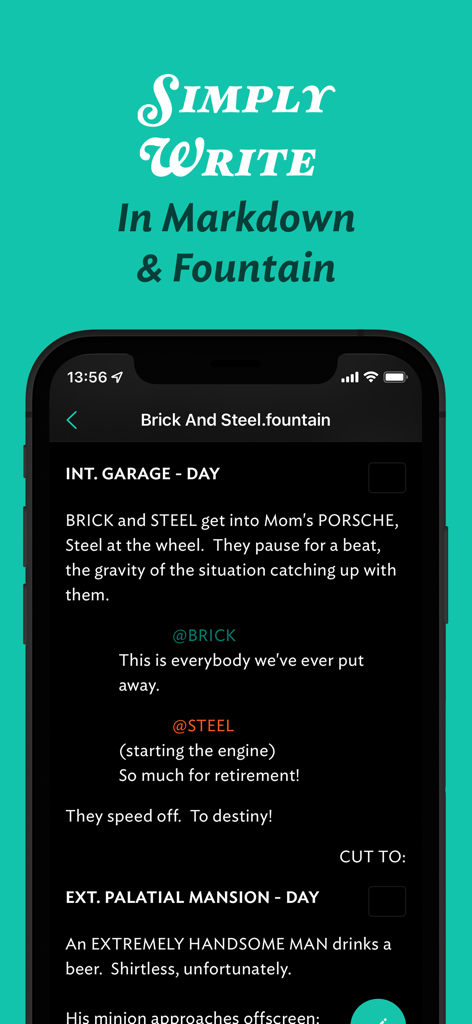
Interfaccia dell'app mobile JotterPad per scrivere sceneggiature in sintassi Fountain
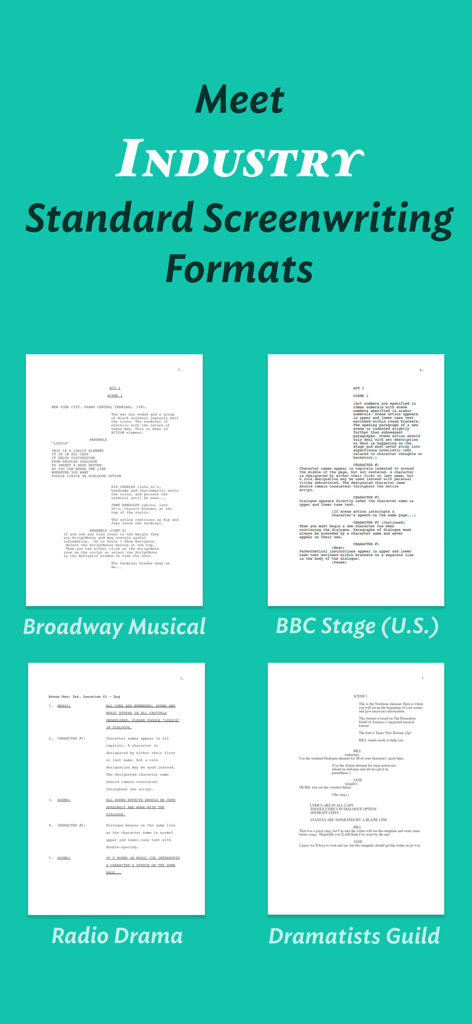
Interfaccia dell'app JotterPad che mostra modelli di sceneggiatura standard del settore per musical di Broadway e opere teatrali della BBC
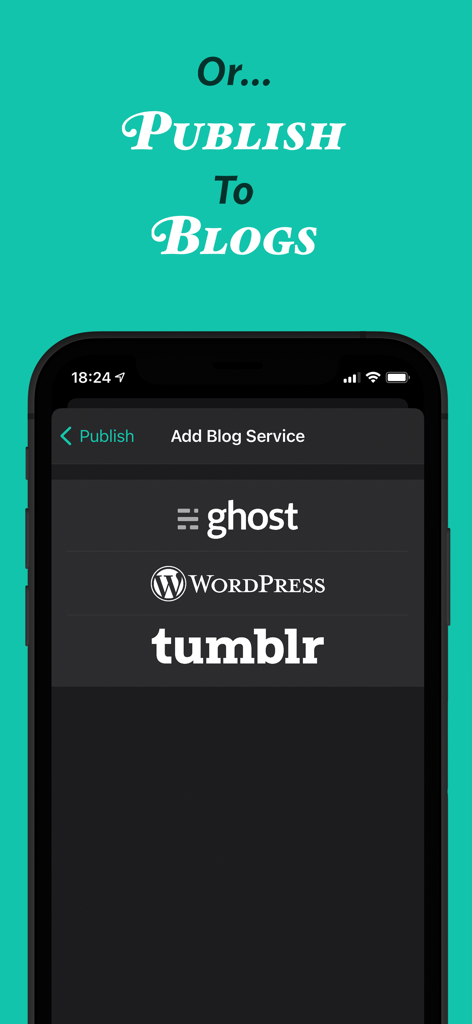
Interfaccia dell'app JotterPad che mostra le opzioni di pubblicazione per i blog Ghost WordPress e Tumblr
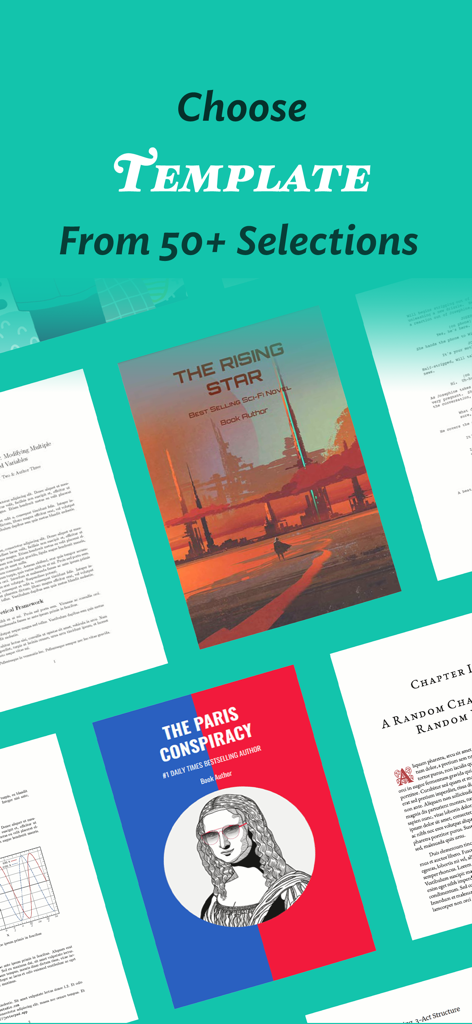
Una varietà di oltre 50 modelli di scrittura per romanzi, sceneggiature e documenti professionali in JotterPad
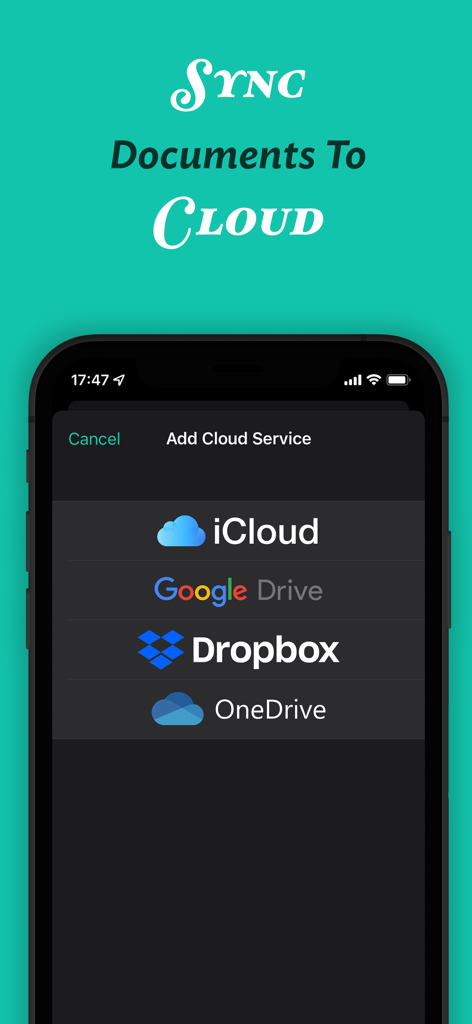
Interfaccia dell'app JotterPad che mostra le opzioni per sincronizzare i documenti con iCloud, Google Drive, Dropbox e OneDrive.
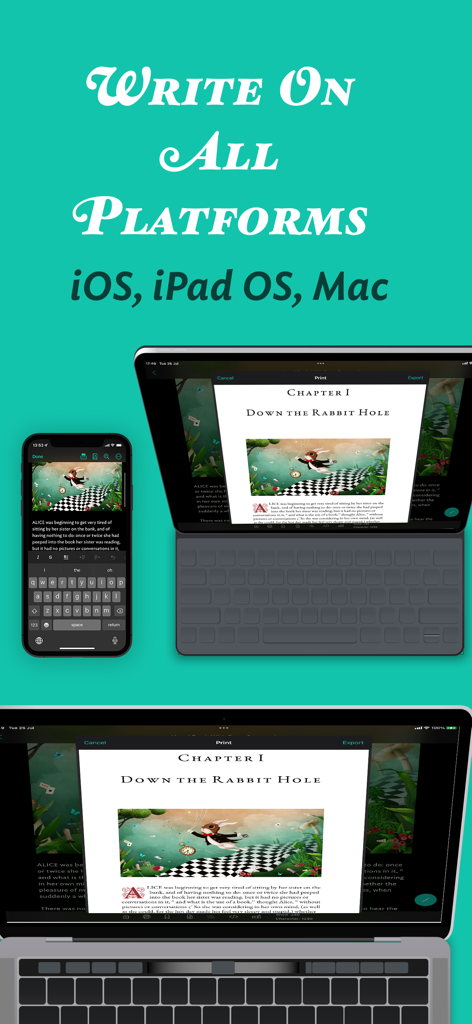
Interfaccia dell'app JotterPad visualizzata su iPhone, iPad e Mac che mostra la sincronizzazione dei documenti multipiattaforma
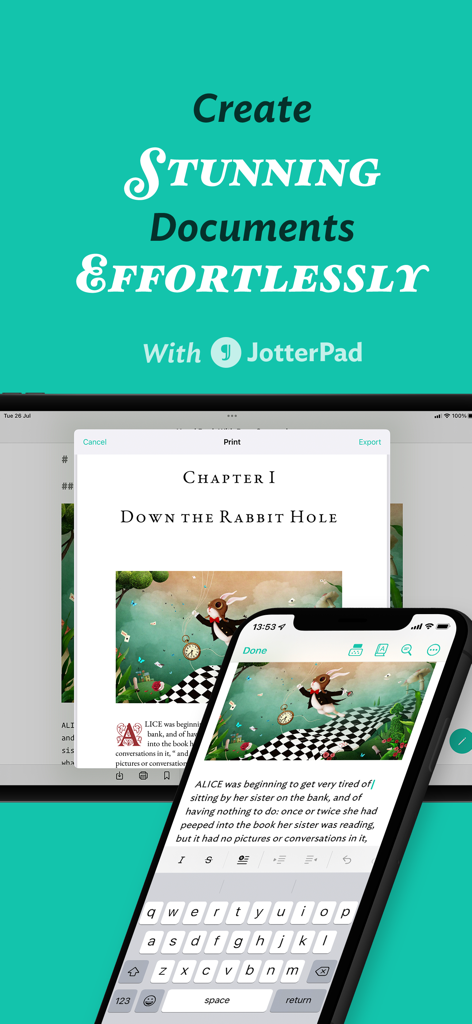
Interfaccia dell'app JotterPad che mostra l'editing di documenti su smartphone e tablet
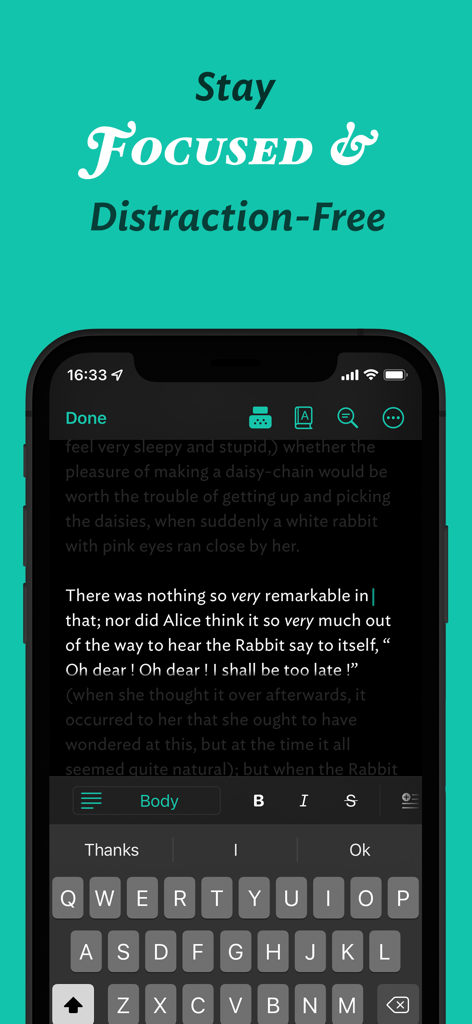
App mobile JotterPad che visualizza un'interfaccia di scrittura senza distrazioni in modalità scura.
Descrizione
Download
App Simili
App più classificate nella stessa categoria

ChatGPT
OpenAI OpCo, LLC

Google Gemini
Google LLC

Grok
X.AI Corporation

Gmail - Email by Google
Google LLC

千问 - 阿里最强大模型官方AI助手
Shanghai Zhixin Puhui Technology Co., Ltd.

Google Drive
Google LLC

Microsoft Authenticator
Microsoft Corporation

Google Sheets
Google LLC

Google Docs
Google LLC
Questa pagina non è una pagina ufficiale dell'app o del suo sviluppatore, ma una pubblicazione editoriale indipendente creata a scopo informativo e di commento. Salvo espressa indicazione contraria, né l'app né il suo sviluppatore sono affiliati, approvati, sponsorizzati, autorizzati o altrimenti ufficialmente collegati a MWM, Apple, Google Play, all'editore dell'app o allo sviluppatore dell'app, e nulla in questa pagina implica che l'app sia stata sviluppata utilizzando i servizi di MWM. Tutti i marchi, loghi, screenshot e altri contenuti rimangono di proprietà dei rispettivi proprietari.