Jupyter Notebook - JuNote
Scarica su App Store

Questa pagina non è una pagina ufficiale dell'app o del suo sviluppatore, ma una pubblicazione editoriale indipendente creata a scopo informativo e di commento. Salvo espressa indicazione contraria, né l'app né il suo sviluppatore sono affiliati, approvati, sponsorizzati, autorizzati o altrimenti ufficialmente collegati a MWM, Apple, Google Play, all'editore dell'app o allo sviluppatore dell'app, e nulla in questa pagina implica che l'app sia stata sviluppata utilizzando i servizi di MWM. Tutti i marchi, loghi, screenshot e altri contenuti rimangono di proprietà dei rispettivi proprietari.


Logo di Jupyter Notebook - JuNote
Scarica su App Store

Jupyter Notebook - JuNote

Esegui Jupyter e Google Colab localmente senza alcuna configurazione. Padroneggia l'analisi dei dati con NumPy e Pandas, e lascia che l'IA corregga istantaneamente i tuoi bug, tutto dal tuo dispositivo mobile.

Numeri Chiave

Download

35K+

Valutazione

4.4/5

Valutazioni totali

0

Editore

FREE AI UTILS COMPANY LIMITED

Categoria

Developer Tools

Lingue

1

Ultima versione

1.1.4

Dimensione

73.4 MB

Data di lancio

9 mar 2025
Funzioni

Programmazione professionale, ovunque

JuNote porta un ambiente Python completo sul tuo dispositivo mobile. Sperimenta capacità di data science e machine learning di livello desktop senza alcuna configurazione richiesta.

Intelligenza potenziata dall'IA

Non rimanere mai più bloccato. La nostra IA integrata rileva automaticamente gli errori Python e fornisce spiegazioni istantanee e correzioni del codice per ottimizzare il tuo flusso di lavoro.

Stack di Data Science Pro

Sfrutta la potenza delle librerie standard del settore come NumPy, Pandas e Scikit-learn. Esegui complesse analisi e visualizzazioni dei dati direttamente sul tuo iPad o iPhone.

Gli screenshot e la descrizione seguenti provengono direttamente dall'elenco ufficiale dello store dell'app e sono di proprietà dello sviluppatore.

App Store

Screenshot
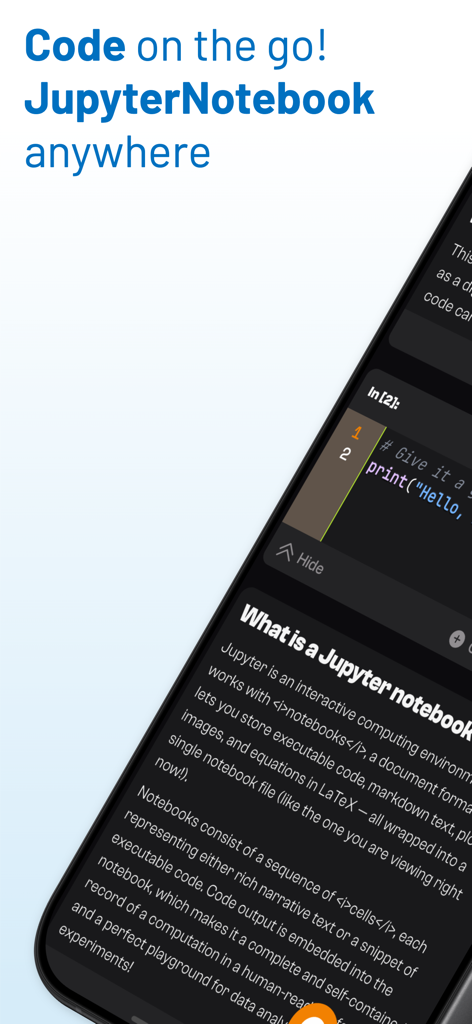
Jupyter Notebook - JuNote - Schermata mobile che visualizza l'app JuNote con una cella di codice Python e la spiegazione del notebook
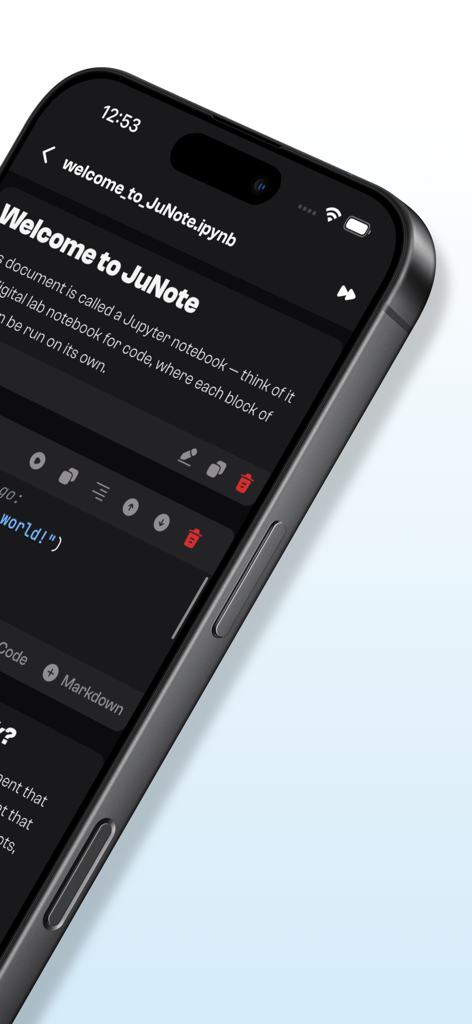
Schermata mobile che visualizza l'app JuNote con una cella di codice Python e la spiegazione del notebook

Jupyter Notebook - JuNote - Interfaccia dell'app JuNote che mostra un notebook Jupyter su un iPhone con una cella di codice Python
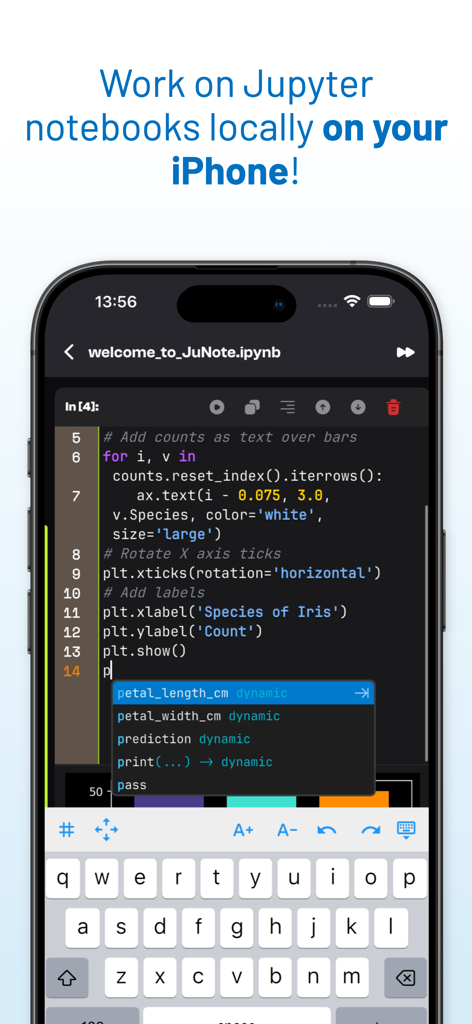
Interfaccia dell'app JuNote che mostra un notebook Jupyter su un iPhone con una cella di codice Python

Jupyter Notebook - JuNote - Editor di codice Jupyter Notebook su iPhone che mostra lo script Python e il completamento intelligente del codice.
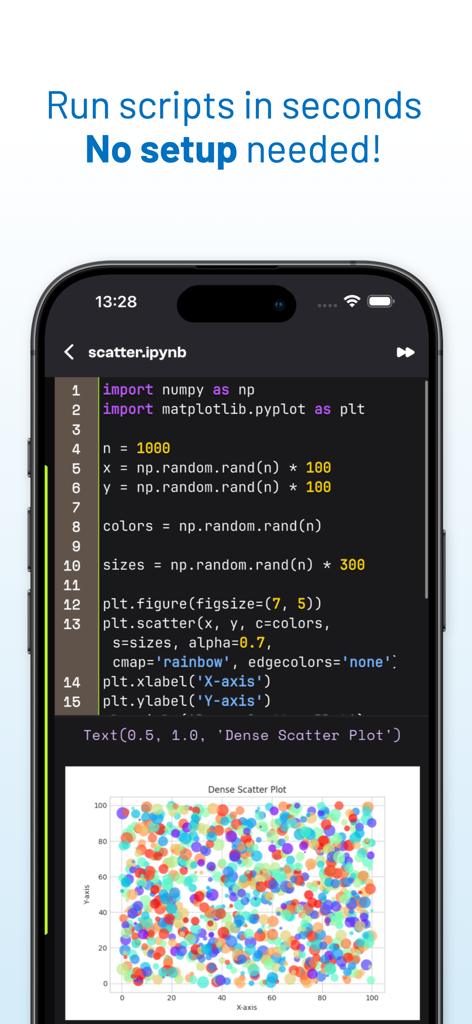
Editor di codice Jupyter Notebook su iPhone che mostra lo script Python e il completamento intelligente del codice.

Jupyter Notebook - JuNote - Una schermata mobile che mostra codice Python e un grafico a dispersione generato nell'app JuNote.

Una schermata mobile che mostra codice Python e un grafico a dispersione generato nell'app JuNote.
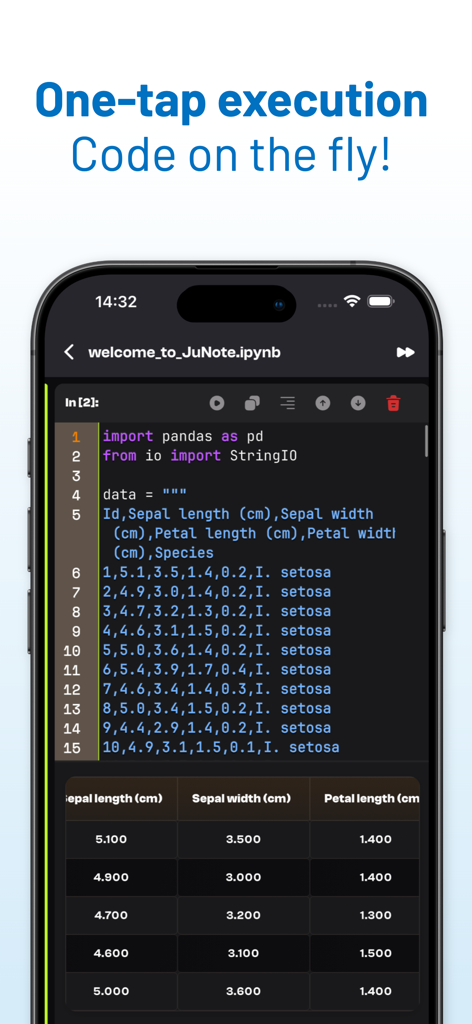
Jupyter Notebook - JuNote - Interfaccia dell'app JuNote che mostra l'esecuzione di codice Python con una tabella dati Pandas su uno smartphone
Interfaccia dell'app JuNote che mostra l'esecuzione di codice Python con una tabella dati Pandas su uno smartphone

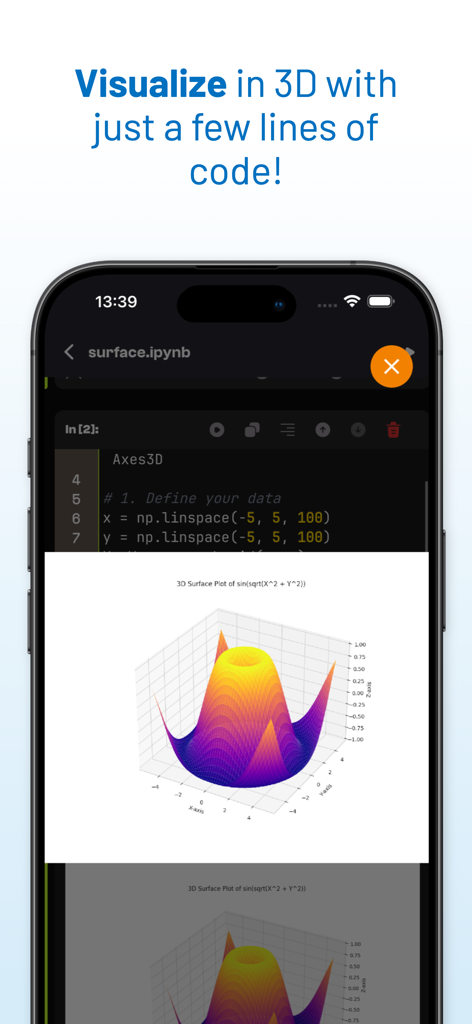
Jupyter Notebook - JuNote - Una visualizzazione di un grafico di superficie 3D generato da codice Python nell'interfaccia dell'app JuNote
Una visualizzazione di un grafico di superficie 3D generato da codice Python nell'interfaccia dell'app JuNote

Jupyter Notebook - JuNote - Interfaccia mobile dell'app JuNote che visualizza codice Python per la visualizzazione di dati 3D

Interfaccia mobile dell'app JuNote che visualizza codice Python per la visualizzazione di dati 3D
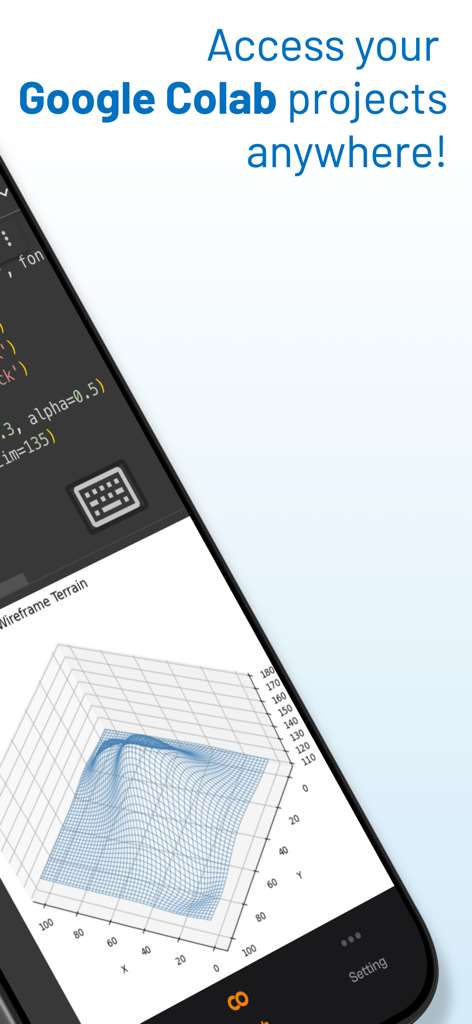
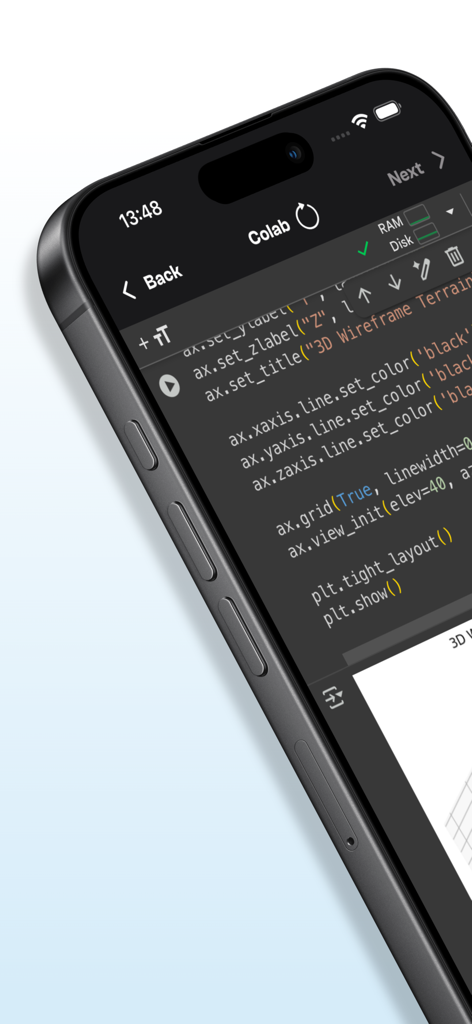
Jupyter Notebook - JuNote - Interfaccia dell'app mobile Jupyter Notebook JuNote che visualizza codice e una visualizzazione di dati di terreno in wireframe 3D

Interfaccia dell'app mobile Jupyter Notebook JuNote che visualizza codice e una visualizzazione di dati di terreno in wireframe 3D

Descrizione

Jupyter Notebook - JuNote A zero-setup Python environment & developer toolbox for mobile devices, designed for data analysis, machine learning, and software development. --- Key Features: File & Code Management - Browse and manage files & folders, with quick document and media previews. - Syntax highlighting for scripts, JSON, XML, and other text-based formats. - Access external file system locations or open documents in place. Jupyter Notebook & Google Colab Support - Run Jupyter notebooks and Google Colab locally on your device. - Full notebook editing experience with interactive execution and live outputs. - Supports Python for data science & machine learning: NumPy, Matplotlib, SciPy, Scikit-learn, Pandas, LXML, etc. AI-Powered Bug Fixing - Automatically detects and suggests fixes for Python errors. - Provides AI-powered explanations to help users understand and resolve issues. - Enhances debugging efficiency, making Python coding smoother and faster. Developer Experience - Intelligent code completion with fast execution. - Versatile text editor with syntax highlighting for multiple formats. - Effortless package management – No installations needed, just import and use. --- Who is JuNote for? - Python developers & students who need an on-the-go coding environment. - Data scientists & researchers working with Jupyter notebooks. - Developers looking for an AI-assisted Python IDE to debug and enhance their code efficiently. --- This AI-powered feature makes JuNote a next-gen Python Notebook IDE for mobile devices. SUBSCRIPTION: We offer auto-renewing subscription: - Length: Yearly - Payment will be charged to iTunes Account at confirmation of purchase - You will be able to access the Premium features of the app for the duration of the subscription - Subscription automatically renews for the same price and duration period as the original period unless auto-renew is turned off at least 24-hours before the end of the current period - The account will be charged for renewal within 24-hours prior to the end of the current period at the cost of the chosen package. - Subscriptions may be managed by the user and auto-renewal may be turned off by going to the user's iTunes Account Settings after purchase - No cancellation of the current subscription is allowed during the active subscription period - You may cancel a subscription during its free trial period via the subscription setting through your Apple account. This must be done 24 hours before the end of the subscription period to avoid being charged. Please visit https://support.apple.com/HT202039 for more information on how to proceed. - You may turn off the auto-renewal of your subscription via your Apple Account Settings. However, you are not able to cancel the current subscription during its active period Privacy Policy : https://mcanswers.ai/jupyter-notebook/privacy-policy Terms of Use : https://mcanswers.ai/jupyter-notebook/terms-of-use

Download

Scarica su App Store

Questa pagina non è una pagina ufficiale dell'app o del suo sviluppatore, ma una pubblicazione editoriale indipendente creata a scopo informativo e di commento. Salvo espressa indicazione contraria, né l'app né il suo sviluppatore sono affiliati, approvati, sponsorizzati, autorizzati o altrimenti ufficialmente collegati a MWM, Apple, Google Play, all'editore dell'app o allo sviluppatore dell'app, e nulla in questa pagina implica che l'app sia stata sviluppata utilizzando i servizi di MWM. Tutti i marchi, loghi, screenshot e altri contenuti rimangono di proprietà dei rispettivi proprietari.








