Koder Code Editor

Koder Code Editor

Scarica su App Store
Logo di Koder Code Editor

Koder Code Editor: Potenza di sviluppo professionale per iPad e iPhone

Trasforma il tuo dispositivo mobile in una workstation di classe desktop con supporto per oltre 80 lingue, terminale SSH integrato e integrazione SFTP trasparente per sviluppatori in movimento.

Scarica su App Store

Editore

Reny Mustika

Categoria

Developer Tools

Download

991K+

Valutazione

4.6/5

Valutazioni totali

37K+

Lingue

1

Codifica professionale, ovunque tu vada

Gli strumenti che rendono questa app unica, scelti da 991K+ utenti.

🚀

Editing di codice di classe desktop

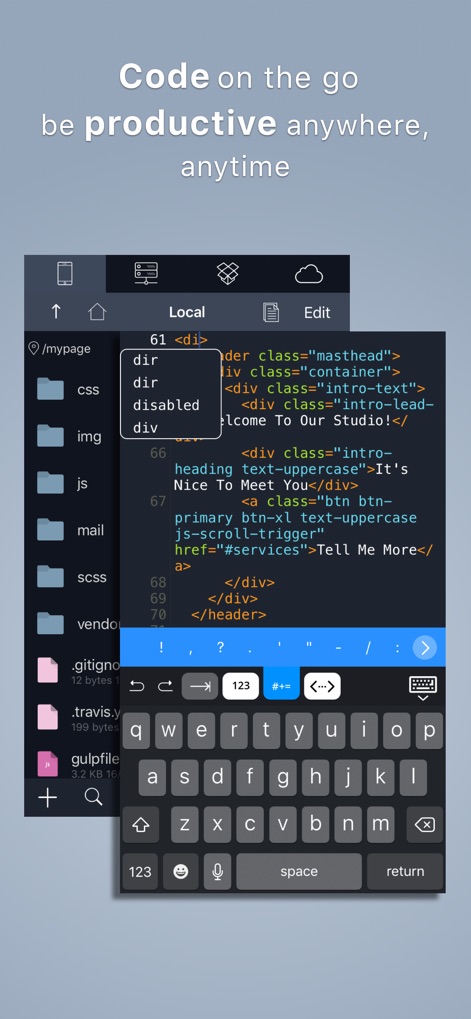
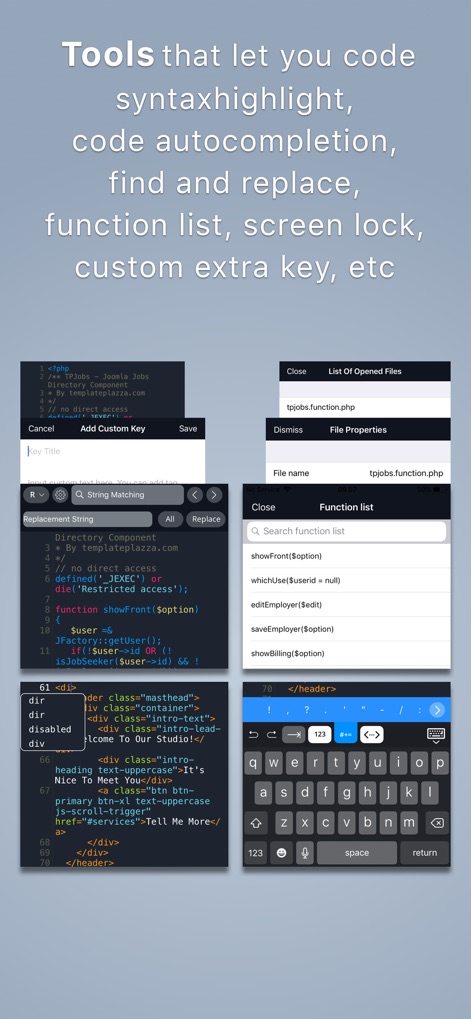
Codifica più velocemente con completamento automatico intelligente ed evidenziazione della sintassi per oltre 80 lingue, offrendo un'esperienza IDE completa su un dispositivo mobile elegante.

🌐

Connessioni remote dirette

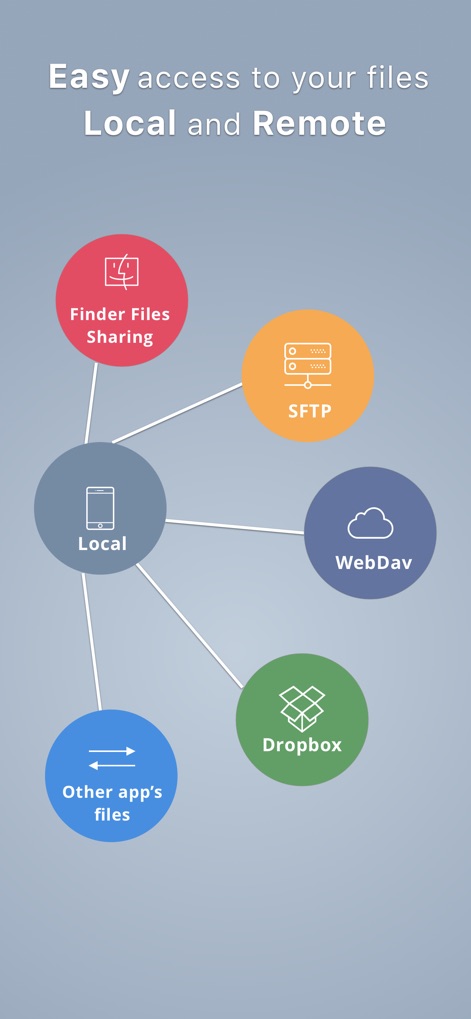
Gestisci file in modo impeccabile tramite (S)FTP, Dropbox o WebDAV e gestisci attività del server direttamente tramite il terminale SSH integrato per un controllo totale.

⌨️

Flusso di lavoro di potenza ottimizzato

Aumenta la tua efficienza con un gestore di snippet personalizzato, modifica a schede e tasti aggiuntivi della tastiera progettati specificamente per la codifica touch professionale.

Amata dagli utenti di tutto il mondo

Scelto da 991K+ persone che amano questa app.

"

"Come sviluppatore web freelance, Koder mi ha salvato la vita per le correzioni urgenti. Poter accedere via SSH ai miei server e modificare il codice direttamente dal mio iPad durante i viaggi significa che non devo più portare con me il mio pesante MacBook ovunque. L'evidenziazione della sintassi è impeccabile e l'integrazione SFTP è incredibilmente fluida."

Marcus Chen
"

"Ho provato quasi tutti gli editor di codice sull'App Store e Koder è di gran lunga il più intuitivo per i miei progetti di informatica. Mi piace che supporti oltre 80 lingue e non mi costringa a un abbonamento mensile. Gli snippet di tastiera personalizzati rendono la codifica su un tablet sorprendentemente veloce ed efficiente."

Sarah Jenkins

Info sull'app

Tutto quello che devi sapere su Koder Code Editor.

Descrizione

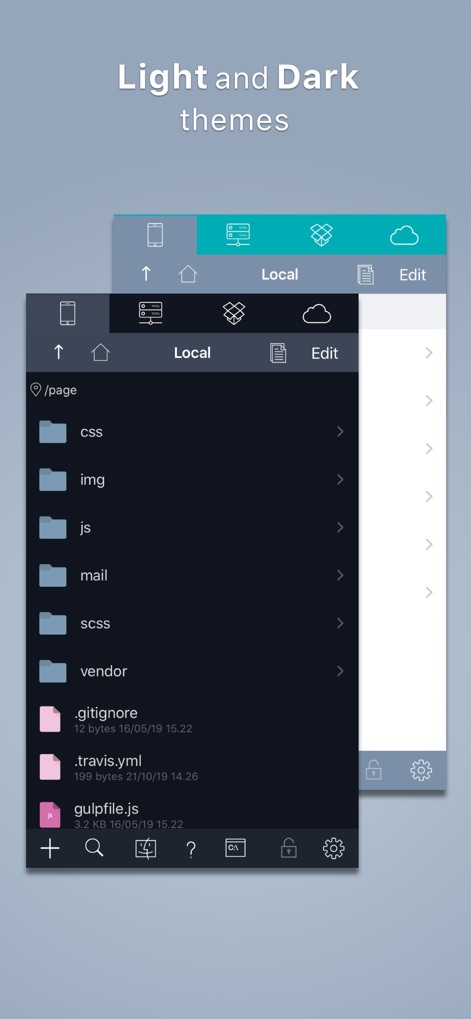
"Koder for iPad: Nerds Rejoice! You Can Code on Your iPad" -- GIZMODO / App of the day -- "Koder’s simple yet efficient interface is designed for touch editing. At just $5.99, you get an editor with a well-designed interface at a great price. If you want to code with your trusty iPad, then Koder is for you." -- AppAdvice -- "An accomplished code editor for many programming languages" -- 148Apps -- "Editing code on your iPad should never be that difficult again" --KillerStartups-- "The developers at iCodeLabs have done a great job optimizing the iPad’s real estate for code editing" --theiphoneappreview-- "The app for instant project creation and code editing, perfect for developers and programmers on the go." --tipsfortablets-- -- Koder was listed on the App Store as a 'Staff Favorites' in 82 countries -- Koder is a code editor for iPad and iPhone. It does have many features including syntax highlighting, snippet manager, tabbed editing, find and replace code, editor theme, remote and local files connections, and many more. With Koder you can code anytime and anywhere, no matter if you're at your desk or while on the go Features: - Syntax Highlighting ( Supports more than 80 languages : actionscript, actionscript3, active4d, ada, ampl, apache, applescript, asm-mips, asm-x86, asp-js, asp-vb, aspdotnet-cs, aspdotnet-vb, awk, batch, c, cobol, coffeescript, coldfusion, cpp, csharp, csound, css, d, dylan, eiffel, erl, eztpl, elixir, fortran, freefem, gedcom, gnuassembler, haskell, header, html, idl, java, javafx, javascript, jsp, latex, less, lilypond, lisp, logtalk, lsl, lua, markdown, matlab, mel, metapost, metaslang, mysql, nemerle, none, nrnhoc, objectivec, objectivecaml, ox, pascal, pdf, perl, php, plist, postscript, powershell, prolog, python, r, rhtml, ruby, sass, scala, sgml, shell, sml, sql, standard, stata, supercollider, tcltk, torquescript, udo, vb, verilog, vhdl, xml ) - Code Autocomplete - Code Function list - Access and Manage your Dropbox, (S)FTP, webdav and local files easily - Built In Terminal (SSH Client) - Tabbed editing - Extra Keyboard with Custom Key (Snippet) - Document Picker Support to open/import/export other app files from/to Koder - Find and replace code - Previewer Browser with View Source function - Editor theme with Custom Theme Editor - Extra Key / Additional Keys on Virtual Keyboard with open+close brackets keys - Screen-Lock, Manual and Auto Lock - Extracting Zip File on Local project - Sophisticated File Browser - iOS "Open In" support, from Koder to other app - vice versa - Change file/folder permission (CHMOD) on FTP/SFTP projects - Folder Synchronization between Local Project and FTP Project - Uploading files from desktop from browser or iTunes sharing - Expandable editing space - Bluetooth Keyboard Support - and many more … - Support multitasking for iPad - Support editing files from Working Copy using drag and drop NEWEST - Support Dark Theme - Compatibility with iOS 13 BUG REPORT/ PROBLEMS/ IDEAS : If you have any problems when using Koder, or you have ideas for Koder improvement, please mention us or message us directly at twiter @koderapp

Ultima versione

4.2.2

Dimensione

34.8 MB

Data di lancio

23 dic 2018

Il tuo intero ambiente di sviluppo, da portare con te.

Unisciti a oltre 900.000 sviluppatori e trasforma il tuo iPad in una workstation professionale. Sperimenta la codifica di livello professionale senza abbonamenti.

Scarica su App Store