Questa pagina non è una pagina ufficiale dell'app o del suo sviluppatore, ma una pubblicazione editoriale indipendente creata a scopo informativo e di commento. Salvo espressa indicazione contraria, né l'app né il suo sviluppatore sono affiliati, approvati, sponsorizzati, autorizzati o altrimenti ufficialmente collegati a MWM, Apple, Google Play, all'editore dell'app o allo sviluppatore dell'app, e nulla in questa pagina implica che l'app sia stata sviluppata utilizzando i servizi di MWM. Tutti i marchi, loghi, screenshot e altri contenuti rimangono di proprietà dei rispettivi proprietari.
Office Word Editor-Docs, Share
Trasforma il tuo iPhone o iPad in una potente workstation mobile. Crea, modifica e collabora su documenti Word ovunque, con accesso offline e integrazione cloud fluida.
Numeri Chiave
Download
22K+
Valutazione
4.6/5
Valutazioni totali
100
Editore
Softcap
Categoria
Productivity
Lingue
20
Ultima versione
2.3
Dimensione
106.8 MB
Data di lancio
30 apr 2025
Funzioni
Gestisci i Tuoi Documenti Ovunque
L'editor mobile tutto-in-uno progettato per professionisti e studenti che necessitano della potenza desktop sul loro iPhone o iPad.
Modifica di Livello Desktop
Accedi a strumenti di formattazione avanzati per creare e modificare file DOCX professionali senza mai aprire un laptop.
Collaborazione in Tempo Reale
Condividi documenti tramite AirDrop o servizi cloud e co-modifica con il tuo team in modo fluido e in tempo reale.
Gli screenshot e la descrizione seguenti provengono direttamente dall'elenco ufficiale dello store dell'app e sono di proprietà dello sviluppatore.
App Store
Screenshot
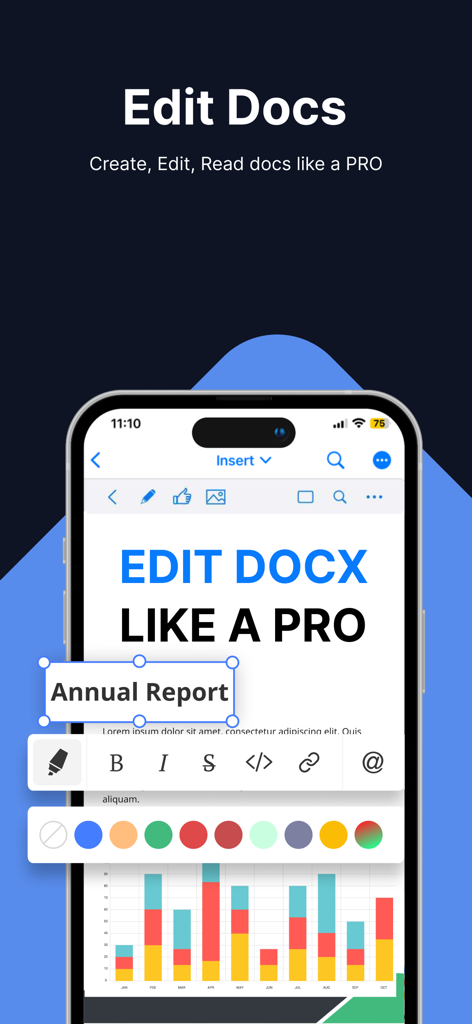
Schermata dell'iPhone che mostra le funzionalità di modifica dei documenti e le opzioni di formattazione avanzate in un'app di ufficio mobile
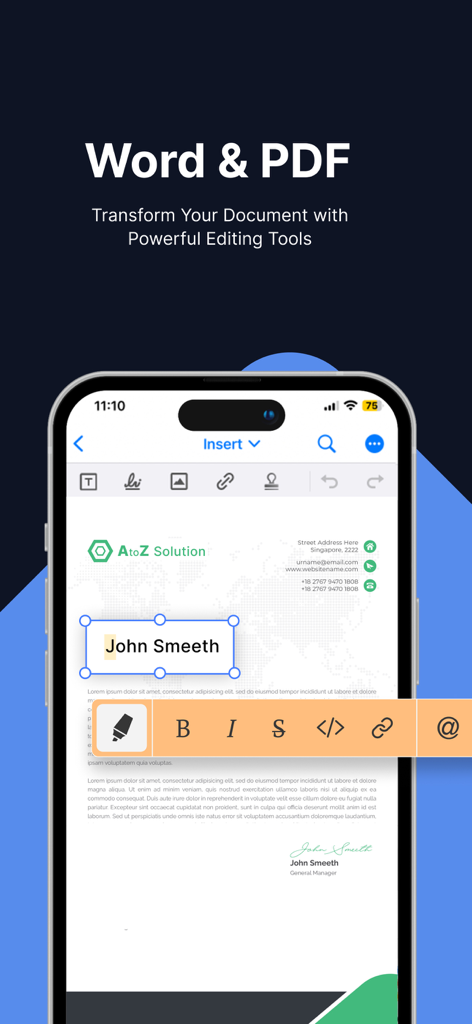
Schermata dell'iPhone che mostra l'app Editor di Testo per Office con un documento in fase di modifica utilizzando strumenti di formattazione avanzati
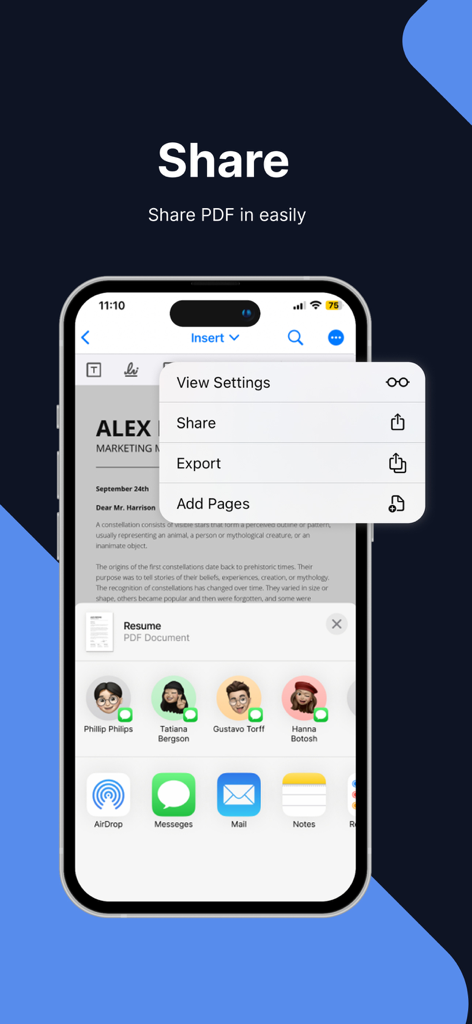
Un'interfaccia mobile che mostra le opzioni di condivisione ed esportazione dei documenti per un file PDF all'interno dell'app Editor di Testo per Office
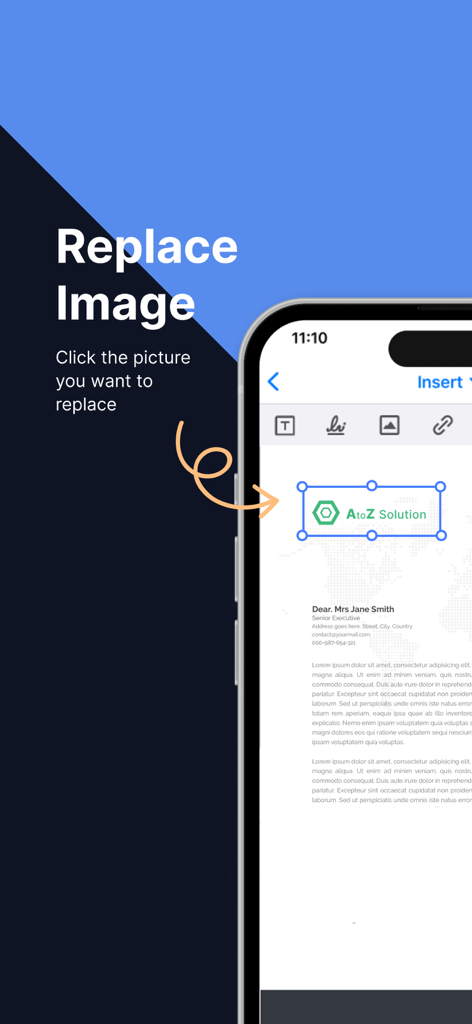
Screenshot dell'iPhone che mostra come sostituire un logo o un'immagine all'interno di un documento nell'app Editor di Testo per Office
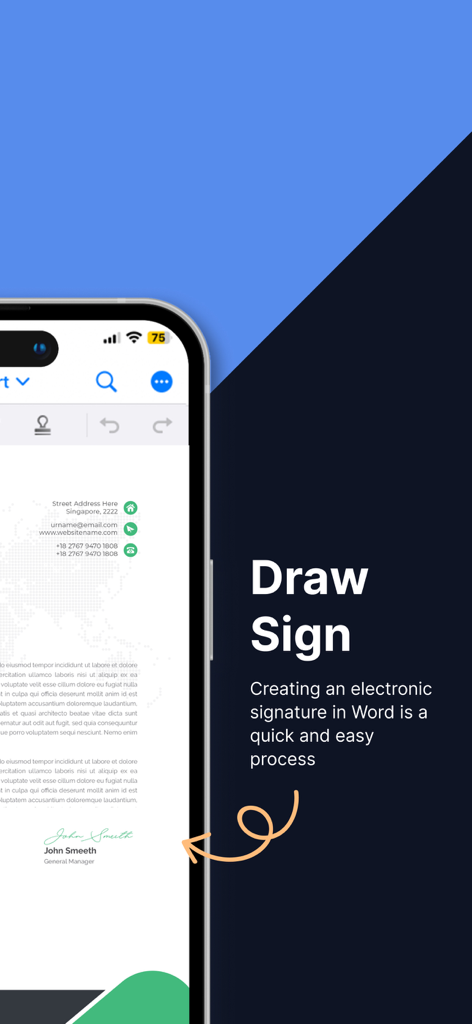
Schermata dello smartphone che mostra la funzionalità Disegna Firma per creare firme elettroniche sui documenti.
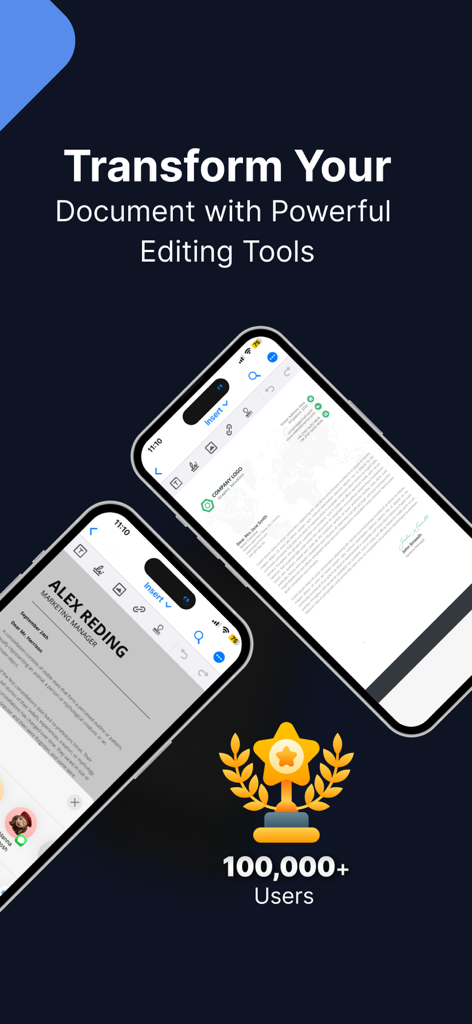
Interfaccia dell'app Editor di Testo per Office su iPhone che mostra le funzionalità di modifica dei documenti e un traguardo di 100.000 utenti
Descrizione
Document Editor is a powerful iOS app designed to provide a comprehensive editing experience for documents on your mobile device. With its intuitive interface and robust set of features, Document Editor allows you to seamlessly create, edit, and collaborate on documents anytime, anywhere. Whether you're a student, professional, or simply need to work on the go, Document Editor is your go-to solution for editing documents on iOS.
Key Features:
1. Document Creation and Editing: Create new documents or import existing ones from cloud storage services like iCloud, Dropbox, or Google Drive. Edit text, format fonts, apply styles, and modify layouts effortlessly.
2. Rich Formatting Options: Take full control of your document's appearance with a wide range of formatting tools. Adjust font styles, sizes, colors, and apply bold, italic, underline, or strikethrough effects. Format paragraphs with alignment, indentation, and line spacing options.
3. Document Collaboration: Seamlessly collaborate with others by sharing documents via email, AirDrop, or cloud storage services. Enable real-time co-editing to work simultaneously with teammates and track changes for easy review.
4. Review and Comments: Add comments, annotations, and track changes within the document. Efficiently review and address feedback from collaborators, ensuring a smooth editing process.
5. Document Management: Organize your documents into folders, rename files, and easily search for specific documents using keywords or file names. Sort and filter documents based on creation date, modification date, or alphabetical order.
6. File Compatibility: Document Editor supports a wide range of document formats, ensuring compatibility with files created on various platforms. Open and edit DOC, DOCX, and RTF files seamlessly.
7. Offline Editing: Enjoy the flexibility to work on your documents even without an internet connection. Edit offline, and once you're back online, the app will automatically sync your changes.
9. File Export and Sharing: Export your edited documents as Word files, PDFs, or HTML. Share them via email, messaging apps, or save them to cloud storage for easy sharing and collaboration.
Benefits:
1. Enhanced Mobility: Edit documents on the go using your iPhone or iPad, without the need for a computer. Stay productive and make edits whenever inspiration strikes.
2. Seamless Collaboration: Collaborate with colleagues, classmates, or clients in real-time, improving productivity and streamlining the editing process.
3. Convenient Editing Tools: Enjoy a feature-rich editing experience with a comprehensive set of formatting options, making it easy to create professional-looking documents on your iOS device.
4. Improved Organization: Keep your documents neatly organized, making it effortless to find and access specific files whenever you need them.
5. Compatibility and Flexibility: Work with various document formats, ensuring that you can seamlessly edit files created on different platforms and share them without compatibility issues.
6. Offline Access: Work on your documents even when you're offline, ensuring uninterrupted productivity, regardless of your internet connection.
7. Data Security: With cloud sync and backup, your documents are securely stored, preventing data loss and providing peace of mind.
3-DAY FREE TRIAL
• Try out all paid features free for 3 days
• Select a plan that best suits your needs
• Cancel anytime without any obligations
Yearly
- Monthly plans at 499 Rs/Month & Yearly Plans at 2999 Rs/Year
Subscription will be charged to your credit card through your App Store account. Your subscription will automatically renew unless canceled at least 24 hours before the end of the current period.
Privacy Policy : https://sites.google.com/view/text-style-privacy-policy/home
Terms of Services : https://sites.google.com/view/text-style-terms-of-use/home
Questa pagina non è una pagina ufficiale dell'app o del suo sviluppatore, ma una pubblicazione editoriale indipendente creata a scopo informativo e di commento. Salvo espressa indicazione contraria, né l'app né il suo sviluppatore sono affiliati, approvati, sponsorizzati, autorizzati o altrimenti ufficialmente collegati a MWM, Apple, Google Play, all'editore dell'app o allo sviluppatore dell'app, e nulla in questa pagina implica che l'app sia stata sviluppata utilizzando i servizi di MWM. Tutti i marchi, loghi, screenshot e altri contenuti rimangono di proprietà dei rispettivi proprietari.









