Passwords & Passkeys-Safe

Passwords & Passkeys-Safe


Scarica su App StoreScarica su Google Play
Logo di Passwords & Passkeys-Safe
SafeInCloud: il gestore di password tutto in uno di cui sei veramente proprietario

Prendi il controllo della tua sicurezza digitale con crittografia di livello militare e autenticazione a due fattori integrata. Nessun abbonamento, nessun cloud proprietario: solo i tuoi dati, sincronizzati a modo tuo.

Scarica su App Store

Editore

SAFEINCLOUD SAS

Categoria

Productivity

Download

237K+

Valutazione

4.7/5

Valutazioni totali

4K+

Lingue

33

Il tuo vault digitale, visualizzato

Scopri l'interfaccia usata da 237K+ utenti.
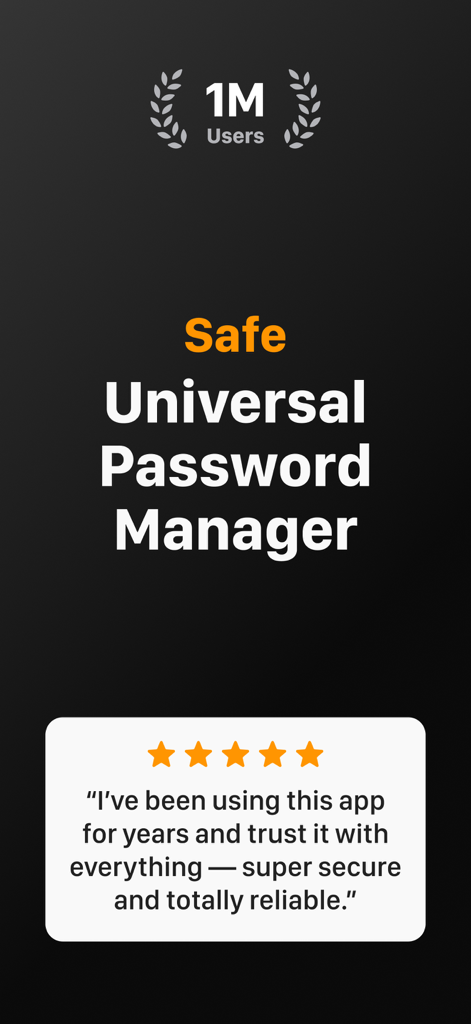
Screenshot dell'app SafeInCloud che mostra un milione di utenti e una valutazione di cinque stelle

Screenshot dell'app SafeInCloud che mostra un milione di utenti e una valutazione di cinque stelle

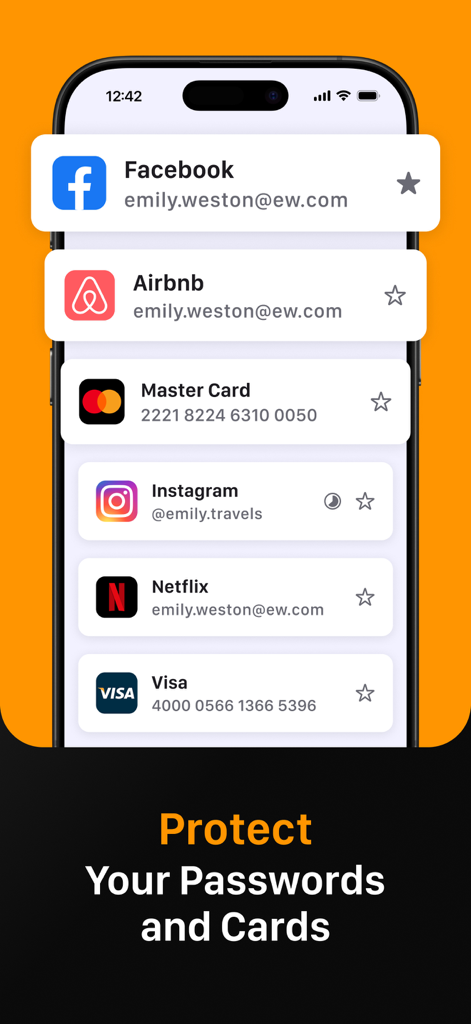
Schermata dello smartphone che mostra l'app SafeInCloud che gestisce accessi sicuri per Facebook, Instagram e dettagli della carta di credito

Schermata dello smartphone che mostra l'app SafeInCloud che gestisce accessi sicuri per Facebook, Instagram e dettagli della carta di credito

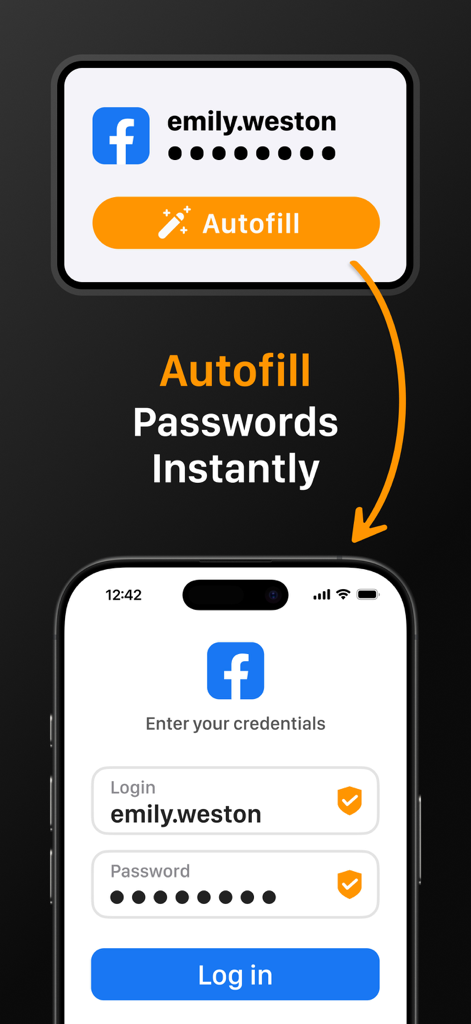
App SafeInCloud che dimostra il riempimento automatico istantaneo delle password durante il login su un dispositivo mobile

App SafeInCloud che dimostra il riempimento automatico istantaneo delle password durante il login su un dispositivo mobile

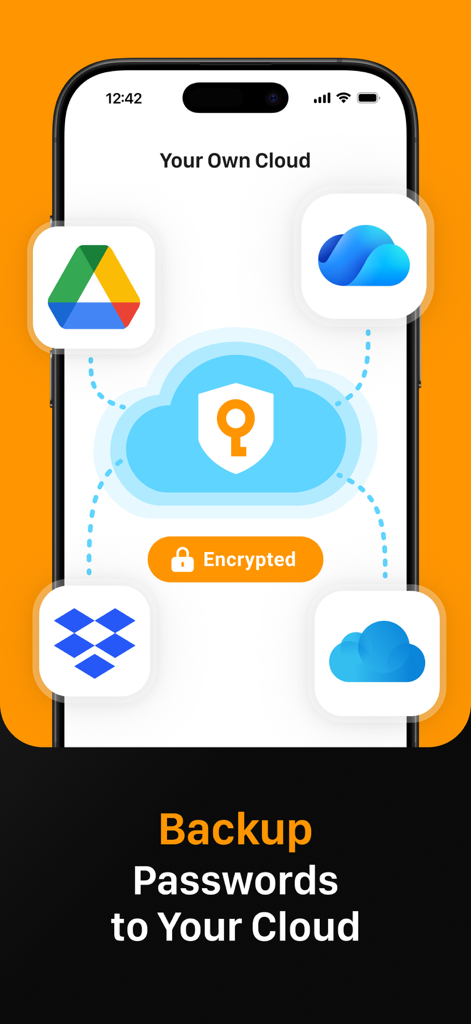
Interfaccia dell'app SafeInCloud che mostra il backup e la sincronizzazione delle password con servizi cloud personali come Google Drive e Dropbox

Interfaccia dell'app SafeInCloud che mostra il backup e la sincronizzazione delle password con servizi cloud personali come Google Drive e Dropbox

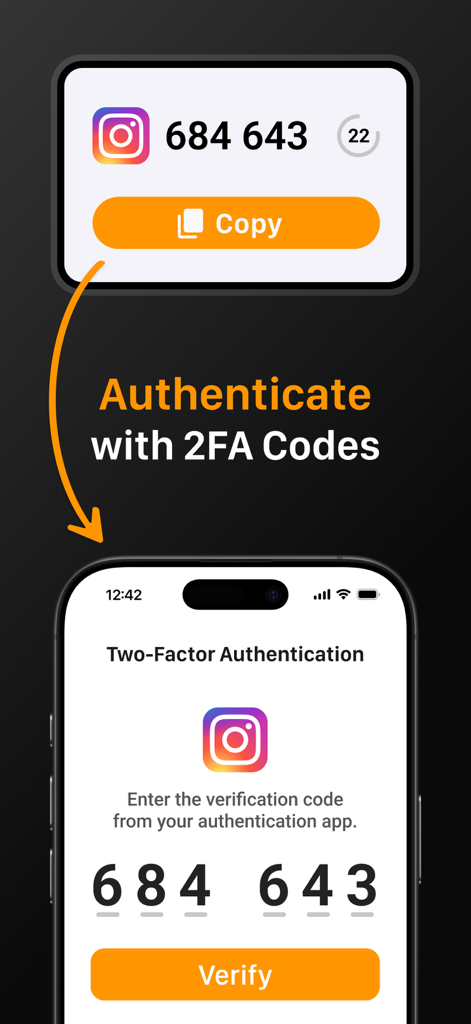
Interfaccia di SafeInCloud che mostra come autenticarsi con codici 2FA per un account Instagram

Interfaccia di SafeInCloud che mostra come autenticarsi con codici 2FA per un account Instagram

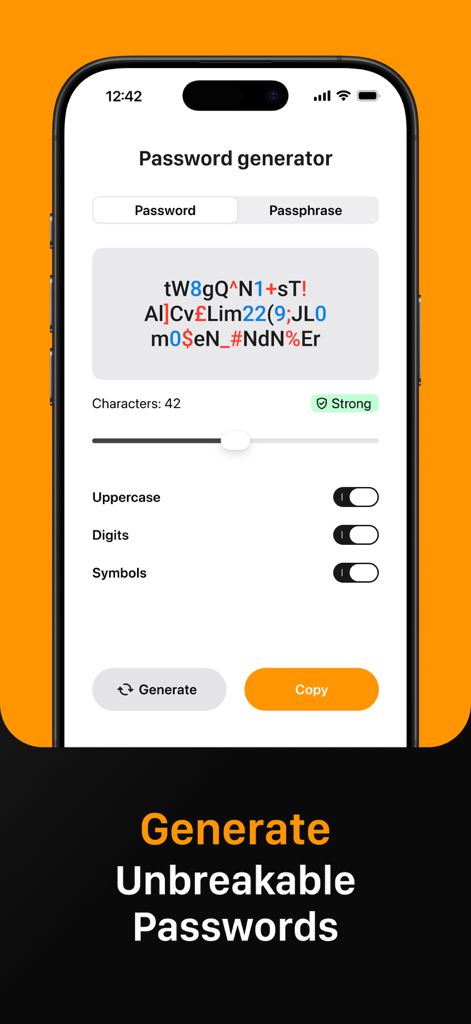
Interfaccia dell'app SafeInCloud che mostra la funzione di generazione password per creare password forti e inattaccabili

Interfaccia dell'app SafeInCloud che mostra la funzione di generazione password per creare password forti e inattaccabili

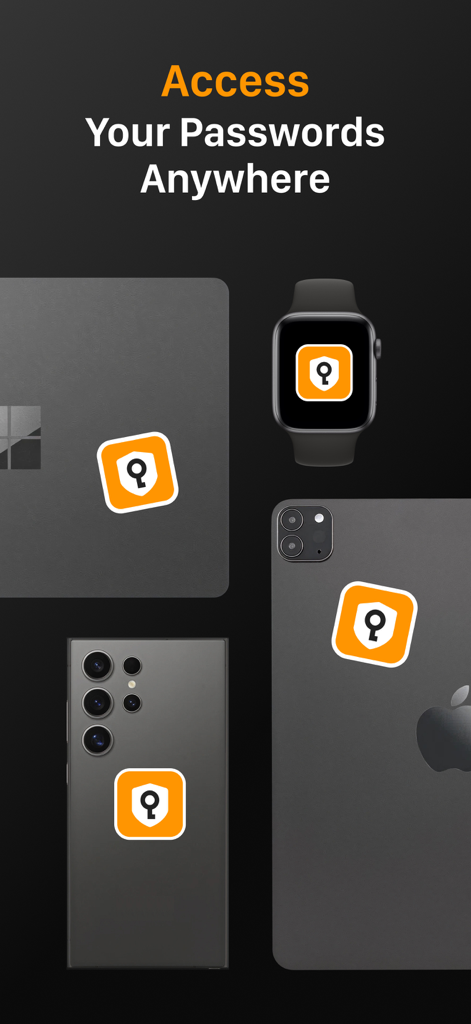
Icona dell'app SafeInCloud visualizzata su più dispositivi, tra cui un laptop, uno smartwatch e smartphone, per dimostrare l'accesso multipiattaforma

Icona dell'app SafeInCloud visualizzata su più dispositivi, tra cui un laptop, uno smartwatch e smartphone, per dimostrare l'accesso multipiattaforma

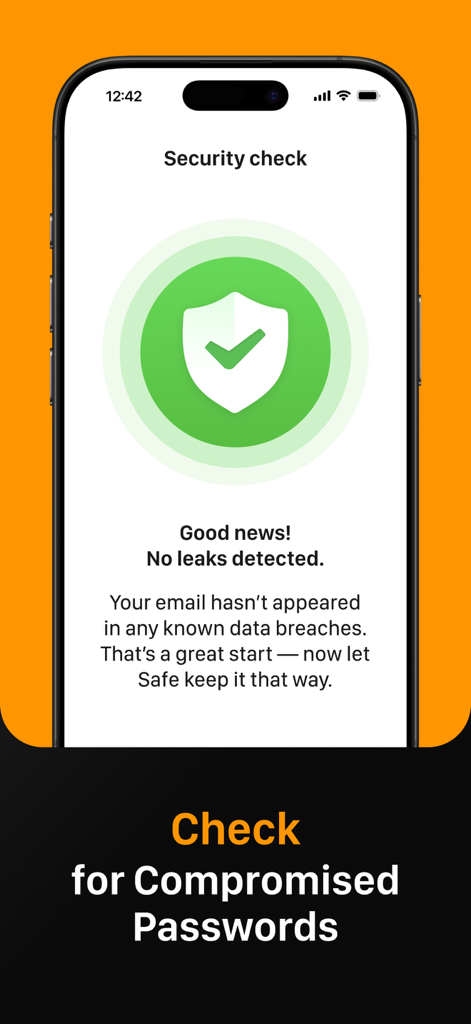
Schermata di controllo di sicurezza di SafeInCloud che non rileva fughe di dati per password compromesse.

Schermata di controllo di sicurezza di SafeInCloud che non rileva fughe di dati per password compromesse.

Proteggi il tuo mondo alle tue condizioni

Gli strumenti che rendono questa app unica, scelti da 237K+ utenti.

☁️

Sovranità totale dei dati

Mantieni il controllo sincronizzando il tuo vault crittografato tramite il tuo account cloud personale come iCloud, Google Drive o Dropbox invece di server di terze parti.

🔐

Autenticatore 2FA integrato

Semplifica il tuo flusso di lavoro con un autenticatore integrato che genera codici monouso, eliminando la necessità di app di verifica separate.

Accesso multipiattaforma senza interruzioni

Accedi istantaneamente con Face ID, Touch ID e il riempimento automatico a livello di sistema su iPhone, iPad, Mac e PC Windows con un'app desktop complementare gratuita.

Info sull'app

Tutto quello che devi sapere su Passwords & Passkeys-Safe.

Descrizione

SafeInCloud Password Manager allows you to keep your logins, passwords, and other private info safe and secure in an encrypted database. You can synchronise your data with another phone, tablet, Mac or PC via your own cloud account. SafeInCloud is not just a password keeper, but also a 2FA authenticator that generates one-time codes for any website. This means you won't need a separate 2FA authenticator app. ALL-IN-ONE PASSWORD MANAGER ◆ Easy to Use ◆ Strong Encryption (256-bit Advanced Encryption Standard) ◆ Cloud Synchronisation (iCloud, Google Drive, Dropbox, Microsoft OneDrive, NAS, WebDAV) ◆ Login with Touch ID & Face ID ◆ Multiple Databases ◆ Autofill Passwords in Apps ◆ Password Strength Analysis ◆ Password Generator ◆ 2FA Authenticator (MFA, TOTP, OTP) ◆ Check for Compromised Passwords ◆ Free Desktop App (Windows & Mac) ◆ Automatic Data Import ◆ Apple Watch App ◆ Cross Platform EASY TO USE Try it yourself and enjoy an easy-to-use yet powerful user interface. STRONG ENCRYPTION Your data is always encrypted on a device and in a cloud with a strong 256-bit Advanced Encryption Standard (AES). CLOUD SYNCHRONISATION Your database is automatically synchronised with your own cloud account. Thus you can easily restore your entire database from a cloud to a new phone or computer (in case of a loss or an upgrade). LOGIN WITH TOUCH ID & FACE ID You can instantly unlock SafeInCloud with a fingerprint on devices with Touch ID. You can also unlock SafeInCloud by face recognition using Face ID technology. AUTOFILL PASSWORDS IN APPS You can autofill login and password fields into any app on your phone directly from SafeInCloud. You don't need to copy and paste them manually. PASSWORD STRENGTH ANALYSIS SafeInCloud analyses your password strengths and shows a strength indicator next to each password. PASSWORD GENERATOR The password generator helps you generating random and secure passwords. There is also an option to generate memorable, but still strong passwords. 2FA AUTHENTICATOR SafeInCloud supports two factor authentication (2FA, MFA, TOTP, OTP), providing an additional layer of security without the need for a separate verification app like Microsoft authenticator. CHECK FOR COMPROMISED PASSWORDS Hundreds of millions of real world passwords have previously been exposed in data breaches. Safely and anonymously check your passwords for being compromised. FREE DESKTOP APP Download a free Desktop application for Windows or Mac OS from www. AUTOMATIC DATA IMPORT The Desktop application can automatically import your passwords from another password manager like 1password or LastPass. You don't need to manually reenter all your passwords. APPLE WATCH APP You can put some selected cards on your wrist to easily access them on the run. These could be your credit card PINs, door and locker codes. Terms of Use: https://www.apple.com/legal/internet-services/itunes/dev/stdeula/

Ultima versione

26.1.9

Dimensione

76.6 MB

Data di lancio

21 ott 2014

Prendi il pieno controllo della tua sicurezza oggi stesso

Unisciti a oltre 237.000 utenti che scelgono la sovranità dei dati rispetto agli abbonamenti. Proteggi le tue password con crittografia AES-256 utilizzando il tuo account cloud personale, senza costi mensili né compromessi.

Scarica su App StoreScarica su Google Play

App information, icons, screenshots, and descriptions displayed on this page are sourced from the Apple App Store and are the property of their respective developers. Download estimates and rankings are based on MWM's proprietary models and may not reflect actual figures. This page is provided for informational and analytical purposes only.

Believe this page infringes your intellectual property? File a dispute