
Questa pagina non è una pagina ufficiale dell'app o del suo sviluppatore, ma una pubblicazione editoriale indipendente creata a scopo informativo e di commento. Salvo espressa indicazione contraria, né l'app né il suo sviluppatore sono affiliati, approvati, sponsorizzati, autorizzati o altrimenti ufficialmente collegati a MWM, Apple, Google Play, all'editore dell'app o allo sviluppatore dell'app, e nulla in questa pagina implica che l'app sia stata sviluppata utilizzando i servizi di MWM. Tutti i marchi, loghi, screenshot e altri contenuti rimangono di proprietà dei rispettivi proprietari.


PDF Reader Auto Scroll
Uno strumento minimalista e incentrato sulla privacy, progettato per la massima concentrazione. Leggi libri e documenti senza sforzo con scorrimento automatico regolabile, blocco orizzontale e zero distrazioni o pubblicità.
Download
400Valutazione
Valutazioni totali
0Editore
Categoria
UtilitiesLingue
1Ultima versione
1.2Dimensione
0.8 MBData di lancio
14 ott 2024Padroneggia il Tuo Flusso di Lettura
Il lettore PDF minimalista progettato per l'efficienza a mani libere, la privacy assoluta e un'esperienza senza distrazioni.
Scorrimento Adattivo a Mani Libere
Leggi al tuo ritmo con velocità di scorrimento automatico regolabili. Perfetto per studiare documenti tecnici, spartiti musicali o ricette senza muovere un dito.
Blocco Orizzontale di Precisione
Ferma lo scorrimento laterale fastidioso. Blocca la vista orizzontalmente in modo da poter ingrandire per chiarezza e scorrere verticalmente con perfetto allineamento.
Gli screenshot e la descrizione seguenti provengono direttamente dall'elenco ufficiale dello store dell'app e sono di proprietà dello sviluppatore.
App Store
Screenshot
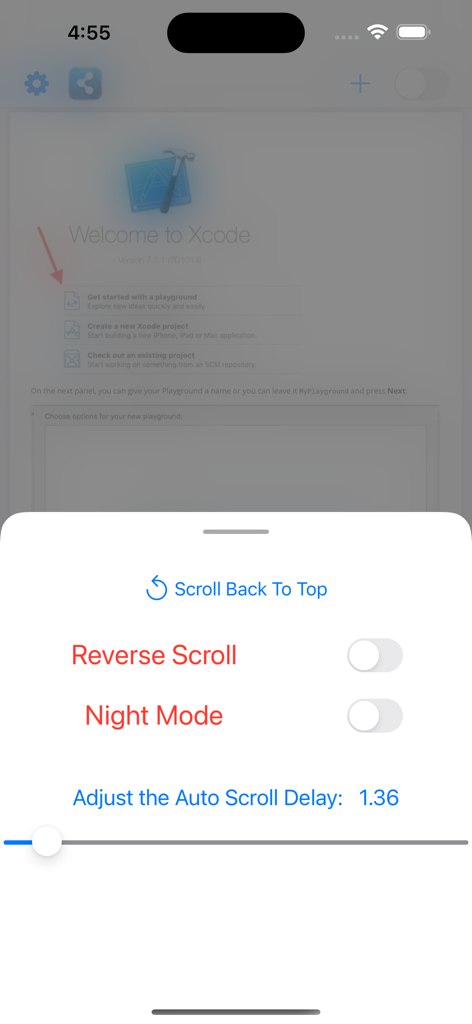
Menu delle impostazioni nell'app PDF Reader Auto Scroll che mostra i controlli per lo scorrimento inverso, la modalità notturna e la velocità di ritardo dello scorrimento automatico.
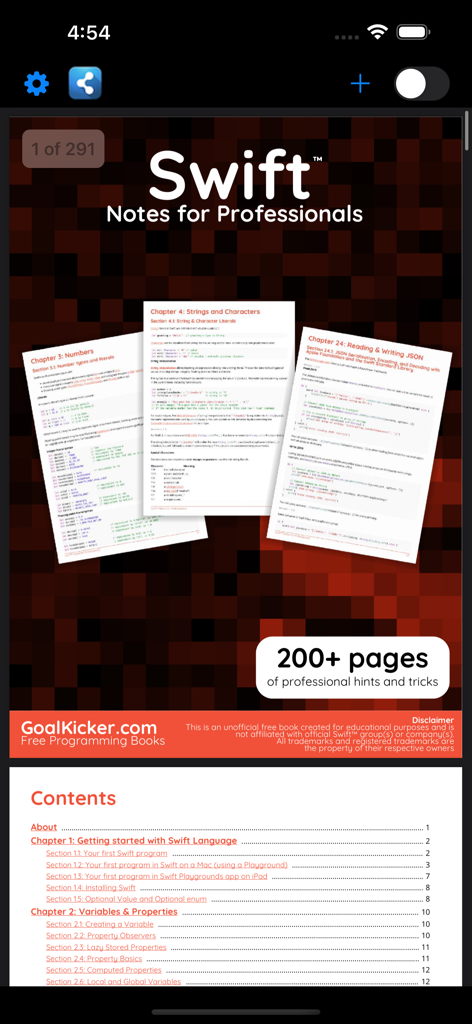
Screenshot dell'interfaccia dell'app PDF Reader Auto Scroll che mostra un libro di programmazione Swift e il suo indice
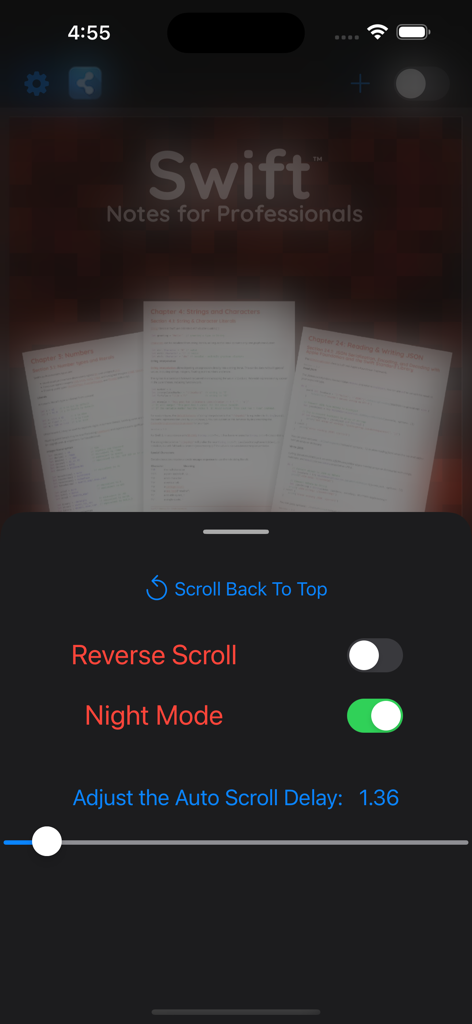
Interfaccia dell'app lettore PDF che mostra le impostazioni di scorrimento automatico e la modalità notturna abilitata per la lettura di documenti tecnici.
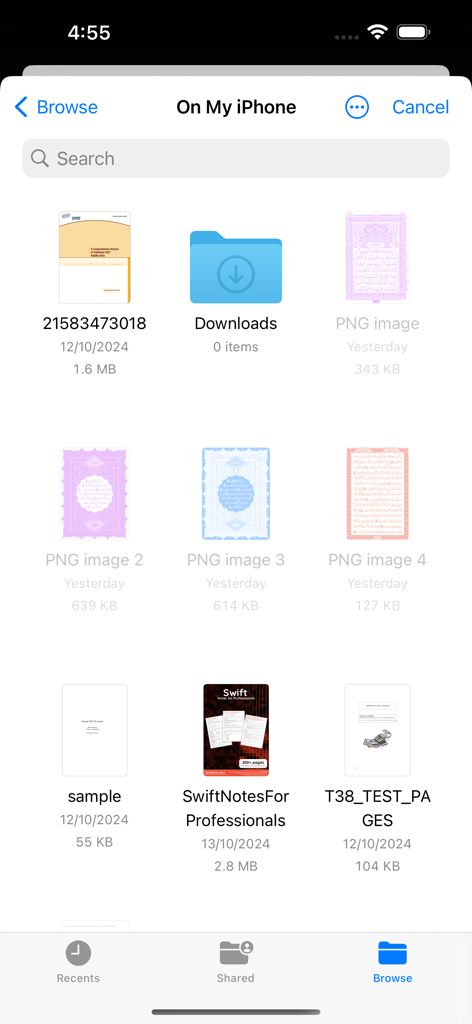
Interfaccia del file manager di iOS che mostra un elenco di documenti PDF e cartelle disponibili per la lettura.
Descrizione
Download
App Simili
App più classificate nella stessa categoria

Google LLC

Google Chrome
Google LLC

中国移动(手机营业厅)
China Mobile Online Services Co., Ltd.

Google Authenticator
Google LLC

CNH do Brasil
Servicos e Informacoes do Brasil

Cleanup: Phone Storage Cleaner
DEEP FLOW SOFTWARE SERVICES - FZCO

gov.br
Servicos e Informacoes do Brasil

中国电信-全国统一官方服务平台
CHINA TELECOM Corporation Ltd.

Microsoft Edge: AI Browser
Microsoft Corporation
Questa pagina non è una pagina ufficiale dell'app o del suo sviluppatore, ma una pubblicazione editoriale indipendente creata a scopo informativo e di commento. Salvo espressa indicazione contraria, né l'app né il suo sviluppatore sono affiliati, approvati, sponsorizzati, autorizzati o altrimenti ufficialmente collegati a MWM, Apple, Google Play, all'editore dell'app o allo sviluppatore dell'app, e nulla in questa pagina implica che l'app sia stata sviluppata utilizzando i servizi di MWM. Tutti i marchi, loghi, screenshot e altri contenuti rimangono di proprietà dei rispettivi proprietari.