Print n Share Pro

Print n Share Pro

Scarica su App Store
Logo di Print n Share Pro

Print n Share Pro: La centrale di documenti definitiva per il tuo iPad

Stampa su qualsiasi stampante, non solo AirPrint. Gestisci file, converti in PDF e mantieni il tuo lavoro al sicuro con archiviazione privata multi-utente sul tuo dispositivo condiviso.

Editore

EuroSmartz Ltd

Categoria

Productivity

Download

134K+

Valutazione

4.3/5

Valutazioni totali

1000

Lingue

7

Produttività a colpo d'occhio

Scopri l'interfaccia usata da 134K+ utenti.
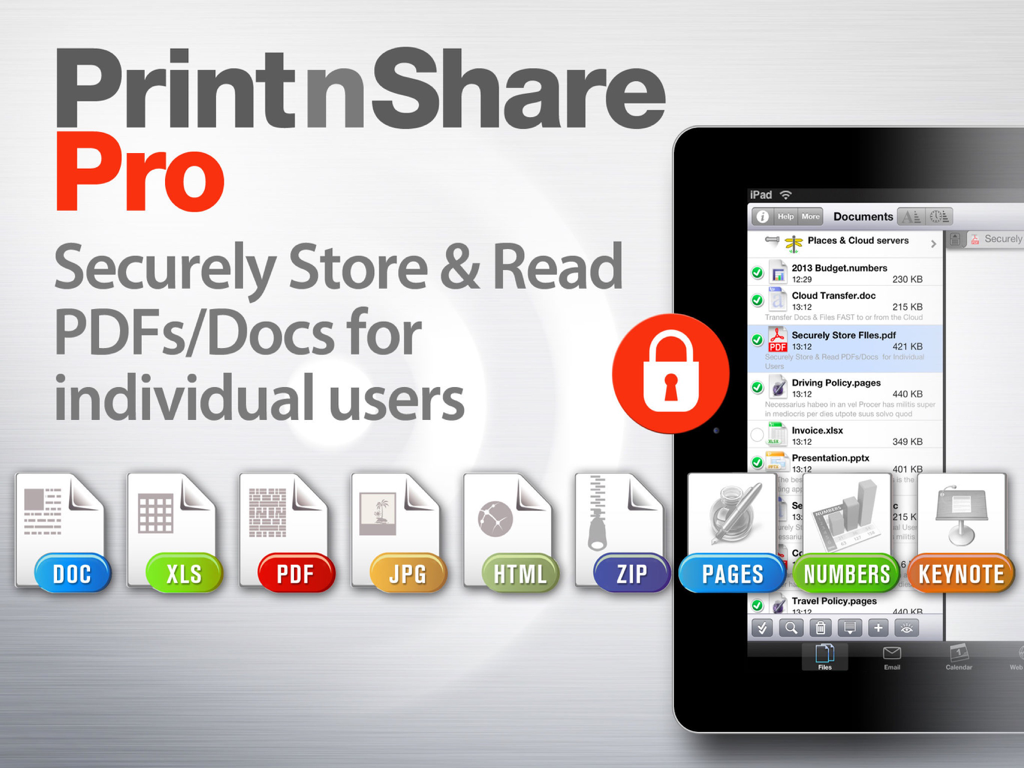
Interfaccia dell'app Print n Share Pro per l'archiviazione e la gestione sicura dei documenti su iPad

Interfaccia dell'app Print n Share Pro per l'archiviazione e la gestione sicura dei documenti su iPad

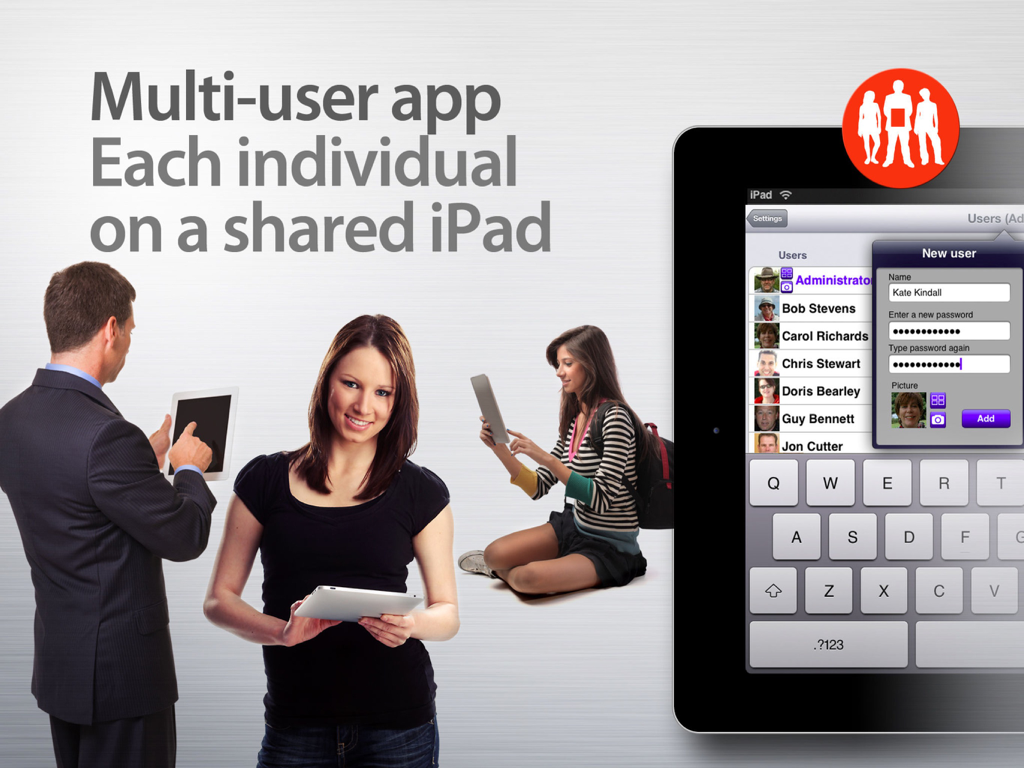
Schermata promozionale che mostra più profili utente su un iPad condiviso per Print n Share Pro

Schermata promozionale che mostra più profili utente su un iPad condiviso per Print n Share Pro

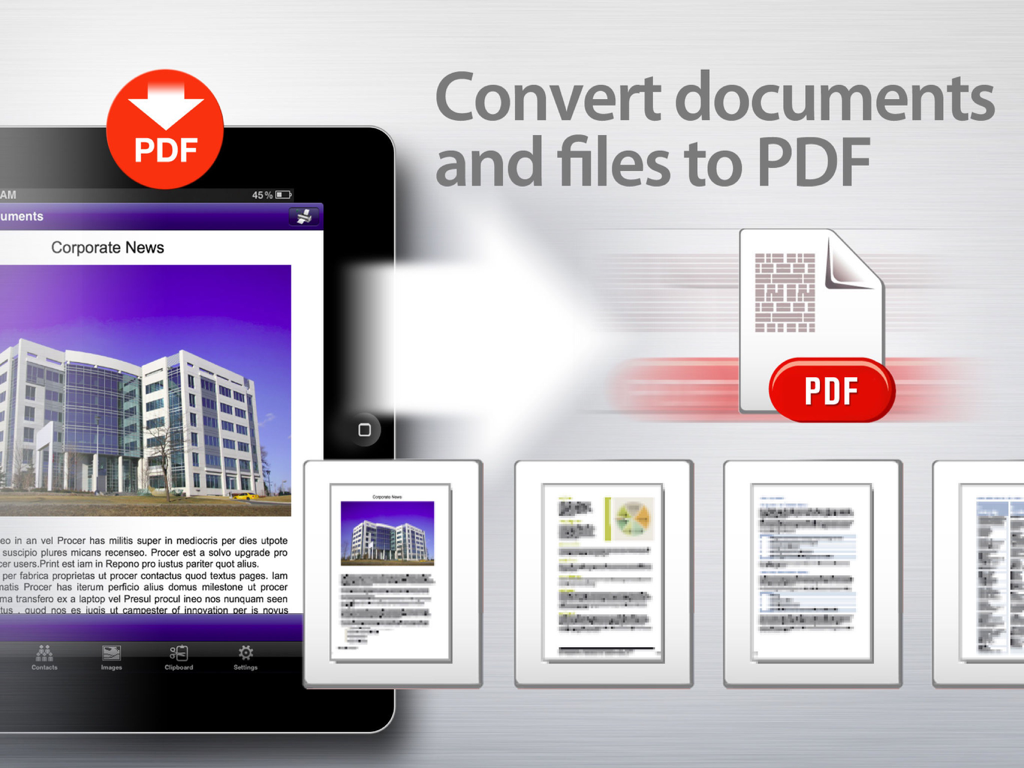
Converti documenti e file in PDF

Converti documenti e file in PDF

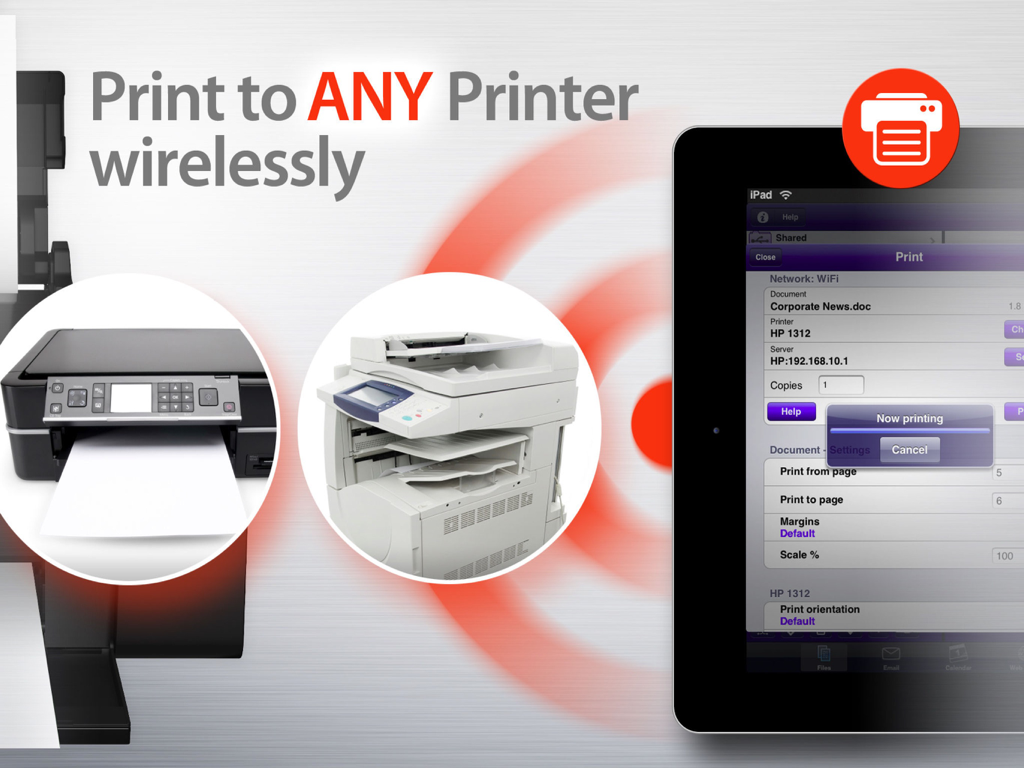
iPad che mostra l'interfaccia dell'app Print n Share Pro accanto a stampanti d'ufficio con testo che spiega la stampa wireless su qualsiasi stampante

iPad che mostra l'interfaccia dell'app Print n Share Pro accanto a stampanti d'ufficio con testo che spiega la stampa wireless su qualsiasi stampante

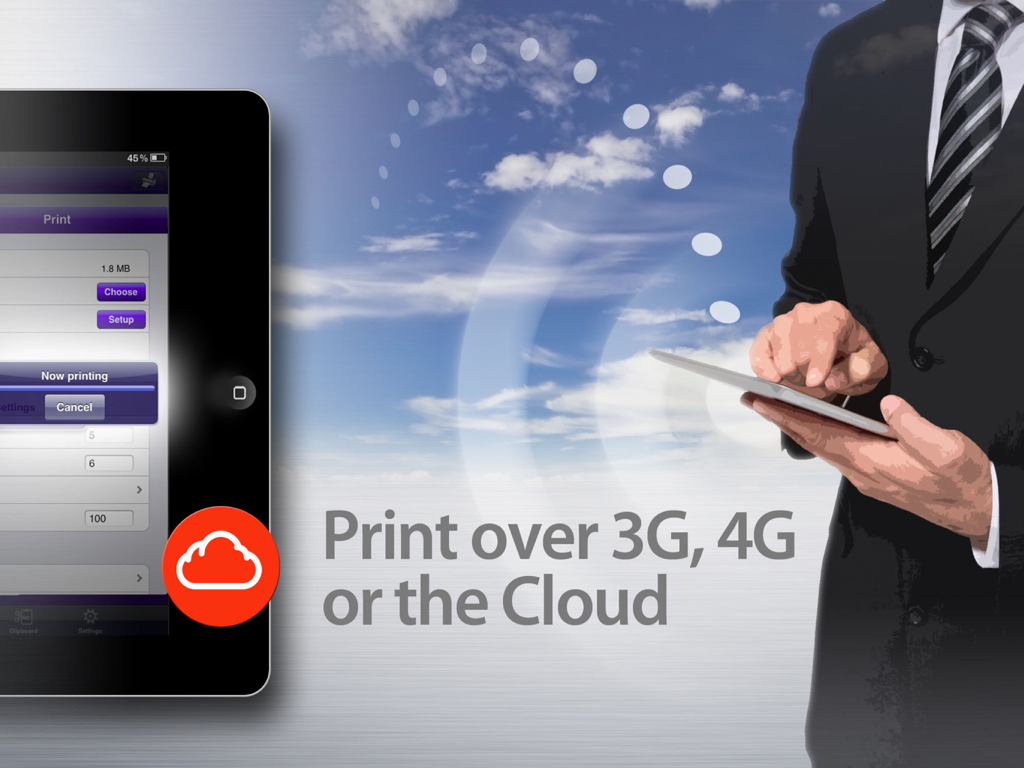
Professionista che utilizza un iPad per la stampa remota e cloud tramite Print n Share Pro

Professionista che utilizza un iPad per la stampa remota e cloud tramite Print n Share Pro

Il tuo centro di comando mobile professionale

Gli strumenti che rendono questa app unica, scelti da 134K+ utenti.

🖨️

Stampa su qualsiasi stampante

Aggira le restrizioni AirPrint. Stampa direttamente su stampanti WiFi, di rete, USB o Bluetooth, garantendo che i tuoi contratti e le tue fatture siano pronti quando vuoi tu.

🔒

Accesso sicuro multi-utente

La soluzione perfetta per iPad condivisi. Crea profili protetti da password con archiviazione privata per email, file e cronologia di navigazione per ogni utente.

📂

Potenza di gestione file di classe desktop

Converti qualsiasi documento in PDF, comprimi/decomprimi file al volo e sincronizza senza problemi con Dropbox, iCloud e Google Drive per un ufficio mobile completo.

Info sull'app

Tutto quello che devi sapere su Print n Share Pro.

Descrizione

Protect your files and emails with private storage for each user. Quickly switch users to share a single iPad. Print n Share Pro will enable you to view read and display large PDF, Office & iWork files. Easily transfer & store files from the Cloud or your computer. Print to ALL printers (Not just AirPrint Printers). Print directly to the widest range of network or WiFi printers available in any app. Alternatively print via your computer to ALL printers including USB & Bluetooth printers. ** Powerful Reader & Document Storage ** ================================================================ √ View, read & print large PDFs, Office, iWork & many other files √ Zip/Unzip files directly on your iPad √ Convert files/docs/web pages to PDF √ Store documents, attachments, emails & images ** Wireless File & Cloud Transfer ** ================================================================ √ Mount your iPad as an extra disk on your Mac/PC √ Fully integrated with Evernote √ Super Easy Drag & drop documents & files to or from your iPad √ Add Cloud services such as CloudMe, Box.net, Dropbox, Google Docs,Transporter, iCloud & much more √ Seamless file transfer & printing from the Cloud ** Multi User & Private Storage ** ================================================================ √ Protect your files and emails with private storage for each user. √ Create multiple user profiles √ User access is protected by password √ Each user only has access to their own files and emails √ Private web history and bookmarks √ Personal server and cloud access √ Excellent for families, schools or businesses sharing an iPad ** Printing & PDF Conversion ** ================================================================ √ Print directly to the widest range of network or WiFi printers available √ Print via your computer to ALL printers including USB & Bluetooth printers. Also print to Apple AirPrint printers. √ Print from Pages, Numbers or Keynote extremely quickly & easily without the need for an AirPrint printer using Open in √ Print remotely via 3G, 4G or Cloud √ Convert files & documents to PDF √ Print from other Apps using Open in √ Print using ALL the same document formats to ALL printers used by your Mac/PC ** Email ** ================================================================ √ Print email & attachments √ Send and Receive emails from your own email accounts √ Full email field search - across multiple email accounts √ View multiple email accounts in single inbox or on their own √ Email files, photos, web pages & formatted messages ** Advanced Calendar Viewing & Printing ** =============================================================== √ Print/View Day/Week/Month calendar √ Email your calendar as PDF √ Utilizes existing calendar entries, no new calendar needed √ Integrated with Exchange & Google Calendar ** More great features ** =============================================================== √ Browse and print web pages to ALL printers √ Select & print multiple photos √ Print address/shipping labels QUICK HELP - if you need it

Ultima versione

7.1

Dimensione

54.6 MB

Data di lancio

26 ott 2011

Sblocca il pieno potenziale professionale del tuo iPad

Unisciti a oltre 134.000 utenti esperti che hanno eliminato i limiti di stampa e protetto il loro flusso di lavoro documentale con la suite di produttività all-in-one definitiva. Pronto a stampare su qualsiasi stampante e gestire file come un professionista?

Scarica su App Store

App information, icons, screenshots, and descriptions displayed on this page are sourced from the Apple App Store and are the property of their respective developers. Download estimates and rankings are based on MWM's proprietary models and may not reflect actual figures. This page is provided for informational and analytical purposes only.

Believe this page infringes your intellectual property? File a dispute