
Questa pagina non è una pagina ufficiale dell'app o del suo sviluppatore, ma una pubblicazione editoriale indipendente creata a scopo informativo e di commento. Salvo espressa indicazione contraria, né l'app né il suo sviluppatore sono affiliati, approvati, sponsorizzati, autorizzati o altrimenti ufficialmente collegati a MWM, Apple, Google Play, all'editore dell'app o allo sviluppatore dell'app, e nulla in questa pagina implica che l'app sia stata sviluppata utilizzando i servizi di MWM. Tutti i marchi, loghi, screenshot e altri contenuti rimangono di proprietà dei rispettivi proprietari.


SafeInCloud 1
Assumi il pieno controllo della tua sicurezza digitale. Archivia il tuo database crittografato sul tuo cloud, sincronizza su tutti i tuoi dispositivi e goditi funzionalità premium senza la fatica degli abbonamenti.
Download
342K+Valutazione
Valutazioni totali
11K+Editore
Categoria
ProductivityLingue
33Ultima versione
25.1.0Dimensione
60.5 MBData di lancio
15 gen 2014Sicurezza Senza Compromessi
SafeInCloud combina la protezione di livello militare con la libertà di scelta. Gestisci tutte le tue password su ogni dispositivo senza mai pagare un abbonamento.
Sovranità Completa dei Dati
I tuoi dati non rimangono mai sui nostri server. Sincronizza il tuo vault crittografato tramite il tuo iCloud, Google Drive o NAS privato.
Produttività Senza Interruzioni
Accedi istantaneamente con Face ID e Touch ID. Utilizza l'app desktop gratuita per Windows e Mac per un inserimento dati fulmineo.
Gli screenshot e la descrizione seguenti provengono direttamente dall'elenco ufficiale dello store dell'app e sono di proprietà dello sviluppatore.
App Store
Screenshot
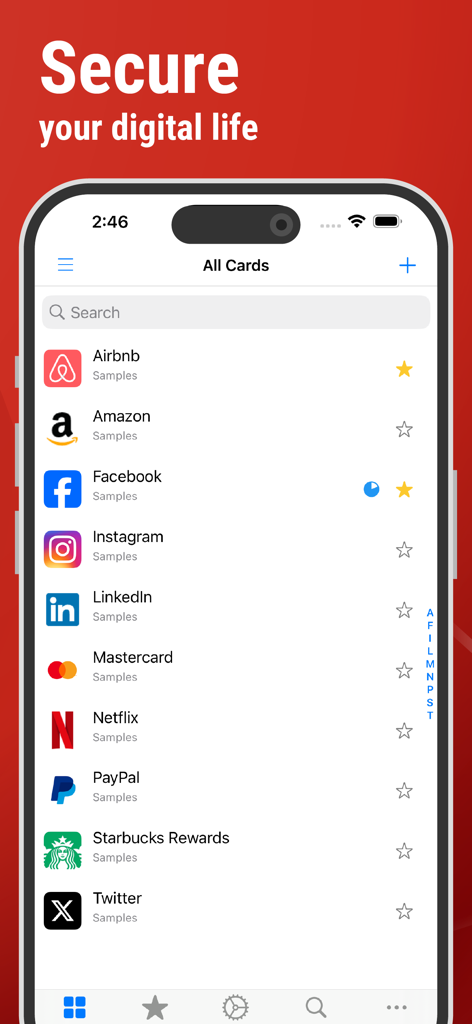
Interfaccia dell'app SafeInCloud che mostra un elenco sicuro di schede password per vari account su un iPhone
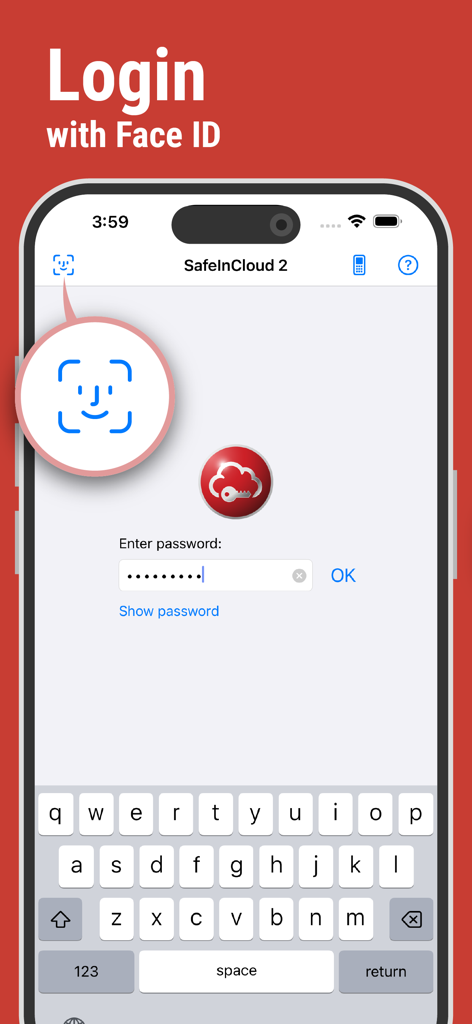
Schermata di accesso del gestore di password SafeInCloud che mostra l'autenticazione biometrica Face ID su un iPhone
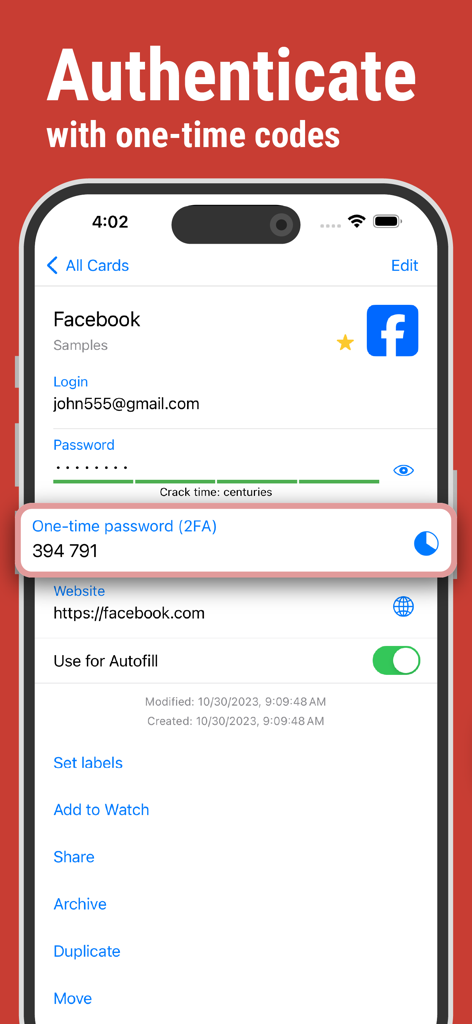
Schermata dell'app SafeInCloud che visualizza un codice monouso 2FA per l'autenticazione dell'account
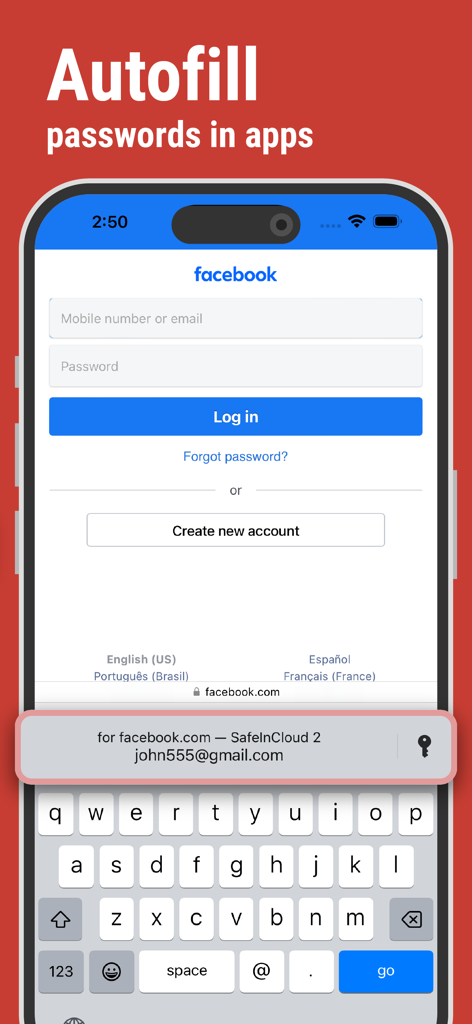
Il gestore di password SafeInCloud autocompleta le credenziali di accesso su un iPhone
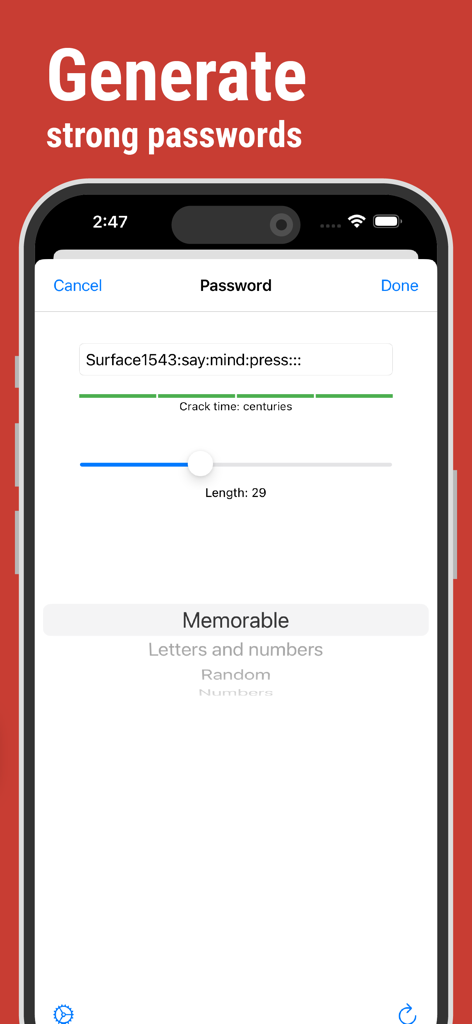
Interfaccia dell'app SafeInCloud per generare password complesse e memorizzabili con analisi del tempo di decifrazione stimato.
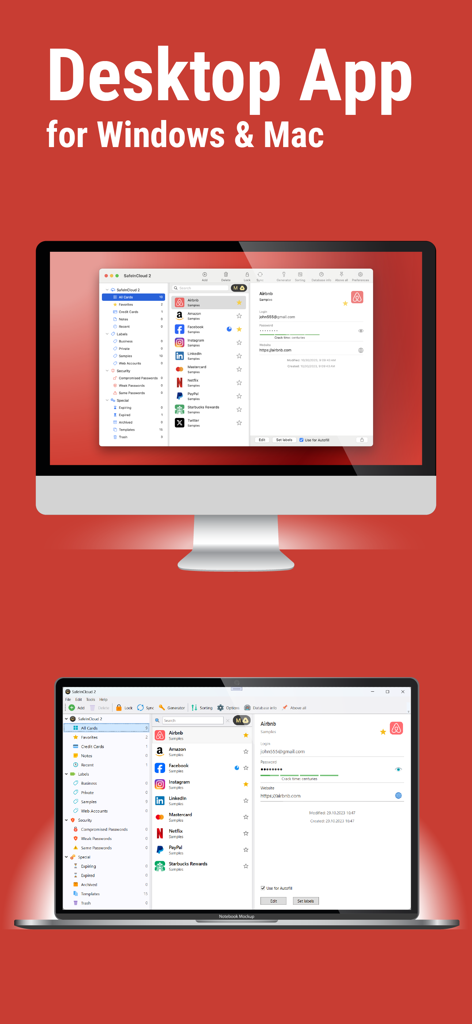
Interfaccia dell'applicazione desktop del gestore di password SafeInCloud mostrata su un computer Mac e Windows
Descrizione
Download
App Simili
App più classificate nella stessa categoria

ChatGPT
OpenAI OpCo, LLC

Google Gemini
Google LLC

Grok
X.AI Corporation

Gmail - Email by Google
Google LLC

千问 - 阿里最强大模型官方AI助手
Shanghai Zhixin Puhui Technology Co., Ltd.

Google Drive
Google LLC

Microsoft Authenticator
Microsoft Corporation

Google Sheets
Google LLC

Google Docs
Google LLC
Questa pagina non è una pagina ufficiale dell'app o del suo sviluppatore, ma una pubblicazione editoriale indipendente creata a scopo informativo e di commento. Salvo espressa indicazione contraria, né l'app né il suo sviluppatore sono affiliati, approvati, sponsorizzati, autorizzati o altrimenti ufficialmente collegati a MWM, Apple, Google Play, all'editore dell'app o allo sviluppatore dell'app, e nulla in questa pagina implica che l'app sia stata sviluppata utilizzando i servizi di MWM. Tutti i marchi, loghi, screenshot e altri contenuti rimangono di proprietà dei rispettivi proprietari.